60-Day Easy Returns
Shop with confidence, backed by our 60-day return policy.
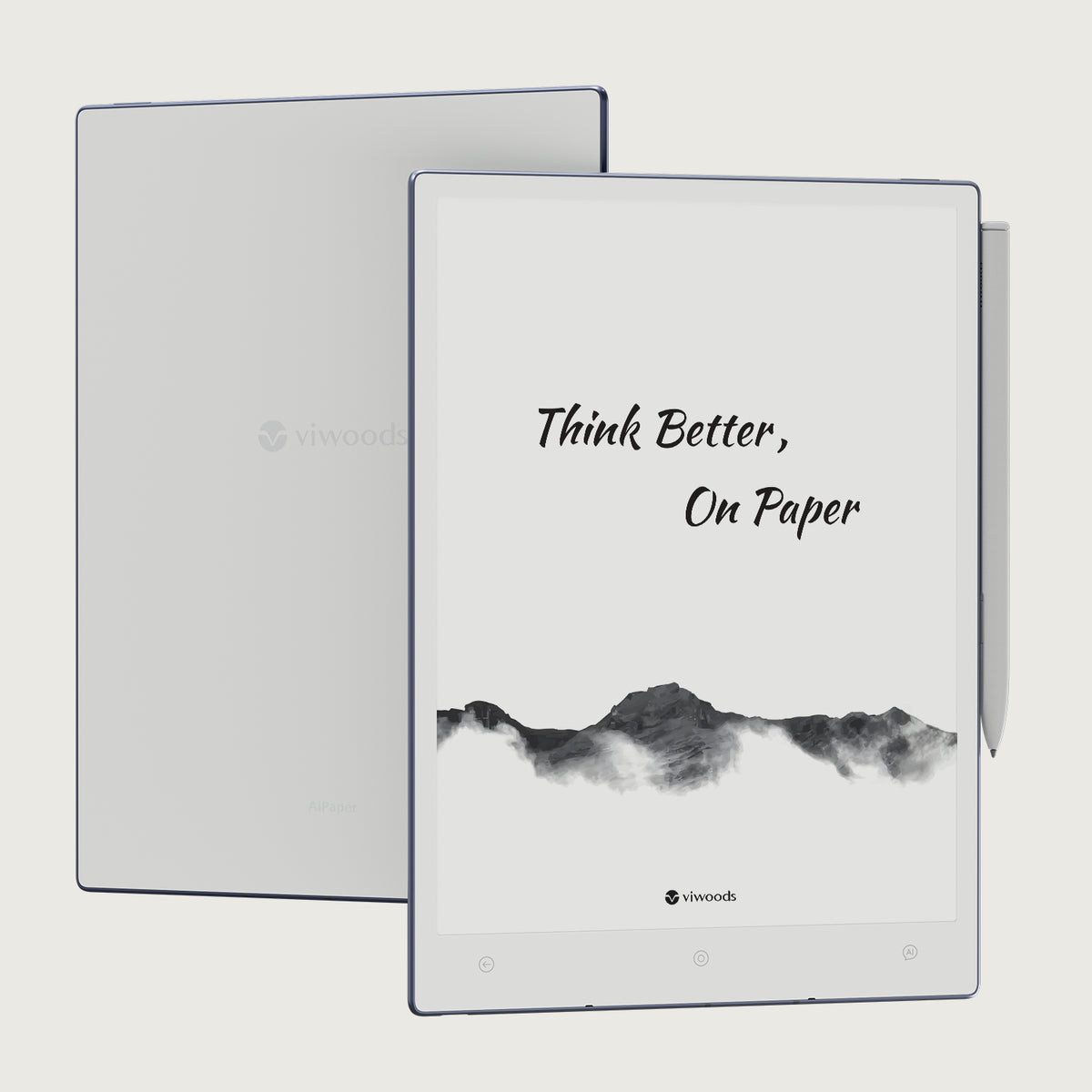
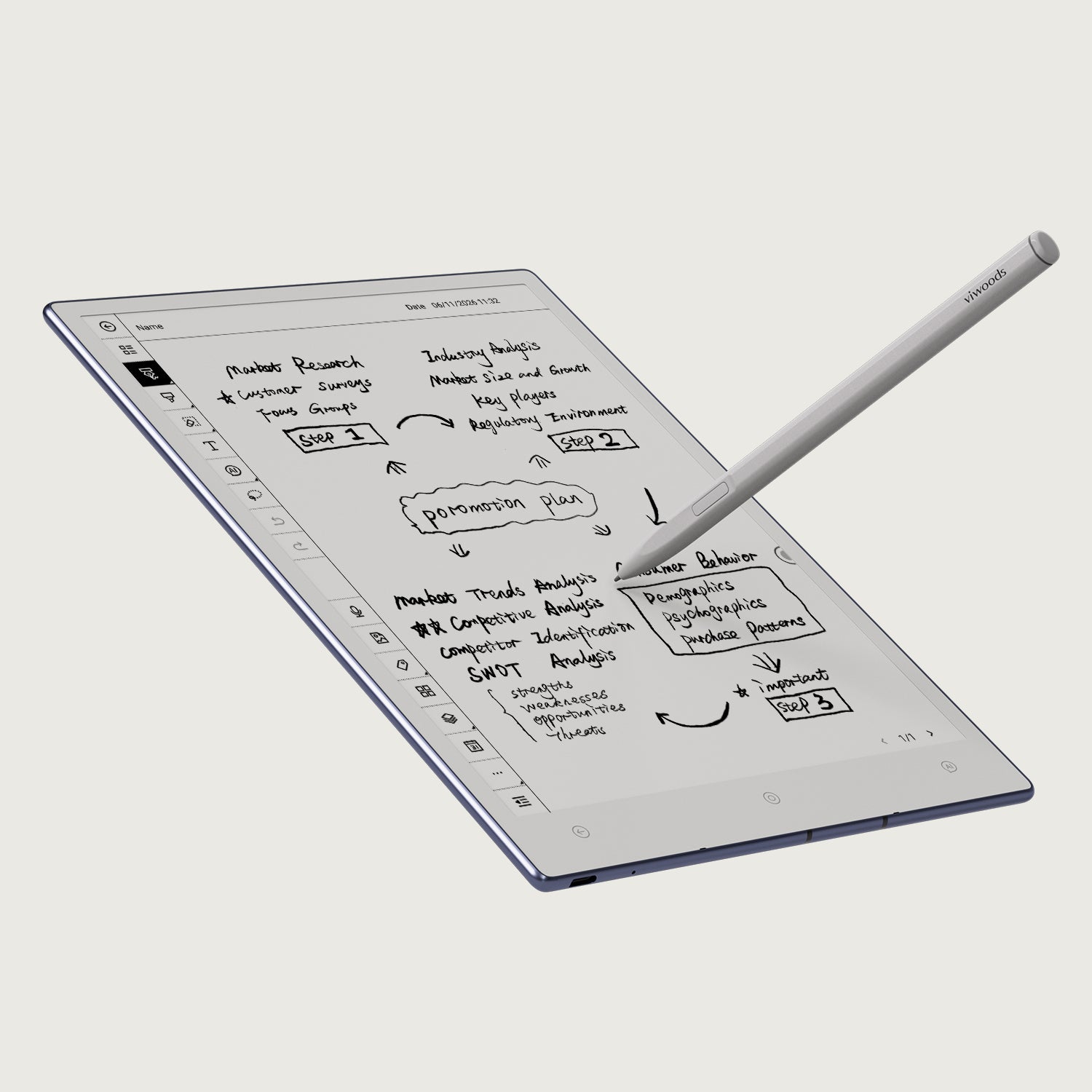
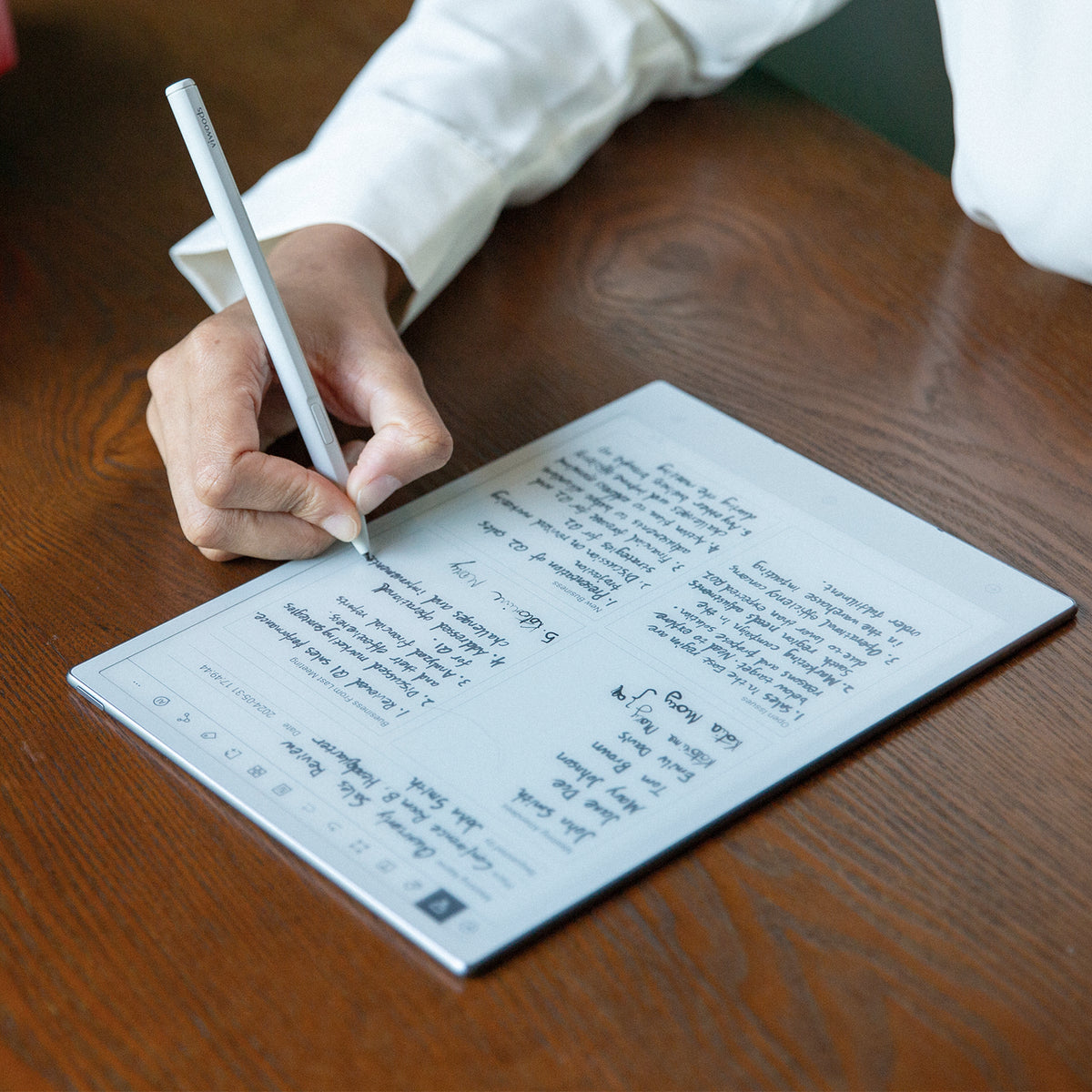
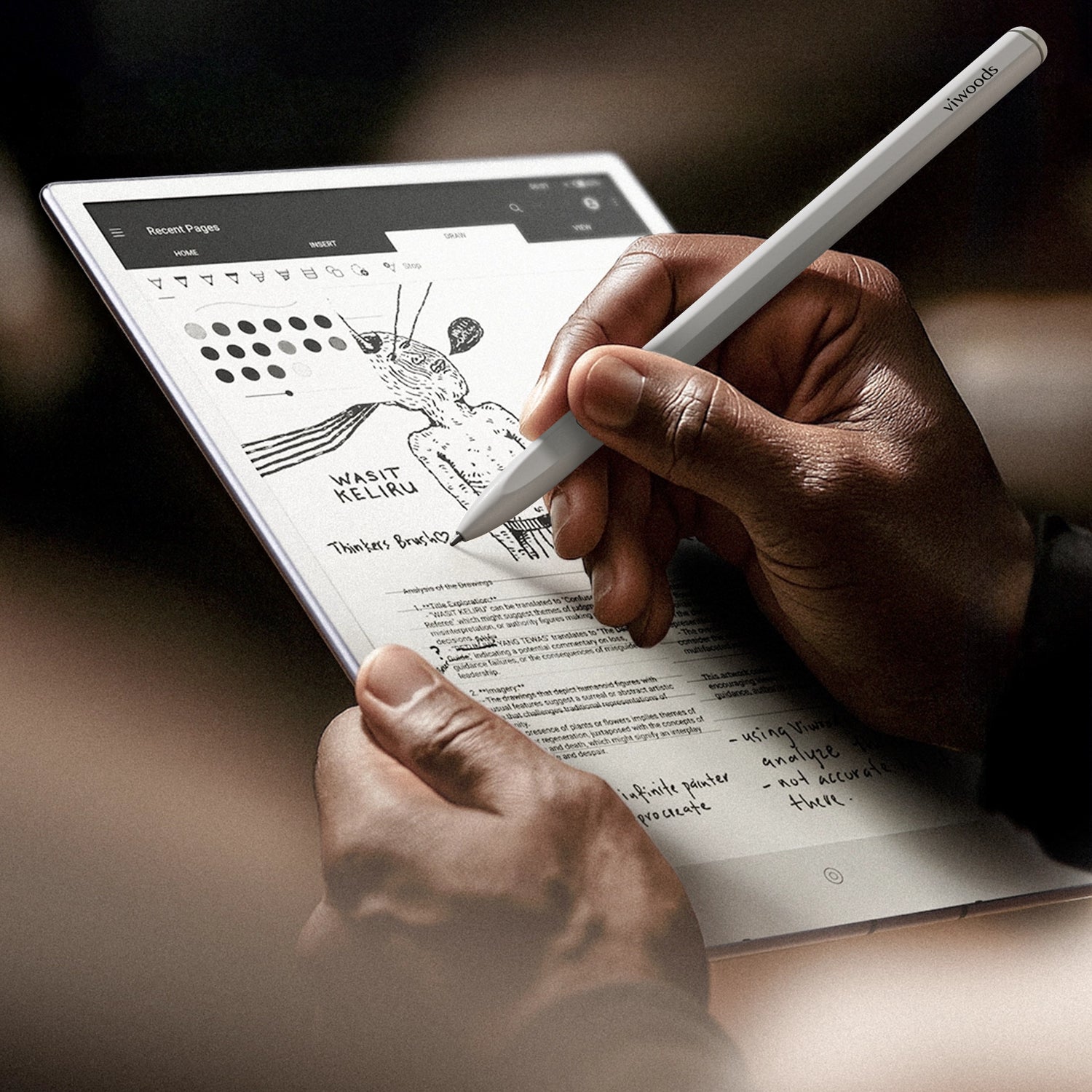

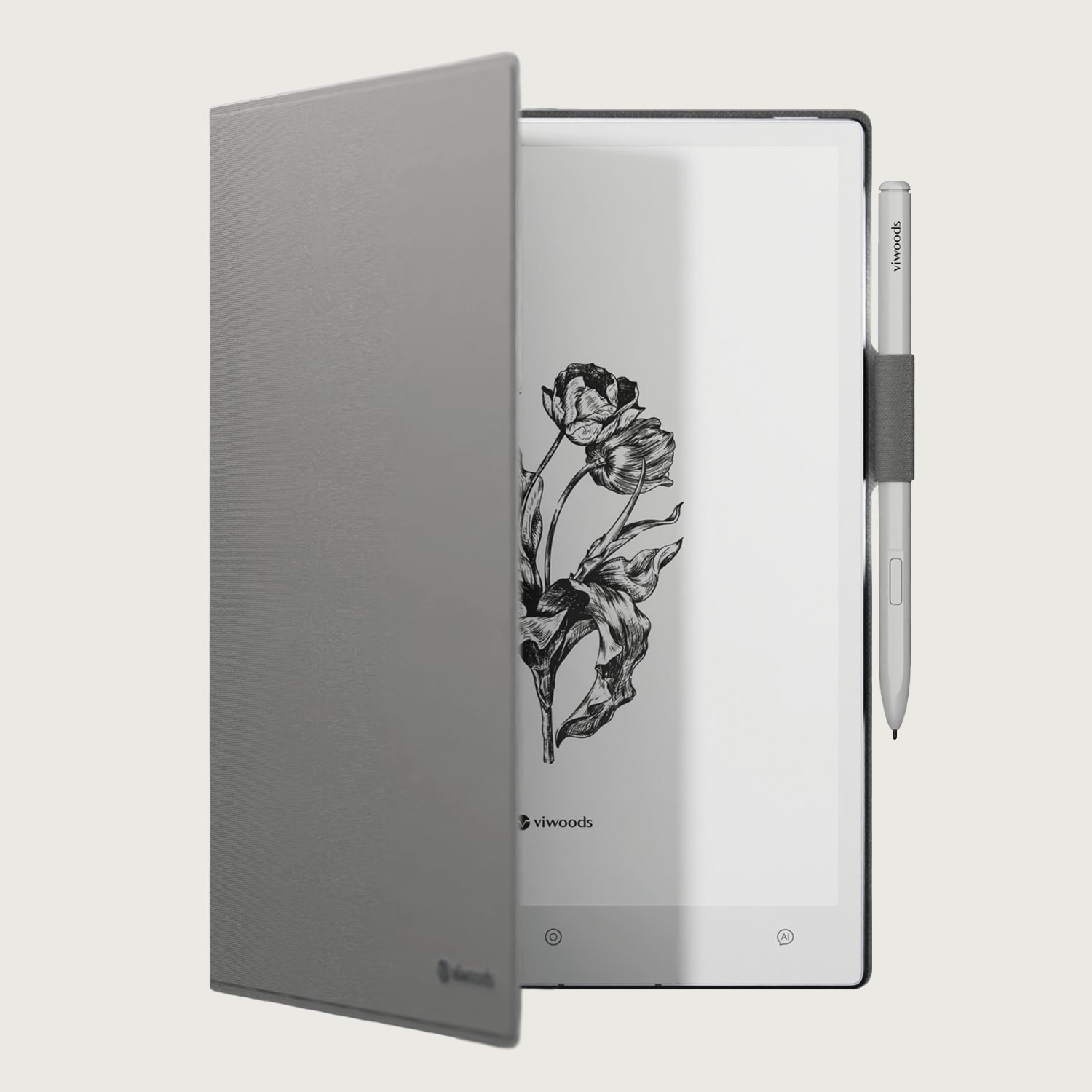



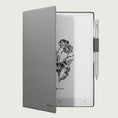
A 10.65-inch digital paper tablet for natural handwriting, organized notes, PDF review, and focused Android workflows.


Shop with confidence, backed by our 60-day return policy.
Ships from a local warehouse for a faster, more convenient delivery experience.
Your device, stylus, and protective case — all in one set.
There are plenty of 10-inch E Ink writing tablets now, but if you want a neatly laid out user interface full of features and an open Android ecosystem, then I dare say the ViWoods AiPaper should be your device of choice.
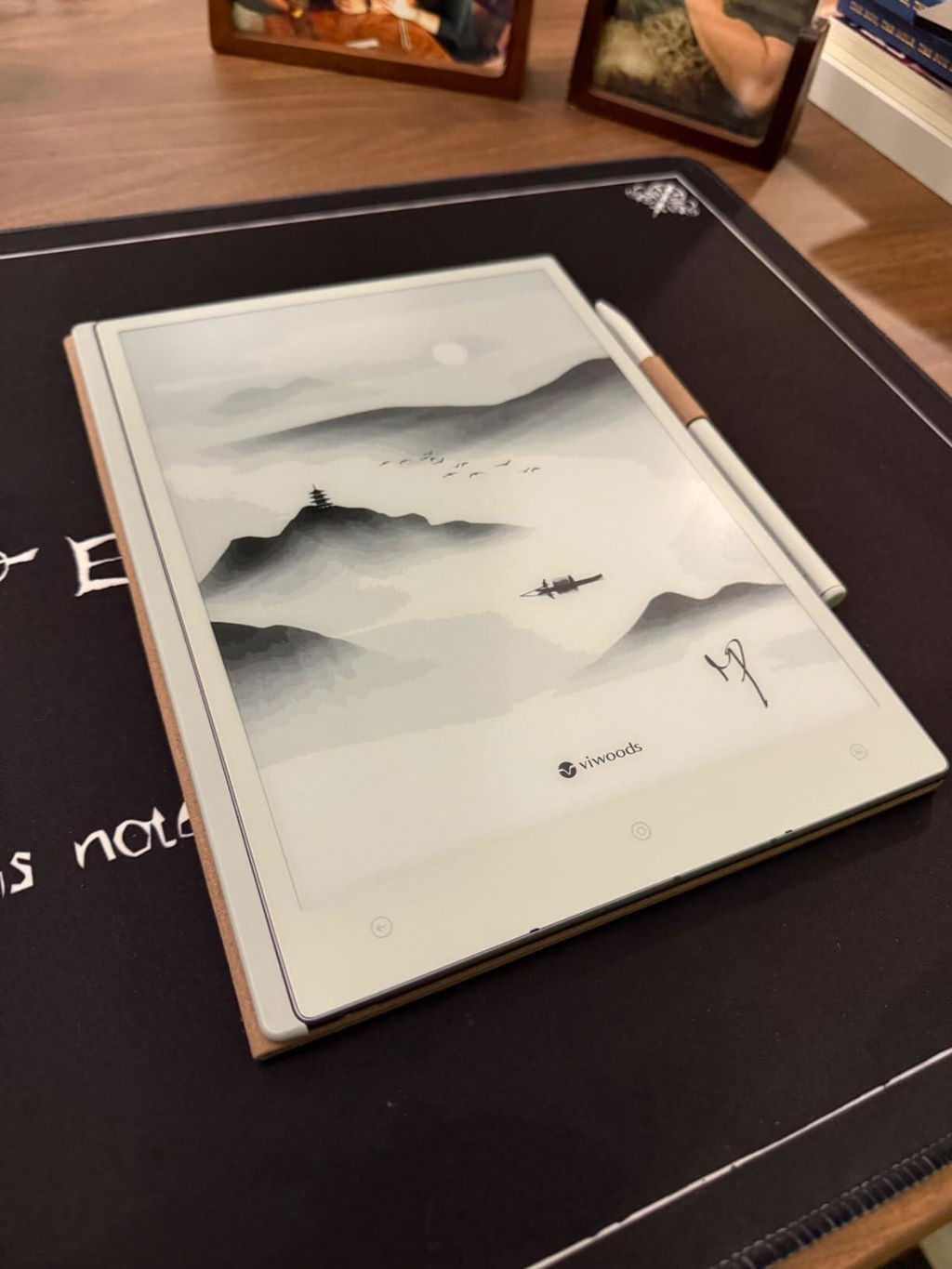
Let’s start strong here. The aesthetics of the tablet are fantastic. First off, it comes in white, which is a huge draw for me, personally. While I don’t mind a stealthy black or a sleek gray piece of tech, there’s something about a crisp white tablet that I really appreciate.
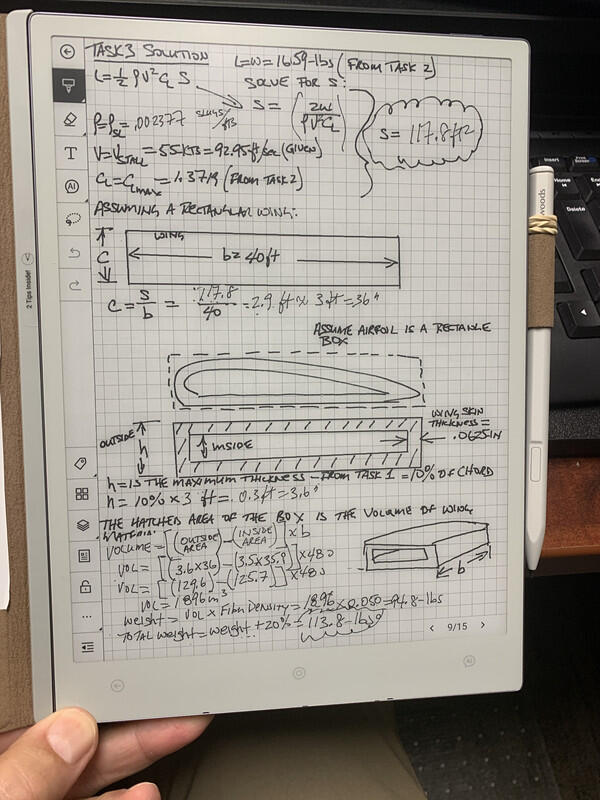
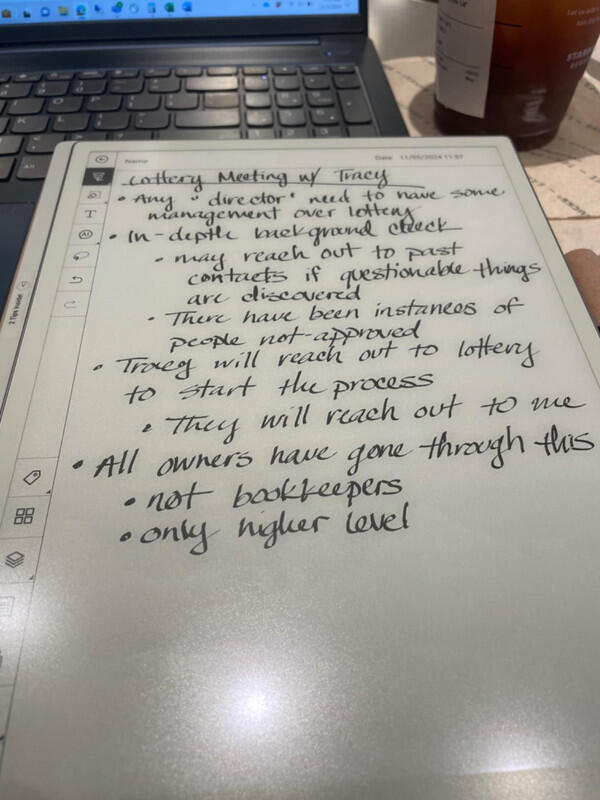
The writing experience is also great. I wouldn’t say it’s like paper exactly, but the screen has a minute texture that creates a bit of scratchiness when writing. It feels good if you’ve never written on an e-ink tablet before…


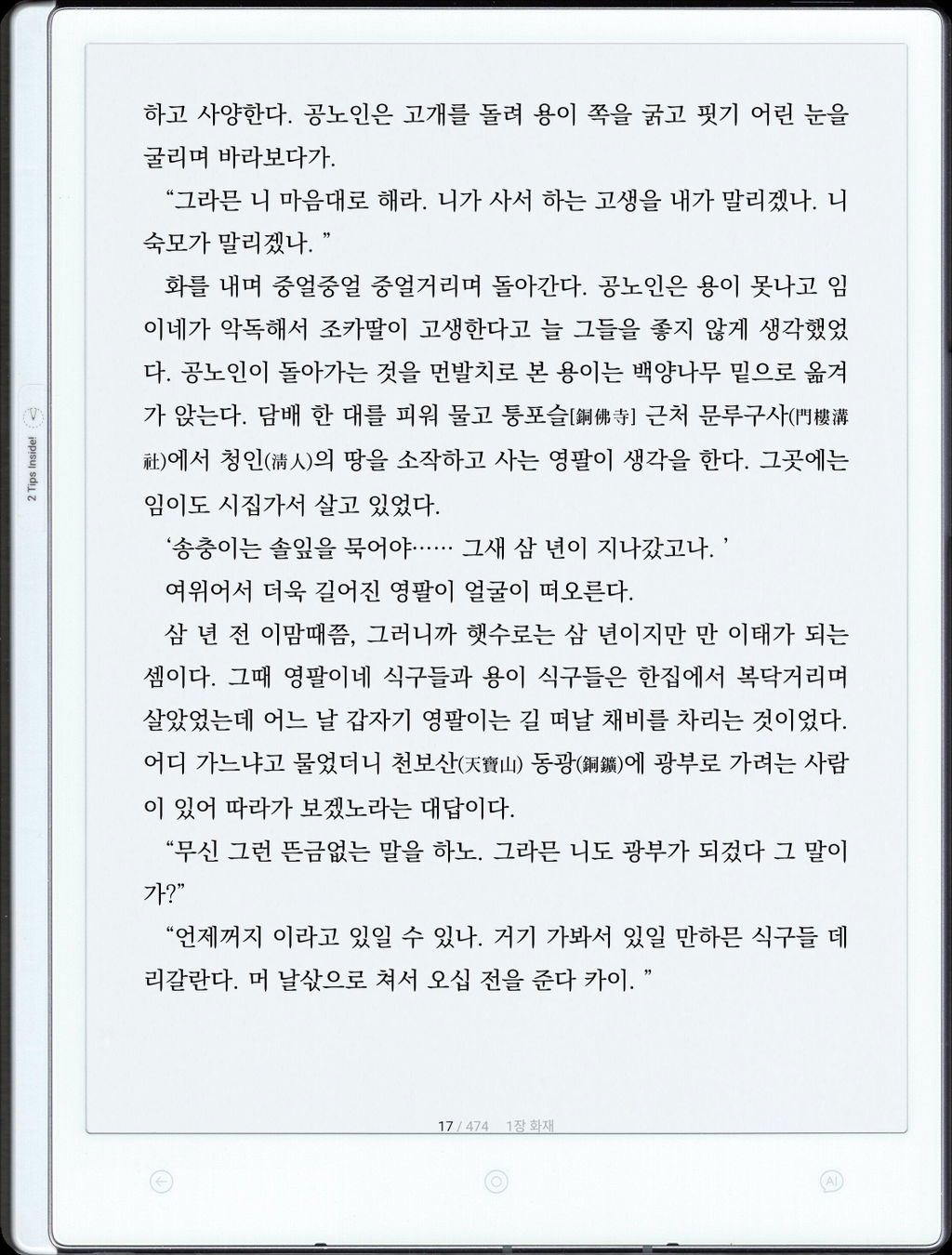
Carta 1300 기술은 선명한 텍스트와 눈의 피로 감소를 제공하여 더 오래 집중할 수 있도록 돕습니다. 빠른 화면 전환과 효율적인 전력 사용으로 끊김 없는 독서를 지원합니다.


Add notes and annotations across PDFs, documents and compatible apps without switching screens, keeping reading and review in one focused workflow.

언제든지 가로 모드로 전환하여 더욱 편안하게 읽고 검토하세요.

플로팅 버튼으로 주석 도구에 즉시 접근할 수 있어 편리하고 언제든 사용할 수 있습니다.


화면을 전환하지 않고 문서와 앱 전체에 메모와 주석을 추가하세요.

핵심 콘텐츠를 강조하고 태그로 페이지를 정리하여 중요한 내용을 언제든 쉽게 다시 확인할 수 있도록 하세요.
필기 변환, 노트 레이어, 맞춤형 템플릿, 태그 및 AI 도움 기능을 활용해 손으로 쓴 아이디어를 나중에 다시 보기 쉬운 체계적인 전자 노트로 변환하세요.


음성으로 아이디어를 기록하고, AI 도구를 즉시 실행하며, 모델을 자유롭게 전환하세요.


흩어진 작업들을 차분한 워크플로로 바꿔보세요. AiPaper는 하나의 집중된 공간에서 읽기, 쓰기, 계획, 정리를 도와주어, 끊임없이 앱을 전환하지 않고도 생산성을 유지할 수 있게 해줍니다.


AiPaper는 일반적인 태블릿의 산만한 요소 없이 개방형 안드로이드 생태계의 유연함을 제공합니다. 최적화된 필기 반응성으로 노트 필기 앱을 더욱 빠르고 자연스럽게 사용할 수 있습니다.


Built for professionals, students, writers and researchers who need a full-size writing tablet for notes, PDFs and organized follow-up.


어디서나 더 원활하게 글을 쓰세요. 충전 중단 걱정 없이.

자연스럽고 피로감이 적은 필기감을 제공하여 장시간 글쓰기에 적합하도록 설계되었습니다.

기기에 단단히 부착되어 휴대하기 쉽고 빠르게 사용할 수 있습니다.

더 빠르고 부드러우며 반응성이 뛰어난 필기 입력을 제공합니다.
Yes. It supports handwriting and markup across PDFs and compatible documents.
AiPaper includes handwriting conversion as part of its note workflow.
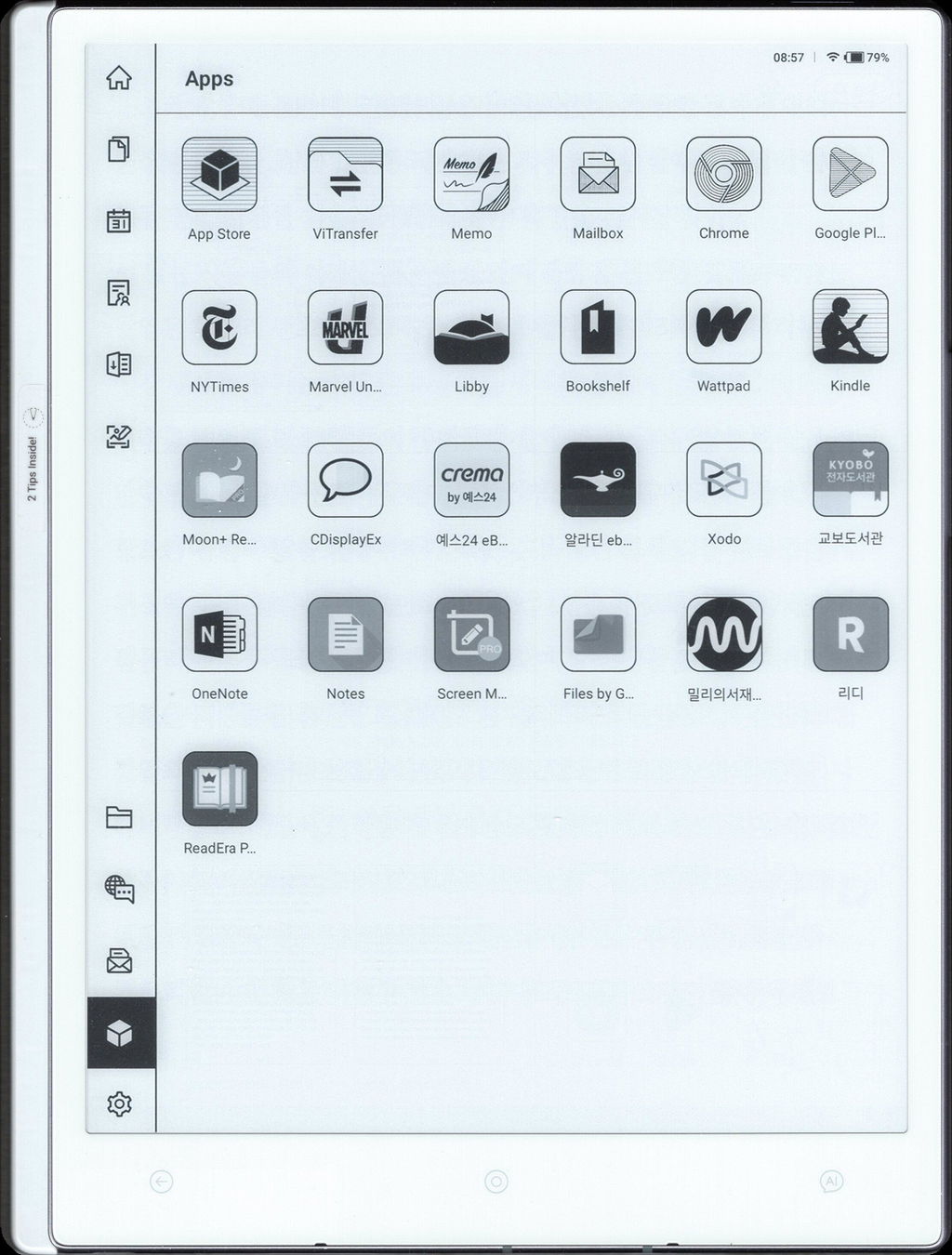
The open Android environment supports compatible apps.
Great product. The best pound for pound on the market.
It’s a great e-ink tablet. Keep the pace on software improvements. I’m looking forward to a SDK release.
El hardware se ve de calidad. Gran producto. La curva de aprendizaje es un poco larga. Lleva tiempo el entender coml
Se organiza todo el contenido y coml se interrelaciona entrelos diferentes apartados disponibles. De ahí no haber dado las cinco estrellas… por ahora. Llevo con el producto 14 dias y estoy haciéndome con el uso. Esyy tú oy seguro que una vez cogido el flujo de rrsbajo adaptado a mis necesidades, podría darle 5 estrellas. No dejéis de seguir con las actualizaciones Y adaptando las mismas a las sugerencias y peticiones que los usuarios os hacemos. Muchas gracias
Above my expectations
After using the Viwoods AiPaper for a few weeks, I’ve discovered a number of impressive features that make this device truly stand out. Here’s a summary of what I appreciate most:
1. Sophisticated Design
The device features a sleek and modern design. The main body uses a Mobius E Ink panel protected by a brushed aluminum frame, which not only enhances durability but also provides a pleasant tactile feel.
2. Innovative Cover Design
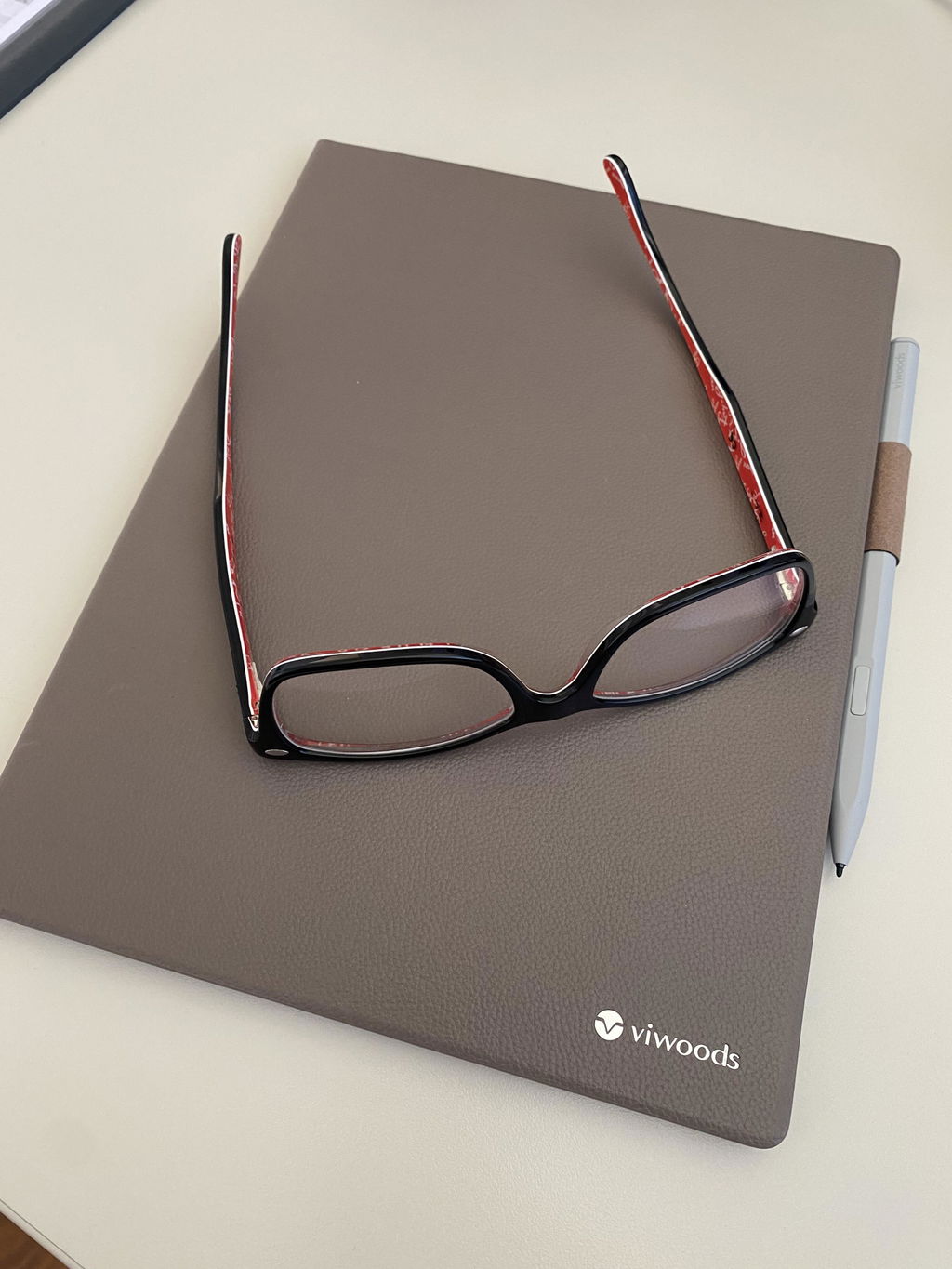
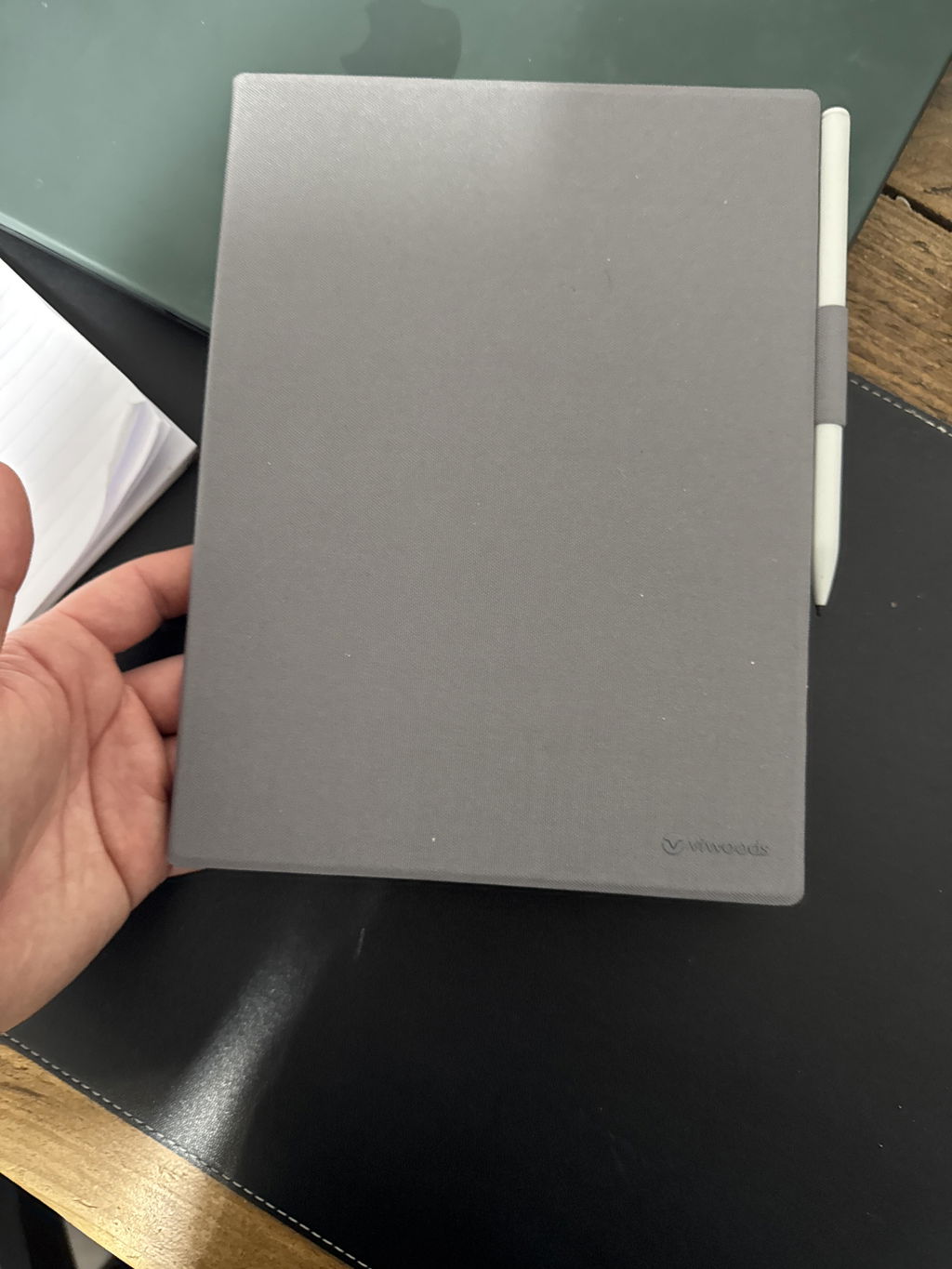
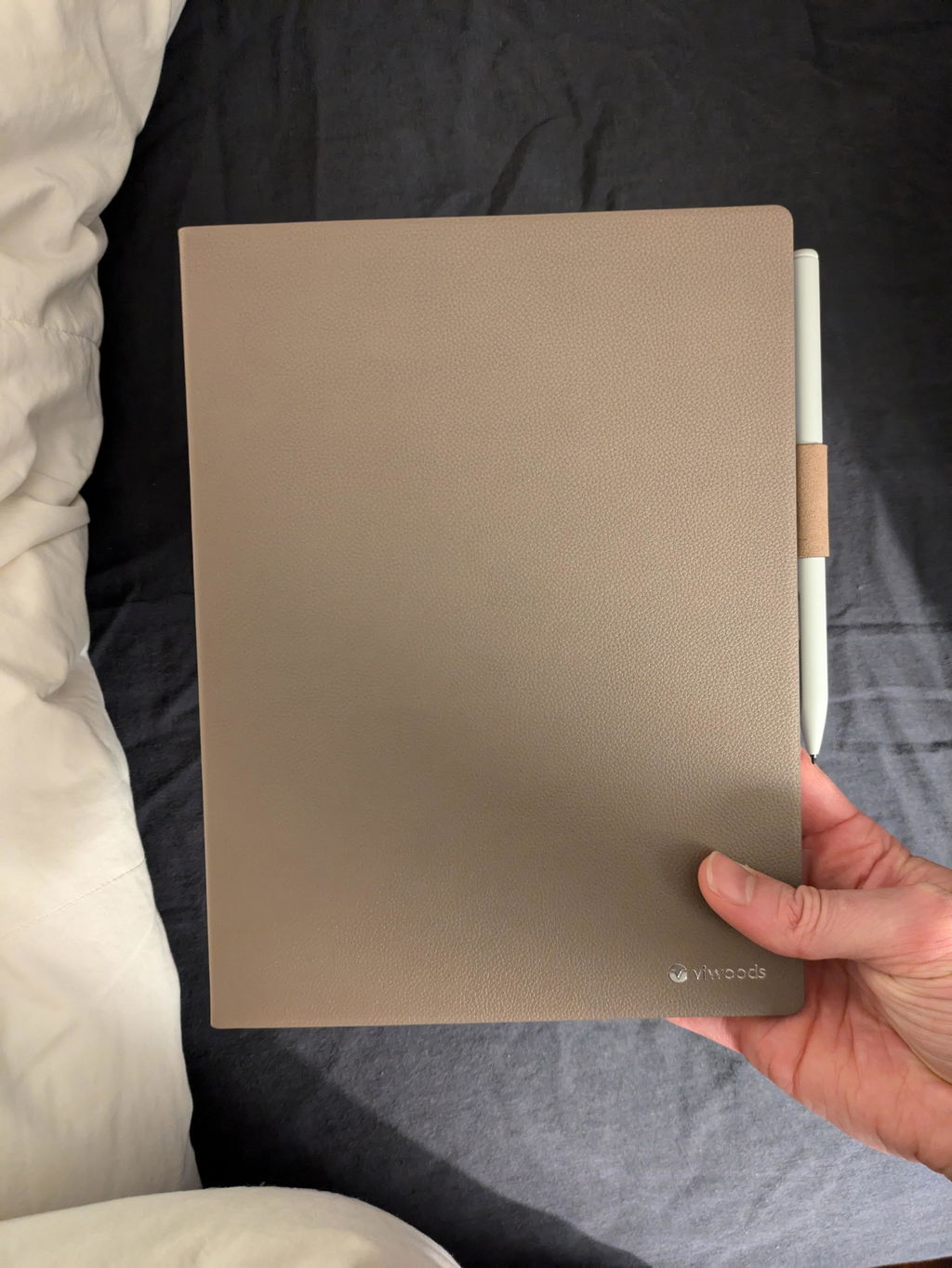
The protective cover is thoughtfully designed. A hidden compartment on the left side securely stores the EMR pen nib, and the pen holder is placed on the right, ensuring the pen is held firmly while still protecting the device.
3. High-Quality EMR Pen
The proprietary Viwoods EMR pen offers excellent pressure sensitivity, especially when used at an angle—perfect for calligraphy-like strokes. The eraser function on the back of the pen also works flawlessly.
4. Capacitive Touch Buttons
The three buttons on the lower bezel of the device are capacitive soft-touch types. They provide a responsive and satisfying interaction without any protrusion.
5. Compact Size Despite Large Screen
Although it has a 10.65-inch display (one of the largest in the 10-inch category), the device doesn’t feel bulky at all—even with the protective cover on. It looks neat and slim, making me double-check the screen size because it feels smaller than it is—in a good way.
6. Built-In Email Functionality
AiPaper allows email reading, composing, and replying without the need to install the Gmail app or any other third-party service. The built-in email client is simple and efficient.
7. Flexible File Sharing Options
Files can be shared in multiple ways: via the same Wi-Fi network by simply sharing a link, through the Viwoods website by uploading and downloading from your account, or using their dedicated transfer tool (ViTransfer). All options are user-friendly and reliable.
8. Secure Personal Notes and Handwriting
Even when the device is connected to a computer via USB, your handwritten notes and memos remain inaccessible. These personal files can only be transferred through Wi-Fi, the Viwoods website, or ViTransfer, which enhances privacy and data protection.
9. Long Battery Life
The battery life is more than sufficient for regular usage, making it reliable for extended reading and writing sessions.
10. Generous Storage
With 128GB of storage, there's ample room for a wide variety of documents and media. While not as large as a computer's storage, it's more than enough for an e-reader and note-taking device.
Although it’s been less than a month since I purchased the AiPaper, I’ve only had positive experiences so far. Initially, I was hesitant about trying a relatively unknown brand like Viwoods, but the product has exceeded my expectations. I’m now seriously considering getting the 8.2-inch mini version as well.
I was torn buying the remarkable or the viwoods. This was a big personal purchase for me and I was concerned about the cost being worth it. Very impressed with the device and the ai article generator. Great for work and personal life.
I was torn buying the remarkable or the viwoods. This was a big personal purchase for me and I was concerned about the cost being worth it. Very impressed with the device and the ai article generator. Great for work and personal life.
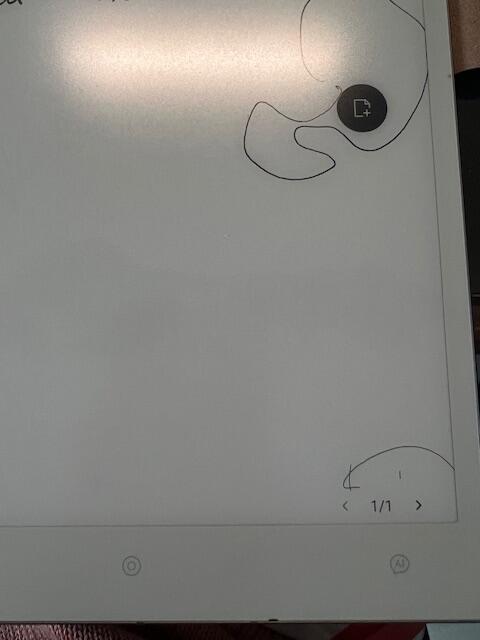
I purchased a mini one and a regular Viwoods AiPaper. I am a die heart Remarkable2 fan. However, I must say that Viwoods AiPaper WOWed me. Having said that, I do find one thing annoying when using it taking notes for my work. I have to tap on the lower right corner of the page spot to add additional pages. It takes about 1-2 seconds. Yes, one may argue that it is only additional 1-2 seconds. However, my line of work does not have that additional 1-2 seconds for me to do this. I am still debating if I should keep them or not, as it is a key drawback for me.
After reading and watching lots of reviews, I decided to pick this device up myself. The build quality is excellent, the UI layout is intuitive (albeit quite minimal) and the features are promising. It seems like the developers are constantly working to improve the device, and it has great potential! Keep it up!
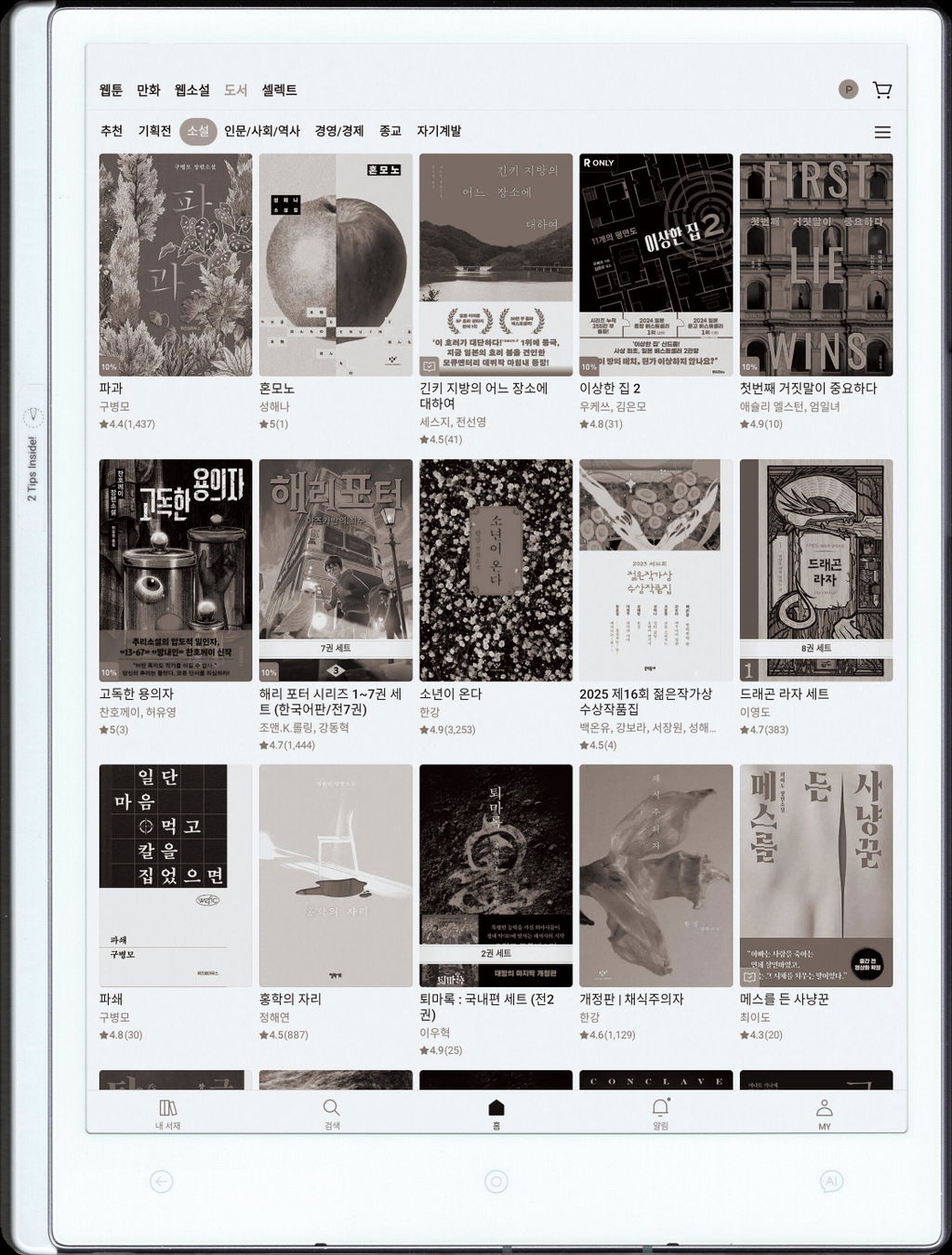
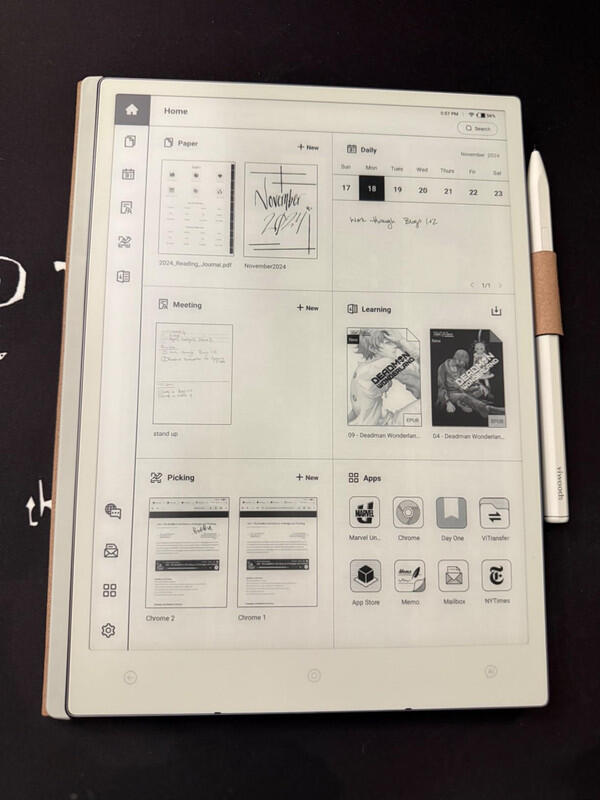
I absolutely love my AiPaper. It’s completely replaced all my other devices and even paper and pencil for both work and personal use. I use it for everything—taking notes for work, journaling, reading comics on Marvel Unlimited and Shonen Jump, and even catching up on articles from the web. It’s also been fantastic for reading epubs in KOReader, which works seamlessly on this device.
One of the standout aspects of the AiPaper is its exceptional customer service. The stylus I initially received had an issue with the nibs falling out. I reached out to customer service, and they immediately sent me a replacement stylus, which arrived in just two days and worked perfectly. Their quick response and attention to customer satisfaction made a lasting impression.
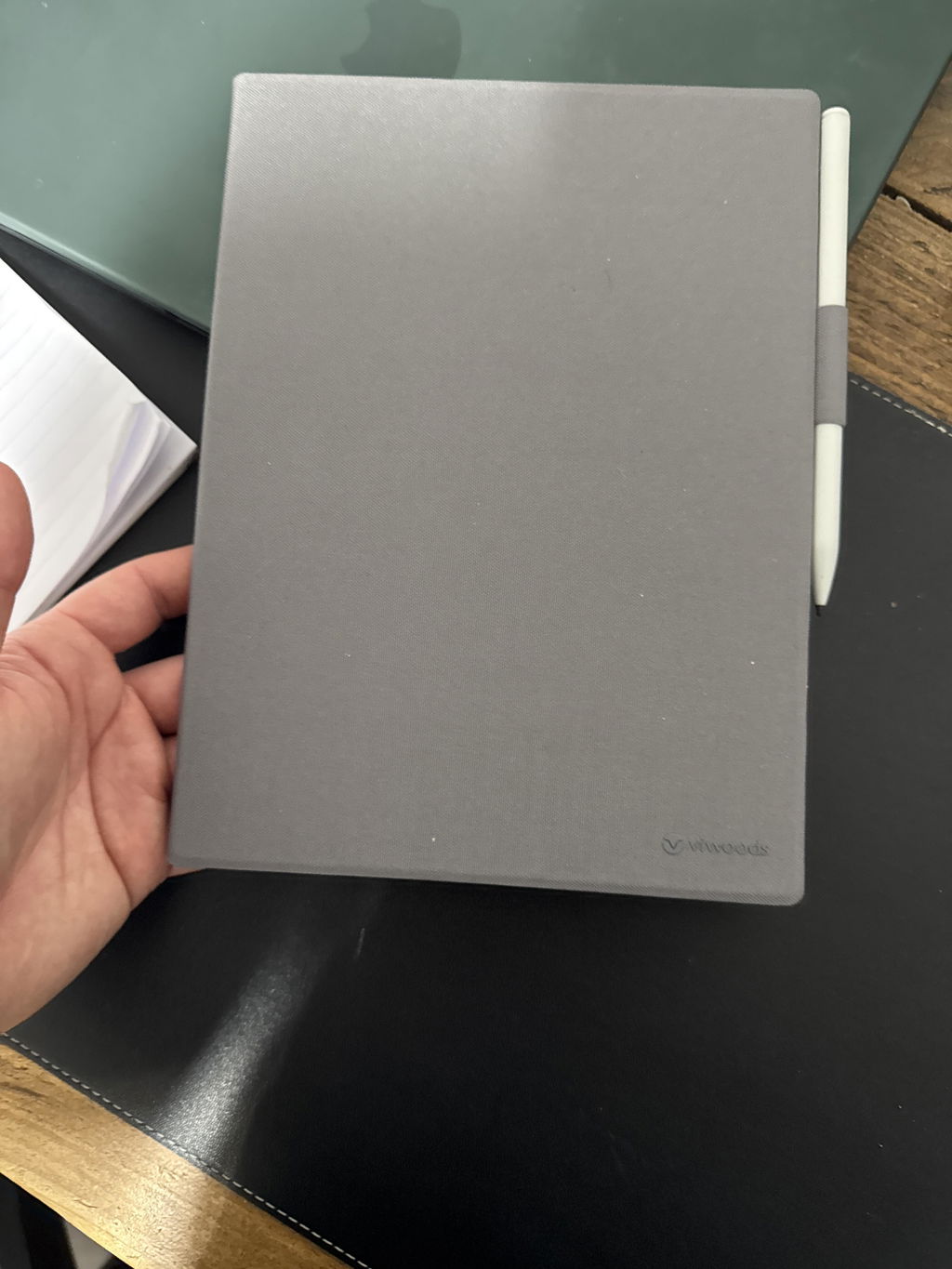
The bundle that comes with the AiPaper is also a huge plus. It includes a high-quality leather or faux leather half folio case, the stylus, and 14 nibs (12 in the box and 2 cleverly stored in the side of the case). Everything feels premium and well thought out, adding to the overall value of the device.
Another reason I chose the AiPaper over other brand’s devices is the dedication of the development team. They consistently roll out updates (scheduled for at least one a month from Sept-Dec 2024, and have done about two times that so far) and are highly responsive to feature requests, which gives me confidence in the long-term potential of this device. I can see a strong community forming around such a well-supported product, and that’s something I’m excited to be a part of.
The hardware is equally impressive. The 4100mAh battery lasts much longer than most other devices in this category, yet the device itself is incredibly lightweight—just 370g, which is even lighter than my phone! It’s perfect for extended use without feeling heavy or cumbersome.
The Carta 1300 screen at 300 PPI was the final selling point for me. While many brands are chasing color displays, I was looking for a solid black-and-white device, and this screen is exactly that: bright, crisp, and incredibly clear.
In short, the AiPaper has become my go-to device for everything: work, reading, journaling, and more. It checks all the boxes—top-notch customer service, a high-quality bundle, a dedicated development team, exceptional battery life, lightweight design, and a stunning monochrome display. I really couldn’t ask for more. Highly recommended!
I am enjoying the product because I keep all school work and general thought and ideas on one tool
Thanks for the great device. Keep it up.
I can’t express how impressed I am with this product. I’ve used it everyday! The AI feature is top notch and a game changer in my opinion. I’ve used it to help compose emails, job descriptions, worksheets, etc. The pen and “paper” work flawlessly. Thank you for creating such a great product! I look forward to future updates.
The ViWoods is a device that has an incredible maturity in UI and usage from “birth”. Thanks to AI integration, it has enormous potential and brings with it completely new and fast workflows. Thanks to the roadmap with continuous updates, it is a pleasure to see what is still to come.
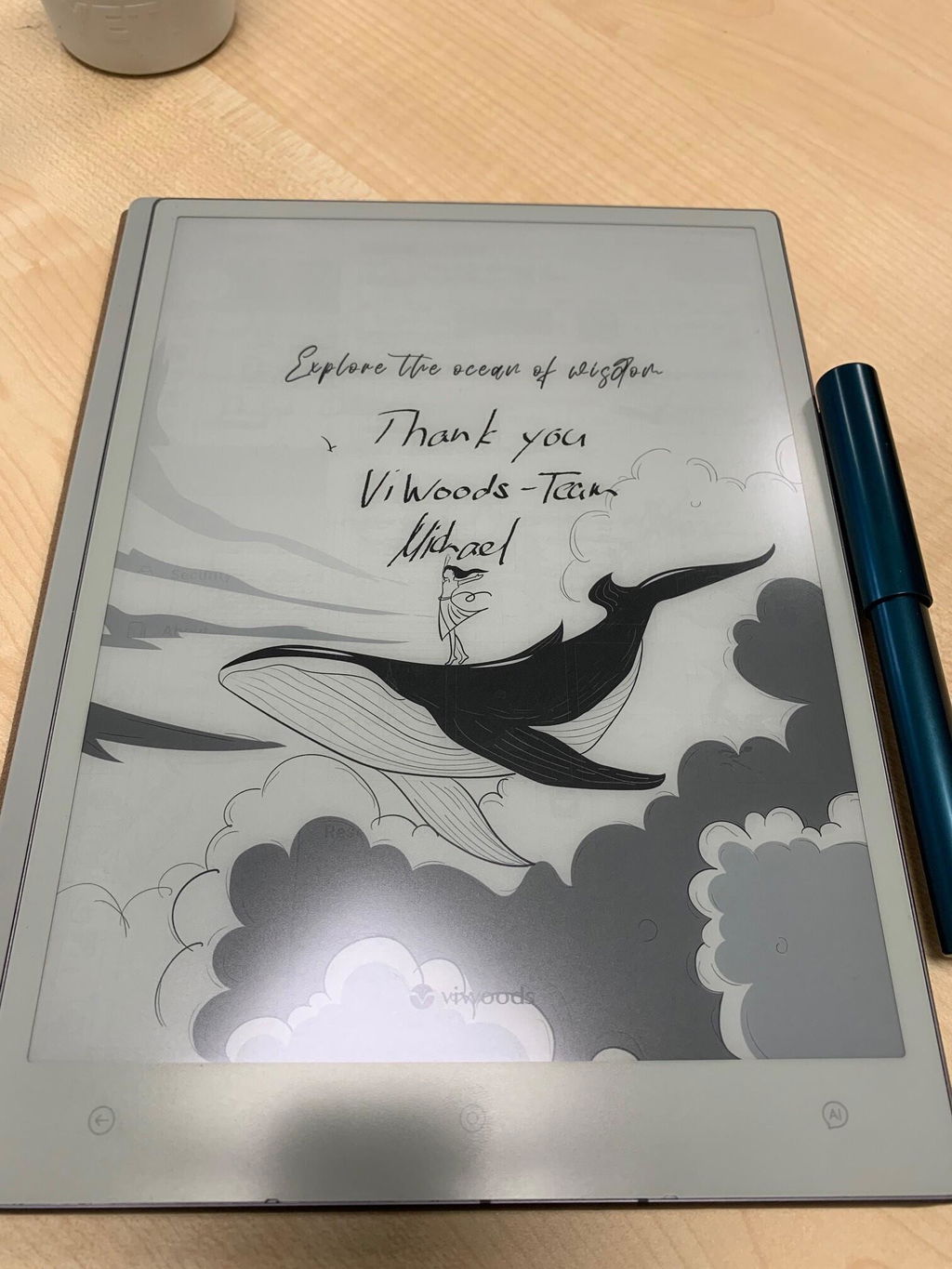
In itself, however, the device is already one of the top 3 e-Ink devices that will exist until 2024. Good job ViWoods-Team.
At last, I've discovered a tablet that truly mimics the feel of paper, perfect for note-taking and sketching. This is exactly what I’ve been searching for! As a long-time iPad user since the very first generation, I’ve found that this new device significantly enhances my focus and productivity, allowing me to stay on task more effectively than ever before. It's a game-changer for my creative process! Thank you, Viwoods!
Just received my AI Paper today. Very excellent execution on your flagship product Viwoods team! Very premium packaging, top notch precise craftsmanship in the device itself. From the little I've used it, it seems to work flawlessly. I've played around a little with handwritten mathematical differential equations, and they are converted perfectly in correct latex format. It will take a while for me to read through the manual and start using the device to it's full potential, so I'll report back in a couple of weeks with my findings. From what I've seen so far, though, hats off to all of you Viwoods, and thank you for your work in creating this perfectly executed device!
I received my ViWoods AI Paper extremely fast, and it was packaged very well. I was excited to try it out, so I opened it up and put it to the test right away to make sure everything was working properly. Everything was perfect!
Keep in mind that there may be a few software updates along the way, and some of them might take a little time, but that's to be expected with newer technology. These updates will help bring the device up to par with the latest gadgets and continue improving the overall experience.
For me, this device is a real game changer! It has completely changed the way I organize and manage my day-to-day activities. I can keep my notes, read my eBooks, check and read my emails, and handle so many things all in one place. Having everything conveniently together in one device is a huge plus.
My wife is an administrative assistant, and I can already see how useful this would be for her as well. I'll most likely share mine with her or even purchase one of her own!
Overall, I'm extremely happy with my purchase. If you're looking for a convenient way to stay organized, manage your notes, read, and be more productive, the ViWoods AI Paper is definitely worth considering. I'm looking forward to seeing what future updates bring!
As a Senior HCM Consultant moving into a demanding new corporate role, my technology has to work as hard as I do. I am required to provide my own equipment, and while my trusty 1st Gen Kindle Scribe was great for reading, its closed ecosystem and clumsy file-transfer system quickly became a massive bottleneck for my professional workflow. I needed a digital notepad that could seamlessly bridge the gap between my handwritten client discoveries and my Lenovo ThinkPad T14 Gen 6 work laptop.
Enter the 10.65-inch Viwoods AiPaper.
I initially went into this on a strict one-week trial, fully prepared to send it back if it couldn't keep up. Instead, I found myself completely hooked, staying up until 2:00 a.m. exploring what this incredible device can do.
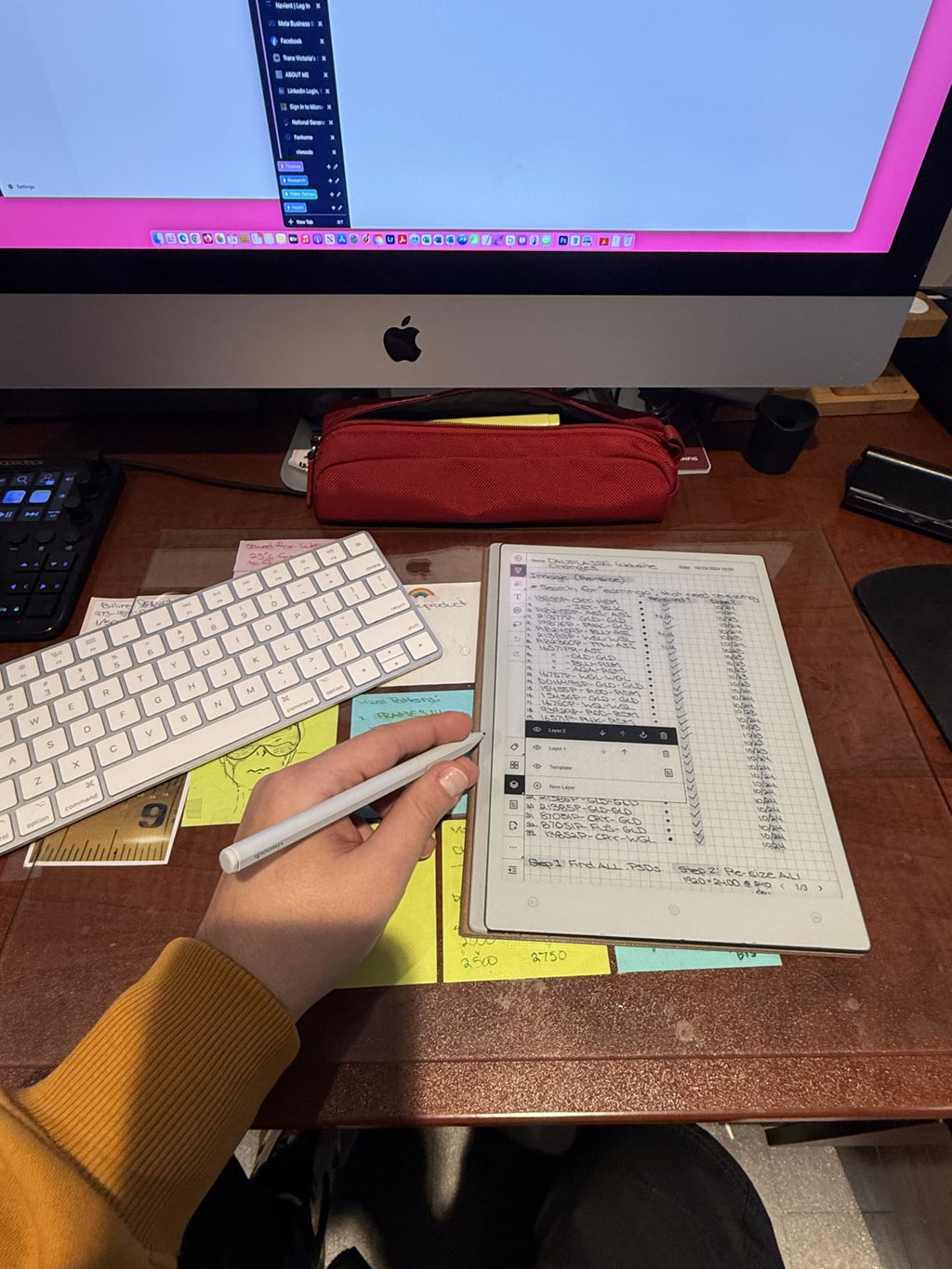
First and foremost, the hardware feel is spectacular. The handwriting latency is practically nonexistent, offering a smooth, sweet, and incredibly crisp writing response. Because it utilizes a flexible, plastic-based Mobius substrate instead of a rigid glass backplane, it is completely shatterproof. You can physically feel the screen give just a tiny bit under the pressure of the stylus, perfectly mimicking the natural dampening effect and deep tactile friction of a real pad of paper. This design also means I can pack it tightly into my briefcase next to a heavy laptop without any fear of the internal screen fracturing.
But where the Viwoods truly separates itself from competitors like the reMarkable 2 or Kindle Scribe is its open Android 14 operating system and powerhouse AI integration. I am completely blown away by the native lasso tool. I put it to the test by drawing a circle around a chaotic page of handwritten notes from a fast-paced meeting, hit the AI button, and watched the device instantly convert my scribbles into a beautifully formatted, boardroom-ready Standard Operating Procedure (SOP) document—complete with an auto-generated SOP ID and prioritized action items. Having native, out-of-the-box access to premier, high-caliber global models like Gemini 3.1 Pro, DeepSeek-v4, and Qwen-max right inside the notebook interface gives me an unmatched analytical workbench.
Furthermore, it integrates flawlessly with my firm's preferred digital toolkit. Because our company relies heavily on the web versions of Microsoft 365, I was able to download the official Android OneDrive, OneNote, and Outlook apps directly onto the tablet. Now, every annotated client PDF or requirement matrix I save auto-syncs silently to the cloud and sits waiting for me in my laptop browser. Even better, it natively runs Otter.ai—the exact app my employer uses for live meeting transcription. I can place the tablet on a conference table, let Otter tag speakers and capture raw audio transcripts across the cloud, and simultaneously sketch out system architecture diagrams by hand. Paired with 128 GB of onboard storage and the phenomenal Viwoods Cloud web portal, I can seamlessly access, view, and organize my entire professional folder structure right from my phone or laptop browser anywhere in the world.
To top it all off, the customer service from Viwoods has been absolutely stellar. The day after I purchased the device for $549, they advertised a Black Friday promotional price of $399. I contacted their support team, and they immediately processed a hassle-free, $150 price-match refund back to my account without any pushback.
At a final price of $399, the Viwoods AiPaper completely destroys the competition. It completely skips the over-engineering of voice-heavy boardroom trackers I didn't need, avoids the restrictive "walled gardens" of standard e-readers, and delivers a premium, open-system executive workstation. It has officially earned a permanent, indispensable spot right next to my ThinkPad.
Nine product, still getting used to it. Screen is not very responsive, and refresh rate can be lagging. Maybe I am expecting too much from such product.
I used to go through 20 sheets of paper every day for work and was looking into the e-ink market. After doing my research I gave the AiPaper a try as my first e-ink device. And it's amazing, I love the daily planner function, keeps me organized and efficient. The AI functions are incredible too, nicely integrated when you need them. The writing feel to me is great, though I don't have any comparison. I truly enjoy using this device daily.