
This article compares paper notebooks with E Ink digital note-taking devices from a practical, real-life perspective. It explains when paper still works best, when E Ink is more useful, how handwritten notes can support study and meeting workflows, and how to choose between Viwoods AiPaper for long-form notes and AiPaper Mini for portable daily capture.
A paper notebook feels simple for a reason. It opens fast, accepts messy thinking, and never pulls attention away. However, a digital notebook can keep the calm of handwriting while making notes easier to organize, review, search, share, and reuse. This guide compares paper with E Ink note-taking through real study, work, reading, and meeting scenes.
Practical Answer: Paper Captures Fast, E Ink Helps Notes Come Back
Paper still wins the first moment. A pen touches the page, and the idea lands without a menu, file name, account, or setting. That directness helps during lectures, quick sketches, private journaling, and early brainstorming.
However, many notes need a second life. A meeting note may become a follow-up task. A reading note may become part of a report. A study diagram may need to return before an exam. In those cases, E Ink adds order without removing handwriting.
The real question is not whether paper or E Ink is “better” in every situation. The better question is what the note must do after it is written. If the note is temporary, paper can be enough. If the note needs to be reviewed, found, exported, or connected to a project, a paper-like tablet becomes more practical.
Simple rule: paper is best for temporary thinking. E Ink is better when handwritten notes need to be found, reviewed, shared, exported, or turned into action.
Digital Notebook vs Paper Notebook: The Real Difference
At first, both tools look similar. A hand writes, a line appears, and thought becomes visible. Yet the biggest difference appears after the page is filled.
Paper keeps memory through place and texture. A quote near the top of a page, a rough diagram in the corner, or a hard underline can be easy to remember. This physical feeling is useful, especially for early ideas.
Still, paper can hide important notes. A useful meeting decision may sit inside the wrong notebook. A research idea may appear between unrelated pages. Later, finding it depends on memory.
An E Ink notebook changes the after-writing stage. It keeps the handwriting experience calmer than a laptop, but it adds folders, tags, page movement, export, and a cleaner archive. This is why it works well for people who like writing by hand but dislike losing handwritten ideas.
Capture
Fast handwriting
Paper feels immediate. E Ink feels close, but adds structure after writing.
Organization
Folders and review
Paper needs tabs and indexes. E Ink supports folders, tags, templates, and cleaner review.
Search
Finding ideas later
Paper depends on memory. E Ink helps notes return by topic, project, or tag.
Portability
One device, many pages
One paper notebook is light. Several notebooks, PDFs, and loose pages are not.
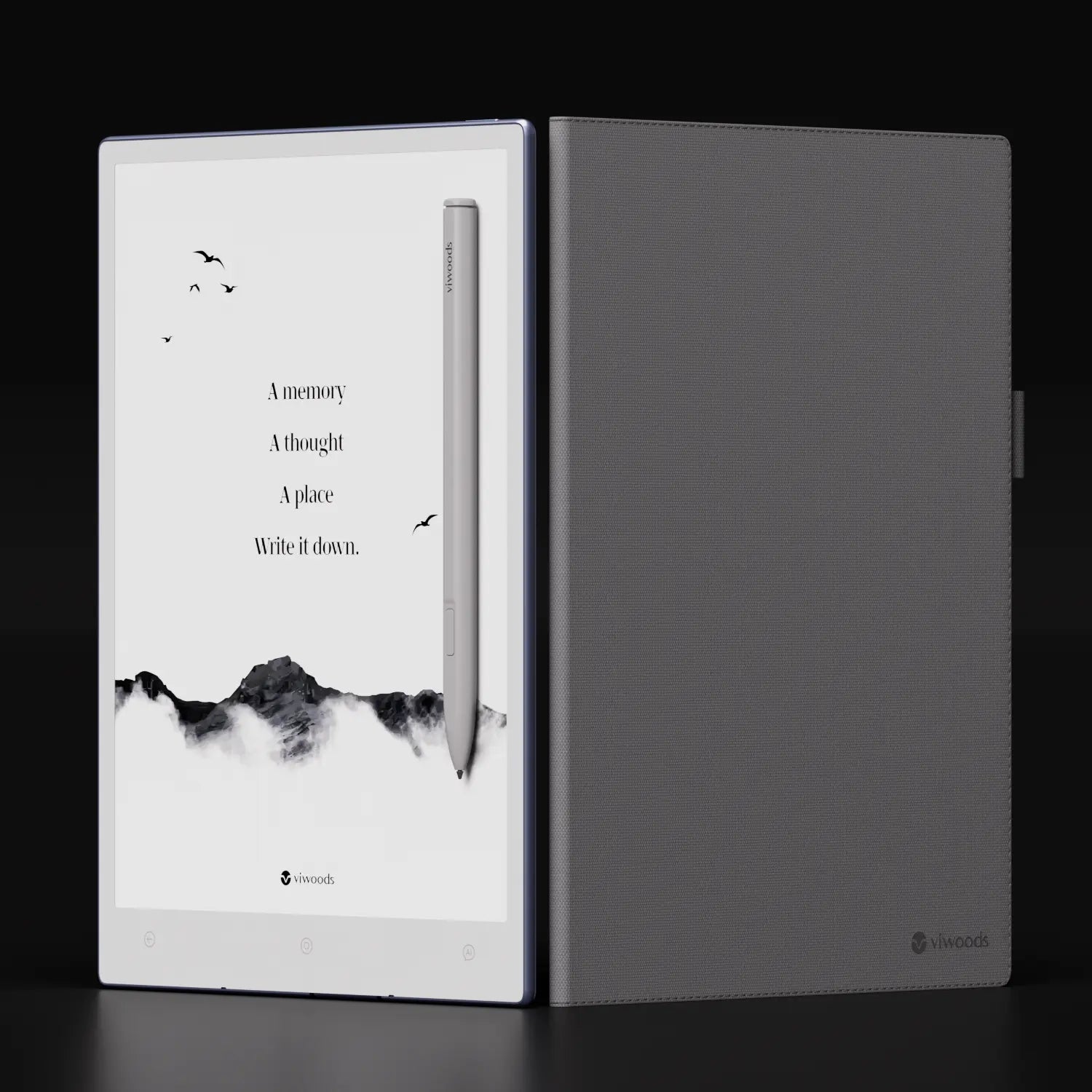
When Paper Still Wins
Paper wins when the note does not need a system. A quick list, a private journal page, a rough sketch, or a temporary thought may not need folders, tags, or export. It only needs a place to land.
It also works well for emotional and exploratory writing. A paper page feels low pressure. It allows unfinished words, crossed-out lines, and strange ideas without asking where they belong.
Paper can also feel easier when the goal is to think without any device nearby. Some people prefer paper for morning pages, private reflection, creative fragments, and notes that will never need to be shared.
However, paper becomes weaker when notes pile up. Once handwritten pages need to support exams, meetings, projects, or research, the lack of search and structure creates hidden work.
When E Ink Wins for Handwritten Digital Notes
E Ink wins when handwriting needs to stay useful. Lecture notes, meeting records, reading annotations, project plans, and daily task pages all need a way to return. They should not depend only on memory.
Unlike a laptop, an E Ink paper tablet keeps the pace closer to a notebook. The surface invites writing and reading, not constant switching. This matters when the work needs focus.
Compared with a normal tablet, E Ink is less about entertainment and more about quiet document work. It is useful when the page should feel stable, when long reading matters, or when handwritten notes need to sit beside PDFs, calendars, or planning tools.
For more background, the Viwoods guide What Is a Paper Tablet explains how paper-like tablets differ from regular screens.

Real Scenes: Study, Meetings, Reading, and Daily Notes
Study notes
Before an exam
In class, paper feels fast. But before an exam, notes need order. An E Ink device helps group pages by course, topic, or review tag, so the study session starts with less searching.
Meetings
Notes that become action
Meetings rarely move in a straight line. Decisions, risks, and follow-ups appear between comments. A useful page should keep the messy record, then make action items easy to review later.
Reading
Without a bright screen
Reading at night or during travel often needs a quieter screen. E Ink supports annotation and review without making the moment feel like laptop work.
Daily notes and quick capture
Daily notes are not always long. A reminder, a sentence from a book, a project question, or a small sketch can appear anywhere. Paper handles these moments well, but the pages often scatter across notebooks, sticky notes, and loose sheets.
For portable reading and quick capture, AiPaper Mini for portable daily notes fits smaller moments: trains, cafés, bedside reading, short check-ins, and travel days.

A Practical Workflow: Capture, Tag, Review, Export
A good note system should not feel like extra work. The easiest routine has four steps. It starts loose, because early thinking should stay natural. Then it adds light structure only when a note needs to return.
Step 1
Capture
Write freely while the idea is fresh. Do not organize too early.
Step 2
Tag
Use a few labels, such as decision, exam, draft, research, or follow-up.
Step 3
Review
Check notes after class, after meetings, or at the end of the week.
Step 4
Export
Share or save only the pages that need to move forward.
Tags work best when they stay simple. Labels such as “important” often become too broad. Labels such as “decision,” “waiting,” or “exam” explain what should happen next.
This is where digital notebooks become more useful than paper. The original handwriting can stay messy, but the archive around it becomes easier to manage. A page can begin as a rough thought and later become a project note, a study reminder, or a shared document.
For a detailed method, see the Viwoods guide How to Tagging. For daily tasks, the guide Daily Planner with To Do List shows how handwritten plans can become visible actions.

AI Support Should Clean Up Notes, Not Replace Thinking
AI can help after the handwriting is done. It can summarize meeting pages, clean up rough notes, support review, or help turn handwritten ideas into text.
Still, the most useful thinking often happens before cleanup. Arrows, crossed-out words, small diagrams, and unfinished phrases show the mind working. A good AI workflow should protect that original page.
This is also why a digital notebook should not feel like a chatbot first. It should feel like a calm writing space first, with AI helping only when the note needs to become cleaner, easier to review, or easier to share.
Therefore, AI is best used as a quiet assistant. It reduces repeated work, but the handwritten source remains the place where judgment and context live.
Which Viwoods Fits: AiPaper or AiPaper Mini?
The right device depends on where notes happen most often. A desk-based routine needs space. A travel-heavy routine needs presence. A long-form writing routine may need a larger page, while a daily carry routine may need a device that is easy to open anywhere.
Best for long-form notes
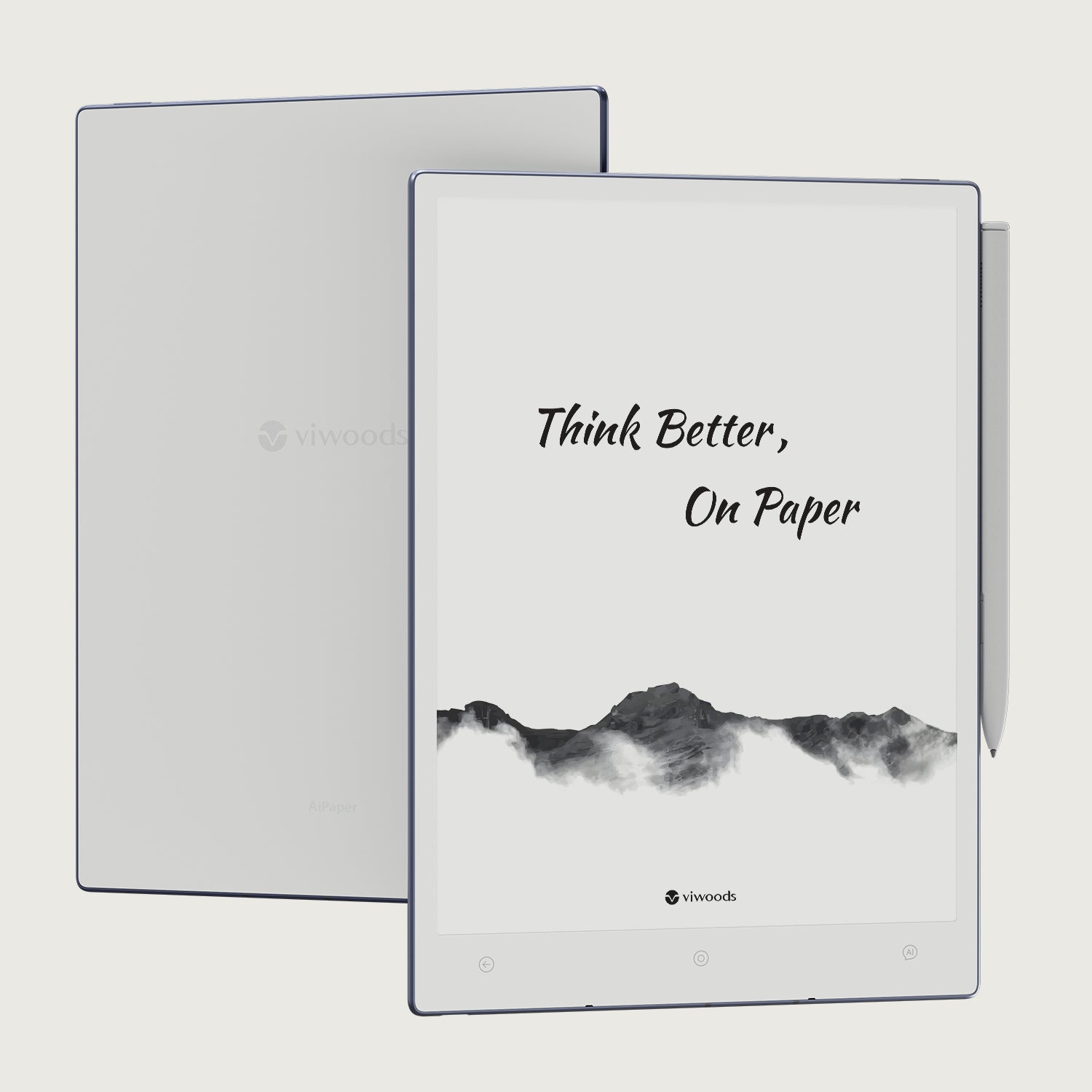
Viwoods AiPaper
Choose AiPaper for study notes, meeting records, PDF annotation, diagrams, planning, and deeper writing sessions. It is the stronger fit when the page needs space.
View AiPaperBest for portable notes
AiPaper Mini
Choose AiPaper Mini for quick thoughts, reading, short meetings, travel notes, and lighter daily carry. It is easier to bring into small moments.
View AiPaper MiniSelection Tips: Choose by Friction, Not by Specs Alone
Specs matter, but daily friction matters more. A note-taking device should solve a real problem, such as lost notes, repeated retyping, scattered PDFs, missed tasks, or heavy bags.
Choose paper when notes are private, short-lived, or mostly emotional.
Choose E Ink when notes need search, review, export, or task follow-up.
Choose a larger screen when diagrams, PDFs, and long meetings matter.
Choose a smaller device when daily carry and quick capture matter more.
Can Paper and E Ink Work Together?
Yes. The best system does not need to replace paper completely. Paper can stay useful for disposable thoughts, private journaling, free sketching, and moments when no device should be involved.
E Ink can hold the notes that need to continue: class notes, meeting records, reading annotations, plans, templates, project pages, and long-term reference material. This split keeps paper simple and keeps reusable work organized.
A practical hybrid method is simple: use paper for unfiltered thinking, then move lasting notes into a digital notebook when they need a future. This avoids building a heavy system around notes that will never be reused.
Related Reading
Guide
What Is a Paper Tablet
A clear overview of paper-like tablets and how they differ from regular screens.
Read MoreWorkflow
How to Tagging
A practical way to keep handwritten notes easier to find and review.
Read MorePlanning
Daily Planner with To Do List
A useful guide for turning handwritten notes into visible daily tasks.
Read MoreFAQ
Is paper better for thinking than E Ink?
Paper is better for raw, temporary, and private thinking. E Ink is better when handwritten notes need to be reviewed, organized, searched, exported, or turned into action.
Who benefits most from handwritten digital notes?
Students, researchers, meeting recorders, writers, planners, and handwriting-first workers benefit most when notes are reused often.
Is AiPaper or AiPaper Mini better for meetings?
AiPaper is better for longer meetings, diagrams, and detailed planning. AiPaper Mini is better for short check-ins, travel days, and quick capture.
Can paper and E Ink work together?
Yes. Paper can handle disposable thoughts and private journaling. E Ink can hold long-term notes, meeting records, reading annotations, and daily planning.
Should I replace all paper notebooks with a digital notebook?
Not always. Replace the notebooks that create friction, such as scattered meeting notes, hard-to-find study pages, or PDF annotations. Keep paper for temporary thinking if it still works well.
Final Recommendation
Paper and E Ink both help because they slow the hand and make thought visible. Paper protects immediacy. E Ink protects continuity. The better choice depends on what the note must do after it is written.
For one-day thoughts and private pages, paper remains enough. For lecture review, meeting follow-up, reading annotation, project planning, and searchable archives, E Ink creates a stronger bridge between handwriting and action.
Use paper for private, temporary, low-pressure thinking.
Use E Ink when notes need review, search, export, or tasks.
Choose AiPaper for space, or AiPaper Mini for daily carry.
Guides أقراص ورقية
E Ink Tablet for Project Handoffs: Review Notes, Open Issues and Next Steps
E Ink Tablet for Field Teams: Offline Notes, Forms and Daily Review
How to Evaluate an E Ink Tablet Demo for a Business Team
E Ink Tablet for Compliance Audits: Checklists, Evidence Notes and Follow-Up
Fabric vs Leather Tablet Case: Which Material Fits Daily Carry?
E Ink Tablet for Research Interviews: Interview Guides, Field Notes and Follow-Up
How to Carry a Paper Tablet and Stylus Together Without Damaging the Screen
How to Protect an E Ink Tablet in a Backpack
How to Choose a Protective Case for an E Ink Paper Tablet
How to Clean an E Ink Tablet Screen Safely: A Practical Care Guide
Viwoods AiPaper
$549.00

Viwoods AiPaper Mini
$429.00
قارئ Viwoods AiPaper الملون
$289.00
قارئ Viwoods AiPaper
$279.00