A practical guide to building an electronic notes workflow for meetings, study, planning, and team follow-up. The article explains how to capture handwriting, organize notes, convert key points into tasks, use AI support, review progress, and choose the right Viwoods device for different work scenarios.
A useful note system should not stop at storage. Instead, it should help handwritten thoughts become searchable records, planned work, and calm daily follow-through. This guide explains how electronic notes, handwriting, AI support, sync, search, and daily planning can work together without turning notes into another noisy screen.
Why Notes Fail Without a Clear System
Most note systems fail because they collect more than they clarify. A blank page feels flexible during a meeting, lecture, or planning session. However, the same freedom can create scattered pages, unfinished lists, and decisions that are hard to find later.
In practice, a note becomes useful only when it supports the next action. A meeting page may include a decision, a risk, and a follow-up. Still, none of those items move forward unless they are marked, converted, scheduled, and reviewed.
Therefore, the strongest system is not a pile of features. It is a repeatable route: capture the thought, mark what matters, organize the page, convert selected handwriting, create tasks, schedule work, and revisit the result.
The hidden problem: capture can feel like completion. A useful page should show what happened, what matters, and what happens next.
From Handwriting to Tasks: The Workflow Map
A practical system needs a clear map. The goal is not to process every handwritten line. Instead, the goal is to move useful information into the right form at the right time.
The workflow below keeps handwriting natural while still supporting search, sync, task management, and review. It works for meeting notes, study notes, reading notes, daily planning, and team follow-up.
1. Capture
Write before sorting
Handwrite freely, annotate, sketch, or outline while the thought is still fresh.
2. Mark
Signal what matters
Circle tasks, star decisions, tag topics, and mark open questions.
3. Convert
Turn selected lines into text
Convert decisions, deadlines, keywords, and reusable checklists only when useful.
4. Plan
Move action into the day
Rewrite tasks with a verb, object, deadline, owner, and context.
5. Review
Keep the system trusted
Check progress, carry over useful items, and archive noise on a schedule.
Capture: Start With Handwriting, Not Sorting
Capture should feel fast. A notebook that demands too much setup will not survive busy mornings, long meetings, or full class days. The page should allow free handwriting, quick arrows, short bullets, and rough structure.
However, capture should not be careless. A page still needs enough context to make sense later. A date, title, project name, and short purpose can prevent confusion during review.
For meeting notes, the page should separate discussion from decisions. For study notes, it should separate explanation from examples. For project planning, it should separate ideas from tasks and risks.
View AiPaper
Useful Capture Templates
The best template is the one that helps a page become useful later. Keep each template simple enough to repeat.
Meeting
Agenda, notes, decisions
Best for weekly syncs, project calls, leadership reviews, and client discussions.
Daily plan
Priorities and time blocks
Best for focused workdays, realistic scheduling, and end-of-day review.
Reading
Source, key ideas, summary
Best for research, coursework, reports, long articles, and PDF review.
Project
Goal, milestones, risks
Best for long-running work, decision tracking, and progress review.
For reading notes, active note taking matters. Instead of copying everything, notes should show meaning, structure, and questions. The UNC Learning Center gives a useful overview of taking notes while reading.
Organize: Make Notes Findable Without Overbuilding the System
Organization should stay light. Many systems become difficult because they create too many folders before the writing habit is stable. Instead, a clean structure should make notes easy to place and easy to find.
A practical setup uses broad notebooks and useful tags. Work, Study, Projects, Reading, and Personal Planning can cover most content. Tags such as decision, task, waiting, reference, and review can show how a page will be used.
This is where electronic notes on AiPaper support daily use. Handwriting stays natural, while tags, templates, conversion, and search help important pages return at the right moment.
Folder
Example: Work. Keeps major areas separate.
Notebook
Example: Product Planning. Groups related pages.
Tag
Example: Decision. Shows reusable meaning.
Status
Example: Waiting. Prevents blocked work from hiding.

Convert Handwriting to Tasks Without Losing Context
After notes are marked, only selected lines need conversion. Not every sentence should become editable text. A rough sketch, a visual map, or a personal reflection may work better as handwriting.
Decisions, deadlines, project names, meeting actions, research keywords, and reusable checklists often benefit from conversion. Once those lines become text, they can be searched, corrected, shared, or moved into a task plan.
For a clear task, the line should include an action, an object, and context. “Review deck” is weak. “Review Q3 budget deck before Friday meeting” is stronger because it explains the work and the timing.
The three-part task conversion method
1. Find the action sentence inside the handwritten page.
2. Rewrite it with a clear verb and object.
3. Add date, project, owner, or review context.
Task Examples That Stay Clear
Weak note
Need better onboarding draft
Better: Draft revised onboarding outline by Thursday.
Weak note
Ask finance about vendor budget
Better: Confirm vendor budget with finance before planning call.
Weak note
Maybe compare three options
Better: Compare three product page layouts and prepare recommendation.
Weak note
Research article looks useful
Better: Extract three relevant references from the article by Friday.
Daily Planning: Move Tasks Into Real Time
Once tasks are clear, the next step is planning. A daily plan should not become a wish list. Instead, it should show what can happen inside a real day, with meetings, reading, deep work, and interruptions taken into account.
A daily planner tablet should connect notes with priorities and time blocks. A task list may look manageable until meetings fill the calendar. Meanwhile, a calendar may look organized while important follow-ups remain hidden in notes.
This is where an AI digital notebook can support a calmer routine. The value is in connecting notes, tasks, calendar planning, reading, and review inside one focused workspace.
See Daily Planning on AiPaper
A Practical Daily Page Structure
Top priorities
The main outcomes
Keeps the day focused and prevents the page from becoming a random list.
Time blocks
Deep work and meetings
Protects attention and shows whether the task list is realistic.
Task list
Small actions from notes
Prevents loose ends from hiding inside meeting notes or reading pages.
End review
Done, carry over, drop
Keeps the system honest and prepares tomorrow’s page.
AI Note Taking: Useful Support, Not a Replacement for Judgment
AI can reduce routine work. It can summarize notes, extract key points, rewrite rough text, and group tasks. However, the final judgment still belongs to the person responsible for the work.
This balance is important. A summary may look clean while missing context. A suggested task may sound correct while lacking priority. AI should help process notes after marking and before final planning.
In study settings, AI can help rephrase notes or create review prompts. However, learning still comes from active recall, comparison, and explanation. A summary can save time, but it should not replace understanding.
Meeting summary
Helpful for decisions and open questions. Check ownership and dates before sharing.
Reading notes
Helpful for main ideas and outlines. Check source meaning and nuance.
Daily planning
Helpful for suggested grouping. Confirm priority and realistic time blocks.
Research review
Helpful for keywords and topic clusters. Verify relevance before use.
Team Workflow: Shared Notes Without Shared Confusion
For teams, note systems often fail when everyone writes differently. One person records long paragraphs. Another writes only bullets. A third records tasks without context. As a result, the team may have shared documents but still lack shared understanding.
A better approach uses a simple shared format. It should make meeting goals, decisions, tasks, owners, open questions, and next review dates easy to find. Moreover, the structure should be simple enough to repeat every week.
Viwoods business solutions are relevant when a team wants E Ink writing, daily planning, app support, and repeatable meeting routines in a focused workspace.
View Business Solutions
Team Use Scenarios
Leadership meeting
Decisions and risks
Use AiPaper for structured notes, owners, next review dates, and weekly follow-up.
Project sync
Agenda and blockers
Track blockers, tasks, deadlines, and review twice weekly or after each sprint.
Research group
Sources and summaries
Use AiPaper or AiPaper Mini for source notes, questions, and review after each reading cycle.
Business planning
Daily and weekly review
Use AiPaper with business setup for daily priorities, documents, follow-up, and planning routines.
Selection Guide: Match the Device to the Workflow
Device selection should start with repeated use. A larger paper tablet supports long writing, document review, meeting planning, and task conversion. A compact device supports quick capture, travel, signing, and lightweight review. A reading-first model supports long reading and annotation.
The better question is not which option has the longest feature list. The better question is which option will support the daily routine with the least friction.
Main workspace
Choose AiPaper
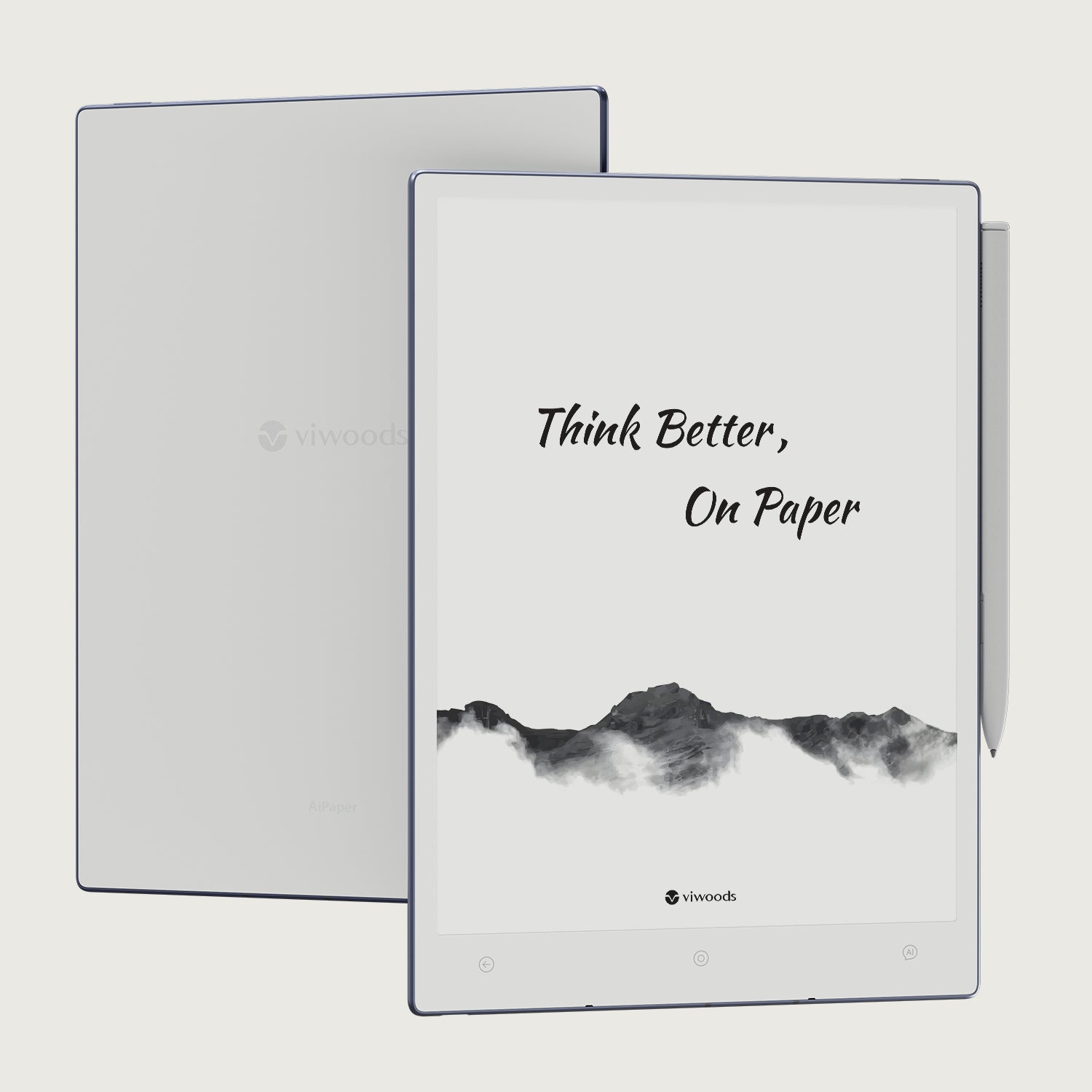
AiPaper fits long-form handwriting, meeting notes, project planning, reading review, document annotation, and daily task management.
Explore AiPaperPortable capture
Choose AiPaper Mini
AiPaper Mini fits travel, quick notes, compact planning, signing workflows, and review sessions between locations.
View AiPaper MiniReading-first work
Choose Reader Models
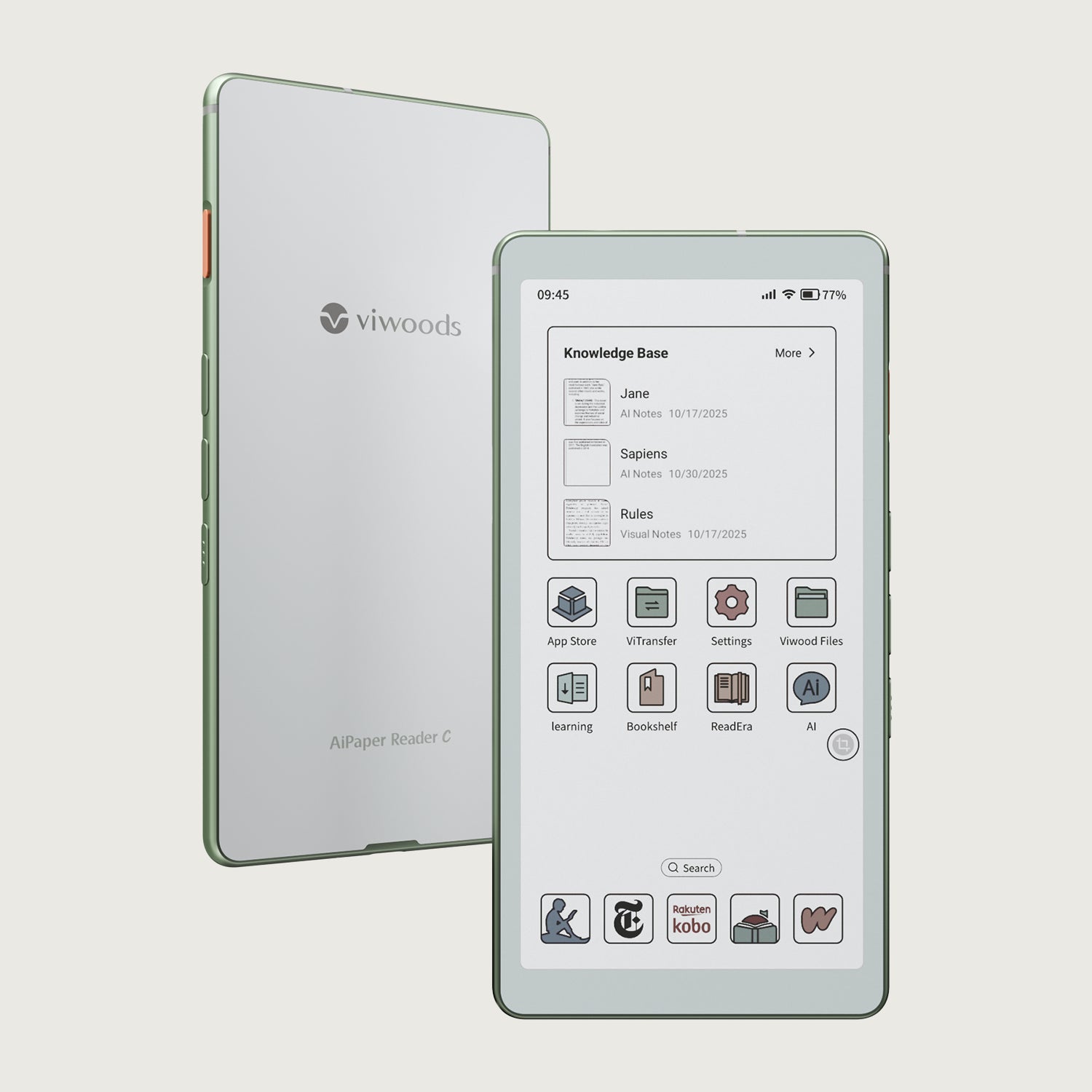
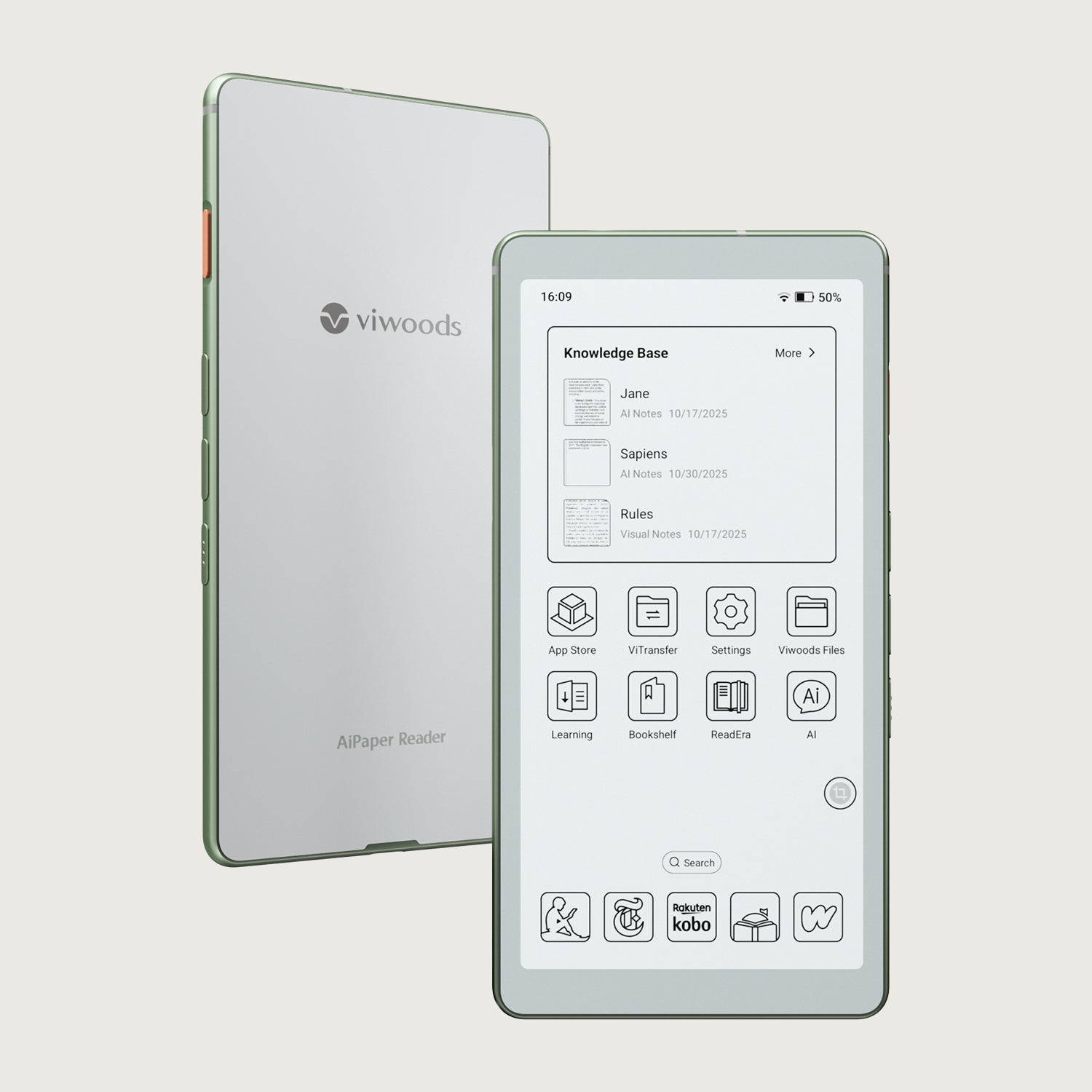
AiPaper Reader and Reader C fit long reading, focused source review, and annotation-heavy routines.
Compare ReadersWho This Setup Fits Best
Knowledge workers who need notes, tasks, documents, and review in one calm workspace.
Managers who want meeting notes to become decisions, owners, and follow-up routines.
Students who need reading notes, class notes, summaries, and revision prompts.
Team leads who want consistent meeting templates and shared planning habits.
Readers who want E Ink focus without losing access to annotation and AI support.
Common Mistakes to Avoid
Converting every line
Convert only action-worthy handwriting into tasks, not every sentence on the page.
Creating too many folders
A complex folder system can slow capture before a stable writing habit exists.
Mixing everything together
Tasks, references, and ideas should be marked differently so the action list stays clear.
Skipping review
Daily and weekly review keep the system trusted after notes have been captured.
FAQ
What are electronic notes?
Electronic notes are handwritten or typed notes stored on a digital device. They can include meeting records, reading notes, daily plans, sketches, annotations, and converted text.
How do I organize electronic notes?
Use broad folders, clear titles, practical tags, and regular review. Folders can separate Work, Study, Projects, and Reading, while tags can mark decision, task, waiting, reference, and review.
Can handwritten notes become tasks?
Yes. Handwritten notes can become tasks when action lines are marked, converted to text, and rewritten with a verb, object, context, and deadline.
Is AI useful for note taking?
Yes, AI can summarize notes, extract key points, rewrite rough text, and suggest task groups. However, final decisions, priorities, and deadlines still need human review.
How can teams use electronic notes?
Teams can use shared templates for meetings, decisions, tasks, and open questions. A fixed review rhythm helps notes become action instead of passive records.
Which Viwoods page helps with setup questions?
The Viwoods FAQ page is the best place to confirm product, shipping, warranty, and service details before choosing a device.
Build the Loop, Then Choose the Device
A useful note system starts with a simple habit. Capture thoughts naturally, mark what matters, convert selected handwriting, create clear tasks, schedule realistic work, and review the result. This loop keeps notes useful after the page is written.
For individual work, AiPaper fits the main writing and planning workspace. AiPaper Mini supports portable capture and quick review. For teams, Business Solutions can help standardize meeting notes, planning pages, and follow-up routines.
Start with one template for meetings, study notes, or daily planning.
Convert only action-worthy handwriting into tasks, not every line.
Review notes daily and weekly, so the system stays trusted.