
Color eReaders have become a more vivid kind of reading tool for people who want their digital library to resemble a real bookshelf, not just a folder of files. They push beyond plain text by making technical diagrams easier to interpret and allowing book covers and graphic novels to showcase more of their intended visual impact. In this guide, we'll start with the reality of color E-Ink, compare it with black-and-white in everyday reading, and look at how software and hardware choices shape the experience. Want to see your library in a different light? Let's dive in.
Chromatizing the Page: The New Era of Color E-Ink
Are there any color e-readers?
Yes. Color e-readers are common now, and the meaningful differences mostly come down to how the e-ink screen generates color (which affects brightness, sharpness, and refresh behavior) and how open the software is (a focused e-reader OS vs Android, which shapes app access and everyday performance).
Color E-Ink display technology: Kaleido 3 vs. Gallery 3
How color is produced
Kaleido 3 (CFA): Uses a Color Filter Array (CFA) layered over a monochrome E Ink backplane (typically Carta). The CFA is what creates the color.
Gallery 3 (ACeP): Uses Advanced Color ePaper (ACeP), where color comes from multi-pigment particles arranged to form color at each pixel (often described as CMYW particles).
Perceived sharpness
Kaleido 3: Monochrome text can look strong, but color content often looks a bit softer because the filter layer reduces effective clarity.
Gallery 3: Color edges can look cleaner and more "printed," but performance depends heavily on the chosen refresh mode.
Page brightness and "white" background
Kaleido 3: The filter layer can make the page look darker or more gray than a pure black-and-white panel.
Gallery 3: Often looks less "veiled", though real-world results vary by device tuning.
Refresh behavior
Kaleido 3: Generally feels closer to typical e-reader behavior, with color still costing time and occasional artifacts.
Gallery 3: More explicitly "mode-based", fast vs best-quality color can feel noticeably different.
Best-fit use cases
Kaleido 3: A practical all-rounder for text-first reading, with added value for covers, highlights, charts, and comics.
Gallery 3: More compelling when color fidelity is a frequent priority (illustrations, image-heavy documents), with the trade-off of more deliberate color refresh.
What "color" looks like on E-Ink?
1) Set expectations: it's print-like, not tablet-like
Color E Ink is reflective, so it reads more like matte print than a luminous LCD or OLED screen. Colors tend to look more restrained, with comfort and low glare as the main payoff.
2) What you'll actually notice on the page
Color usually shows up best in broad areas and simple signals, such as covers, highlight colors, and chart keys. Fine gradients and tiny color details can look softer, while larger shapes and labels remain clear.
3) Where color genuinely helps
Color matters most when it carries information. That includes technical diagrams, charts, textbooks, cookbooks, and visually structured PDFs. It also supports manga and graphic novels, where color can improve panel separation and tonal cues.
4) The hidden cost: color moments can feel slower
Color refresh is typically more demanding than monochrome refresh, so some transitions can feel more deliberate (and some e-ink devices manage this by switching refresh modes depending on what's on screen).
Side-by-Side Comparison: E-reader Color vs. Black and White
When comparing an ereader with color to a monochrome model, focus on long-session fundamentals: text crispness, page contrast, and refresh behavior. That's where the real trade-offs show up in the ereader color vs black and white decision.
Resolution and PPI
What's being measured
PPI (pixels per inch) measures pixel density. In general, higher PPI makes text and linework look sharper. On monochrome e-readers, that relationship is usually straightforward, with higher PPI translating directly into crisper text. On color E Ink, it can be trickier because many screens effectively run at two resolutions, one for black-and-white content and another for color.
How it feels in real reading
-
Black and white: Text tends to look cleaner and more "ink-like," especially for small fonts, dense pages, footnotes, and long sessions.
- Color E Ink: Black text can still look crisp, but color details often look softer, especially in small icons and fine shading. The effect is more noticeable on compact screens, which is why a mini ereader color often prioritizes portability over ultra-fine detail.
Practical takeaway
If most daily reading is novels and long essays, monochrome usually delivers the cleanest clarity. If daily reading includes covers, highlights, diagrams, and other visual material, the slight softness is often acceptable in practice, especially with a comfortable font size.
Contrast and Reflector Layers
Why contrast is the real battleground
Contrast is the difference between "black ink" and "paper." On many color e-ink displays, you're adding layers (or complexity) to achieve color, and those layers can reduce perceived contrast and page brightness.
What you'll notice
-
Black and white: Higher perceived contrast makes pages look "cleaner," especially in dim environments or under mediocre indoor lighting.
- Color E Ink: Pages can look slightly grayer, with blacks that feel less punchy than on a strong monochrome panel, which is usually fine for casual reading but stands out quickly for anyone sensitive to "paper whiteness" and high contrast.
A useful analogy
Monochrome is like reading on bright, uncoated paper. Color E Ink can feel like reading on slightly thicker, more textured stock, still readable, just not as stark.
Practical takeaway
If your reading mostly happens indoors at night, it helps to pay close attention to front light quality and to check how the page looks both with the light off and with it on. Color can still be very comfortable, but it often gains more from good lighting than a monochrome screen does.
Ghosting and Refresh Rates
What "ghosting" actually means
Ghosting is a faint leftover content from the previous page. It's a normal side effect of shifting pigment particles to form the next page. All E Ink can ghost, but color adds complexity that can make ghosting and refresh behavior more noticeable.
What tends to happen
-
Black and white: Faster, cleaner page turns with fewer "full refresh" flashes needed.
- Color E Ink: Heavier refresh behavior is triggered, especially with mixed graphics, UI elements, or color blocks. Some devices flash more frequently or switch to stronger refresh modes to maintain clean color rendering.
Practical takeaway
If you're the kind of reader who hates any flashing or visual interruption, monochrome remains the calmer experience. If you can tolerate occasional refreshes in exchange for meaningfully better visuals, color becomes easy to justify.
Best-fit Content
It's where the argument gets honest, because the "right" choice depends less on the device and more on what you feed it.
Color E Ink fits best when color carries information
- Covers and library browsing: Enhanced recognition and clearer scanning.
- Highlight systems: Color-coded notes that are easy to distinguish.
- Comics and graphic novels: Improved tone separation and visual clarity.
- Charts, diagrams, and tables: Color makes data easier to interpret.
- Illustrated nonfiction, textbooks, and cookbooks: Color adds depth and clarity to complex visuals.
Black-and-white fits best when pure reading is the priority
- Novels, essays, long-form nonfiction
- Dense typography, small fonts, heavy annotation in text
- Minimal UI friction and the most consistent "paper" look
Where manga sits in this debate
Manga is often black and white, which makes color feel optional at first. The value is more in the broader reading process, including covers, app libraries, browsing, web-based readers, and mixed libraries that include manga, manhwa, and other illustrated content. In a color ereader for manga with a browser, color often matters more for the overall reading ecosystem.
Software Ecosystems and Integration
The Android variable
A color ereader in Android matters because it can run third-party apps like Libby and Kindle, which is useful when reading spans multiple ecosystems. The trade-off is variability, since app smoothness on E Ink depends on firmware tuning, refresh control, and system resources, not just the app itself.
Browsing capabilities
A color ereader with internet works best on reading-oriented pages with stable layouts, and it tends to feel less comfortable on script-heavy sites built around constant scrolling. A color ereader with buttons strengthens the day-to-day experience by making page turns tactile and reliable in one-handed use. It reduces accidental taps, maintains consistent navigation when grip shifts, and helps keep a steady reading rhythm.
Content compatibility
EPUB is usually the easiest format on E Ink because it reflows and keeps text crisp. CBR and CBZ are image pages, so scaling and page-turn stability matter most for comics and manga. PDF is the most demanding, and the experience depends on rendering speed plus tools like crop, zoom, and contrast, especially when color carries structure in charts or diagrams.
Hardware and Technical Specs
Design and form factor: compact 6-inch vs larger models
-
Compact 6-inch color ereader: Maximizes portability and one-handed comfort, but shows less content per page, so fixed-layout and image-heavy reading often needs more zooming or navigation.
- Larger color eReaders or tablets: Fit more content at once and keep layouts easier to follow, which reduces zooming and makes interface elements feel less intrusive, especially with comics, PDFs, and mixed-layout books, with the trade-off of reduced pocketability.
The button comeback: why physical page-turn buttons matter
A color ereader with buttons improves ergonomics because page turns stay deliberate and consistent through grip shifts and long sessions. Buttons reduce accidental touch inputs and support a steadier, page-by-page rhythm that suits E Ink reading.
Operational performance: battery life patterns in color vs monochrome
Color eReaders can still last a long time, but the battery tends to drop faster with higher front light, frequent syncing, browsing, and graphic-heavy reading, while monochrome eReaders usually deliver more consistent longevity because rendering and refresh demands are lower.
System resources: RAM and CPU needs for color-heavy content
- For color reading that leans into comics archives, PDFs, web use, and especially Android apps, stronger CPU and RAM headroom typically reduces lag when opening files, switching contexts, and rendering complex pages.
- For text-first EPUB reading, modest specs can still feel smooth, but once the workload becomes more app-driven and image-heavy, system resources become a practical differentiator.
Future Tech and Sustainability
Spectra 6 and the color gap
The most vibrant "full color" E Ink tech in the industry right now is E Ink Spectra 6, often described as reaching a 60,000-color gamut, but it remains largely signage-first because its refresh behavior is slow by consumer eReader standards, with refresh commonly discussed in the ~10–15 second range for full updates.
The eco-reader direction
On the sustainability front, Samsung's January 28, 2026 announcement is a useful signal of where materials are heading: its new 13-inch Color E-Paper display uses a housing that Samsung says is UL-verified to include 45% recycled plastic and 10% phytoplankton-based bio-resin.
AI integration in new-era reading devices
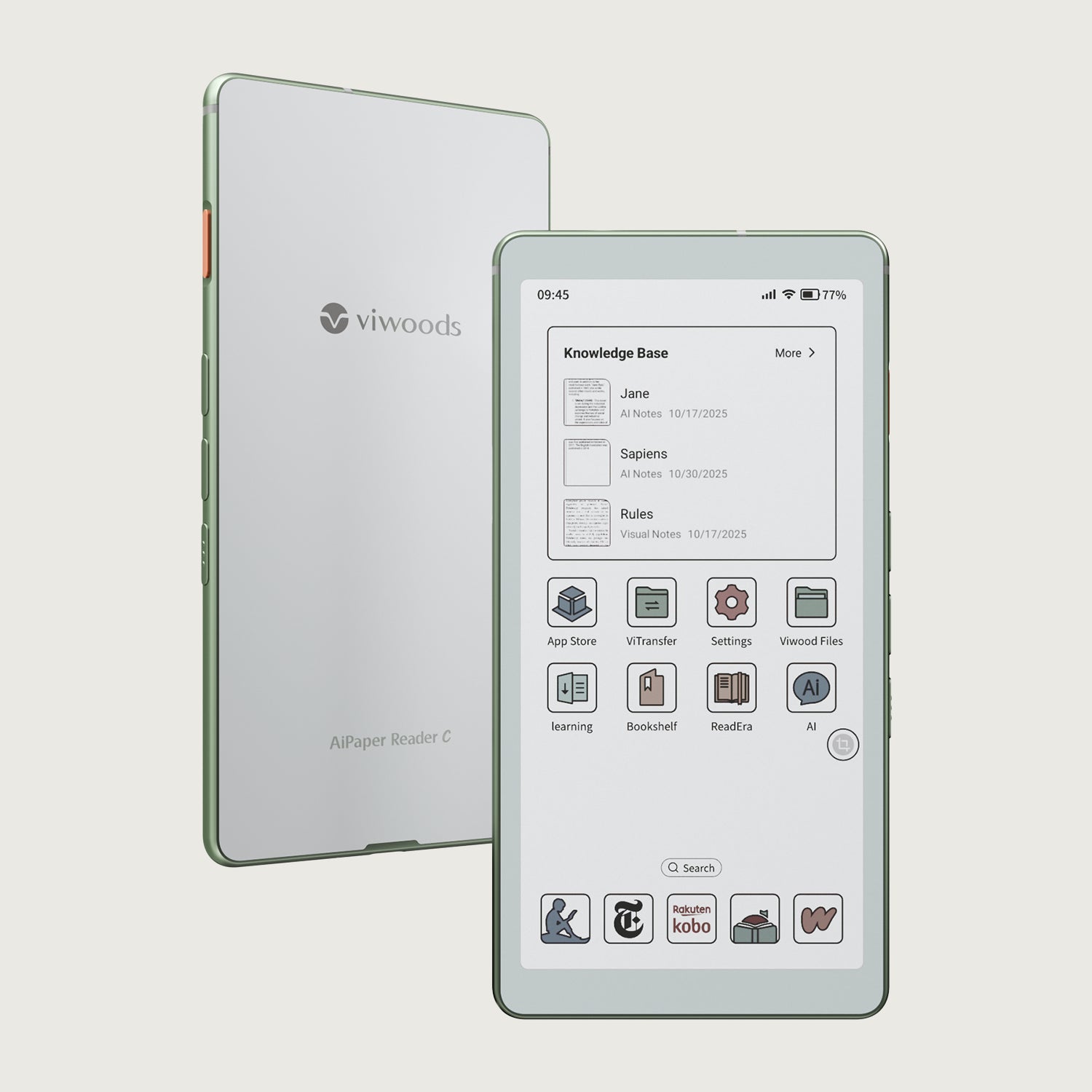
For consumer reading workflows, the more immediate "future" is AI on the page: devices like the Viwoods AiPaper Reader Color are framed around a dedicated AI key that can trigger in-context help while reading, with flows such as voice queries and screenshot-based analysis that return summaries and translations anchored to the selected passage.
Final Verdict
A color ereader has settled into a clear role: it keeps the reflective, low-glare reading comfort of E Ink while restoring visual context that grayscale compresses, especially in diagrams, structured documents, and mixed illustrated content. The experience works best when expectations match the medium, since color remains print-like and fine color detail can look softer, with refresh behavior becoming more noticeable in UI-heavy moments. With that baseline understood, a color ereader is no longer a novelty, but a practical reading device for modern libraries that include more than plain text.
Guides قارئ إلكتروني
AiPaper Reader vs Reader Color: Which eReader To Choose?
Color eReader: A Practical Overview of Color E Ink Today
How to Read Manga on eReaders: Guide for a Smooth Experience
AI Knowledge Base: Turn Reading Insights into Reusable Notes
قارئ إلكتروني يعمل بنظام أندرويد: المرونة تلبي احتياجاتك في القراءة
كاليدو 3: حبر ملون من النوع E لا يزال ملمسه كالورق
قارئ AiPaper C: كاليدو 3 ألوان، قراءة يومية مركزة
زر الذكاء الاصطناعي في قارئ Viwoods AiPaper: انقر للحصول على الإجابات على الصفحة
Viwoods AiPaper
$549.00

Viwoods AiPaper Mini
$429.00
قارئ Viwoods AiPaper الملون
$289.00
قارئ Viwoods AiPaper
$279.00