
Most beginners think how to read manga is only about right to left, but the real unlock is flow. On an eReader, flow starts with the source, because the source dictates everything that follows: the app you need, whether offline access is real, which formats you will handle, and where DRM will block you. Get that decision right, and the rest becomes a straightforward workflow.
Choose a Manga Source and Confirm Device Support
Your manga source determines the apps, formats, offline access, and control over sorting and storage. Choose the source first, then ensure your device supports it.
Source types that determine the workflow
Store purchases (ecosystem-based access)
If your device supports the store's manga reader app, purchases are easy with synced progress and offline access. However, downloads are app-locked, limiting file organization and long-term archiving.
Library borrowing (platform-dependent access)
Library manga depends on the lending platform and what your eReader supports. Check the catalogue, then confirm that the series opens through a supported app or built-in integration and allows offline reading during the loan period. Android eReaders usually work because you can install the required app. Closed eReaders can't add new library apps, so they only work with the services they already support, and a title may be borrowable but not readable on the device.
Personal files (local manga library)
Personal files give you full control over organization and backups. However, your e-reader must handle fast image rendering, smooth cropping, and reliable sorting based on your system.
Online manga (web-first reading)
Web-first reading is fast but unpredictable. On Android e-readers, you can use a browser or app, while closed eReaders often struggle with image-heavy pages and slow browsers.
Compatibility checks that decide what works
OS type: Android eReader vs closed eReader
-
Android eReader: Offers flexibility with apps and readers for different sources.
- Closed eReader: Limits you to built-in apps and readers. Unsupported sources are inaccessible.
Format support: CBZ/CBR vs EPUB/PDF
-
CBZ/CBR: Best for manga and comics as they store pages in an archive, offering smooth zooming and cropping.
-
EPUB: Works for reflowable text, but image-based manga can vary by app and file.
- PDF: Maintains page layout but can slow page turns and zooming, especially with small text or spreads.
DRM constraints: common limits for store and library titles
DRM restricts downloads to authorized apps or devices, limiting file sorting, backup, and movement. For a portable collection, you'll need DRM-free sources or personal files, as DRM-locked titles can't be transferred.
Choose an eReader Setup that Fits Manga
Selecting the right eReader for manga involves optimising screen layout and performance for the best experience, whether reading single pages or double-page spreads.
Screen layout and viewing comfort for manga
Single-page reading comfort (the default view)
Use single-page view as your baseline. It matches typical manga composition and keeps panel flow predictable.
Use fit and crop before heavy zoom
When text feels small, switch the fit mode or crop the margins to cut out wasted white space. Save repeated zooming for the pages that genuinely need it, because constant zooming disrupts the reading rhythm.
Handle double-page spreads with intent
For wide artwork, choose between a full-spread view for impact and a split or zoom when dialogue and fine detail matter more than seeing the whole scene at once.
Manga and comics stress layout differently
Manga often relies on dense line work and wide establishing shots, which makes fit and zoom choices more noticeable. Many comics read more comfortably in a tall single-page layout, so you may adjust less often.
Performance factors that affect manga
Image rendering and page-turn speed
Manga is image-heavy, so quick, smooth page rendering is essential. An eReader should flip through chapters without interruptions.
Zoom/crop responsiveness (critical for small text and spreads)
Manga's small text and detailed art require responsive zoom and crop functions for readability, especially on smaller screens.
Guide to Reading Manga from Stores and Libraries
Whether you're purchasing manga from a store or borrowing it from a library, each method has its own unique process. Here are the steps to download, organize, and enjoy your manga.
Store Workflow: Buy, Download, and Keep Series in Order
1. Purchase and Download Manga
Begin by purchasing the manga from your preferred store. Some stores allow you to download manga for offline reading, but this depends on the store's policies and DRM restrictions. Check if the store allows downloads, or if you'll need an active internet connection to access the content.
2. Manage Storage and Downloads
If the store allows offline downloads, make sure your device has enough storage for multiple volumes. Regularly manage your storage to avoid running out of space.
3. Keep Volumes Organized
Maintain a clear naming system for your manga files (e.g., SeriesName_Vol01, SeriesName_Vol02) and store them in organized folders. This helps keep track of your collection and makes it easy to find specific volumes.
Library Workflow: Find, Borrow, and Open Manga
1. Search the Library Catalog
Search the library's catalog to find your manga series. Double-check the format (EPUB, PDF, etc.), the language options, and the availability of specific volumes to ensure you're borrowing the right titles.
2. Borrow and Download
Once you've found the manga, borrow it from the library. Some libraries allow offline reading by downloading the title, while others may require you to read online or through a specific app. Be aware of the library's loan rules, as availability and wait times can vary.
3. Manage Library Loans
Be mindful of loan periods, as libraries typically have limits on how long you can keep a borrowed manga. Set reminders to return or renew your loans before they expire.
4. Compare Access and Wait Times
Different libraries offer varying levels of access. Some may have a wider selection, while others may have long wait times for popular titles. Compare your options to decide which library suits your reading habits best.
Guide to Reading Manga from Downloaded Files (Personal Library)
Reading manga from your personal library gives you complete control over your collection. It walks you through organizing, transferring, and reading your manga files from your device.
Download and Prepare Files for Clean Series Order
1. Organize Your Folder Structure
To keep your manga collection neat, create a clear folder structure. Organize your files by series, then by volume, to help you easily navigate your collection. For example:
SeriesName → Volume 1 → Volume 2 → Volume 3
2. Set a Consistent Naming System
For better sorting and easy access, use a consistent naming system for your files, such as SeriesName_Vol01, SeriesName_Vol02. It ensures the volumes are displayed in the correct order, without confusion or misplacement.
Transfer Manga Files and Make Them Readable
1. Move Files onto Your Device
Transfer your manga files to your eReader. You can do this via USB, cloud storage, or wirelessly, depending on your device's capabilities. Choose the method that's most convenient for you.
2. Refresh or Import Files
Once the files are transferred, refresh your library or use the "import" function on your e-ink device to ensure the new volumes appear in your reading app, ready to access.
3. Sort the Library on Your Device
Organize your library on the e-reader itself. You can sort your collection by series, title, or most recent addition. This way, you can easily find and access any volume without hassle.
Optimise Readability and Fix Common Problems
To ensure a smooth and enjoyable manga reading experience, optimising settings and troubleshooting common issues can make a significant difference.
Optimise Manga Reading Settings (Clarity, Comfort, and Speed)
1. Page Layout and Sizing
Adjust page layout settings like crop margins and fit mode to ensure panels are displayed properly. Use Zoom for double-page spreads to maintain the artwork's integrity and readability.
2. Make Line Art and Text Look Sharp
Adjust scaling and contrast to make the line art and text clearer. A higher contrast setting often makes small text easier to read, especially in detailed scenes.
3. E-Ink Display Tuning
Fine-tune your e-reader's refresh rate and ghosting settings. A higher refresh rate can reduce ghosting, but may impact battery life, so please adjust based on your device's capabilities.
4. Long-Session Comfort
For extended reading sessions, adjust the front light and reduce glare by using lower or adjustable brightness to prevent eye strain and ensure comfort in varying lighting conditions.
Troubleshooting by Symptom
1. Blurry or Tiny Pages
Check the source quality, and ensure you're using proper crop/fit settings. Some sources may be low resolution, which affects the sharpness when zoomed in.
2. Slow Page Turns
Select the appropriate file format (CBZ/CBR for quick loading or EPUB for text-based formats) and adjust refresh settings to improve page-turn speed.
3. Wrong Page Order
Ensure your files are properly named and organised. Correct naming conventions (e.g., Series_Vol01, Series_Vol02) prevent misordering in the reader.
4. Files Won't Open
Check for DRM restrictions or unsupported formats. Ensure your e-reader supports the file type (e.g., EPUB, PDF, CBZ, or CBR).
FAQs
Q1: Is an eReader good for manga?
Yes, eReaders can be great for manga, especially if they feature large screens, fast page turns, and high-resolution displays. E-ink screens are ideal for reading manga, as they reduce eye strain and offer a paper-like experience, though some may require adjustments for better readability.
Q2: Can manga be read on every e-reader?
Not reliably. The real question is whether your eReader can handle fixed-page art the way manga needs. If it can open manga-friendly comic formats like CBZ or CBR, page through image pages smoothly, and offer usable crop and zoom, manga works well. If it mainly targets text reading and only supports EPUB or PDF, manga may still open, but you may run into poor scaling, slow page turns, awkward zooming, or messy series handling.
Q3: Can online manga be read on an eReader?
Yes, online manga can be read on eReaders, provided the device supports a web browser or dedicated apps. However, some eReaders have limited browsing capabilities, which may impact the overall reading experience.
Q4: Can manga be added to AiPaper Reader?
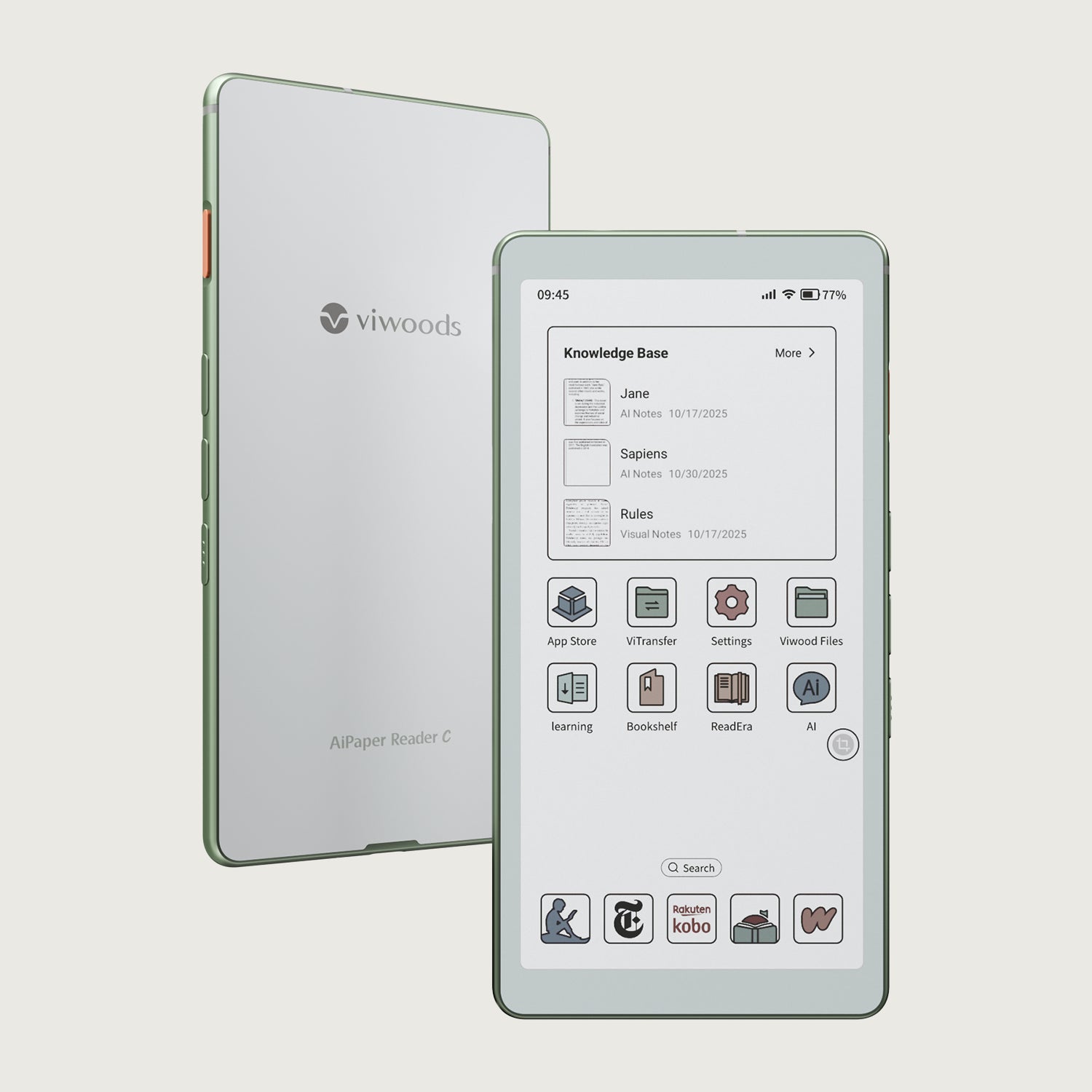
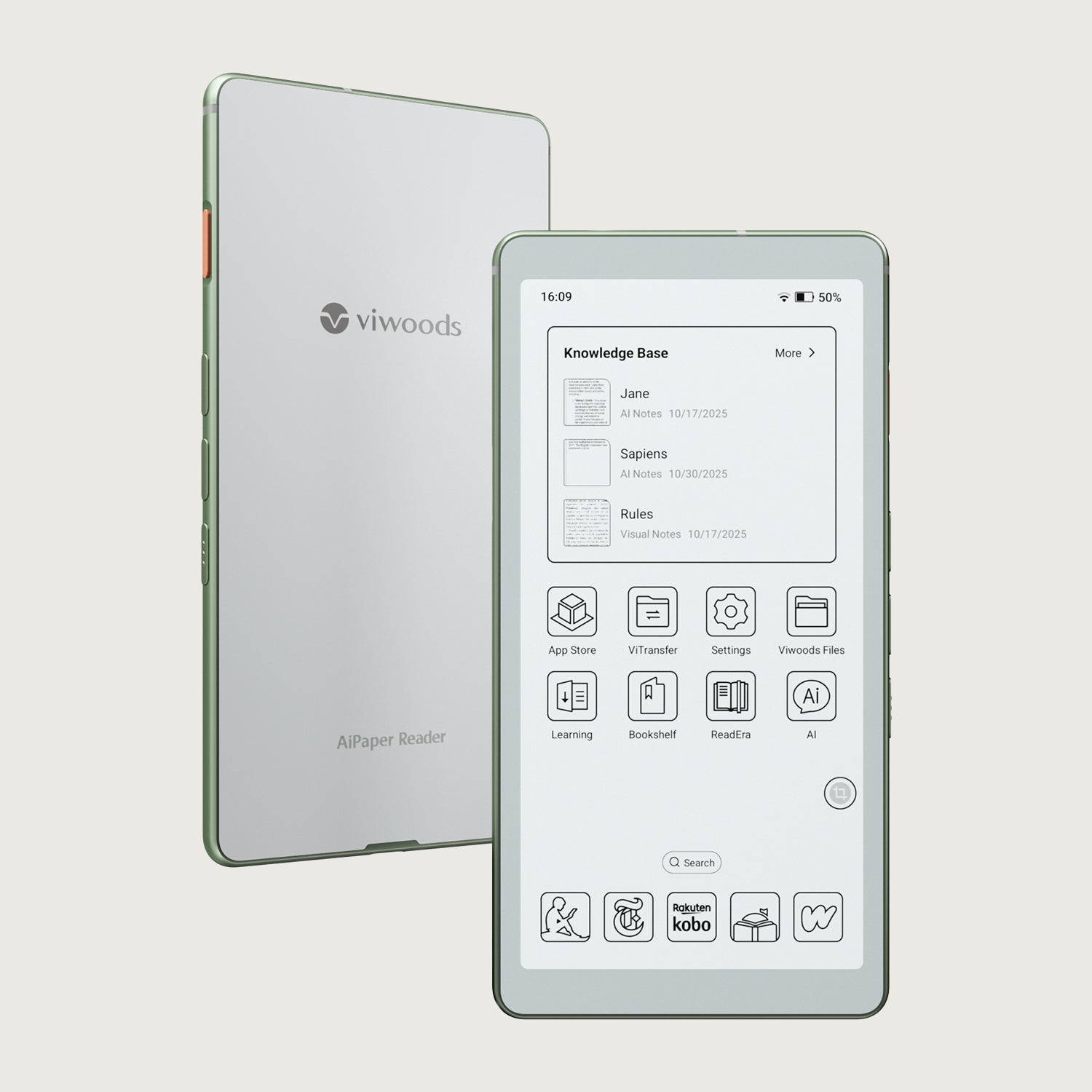
Yes, manga can be added to AiPaper Reader. AiPaper Reader supports formats like EPUB, PDF, CBZ, and CBR, so you can transfer and read manga without the need for file conversion. Simply ensure your files are in one of these supported formats.
To master how to read manga, it's essential to understand how to manage your manga sources, check file formats, and adjust eReader settings. Whether you're buying, borrowing, or reading from personal files, optimizing your screen layout, performance, and organization ensures a smooth experience. With the right setup, you can enjoy your manga collection with ease and clarity. Ready to dive in? Explore our top tips and start reading your favorite manga with ease!
Guides eReader
AiPaper Reader vs Reader Color: Which eReader To Choose?
What Is the Best eReader for Students in 2026?
Color eReader: A Practical Overview of Color E Ink Today
How to Read Manga on eReaders: Guide for a Smooth Experience
Android eReader: Flexibility Meets Your Reading Routine
Kaleido 3: Color E Ink That Still Feels Like Paper
AiPaper Reader C: Kaleido 3 Color, Focused Daily Reading
eReader Decision Path: Screen Clarity, Apps, AI, Pocket Fit
Launching AiPaper Reader: Bring Reading into the AI Era
Viwoods AiPaper
$549.00

Viwoods AiPaper Mini
$429.00
Viwoods AiPaper Reader Colour
$289.00
Viwoods AiPaper Reader
$279.00