
Not every E Ink device serves the same routine. This guide explains when a paper tablet is better for notes, PDFs and planning, and when an Android ereader is better for apps, books and AI-assisted reading.
The E Ink paper tablet vs Android ereader decision is not mainly about which device has more features. It is about what happens after you open the page. Choose a paper tablet when reading regularly turns into handwriting, document markup, planning, or follow-up. Choose an Android ereader when the priority is carrying books, articles, reading apps, and quick reference tools between places.
This guide compares the two formats through three practical questions: what goes into the device, what must come out of the session, and where the device will be used. By the end, you should know whether AiPaper, AiPaper Reader, or AiPaper Reader C is the more sensible purchase for your routine.
The decision in one minute
Paper tablet or Android ereader? Follow the work after the page
A book chapter and a project brief may both begin as reading, but they do not end in the same place. One ends when the page is understood. The other may need comments, a handwritten plan, a revised document, or an action list. That difference should lead the purchase.
01 · Input
What enters the device?
Books, articles, apps, and short reference files favor a reader. Reports, study PDFs, meeting documents, and blank note pages make a larger writing surface more useful.
02 · Output
What must leave the session?
A finished chapter, saved highlight, or quick definition needs little page space. Handwritten notes, marked PDFs, project decisions, and structured follow-up point toward AiPaper.
03 · Location
Where will it be used?
Desk work rewards screen area and pen space. Commuting, travel, sofa reading, and short breaks reward a compact device that is easier to hold and carry.
Direct answer: choose AiPaper when the page must become work; choose AiPaper Reader when reading access and portability matter most; choose Reader C only when color regularly carries useful information.
Writing, PDFs and follow-up
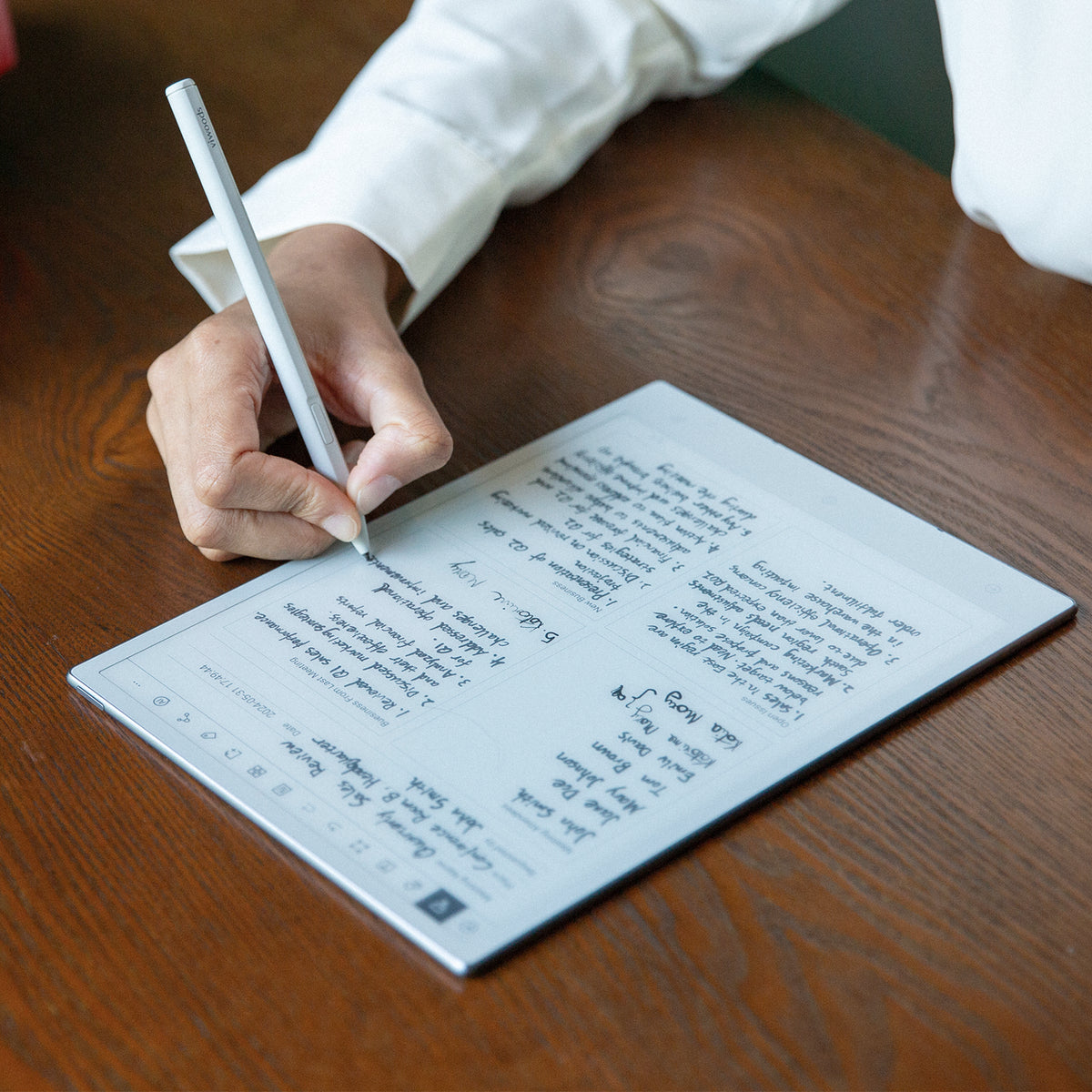
AiPaper is the better fit when reading turns into work
Choose AiPaper for handwritten notes, detailed PDF markup, meeting decisions, research comments, and planning that needs a larger page. The extra space matters when source material and your own notes must remain visible together.
Less suitable when: the routine is mostly casual ebooks, articles, and portable reading with little handwriting.
View AiPaper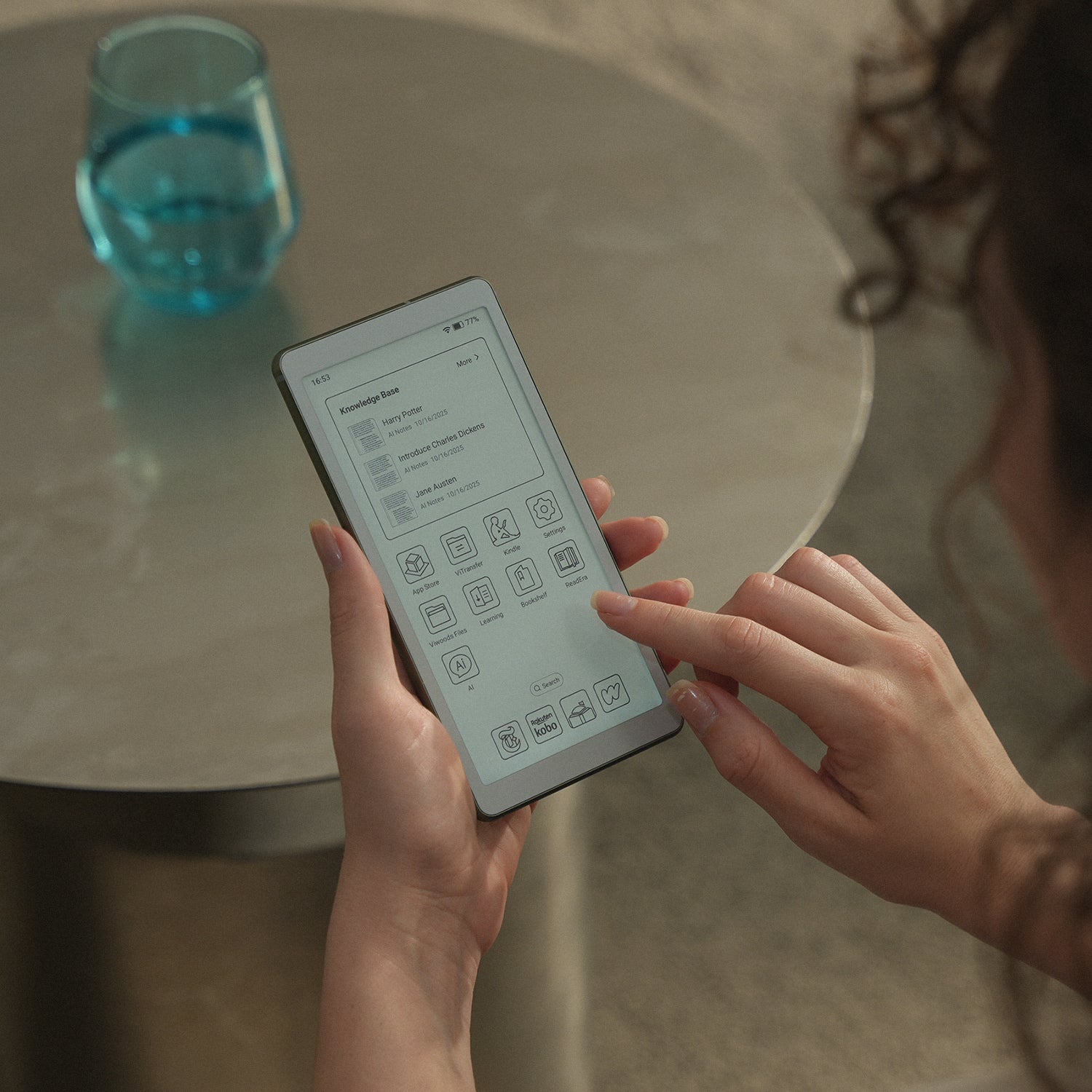
Portable books, articles and apps
AiPaper Reader fits a reading routine that moves
Choose AiPaper Reader when ebooks, saved articles, cloud files, dictionaries, and reading apps matter more than a notebook-sized writing surface. Confirm essential app installation, sign-in, DRM, offline access, and E Ink usability before ordering.
Less suitable when: dense fixed-layout PDFs, full-page review, and extensive handwriting are frequent tasks.
View AiPaper Reader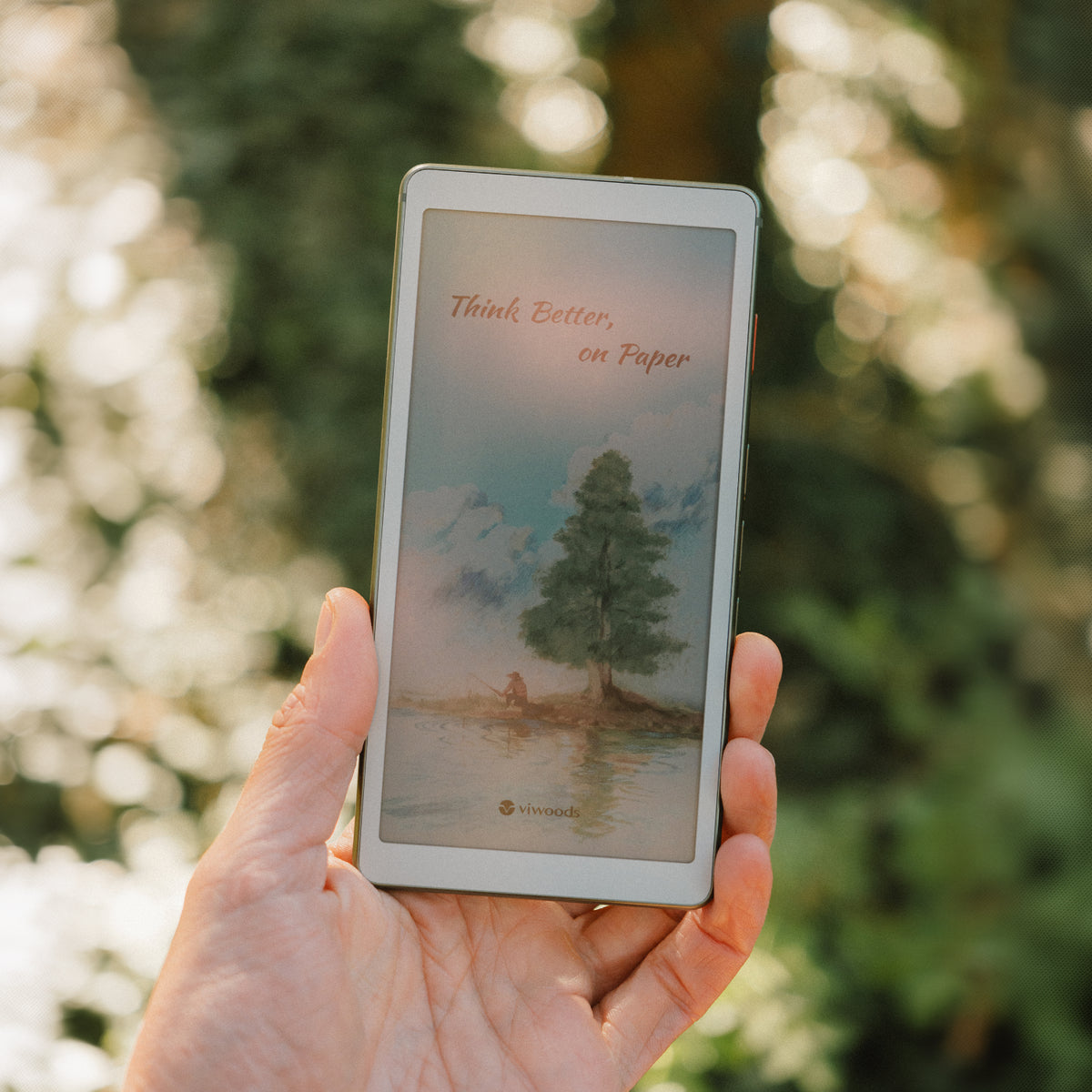
Color that supports understanding
Reader C earns its place when color carries meaning
Choose Reader C when charts, maps, diagrams, comics, or illustrated study material lose useful information in grayscale. For novels, essays, and mostly text-led documents, the monochrome Reader remains the cleaner choice.
Less suitable when: you expect fast video, glossy photo color, or conventional tablet animation.
View AiPaper Reader CPrevent the wrong purchase
Six checks that matter more than a long specification list
Use your own files and habits. A product page can confirm features, but it cannot decide whether your main PDF feels cramped or whether your required app behaves well on E Ink.
| Check | Choose AiPaper when... | Choose a Reader when... |
|---|---|---|
| Main content | Reports, study files, meeting documents, and blank note pages dominate. | Books, articles, newsletters, and app-based libraries dominate. |
| Action after reading | You regularly annotate, handwrite, plan, reorganize, or create follow-up tasks. | You mainly continue reading, save a highlight, look up a term, or switch sources. |
| Page layout | Large fixed pages and surrounding context need to stay visible. | Text reflows well or the files are simple enough for a compact display. |
| App need | Apps support writing, files, and work, but are not the only reason to buy. | Several reading services or cloud sources are essential to the routine. |
| Location | Most sessions happen at a desk, in class, or during planned review. | Reading happens on transport, during travel, on a sofa, or in short breaks. |
| Color | Choose the writing format based on page work, not decorative color. | Choose Reader C only when color regularly preserves useful information. |
Three common buying mistakes
Buying the larger device “just in case.” Extra page area is valuable for writing and document work, but it adds little when the routine is mostly novels and articles.
Assuming Android guarantees every app. Installation, regional accounts, DRM, offline access, and E Ink interface behavior still need to be checked.
Paying for color that does not carry meaning. If the content remains equally useful in grayscale, the monochrome Reader is usually the more focused purchase.
Common routines
Which Viwoods device fits the repeated task?
| Routine | Best starting point | Why |
|---|---|---|
| Meeting notes, planning, and action tracking | AiPaper | The page needs handwriting space and must continue into organized follow-up. |
| Research papers and detailed PDF markup | AiPaper | Full-page context, highlights, and margin notes matter more than pocket carry. |
| Books, articles, newsletters, and several reading apps | AiPaper Reader | The routine benefits from compact carry and access to more than one content source. |
| Charts, maps, comics, or color-coded learning pages | AiPaper Reader C | Color is part of understanding rather than a decorative extra. |
| Video, gaming, fast animation, or photo work | Conventional tablet | E Ink is not the right display category for motion-heavy or color-critical entertainment work. |
Continue only where needed
Related buying guides
Questions before ordering
FAQ
Is a paper tablet better than an Android ereader for notes?
Yes, when handwritten notes, diagrams, planning, and PDF comments are central. The larger writing area keeps source material and your additions visible together. A compact reader is better when notes are occasional and reading remains the main task.
Can AiPaper Reader open PDFs?
It can support PDF reading, but comfort depends on page design. Reflowable text and simple layouts are easier on a compact screen. Dense A4 or Letter pages, two-column papers, detailed charts, and heavy annotation are safer on AiPaper.
Do I need Reader C for book covers and occasional color?
Not necessarily. Reader C is most useful when color repeatedly changes comprehension or navigation. If nearly every reading session is prose, the monochrome Reader keeps the decision simpler.
Does Android mean every reading app will work perfectly?
No. Check the installation route, account region, DRM, offline downloads, interface scaling, scrolling, and refresh behavior for any app that is essential to your purchase.
Can one Viwoods device cover both reading and writing?
One device can cover both when one side clearly leads. Choose AiPaper when writing and document work lead but reading remains important. Choose a Reader when books and apps lead and only light reference or note activity is needed.
Final purchase direction
Buy for the task that repeats, not the feature that looks impressive
Choose AiPaper when reading regularly turns into handwriting, marked documents, planning, and action. Choose AiPaper Reader when the routine is mainly portable books, articles, apps, and quick reference. Choose Reader C when color carries information often enough to justify the different display.
Guides أقراص ورقية
E Ink Tablet for Field Teams: Offline Notes, Forms and Daily Review
E Ink Tablet for Executive Briefings: Read, Mark, Decide and Follow Up
How to Evaluate an E Ink Tablet Demo for a Business Team
E Ink Tablet for Research Interviews: Interview Guides, Field Notes and Follow-Up
How to Carry a Paper Tablet and Stylus Together Without Damaging the Screen
How to Protect an E Ink Tablet in a Backpack
How to Choose a Protective Case for an E Ink Paper Tablet
How to Store an EMR Stylus Safely: Protect the Nib, Magnet and Tablet

Viwoods AiPaper
$549.00

Viwoods AiPaper Mini
$429.00

قارئ Viwoods AiPaper الملون
$289.00

قارئ Viwoods AiPaper
$279.00