
Good work often starts the same way: one calm page, one clear question, and enough space for the next thought to land. An E Ink tablet is built to protect that moment, keeping text steady and readable in real-world light on a paper-like screen, then turning pen strokes into digital ink so reading, writing, planning, and PDF review stay in one place, without the screen noise.
What Is an E Ink Tablet?
An E Ink tablet is a writing and reading device built on an electronic paper display that behaves like a printed page. By rearranging microscopic pigment particles to form text and images, the display keeps the page looking steady and "inked," stays readable in ambient light, and supports long sessions of glare-free reading.
Most E Ink tablets use monochrome e ink, often on E Ink Carta panels, to deliver crisp black-and-white text with strong contrast. A stylus captures handwriting as digital ink, preserving a natural pen-on-page feel while making notes easy to organize, duplicate, and revisit like files.
E Ink display tablet vs LCD tablets
- Light and readability: E Ink is reflective, providing excellent readability in sunlight and varied indoor lighting conditions. In contrast, LCD readability depends more on display settings and external light, designed to stay vivid and bright across a range of tasks.
- Motion and responsiveness: LCD handles scrolling, animations, and video smoothly. E Ink refresh is slower, and fast movement can show ghosting or require refresh modes that trade clarity for speed.
- Writing and annotation feel: E Ink tablets often pair a textured surface with stylus input so digital writing can feel controlled and legible. LCD writing can be extremely accurate and low-latency on many devices, but the surface feel is usually smoother unless a texture layer is added.
- Text sharpness and line clarity: PPI matters on both, but it's especially noticeable on E Ink for small fonts, fine strokes, and dense documents where edge clarity affects comfort.
- Color and media: LCD is the clear winner for color work, photos, video, and anything that relies on rich color and rapid updates. Most E Ink tablets are monochrome e ink, optimized for text, grayscale images, and document workflows.
- Battery pattern: LCD typically consumes power continuously during use. E Ink consumes most power when the page changes, which often translates to longer time between charges for reading and writing routines.
In short, LCD is the flexible "do everything" screen, while an E Ink display tablet is the "hold a page still" screen, built for sustained reading and handwriting where steadiness matters more than speed.
E Ink Android Tablet vs Non-Android E Ink Devices
The choice between an E Ink Android tablet and a non-Android E Ink device comes down to flexibility vs simplicity.
- E Ink Android tablets run the Android operating system, providing access to the Google Play Store, allowing you to install third-party apps for productivity, note-taking, reading, and more. While this versatility is a major advantage, it may also lead to slower performance, increased distractions, and less optimization for E Ink displays.
- Non-Android E Ink devices are designed primarily for reading and writing, featuring limited optimized software that ensures smooth performance on E Ink displays. However, they lack third-party app support and customization options, restricting their functionality to essential tasks like note-taking and document viewing.
What Are E Ink Tablets Good For?
E Ink tablets have quickly become the go-to device for focused, distraction-free work, pairing a paper-like screen with natural writing, glare-free reading, and long-lasting battery life for long sessions of reading, note-taking, and document review.
1. Read longer, stay comfortable
An e ink tablet for reading is designed for sustained, text-heavy reading, keeping the page calm and legible so longer sessions feel easier to maintain.
Easy on the eyes for extended sessions: Text stays stable and high-contrast, which helps reduce visual strain during extended reading.
Clear in bright light and outdoors: Text remains clear in daylight and outdoor light, supporting consistent glare-free reading in practical conditions.
2. Write with a Stylus, Keep It Legible
An e ink note taking tablet supports pen-first thinking, capturing handwriting with clean stroke edges and a steady page that remains visually calm while writing. The surface is tuned to add a touch of grip, reducing slip, so lines stay controlled for quick notes, structured outlines, sketches, and simple diagrams. Notes can then be organized like documents, duplicated when needed, and revisited later without losing the original layout or the context around the page.
3. Mark Up PDFs, keep context
E Ink tablets make PDF markup effortless, providing a smooth and precise annotation experience. The stylus enables easy highlighting and note-taking directly on the paper-like page, while the glare-free display ensures clarity in daily light environments. By maintaining the document's context, these E Ink devices allow users to interact quickly and accurately with complex materials, enhancing efficiency during document review and annotation.
4. Plan and Study, Stay Focused
With their distraction-free environment, the E Ink devices make it easy to create to-do lists, study notes, and schedules. The handwriting experience is smooth and natural, helping users capture ideas and information quickly without switching apps or getting distracted by notifications.
5. Work for Days, Charge Less
Since the E Ink display only uses power when the page changes, these tablets can last for days or even weeks on a single charge, making them ideal for long work sessions or travel. With an E Ink tablet, users don't have to worry about constantly charging their device, allowing them to focus on reading, writing, and annotating without interruption.
How E Ink Tablets Work for Handwritten Notes?
Pen Input on an E Ink Tablet: Accuracy and Responsiveness
E Ink tablets use electromagnetic resonance (EMR) technology to detect pen input, allowing for precise and responsive writing. Key features include:
- No batteries required: The stylus works without batteries, offering a seamless experience.
- Real-time updates: The display captures each stroke clearly, mimicking the feel of writing on paper.
Writing Experience: Tactile Feedback and Precision
The writing experience on E Ink tablets is designed to replicate pen on paper, with a focus on tactile feedback and precision:
- Texture: A textured surface offers the right amount of resistance, providing a natural, controlled writing feel.
- Pressure sensitivity: The EMR stylus pen responds to varying pressure, allowing for subtle to bold lines, making it easy to capture both fine details and expressive strokes.
- Control: The stylus maintains high accuracy, ensuring each mark feels deliberate and precise.
Editing Handwritten Content: Erase, Move, and Organize
E Ink tablets offer intuitive tools for editing handwritten notes as needed:
- Erase: Remove individual strokes or entire sections with the eraser tool.
- Select and Move: Highlight, cut, and reposition handwritten content.
- Resize: Adjust the size of text or diagrams for better organization.
This streamlined editing process ensures that handwritten notes remain as flexible and efficient as traditional methods, while offering the added advantages of digital storage and organization.
How to Choose the Right E Ink Tablet Size and Stylus Feel?
1. Small E Ink Tablet vs Large E Ink Tablet
The size of your E Ink tablet determines how and where you use it:
Small E Ink Tablet: Lightweight and portable, small tablets are perfect for on-the-go reading and quick note-taking. However, the smaller screen may feel restrictive for tasks that require extensive writing or reviewing detailed documents.
Large E Ink Tablet: Offers a more comfortable workspace for note-taking, writing, and reading complex documents or multiple pages. While less portable, it's better suited for stationary use, such as at a desk or home office.
2. Reading-First vs Writing-First
When deciding on the right E Ink tablet, think about what your primary use will be:
E Ink Tablet for Reading: Designed primarily for reading, this E Ink device prioritizes features like long battery life, a large screen for comfortable viewing of books, documents, and PDFs, and an optional front light for low-light conditions.
E Ink Writing Tablet: For note-taking, a tablet with a stylus and precise handwriting recognition is essential. A writing-first tablet provides a larger writing surface for detailed notes, sketches, and diagrams. It's often slightly larger and optimized for stylus features like pressure sensitivity, offering a natural writing experience.
3. Stylus Essentials: Comfort, Nibs, and Friction
Choosing the right stylus is crucial to ensure the E Ink writing tablet provides a comfortable and precise writing experience:
Comfort: Look for an ergonomic stylus with a comfortable grip, particularly for long writing sessions. A well-designed E Ink tablet pen will reduce hand fatigue and provide better control.
Nibs: Stylus nibs come in various materials and textures, affecting the feel of the writing. Felt nibs, for example, are considered soft nibs that offer a smoother glide. In contrast, harder nibs provide more control for precise strokes and detailed work.
Friction: The ideal friction between the stylus and the screen should resemble paper, giving enough resistance to feel natural while writing, but not too much that it becomes tiring.
How AI Features Enhance E Ink Tablet Experience?
An AI E Ink tablet leverages powerful AI tools like ChatGPT, DeepSeek, and Gemini to assist with content generation, summarization, and real-time Q&A, enabling users to quickly extract key information from documents. Additionally, AI features enhance handwriting recognition, converting notes into editable text for easier organization and retrieval. By boosting both reading and writing tasks, the AI E Ink tablet streamlines workflows and increases efficiency. For advanced capabilities, exploring specific AI tools tailored to individual tasks will unlock even greater functionality.
FAQ
Q1: Is it hard to write on an E Ink tablet?
Writing on an E Ink tablet is easy and natural, with a paper-like screen that offers a tactile feel. The textured surface provides control and comfort, making it a familiar experience for anyone accustomed to pen and paper.
Q2: Is there an Android E Ink tablet?
Yes, there are Android E Ink tablets that offer access to the Google Play Store. These devices combine E Ink technology for reading and writing with Android's versatility, allowing users to use a variety of apps. However, their performance may not be as fast for tasks like video streaming or gaming.
Q3: Can E Ink tablets connect to the internet?
Yes, most E Ink tablets can connect to the internet via Wi-Fi, allowing for browsing, downloading eBooks, and accessing cloud storage. However, internet browsing and activities that involve dynamic content may feel slower compared to traditional LCD tablets due to E Ink's refresh rate.
Conclusion: Unleash Productivity and Focus with E Ink Tablets
E Ink tablets offer a unique solution for those seeking simplicity and efficiency in their digital workflows. By combining the best features of traditional writing and modern technology, these E Ink devices provide a focused, intuitive experience that enhances productivity. Whether you're taking notes, reviewing documents, or enjoying long reading sessions, an E Ink tablet helps you work smarter. Ready to transform your tasks? Discover the difference today.
Guides أقراص ورقية
E Ink Tablet for Training and Onboarding: Manuals, Notes and Knowledge Capture
How to Evaluate an E Ink Tablet Demo for a Business Team
E Ink Tablet Total Cost of Ownership for Business Teams
E Ink Tablet for Compliance Audits: Checklists, Evidence Notes and Follow-Up
Fabric vs Leather Tablet Case: Which Material Fits Daily Carry?
How to Choose a Protective Case for an E Ink Paper Tablet
How to Store an EMR Stylus Safely: Protect the Nib, Magnet and Tablet
EMR Stylus Troubleshooting: Why Strokes Skip, Offset or Fail to Register
How to Clean an E Ink Tablet Screen Safely: A Practical Care Guide
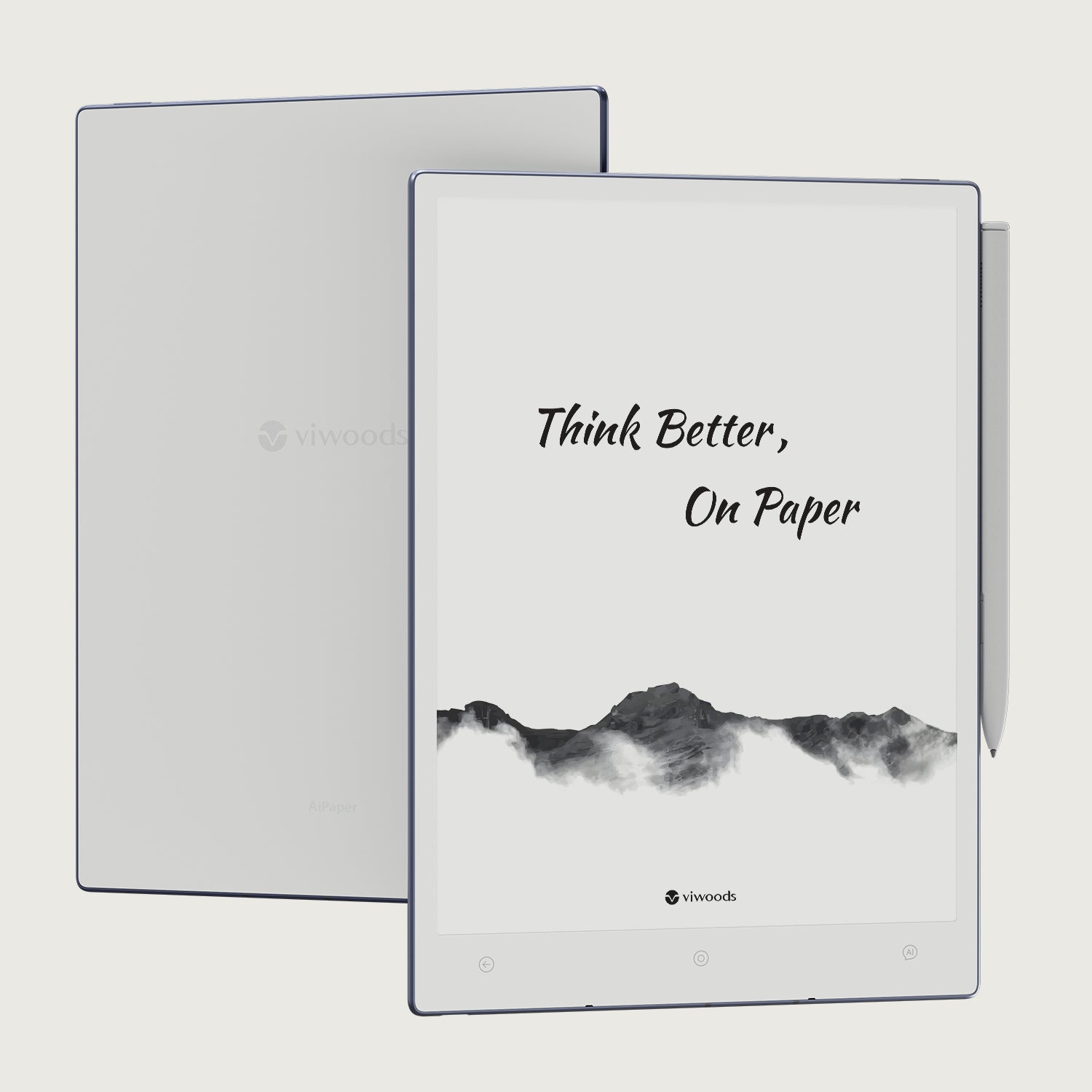
Viwoods AiPaper
$549.00

Viwoods AiPaper Mini
$429.00
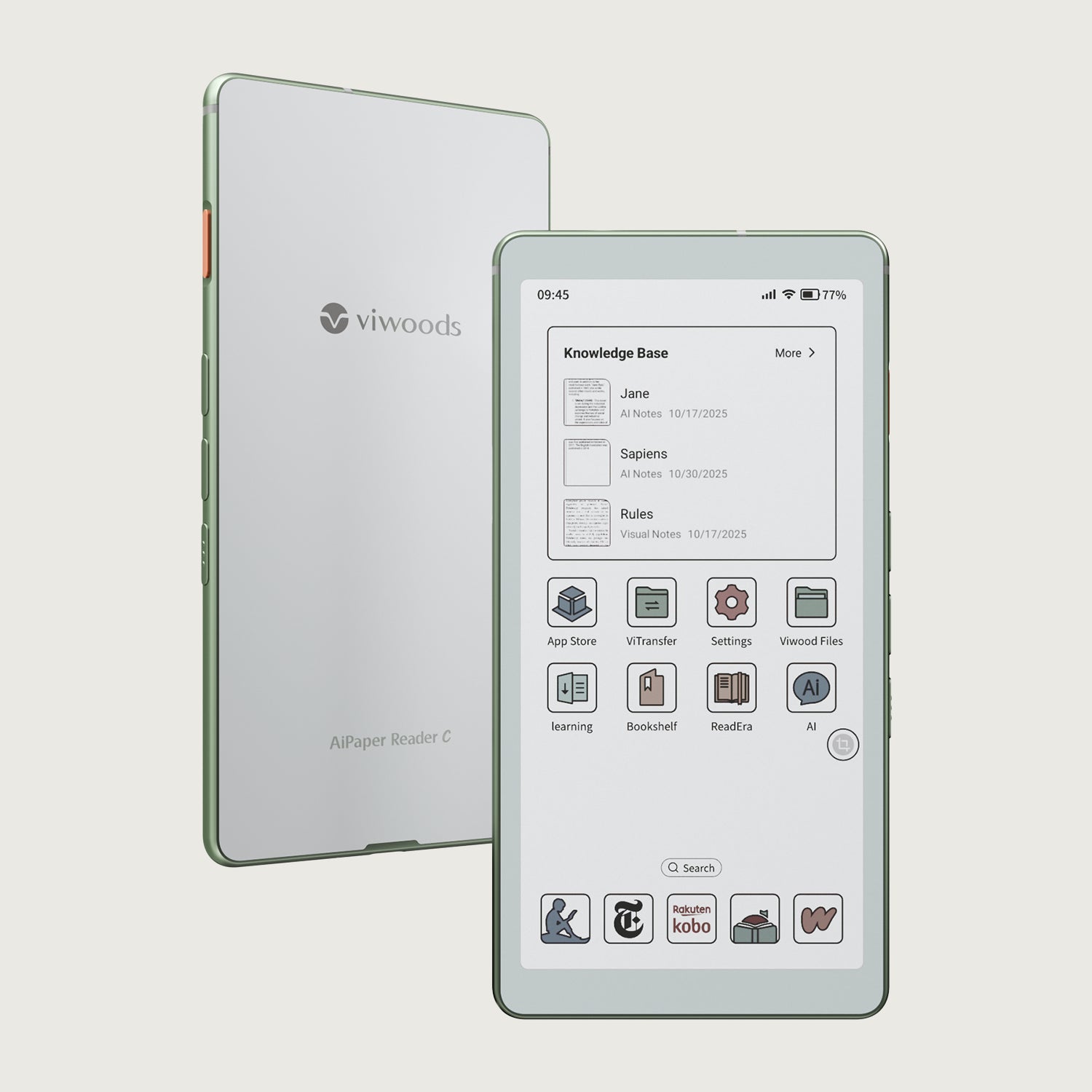
قارئ Viwoods AiPaper الملون
$289.00
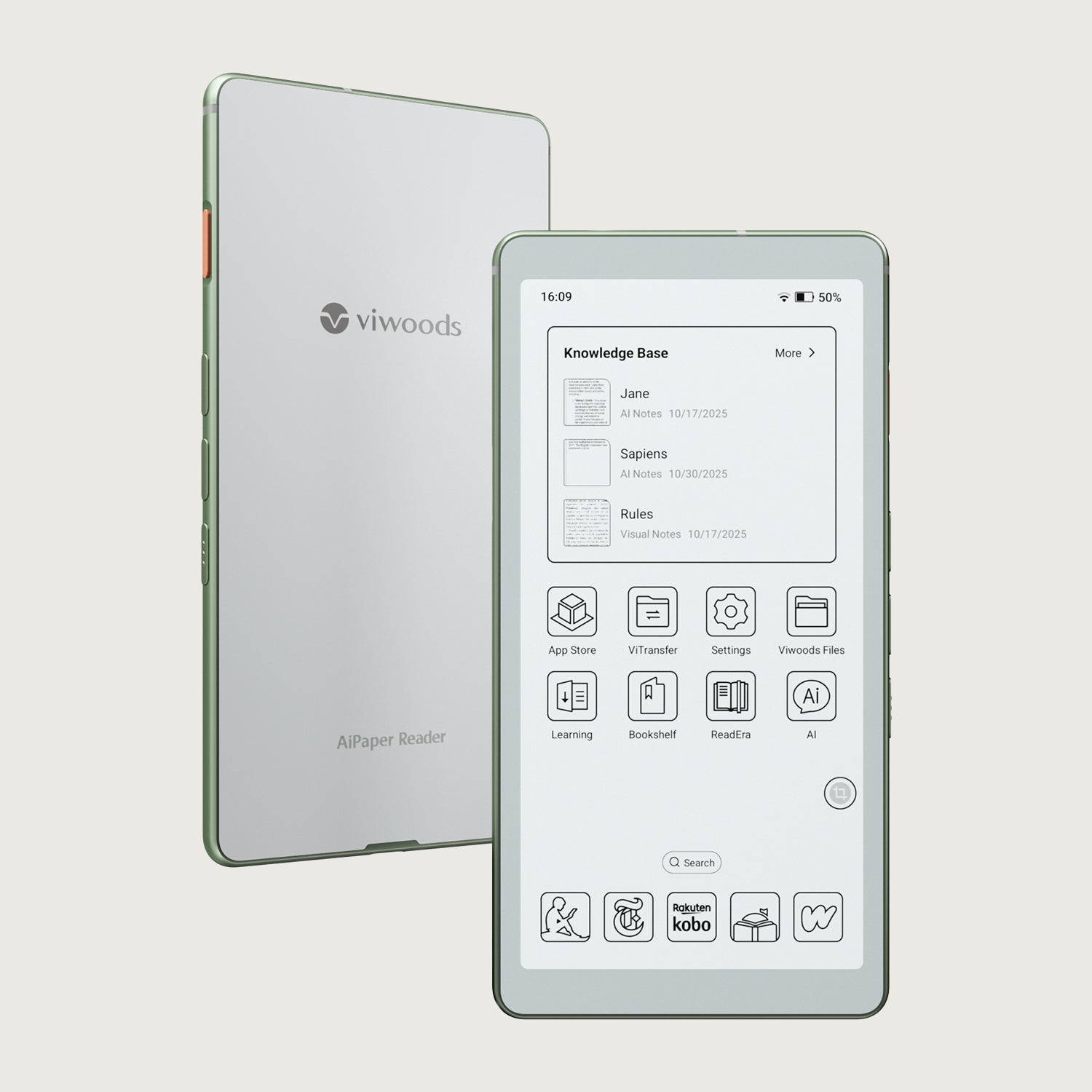
قارئ Viwoods AiPaper
$279.00