
Your reading shouldn't feel like a tug of war between "calm like paper" and "flexible like Android." An Android eReader is where those two wants finally meet, giving you an e ink reading experience with the freedom to pick your apps, open common formats, and build a setup that fits how you actually read.
Android eReaders, Explained
"Android eReader" sounds straightforward, but people might use it to mean different setups. Clarifying what it refers to keeps expectations aligned.
Are there Android eReaders?
Yes, and they show up in two practical categories.
First, dedicated Android eReaders. These are purpose-built Android e ink reader devices that keep the familiar e-reader feel while running Android, which supports app-based reading and a wider mix of file types outside a single ecosystem.
Second, standard Android devices for reading. Phones and tablets running an ebook reader Android app can count too, but the screen and the surrounding phone environment make the reading experience feel very different from e ink.
What is an "Android Reader"?
An Android Reader is a reading device that runs the Android operating system. It uses reading apps to open and manage ebooks and documents, including common formats like EPUB and PDF. Android determines app availability, content access across services, and reading experience controls such as settings, sync features, and annotation tools.
In practice, an Android Reader can be a dedicated Android e ink reader, or an Android phone or tablet used mainly for reading. The apps on it determine which formats and libraries it supports, including EPUB imports, cloud collections, and cross-platform reading.

Benefits and Trade-Offs of Android eReaders
Where the Upside Shows Up
1) App choice keeps your library flexible
An Android eReader uses apps, making it easier to read across bookstores, library services, and personal collections on one Android e reader, even as your library grows over time.
2) EPUB support is usually stronger
EPUB is common beyond closed ecosystems, and Android gives you the freedom to choose an EPUB reader Android app that imports files cleanly and keeps the same reading layout across books, which reduces fiddly file work.
3) More control over the reading experience
Android reading apps often give finer control over font, spacing, margins, dictionaries, and annotation behavior. These settings shape comfort, comprehension, and pace. When they are dialled in, the reading experience feels more natural during long sessions.
4) Better workflows for notes and reference use
Android gives more flexibility for highlights and notes. Many apps let you highlight text, attach a typed comment to that exact passage, then review and export everything from an annotation list when a book becomes project material.
Where the Friction Shows Up
1) Setup takes effort
Android requires choices. You pick apps, configure libraries, manage updates, and solve occasional quirks. That work may be one time, but it still exists.
2) Compatibility varies by app
On an Android e ink reader, some apps feel laggy or cluttered when their interface leans on fast scrolling, motion effects, or menu-heavy layouts. Hardware can't fully fix a poorly adapted app.
3) Distractions are easier to invite
Android makes it easy to install extra apps, which increases context switching. Even without bright colours, it's still easy to jump from a chapter to a browser search, a message check, or a feed refresh, and that breaks long-form reading into shorter bursts.
4) Support depends on the manufacturer
Software support is not standardised across Android eReaders. The brand maker decides how often the device receives firmware updates that improve stability, refresh, and app compatibility, plus whether it receives security patches over time. When updates slow down, bugs can take longer to get fixed, and newer app versions may run less smoothly.
Are Android eReaders worth it?
Yes, when your reading is mixed
Android eReaders suit readers who switch between services and import personal files often, especially when formats come from different ecosystems. One device, one reading routine, fewer workarounds.
Maybe not, when one ecosystem covers everything
If nearly all reading stays in one store and simplicity matters most, Android can add extra choices with limited payoff.
A simple gut check
If the app choice feels like control, Android will click. If it feels like chores, a simpler reader will read better.

Android eReader vs Kindle
Reading pattern fit
Think of this as two reading personalities.
Kindle fits the Single Lane Reader
Reading is the main event, the device stays invisible, the routine stays stable, and the whole experience rewards consistency, meaning one store, one library, one familiar interface that rarely surprises.
An Android e reader fits the Mixed Stack Reader
Reading spans novels, long articles, and imported files. The library sits across multiple services, and the device earns its place by handling that variety without forcing a full reset each time the source changes.
- Quick pattern check
If reading time thrives on zero decisions, Kindle usually feels effortless. If reading life includes constant format and source switching, an Android reader often feels more natural.
Ecosystem differences
This is the real fork in the road.
Kindle is a single ecosystem with tight integration
Store, library, device, and sync behave like one system, which makes the experience cohesive and low friction when most books come through that channel.
Android is an app-based ecosystem
It works like a platform. The OS provides the base, the apps define how reading works, and the library can sit across services without requiring a device switch. An Android ebook reader setup often stays more adaptable over time as tools and preferences change.
- What the difference feels like
Kindle feels curated and consistent. Android feels configurable and modular.
Format expectations in practice
Formats decide whether the device feels "easy" or "fussy."
Kindle formats
They work best when books come through Amazon's store and sync normally through the account system, and the native formats behave most reliably there.
EPUB and personal libraries
When EPUB appears often, Android tends to edge ahead because app choice shapes the experience. A solid EPUB reader Android app can keep imports organised, text layout clean, and the library easy to browse as the collection grows.
PDF and fixed layout reading
It depends heavily on tools. Kindle can handle basic PDF reading, but Android has more room to choose apps that suit long documents, reference reading, and annotation habits.
- Bottom line on formats
Kindle wins when the library stays Kindle-native. Android wins when formats arrive from multiple places and need flexible handling through the right apps.

Reading Books on Android
How to read books on Android?
Reading on Android follows a simple loop: get the book, open it in the right app, then keep the library organised enough to find it later. The source may change, from a storefront, library loan, or personal file, but the workflow stays consistent.
1) Get the book into your Android world
Most ebooks arrive through one of these routes.
- Storefront downloads inside a reading app, where the app handles library organisation and syncing.
- Library borrowing through a library app, where the loan stays inside that service.
- Personal files you download or receive, like EPUB or PDF attachments, then import into an app.
If the file is already on the device, Android often shows an "Open with" prompt. The app chosen there shapes the reading experience through its typography, navigation, and annotation tools.
2) Pick the right reader for the job
Match the app to the file. A clean ebook reader Android app suits long-form reading. An Android EPUB reader is a better fit for managing imported EPUBs and browsing a growing library. PDFs need stronger navigation and annotation tools. App choice can make the experience smooth or frustrating.
3) Keep the library manageable
Even with a great Android ebook reader setup, the library can get messy when files scatter across random folders and download piles. A clean library comes from a few fixed defaults. Save imported books to one folder. Read most titles in one primary app. Store PDFs in the same place every time. The goal is fewer lost files and fewer duplicate imports.
Does Kindle work with Android? What it supports
Yes. The Kindle app runs on Android and covers the essentials: buying and downloading books, reading in-app, and syncing progress across devices. Kindle content generally works most smoothly inside the Kindle app and its library system.
Do reader apps require the internet?
Usually not for reading. Most apps work offline once the book or document is downloaded. Connection mainly matters for downloading new titles, syncing reading progress, and keeping libraries backed up in the cloud. For a smoother reading routine, download what you plan to read first, then treat Wi Fi as an occasional sync step.
What reading app is completely free on Android?
If "completely free" means the app itself has no in-app purchases, here are real options:
-
ReadEra. The Google Play listing says it contains no ads and no in-app purchases.
-
KOReader. Free and open source, available for Android, with broad EPUB and PDF support.
-
Librera Reader. Free and open source via F Droid, with EPUB and PDF support.
- Libby. Borrow ebooks through your local library with a library card. The app is free, and loans follow normal rules, such as waitlists.
Are there good EPUB/PDF readers on Android?
Yes, there are good EPUB and PDF readers on Android.
ReadEra. Strong all-rounder for EPUB and PDF, plus it also lists support for Kindle formats like MOBI and AZW3, which makes it a practical EPUB reader Android choice when your library is mixed.
KOReader. Built with E Ink devices in mind and available on Android, with solid EPUB and PDF support, and lots of layout controls that suit long sessions on an Android e ink reader.
Librera Reader. A flexible option that supports both EPUB and PDF, and it is also distributed via F Droid for the open source crowd.
Xodo. A strong PDF first app, especially when annotation, forms, and document handling matter more than "book-like" typography.
From Options to a Real Routine
An Android ereader suits readers who prefer a calmer screen with the freedom to choose apps, manage mixed libraries, and handle the formats that show up in real life. When the setup is right, the reading experience feels focused, flexible, and genuinely personal.
Build the routine first. Decide where books come from, keep a tidy import path, and let one main app carry day-to-day reading, while everything else stays optional. If that sounds like the reading experience you want, start with your current library today and shape it into a setup that actually sticks.
Guides eReader
What Is the Best eReader for Students in 2026?
Color eReader: A Practical Overview of Color E Ink Today
How to Read Manga on eReaders: Guide for a Smooth Experience
AI Knowledge Base: Turn Reading Insights into Reusable Notes
Kaleido 3: Color E Ink That Still Feels Like Paper
AiPaper Reader C: Kaleido 3 Color, Focused Daily Reading
AI Button on Viwoods AiPaper Reader: Tap for On-Page Answers
Launching AiPaper Reader: Bring Reading into the AI Era
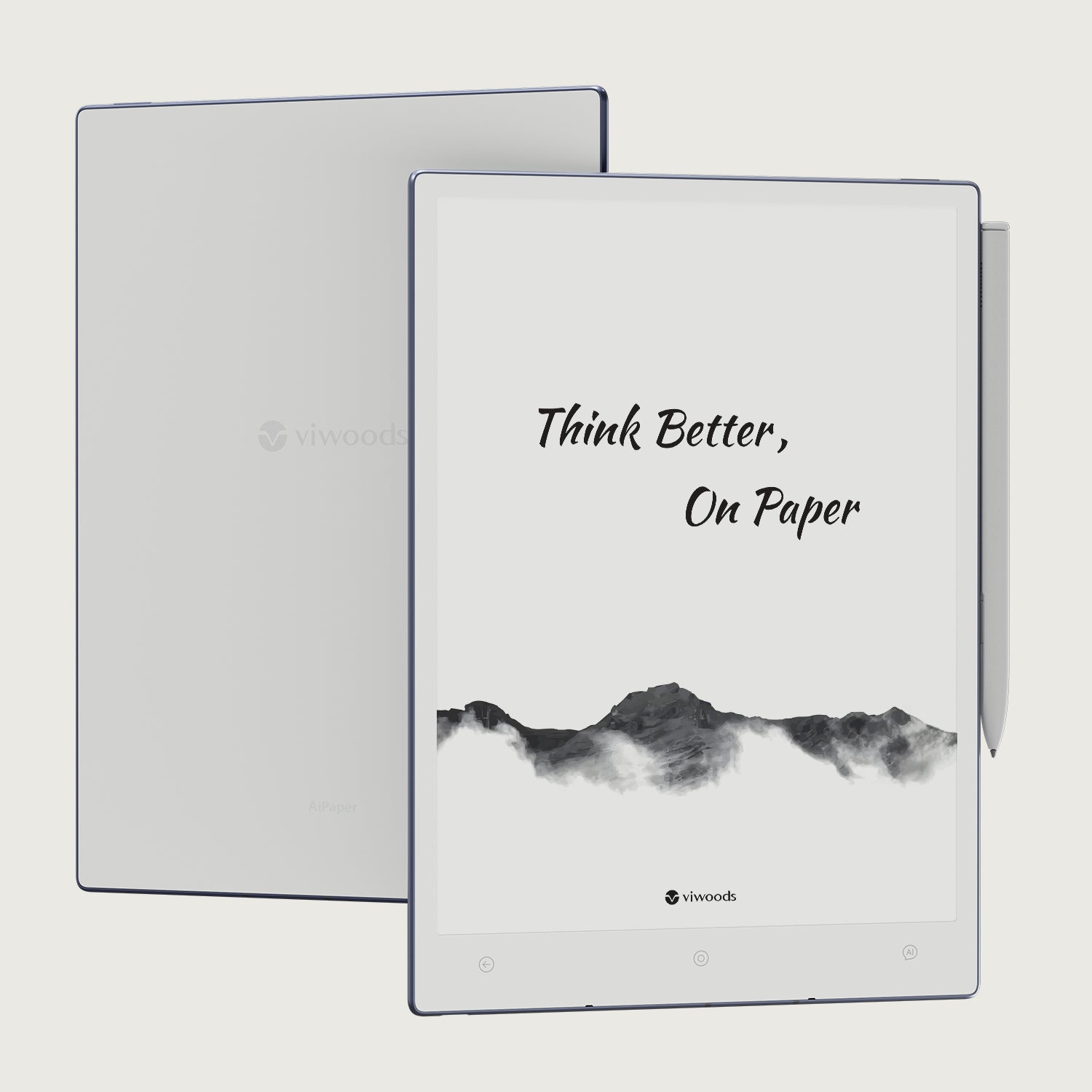
Viwoods AiPaper
$549.00

Viwoods AiPaper Mini
$429.00
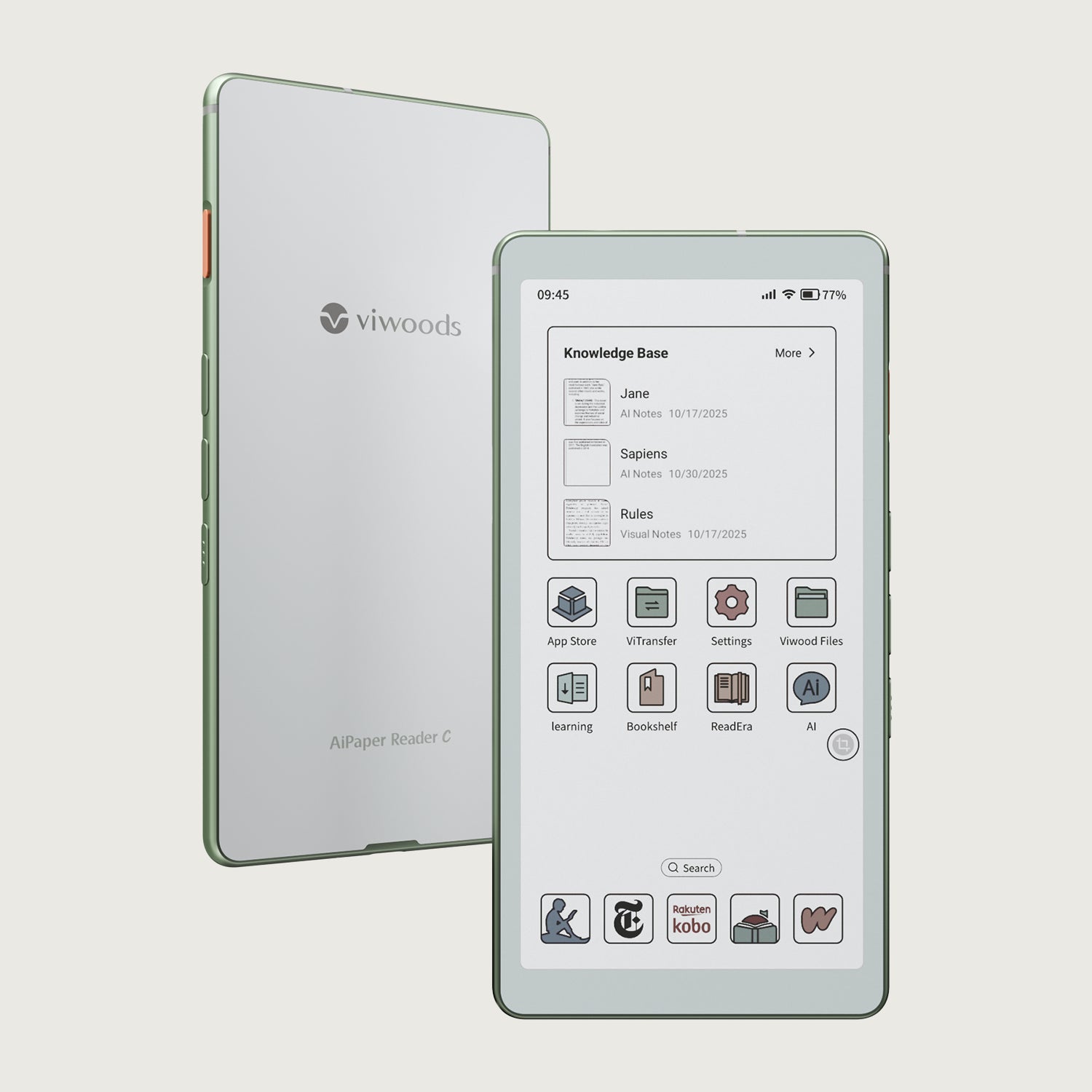
Viwoods AiPaper Reader Colour
$289.00
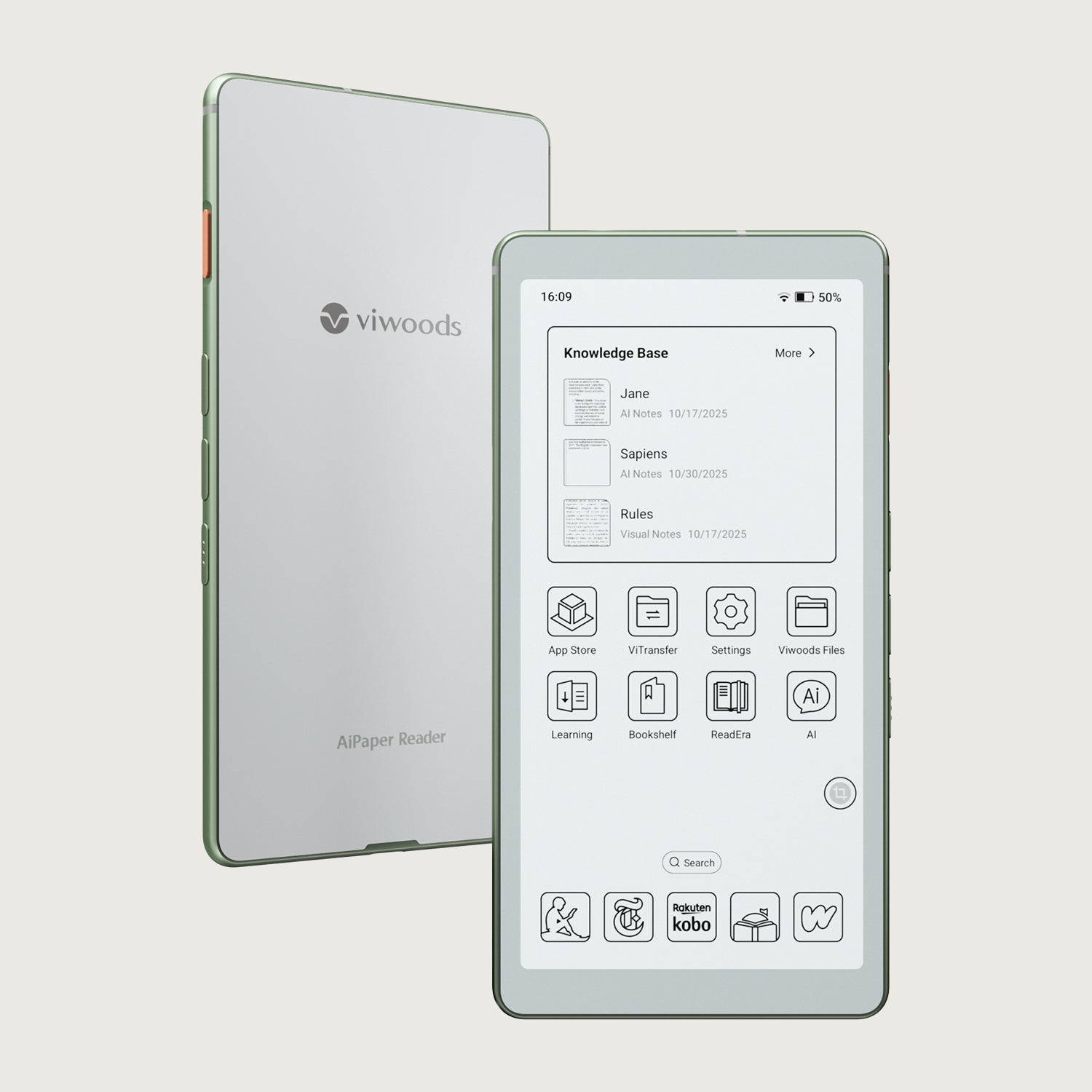
Viwoods AiPaper Reader
$279.00