
When searching for the best color e readers, you may notice something interesting: despite the growing popularity of color E Ink technology, many of the most popular e-readers still use black-and-white displays.
Why hasn't color completely replaced monochrome E Ink? Are color e-readers really capable of displaying vibrant images? And if color technology has improved so much, why do manufacturers still have to make compromises in brightness, resolution, and refresh performance?
The answer lies in how E Ink works.
Color E Ink is an important development in digital reading, but it is not simply a more advanced version of a traditional black-and-white screen. It introduces new possibilities while maintaining some of the characteristics that make electronic paper different from conventional tablets.
Understanding these differences can help you decide whether a color e-reader is actually the right choice for your reading habits.
1. Why Are Most E Readers Still Black and White?
To understand why monochrome E Ink remains popular, it helps to look at the technology behind electronic paper.
How Does a Black-and-White E Ink Display Work?

Unlike LCD and OLED displays, which generate light to produce images, traditional E Ink displays primarily rely on reflected ambient light.
An electrophoretic display contains microscopic capsules or structures with charged pigment particles. In a conventional black-and-white display, these particles include black and white pigments.
When an electric field is applied, the particles move toward the viewing surface or away from it. By controlling their positions, the display creates text, images, and different shades of gray.
Once an image has been formed, it can remain visible without continuously refreshing the screen.
This is one reason E Ink devices can consume very little power when displaying static content.
The technology also creates a visual experience that is different from looking at a continuously illuminated LCD or OLED screen.
Why Does Monochrome Still Matter for Digital Reading?
Most books are primarily made up of text. Novels, academic papers, research documents, and long-form articles rarely require full-color displays.
For these reading activities, the most important factors are often:
Clear text and sharp character edges.
Good contrast between text and background.
Consistent readability across different lighting conditions.
Low power consumption during extended reading sessions.
A black-and-white E Ink display can focus its performance on these requirements without introducing the additional color-filter structure used by some color E Ink technologies.
For readers who spend hours reading text, a high-resolution monochrome screen remains a practical choice.
Black-and-white E Ink is not an outdated technology waiting to be replaced. It is a display solution designed around the specific needs of reading.
2. Are Color E Ink Displays Really Colorful?
Color E Ink has changed what electronic paper can display. Modern color e-readers can show book covers, illustrations, comics, diagrams, and other visual information in color.
However, there is an important distinction between displaying color and reproducing color with the brightness and saturation of a conventional tablet.
How Does Color E Ink Technology Work?

One of the most widely used color E Ink technologies in e-readers is E Ink Kaleido 3.
Kaleido 3 uses a Color Filter Array (CFA) positioned above a black-and-white E Ink layer.
The underlying electronic paper continues to create grayscale images. The color-filter layer then separates the reflected light into red, green, and blue components, allowing the display to produce colored images.
This approach makes it possible to introduce color while retaining the underlying characteristics of electrophoretic electronic paper.
Another approach is E Ink Gallery 3, which uses colored pigment particles rather than relying on the same color-filter arrangement. Different color technologies therefore have different performance characteristics and trade-offs.
Why Do Color E Ink Displays Look Less Saturated?
If you compare a color E Ink reader with an iPad or another conventional tablet, you will probably notice that the colors look softer and less vivid.
This is not necessarily a defect.
With Kaleido 3, the color-filter array affects how much ambient light reaches and returns from the underlying display. As a result, the screen can appear darker than a comparable monochrome E Ink display.
Colors also tend to look more muted than those on emissive displays.
This makes color E Ink closer to the appearance of printed illustrations than the highly saturated images commonly associated with smartphones and tablets.
E Ink's published specifications for Kaleido 3 include support for 4,096 colors and 16 levels of grayscale. The technology also offers up to 300 PPI in black-and-white mode and 150 PPI in color mode.
These specifications explain why color E Ink can display useful visual information without matching the pixel-level color performance of a conventional tablet.
What Do 300 PPI and 150 PPI Actually Mean?
PPI stands for pixels per inch. It describes the density of pixels on a display.
A higher PPI generally allows smaller details and text to appear sharper.
For Kaleido 3, the difference is:
| Display characteristic | Kaleido 3 |
|---|---|
| Black-and-white resolution | 300 PPI |
| Color resolution | 150 PPI |
| Grayscale levels | 16 |
| Color capacity | 4,096 colors |
The difference is especially noticeable when viewing small colored text, fine lines, and detailed illustrations.
Black-and-white text can retain its high-resolution appearance, while color information is displayed at a lower effective resolution.
For reading books, viewing colored diagrams, or distinguishing highlighted information, this can be a reasonable compromise.
For professional photography, detailed digital artwork, or highly saturated graphics, a conventional color display remains more suitable.
3. Why Does Color E Ink Have to Make These Trade-Offs?

Why can't manufacturers simply add more colors without affecting brightness or sharpness?
The answer is that display technologies involve physical and engineering limitations. Adding color to an electrophoretic display introduces additional components and requirements.
The Trade-Off Between Color and Brightness
A color-filter layer changes how light travels through the display.
Compared with a monochrome E Ink panel, a color E Ink display may reflect less ambient light toward the viewer.
This can make the background look darker or slightly grayer.
In certain environments, users may prefer to adjust the front light to improve readability.
This is an important consideration when choosing between black-and-white and color e-readers.
The Trade-Off Between Color and Resolution
Color reproduction also introduces a resolution compromise in technologies such as Kaleido 3.
The color-filter array divides the display into colored subpixels. As a result, color resolution is lower than the underlying black-and-white resolution.
This does not mean that every part of the screen becomes equally blurry.
Black-and-white text can still benefit from the higher-resolution monochrome layer, while colored elements have different levels of detail.
For users who primarily read text with occasional illustrations, this distinction may be relatively unimportant.
The Trade-Off Between Color and Refresh Performance
E Ink displays work differently from conventional screens.
Instead of changing the brightness of individual pixels continuously, they update the positions of pigment particles.
Different refresh modes can affect how quickly content changes, how clearly the new image appears, and how much residual ghosting remains.
Color E Ink devices therefore need to balance image quality and refresh performance according to their intended applications.
The goal is not to make electronic paper behave exactly like an OLED screen. It is to make color information available while preserving the advantages of the E Ink display approach.
4. Is Color E Ink Better for Your Eyes?
Eye comfort is one of the most important reasons people consider buying an E Ink reader.
However, it is worth separating the benefits of reflective displays from the assumption that color itself makes a screen more comfortable.
Why Does E Ink Feel Different from LCD and OLED?

Most conventional LCD and OLED screens generate light to display content.
Traditional E Ink displays, on the other hand, primarily reflect light from the surrounding environment.
This creates several differences:
E Ink does not need to continuously illuminate every pixel to maintain a static image.
Its matte, paper-like appearance can help reduce distracting reflections and glare.
Reading does not involve the same continuously illuminated display experience as conventional tablets.
Users can read using ambient light, with a front light available on supported devices.
These characteristics make E Ink appealing to people who spend considerable time reading digital content.
Does Color E Ink Reduce Eye Strain?
Color E Ink retains the reflective display characteristics of electronic paper.
However, it is important not to assume that a color display automatically provides greater eye comfort than a monochrome one.
In fact, color-filter technology can make the screen appear darker, which may lead some users to increase the front-light brightness.
Eye comfort also depends on several other factors:
Ambient lighting conditions.
Font size and text contrast.
Reading distance.
Front-light brightness and color temperature.
Reading duration and regular breaks.
E Ink technology may offer a different visual experience from conventional displays, but it does not guarantee that users will never experience eye fatigue.
Is Black-and-White E Ink More Comfortable Than Color E Ink?
The answer depends on what you read and how you use your device.
Black-and-white E Ink generally offers a brighter-looking background and higher monochrome resolution.
Color E Ink provides additional visual information but may have a darker-looking screen and lower color resolution.
For people who primarily read novels, research papers, and text-based documents, monochrome displays may be preferable.
For people who frequently read comics, illustrated books, and documents containing color-coded information, color E Ink can offer a more useful experience.
Neither option is universally better. The right choice depends on your priorities.
5. Who Should Buy a Color E Reader?

Color E Ink is not necessary for every reader. Its value becomes clearer when you consider the types of content you regularly consume.
Comic and Manga Readers
Color E Ink can be particularly useful for people who read digital comics and illustrated publications.
While traditional manga is often published in black and white, many digital comics, graphic novels, and illustrated stories contain important color information.
A color display allows readers to see these illustrations in their original color format, even if the colors are softer than those on an LCD tablet.
Students and Academic Readers
Students often work with textbooks, lecture materials, and educational documents that use different colors to organize information.
Color E Ink can make it easier to distinguish:
Highlighted passages.
Diagrams and illustrations.
Color-coded notes.
Charts and educational graphics.
For students who prefer reading on electronic paper but still need to reference colored material, a color e-reader can be a useful alternative.
Professionals and Researchers
Professionals and researchers frequently work with documents containing charts, graphs, maps, and other visual information.
For example, a business report might use different colors to distinguish revenue categories, while an academic paper might use color to identify different data series.
A monochrome display can still show these documents, but some visual distinctions may become harder to recognize.
Color E Ink helps preserve these differences without requiring users to move to a conventional tablet.
Digital Magazine and Illustrated Book Readers
Readers who regularly consume digital magazines, illustrated books, travel guides, and visual publications may also benefit from color E Ink.
These materials often combine large amounts of text with images and diagrams.
A color display can make the reading experience more complete, particularly when the original content was designed for color printing.
6. Color E Reader vs. Black-and-White E Reader: Which Should You Choose?
The best e-reader is not necessarily the one with the most advanced display technology.
It is the one that matches your reading habits.
| Comparison | Black-and-White E Ink | Color E Ink |
|---|---|---|
| Text clarity | Excellent | Excellent in monochrome mode |
| Color reproduction | Grayscale only | Supports limited color |
| Background appearance | Generally brighter | May appear darker |
| Color illustrations | Displayed in grayscale | Displayed in color |
| Comics | Ideal for black-and-white comics | Better for color comics |
| Academic documents | Suitable for text-heavy papers | Useful for color diagrams |
| Reading novels | Excellent | Also suitable |
| Visual publications | Limited to grayscale | More complete color information |
Choose a Black-and-White E Reader If:
-
You mainly read novels, articles, and long-form text.
-
You prioritize sharp text and a brighter-looking background.
-
You rarely need to view color illustrations or diagrams.
-
You prefer a straightforward digital reading experience.
Choose a Color E Reader If:
-
You regularly read comics, magazines, or illustrated books.
-
You work with textbooks and documents containing color-coded information.
-
You want to preserve the colors in charts and diagrams.
-
You understand that E Ink colors are softer than those on conventional tablets.
There is no reason to choose color simply because it is newer.
A monochrome reader can still be the better purchase for someone whose reading habits are primarily text-based.
7. Viwoods: Bringing Color and Intelligent Reading Together

At Viwoods, we believe that a good reading device should be designed around how people actually consume information.
The choice between black-and-white and color E Ink is an important part of that experience.
Rather than treating color as an automatic upgrade, Viwoods offers different display options for different reading preferences.
AiPaper Reader vs. AiPaper Reader C
The Viwoods AiPaper Reader series includes both monochrome and color display options.
Viwoods AiPaper Reader
The AiPaper Reader features a 6.13-inch Carta 1300 black-and-white E Ink display with 300 PPI resolution.
It is designed for readers who prioritize sharp text, a brighter-looking display, and a focused reading experience.
It is particularly suitable for:
-
Novels and long-form articles.
-
Academic papers and digital documents.
-
Everyday reading on the go.
-
Users who prefer monochrome electronic paper.
Viwoods AiPaper Reader C
The AiPaper Reader C features a 6.13-inch E Ink Kaleido 3 color display.
It supports 300 PPI in black-and-white mode and 150 PPI in color mode, allowing users to switch between color and monochrome according to their needs.
Its adjustable warm and cool front-lighting options provide additional flexibility for different reading environments.
It is particularly suitable for:
-
Color comics and illustrated books.
-
Documents containing charts and diagrams.
-
Educational materials.
-
Readers who want color information without switching to a conventional tablet.
Both models run Android 16 and support compatible third-party reading applications, providing flexibility in how users access their digital content.
The difference is not simply about which device is more advanced. It is about choosing the display that makes the most sense for your everyday reading.
Beyond the Display: AI-Powered Reading

A modern e-reader can do more than display pages.
With the AiPaper Reader series, Viwoods also focuses on helping readers understand and process information.
Integrated AI assistance allows users to explore unfamiliar passages, summarize key ideas, and ask questions while reading.
Combined with Android app compatibility, this creates a more flexible reading environment.
The purpose is not to add unnecessary complexity to reading. It is to make useful information easier to access and understand.
8. What's Next for Viwoods? New Devices and Software Updates
The development of electronic paper is not limited to display technology.
Hardware improvements, software updates, and better information-management tools all contribute to the overall digital reading and writing experience.
Introducing AiPaper Pro and AiPaper Go
Viwoods has also announced two new products: AiPaper Pro and AiPaper Go.
These additions expand the Viwoods AiPaper product lineup and reflect the company's continued investment in digital reading, writing, and information management.
The two products represent another step in developing E Ink devices for different everyday workflows.
For the latest specifications, availability, and product details, visit the official Viwoods website.
Making E Ink More Capable Through Software Updates
Hardware is only one part of a digital paper experience.
Viwoods continues to improve its software ecosystem through regular updates.
The V3.16 system update introduces several important improvements to reading, writing, and information management.
Mega Canvas
The expanded canvas provides up to 30 times more writing space than the original canvas, with multi-page support and flexible zooming.
It gives users more room to develop mind maps, organize complex ideas, and build visual notes.
Note Linking
Note Linking connects separate notes, allowing users to move between related information more easily.
Instead of keeping every idea in isolation, users can gradually build a connected knowledge structure.
Global Search and Tags
Global Search helps users locate supported handwriting, text, recognized image content, and other information across supported applications.
Global Tags provide a more consistent way to organize notes and retrieve relevant content.
Enhanced Reading Experience
The update also improves reading layouts, PDF margin cropping, note-taking alongside highlighted passages, and content navigation.
These improvements make it easier to move from reading information to capturing and organizing personal insights.
Together, these updates demonstrate that the value of an E Ink device is not determined by its display alone. Software plays an equally important role in making digital reading and writing more useful.
Final Thoughts: Are the Best Color E Readers Worth Buying?

Color E Ink represents an important development in electronic paper, but it does not make black-and-white displays obsolete.
For readers who primarily consume text, monochrome E Ink remains an excellent choice because of its sharp text, clear contrast, and paper-like reading experience.
For people who regularly work with illustrations, comics, diagrams, and color-coded information, color E Ink provides additional flexibility that traditional monochrome displays cannot offer.
The key is understanding what you gain and what you give up.
If you are looking for the best color e readers, consider the type of content you read most often, the display characteristics you value, and how you intend to use your device.
At Viwoods, we believe the best reading experience is not defined by how many colors a screen can display. It is defined by how well the device helps you read, understand, organize, and remember information.
Whether you prefer the clarity of monochrome E Ink or the additional visual information offered by color E Ink, there is a reading experience designed around your needs.
Read deeply. Write freely. Find it again.
Discover the Viwoods AiPaper Reader series and find the digital reading experience that works for you.
Guides Paper Tablet
Best Color E Readers: Why E Ink Is Still Mostly Black and White
Viwoods V3.16 Update: A More Connected Way to Read, Write and Plan
Google Play Not Working on Your Viwoods Device? How to Fix Certification and Sign-In Issues
Best E Ink Tablet for PDF Reading and Annotation: A Complete Buying Guide
Deep Reading Has Become a Luxury. Here's How to Reclaim It.
Are E-Ink Tablets Worth It? Why They Cost More and Which Is Best in 2026
E Ink Tablet vs iPad: Which Is Better for You?
E Ink Tablet for Project Handoffs: Review Notes, Open Issues and Next Steps
E Ink Tablet for Field Teams: Offline Notes, Forms and Daily Review
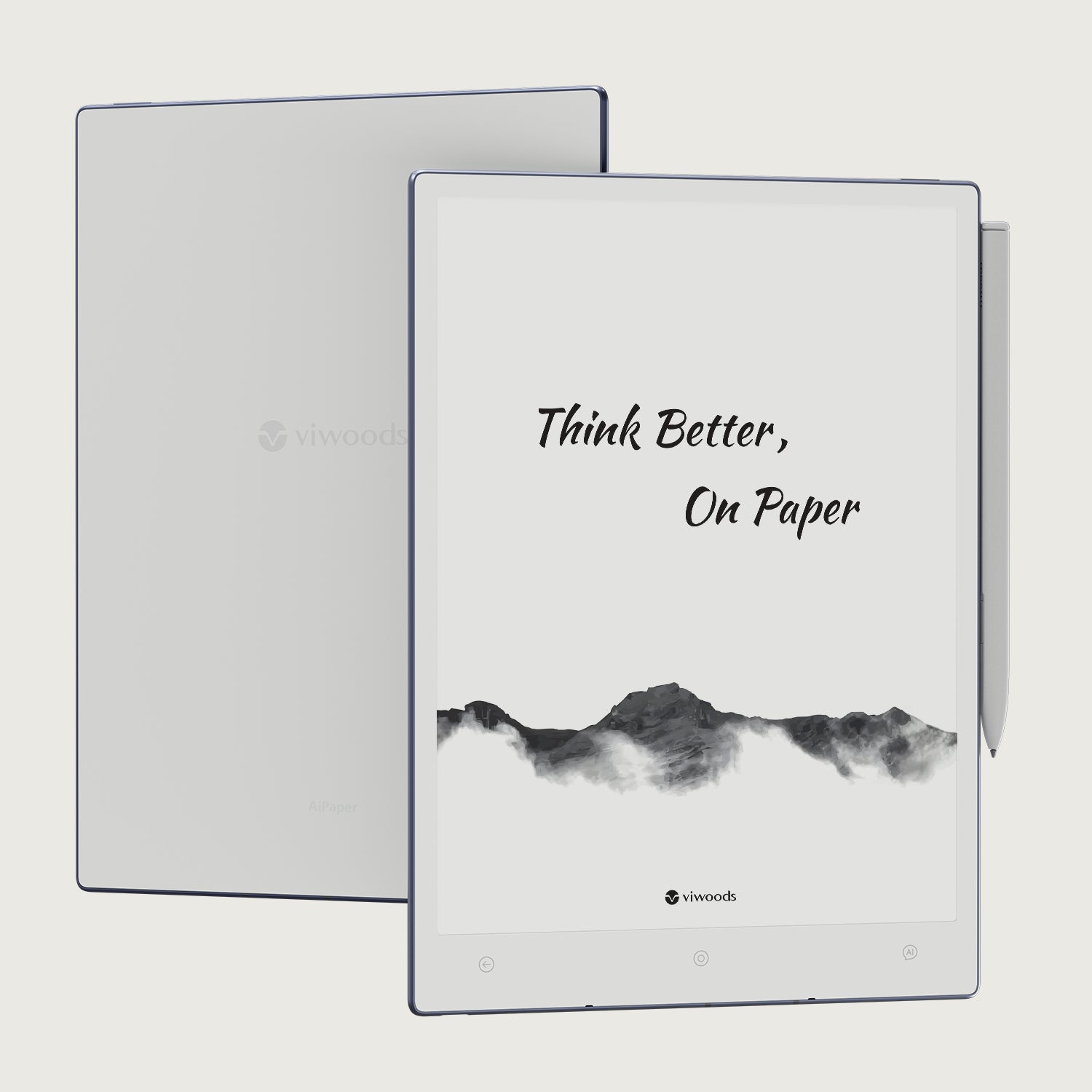
Viwoods AiPaper
$549.00
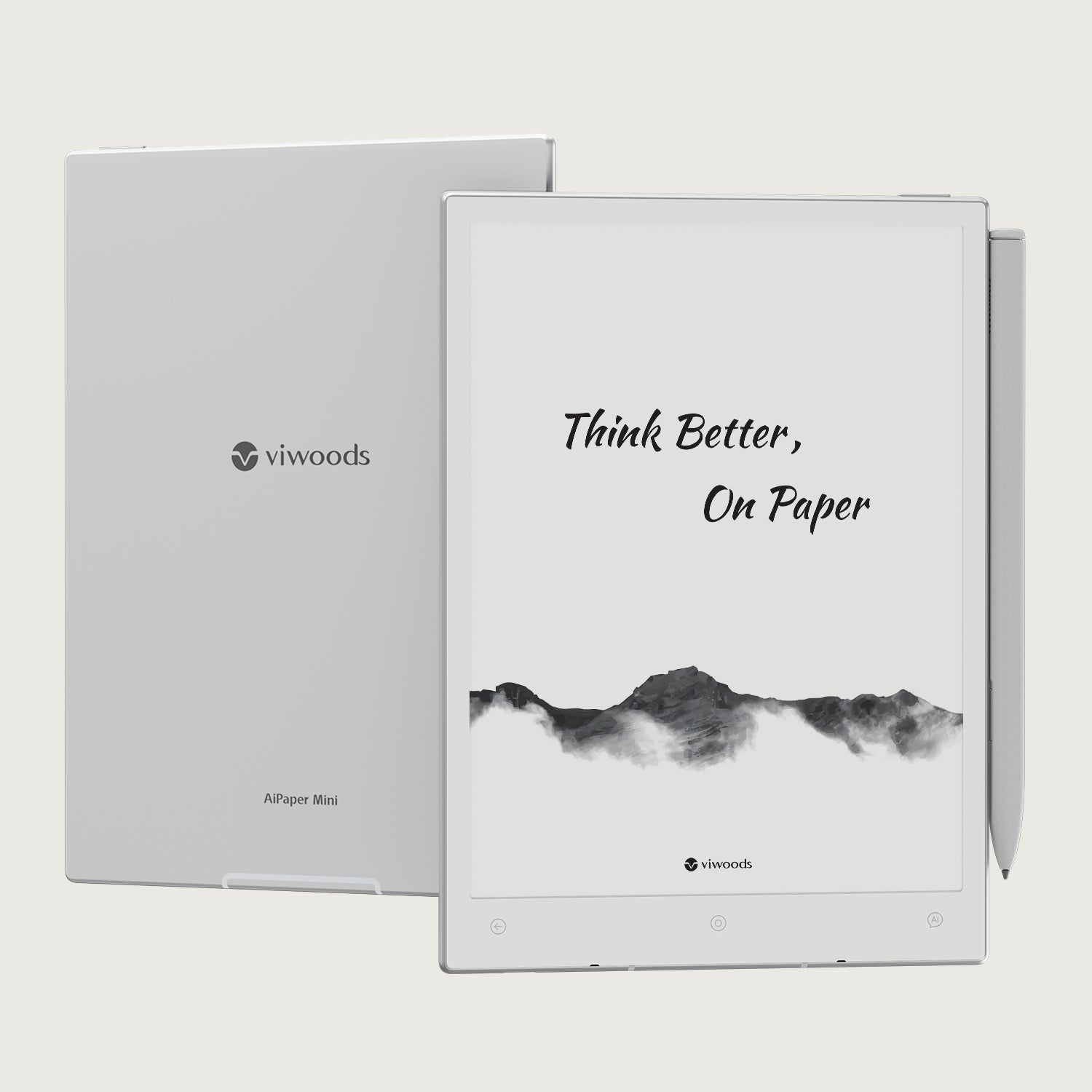
Viwoods AiPaper Mini
$429.00
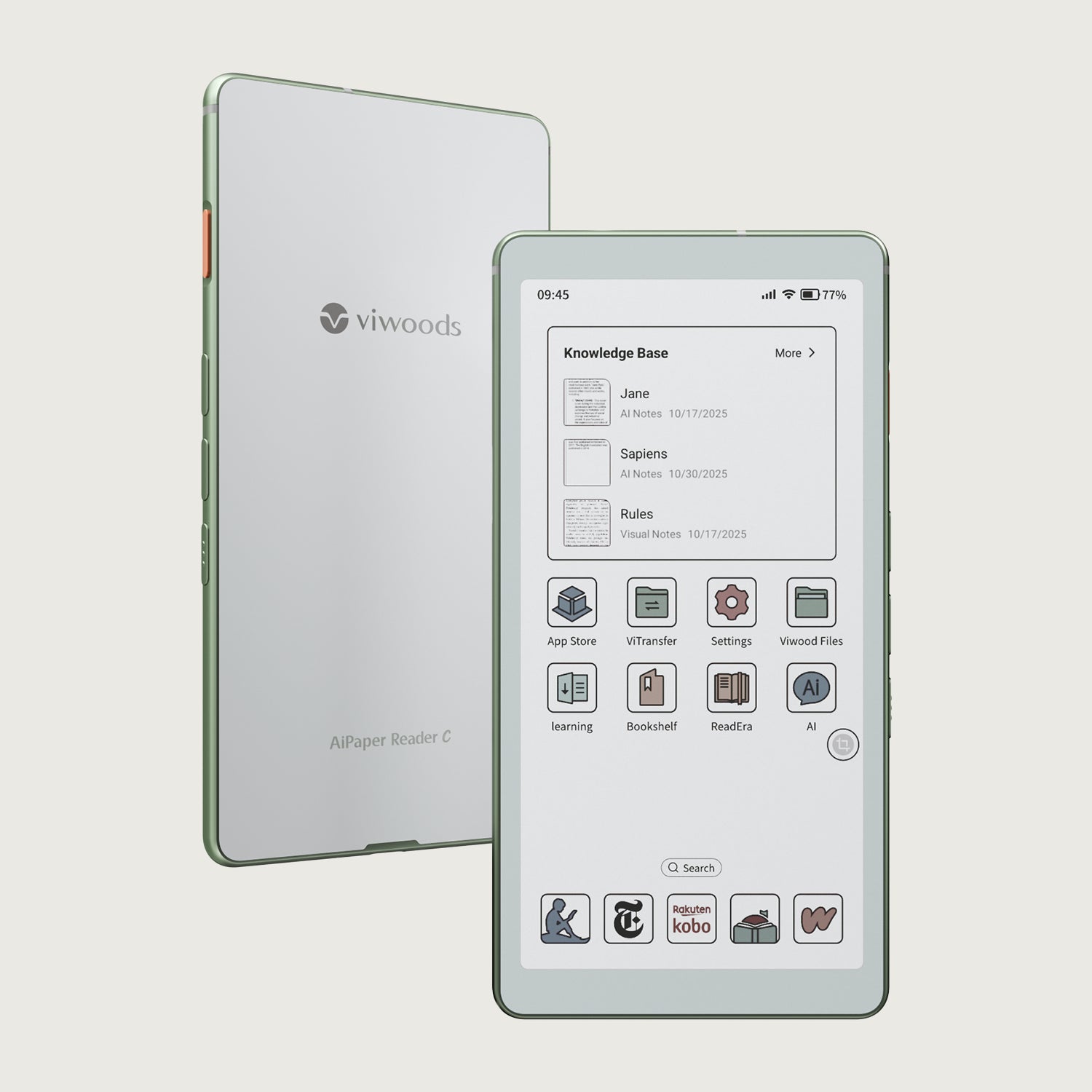
Viwoods AiPaper Reader Colour
$289.00
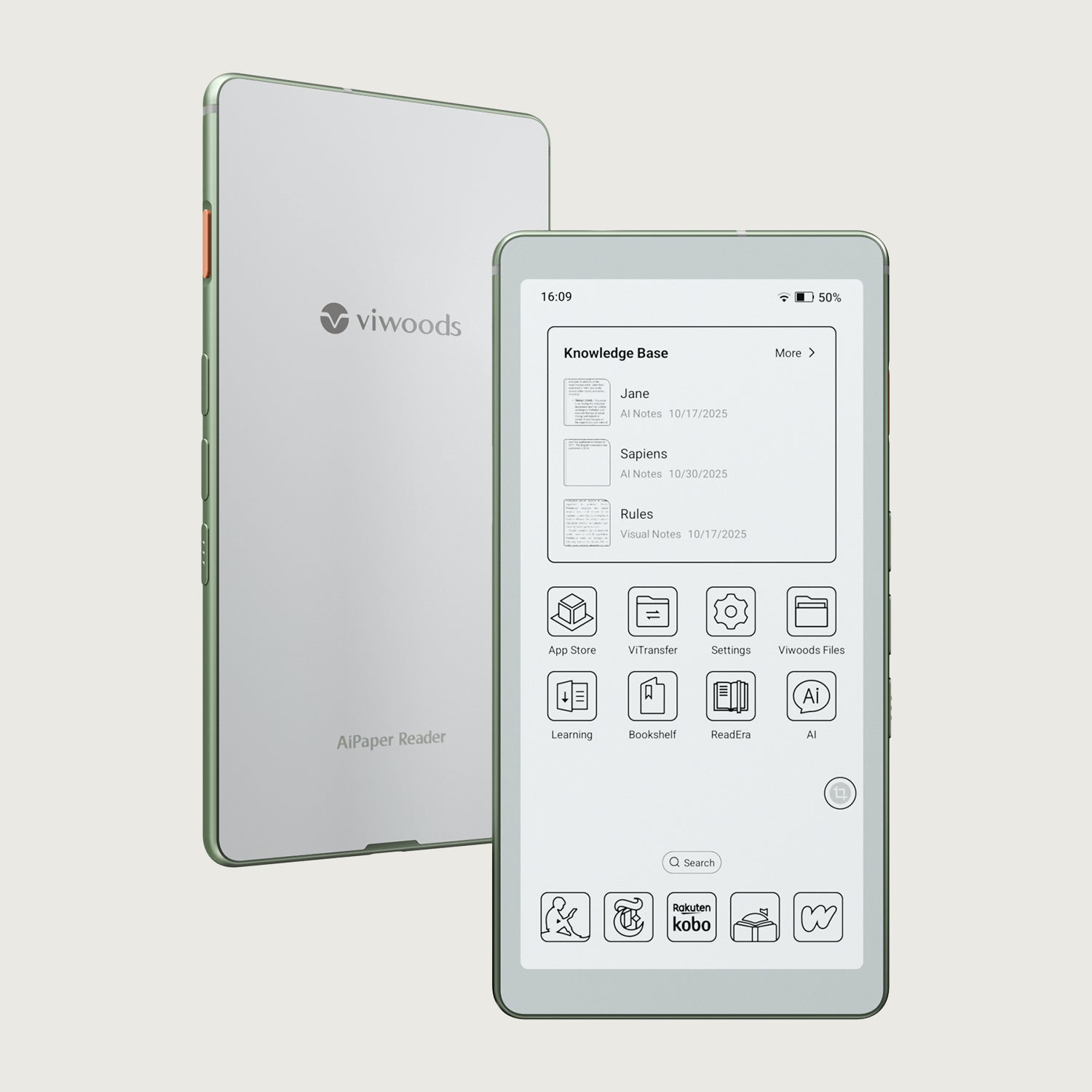
Viwoods AiPaper Reader
$279.00