

A practical guide to choosing a digital notebook for students, covering lecture notes, PDF textbook annotation, handwriting-to-text, exam revision, battery life, portability, and how to choose between AiPaper Mini and Viwoods AiPaper.
The best digital notebook for students should support lectures, PDF textbooks, revision, handwritten thinking, and long-term note organization. Instead of using a generic ranking, this guide matches real study scenes with practical device choices, clear next steps, and useful product paths.
Real Study Needs
What Students Actually Need
At the start of a semester, note-taking feels simple. There are lectures to record, PDF chapters to read, assignments to track, and exams that still feel far away. However, the system can break after several busy weeks, when notes sit across paper notebooks, laptop folders, screenshots, and printed handouts.
Therefore, a strong digital notebook for students should do more than store pages. It should help organize course notes, mark readings, prepare revision sheets, and carry study material without adding more clutter. A calm paper-like writing surface also matters because long study sessions need less friction.
In practice, the right device should support five repeated scenes: lecture capture, PDF textbook annotation, handwritten revision, research reading, and light daily planning. If a device fits those scenes, it becomes part of the study routine instead of another unused gadget.
Classroom notes
Quick handwriting, formulas, arrows, diagrams, and weekly course folders.
PDF textbooks
Reading, highlighting, page comments, and margin notes without printing chapters.
Exam revision
Weekly summaries, mistake logs, practice prompts, and final review pages.
Daily carry
A lighter bag, fewer printed packets, and one focused place for study notes.
Buying Checks
Best Digital Notebook for Students: Key Checks
First, handwriting needs to feel natural enough for daily use. A lecture notes tablet should open quickly, accept rough thinking, and make diagrams easy. If writing feels slow, the device will not survive a full semester.
Next, PDF comfort matters. A compact display can handle slides and short articles, but dense textbook pages often need more room. Therefore, screen size should match reading load, not only budget.
Battery life and portability also affect real study behavior. E Ink’s official technology page explains that E Ink displays are reflective, use ambient light, and consume power mainly when the display changes. This makes the format well suited to reading and writing sessions where long battery life matters.
As a result, the best decision is rarely “largest screen” or “lowest price.” A better question is whether the device fits the most repeated study task.
Classroom Scene
Lecture Notes
During class, notes should capture meaning rather than every sentence. Short phrases, arrows, sketches, and questions often work better than typed transcripts. Therefore, a note taking tablet for college should support fast handwriting and simple organization.
For portable lectures, AiPaper Mini is the natural path for class notes, weekly planning, reading breaks, and lighter campus carry. It fits quick writing sessions without forcing a laptop-style workflow into every class.

A simple structure helps the most. One notebook per course, one section per week, and one short summary page after each class can keep notes useful. Later, those summary pages become the first layer of exam revision.
Reading Scene
PDF Textbooks
PDF textbooks create a different problem. A short lecture slide deck is easy to review, but scanned chapters and two-column academic papers need more space. In that case, a larger E Ink tablet for students can reduce zooming and make annotation calmer.
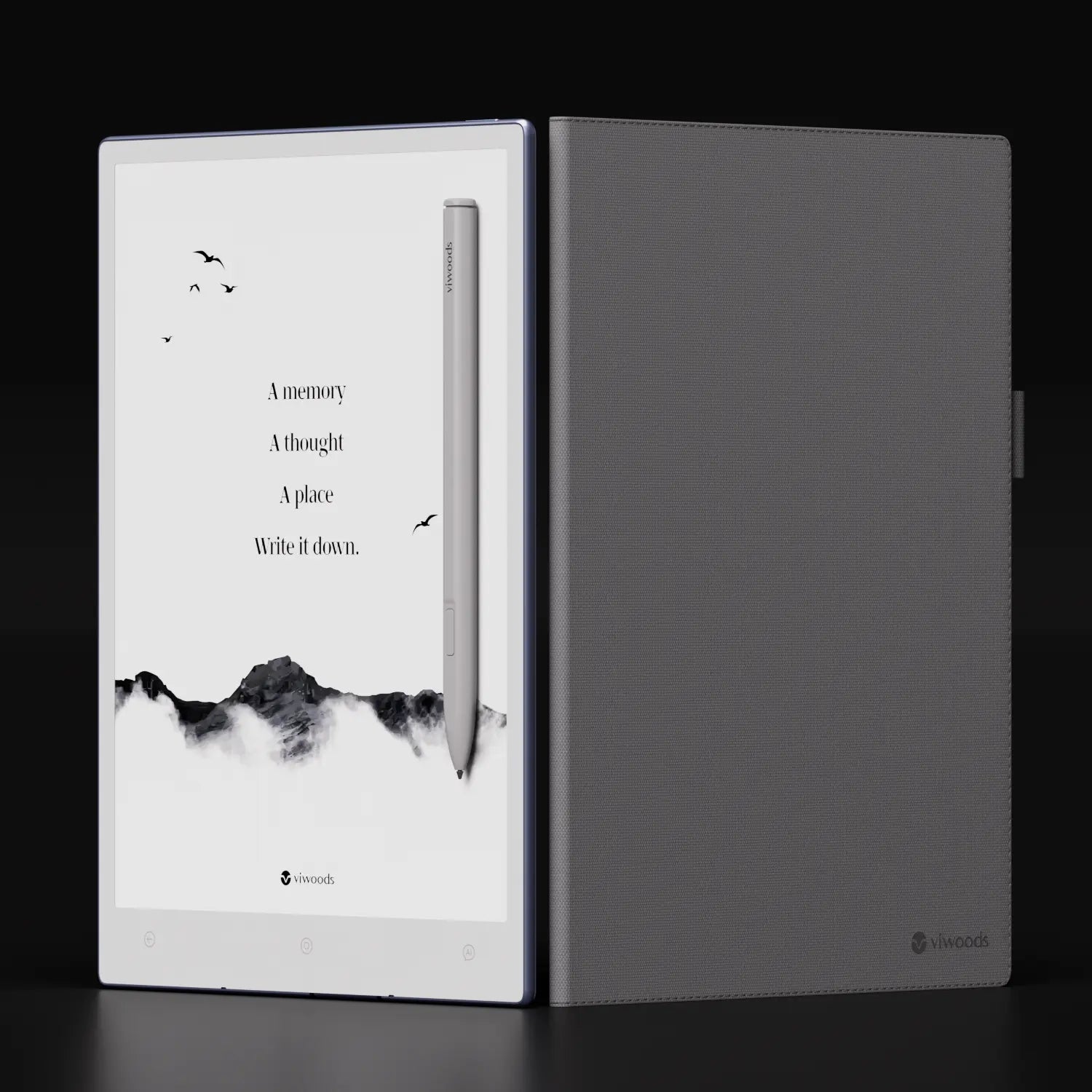
For heavier PDF work, Viwoods AiPaper is the stronger fit. It gives more page space for margin notes, diagrams, reading comments, and long-form study sessions.

PDF notes should stay connected to the source page. A highlight alone can lose meaning after two weeks. A short handwritten note beside the paragraph explains why the page matters and how it links to class material.
Revision Scene
Revision Workflow
A useful digital notebook should make revision start earlier. Instead of waiting until finals, notes can move through a small loop each week. This loop keeps handwritten study notes organized and prevents last-minute sorting.
Step 1
Prepare before class
Create the course page, add the date, and keep slides or readings in the right folder.
Step 2
Capture the lecture
Write key points, examples, diagrams, formulas, and open questions.
Step 3
Annotate and convert
Highlight useful PDF lines, add margin notes, then convert summaries or essay outlines when needed.
Step 4
Review weekly
Build one review page for hard topics, repeated terms, practice questions, and exam prompts.
Use handwriting-to-text for the pages that will be reused, such as summaries, definitions, essay plans, and revision sheets. Raw lecture pages do not need perfect formatting, but reusable pages become more valuable when they are easy to search, copy, and share.
Best For
Viwoods Model Match
The better choice depends on the study load. AiPaper Mini fits a portable note routine. AiPaper fits heavier PDF review. The paper tablet collection is the clearest next step for comparing both models.
Daily lecture notes
AiPaper Mini
Portable, compact, and easy to carry for daily classes, quick planning, and review pages.
View MiniPDF textbooks
Viwoods AiPaper
A larger study surface for textbook pages, research papers, diagrams, and margin notes.
View AiPaperExam preparation
Mini or AiPaper
Mini works for summaries; AiPaper works better when full PDF review is part of revision.
Compare tabletsCampus carry
Case and stylus setup
Protection and writing comfort matter every day, especially for libraries and commute days.
View accessoriesFor portable study, start with AiPaper Mini.
AiPaper Mini is the better first stop for daily lecture notes, quick revision, lightweight reading, and campus carry. For PDF-heavy programs, compare it with the larger AiPaper before choosing.
View AiPaper MiniCarry and Writing Setup
Accessories That Support Study
A student budget should include the full setup. The tablet is the main decision, but the stylus, spare tips, and protective case affect daily use. Therefore, accessories belong in the plan from the beginning.


In everyday use, the case protects the device during movement, while the stylus keeps handwritten notes steady. This is especially important for lab days, long library sessions, and exam weeks.
Authority Note
Why E Ink Works Well for Study Reading
E Ink’s official benefits page explains that E Ink displays reflect ambient light like printed paper and require power mainly when the image changes. For reading-heavy study sessions, this supports a calmer, lower-power experience than typical backlit screens. Source: E Ink Technology Benefits.
FAQ
FAQ
What is the best digital notebook for students?
The best choice depends on the study load. AiPaper Mini fits portable lecture notes and daily review, while AiPaper fits PDF textbooks, research papers, and larger annotation pages.
Is E Ink good for studying?
Yes, E Ink works well for reading, handwriting, and focused revision. However, laptops still suit video lectures, coding, spreadsheets, and long typed assignments better.
Can I annotate PDF textbooks?
Yes. PDF textbooks can be marked with highlights, handwritten notes, and page comments. AiPaper is the stronger match for dense PDFs because the larger screen gives more room.
Should students choose AiPaper or AiPaper Mini?
AiPaper Mini suits portability, class notes, and quick review. AiPaper suits long PDFs, research articles, diagrams, and deeper reading sessions.
Choose the notebook that fits the semester workflow.
For portable lectures, daily handwritten notes, and quick review, AiPaper Mini is the cleanest starting point. For dense PDF textbooks, research papers, and larger annotation pages, AiPaper is the better study surface.
In short, the best digital notebook for students is the one that fits the real workflow: capture class ideas, mark readings, convert useful summaries, review weekly, and prepare exam sheets before the final rush.
Guides 紙のような書き心地のタブレット
Paper Tablet vs iPad for Focused Writing
E Ink Tablet for PDF Reading and Annotation
Digital Notepad for Daily Planning and Quick Notes
Viwoods AI Paper V3.14 update
Digital Notebook Buying Guide for Work and Study
Writing Tablet for Professionals: What to Check
E Ink Tablet Buying Guide: What to Check Before Buying
2026年における最高のreMarkable代替品は何ですか?
システムアップデート 3.12: ピッキングからナレッジベースまで
Viwoods AiPaper
$469.00
Viwoods AiPaper Mini
$389.00
Viwoods AiPaper Reader
$279.00

Viwoods W1 スタイラス
$39.00