

A practical guide to choosing an E Ink tablet for PDF reading, annotation, landscape review, and export workflows. Learn when Viwoods AiPaper fits research papers, contracts, manuals, and professional document review.
A long PDF file often needs more than quick reading. It needs quiet focus, page context, handwriting space, and a clear way to export marked pages. Therefore, a serious E Ink tablet for PDF work should support the full flow: import, read, highlight, annotate, review, and archive.

AiPaper is the strongest Viwoods direction when PDF work includes full-page reading, handwriting, and repeat review.
PDF suitability answer
Is an E Ink Tablet Good for PDF?
Yes. An E Ink tablet is good for PDF reading when the file is mainly text, has a stable page layout, and benefits from quiet review. Research papers, legal briefs, engineering manuals, policy documents, study packs, and business reports are strong examples.
However, the best result depends on screen size and export habits. A small eReader can open many files, but dense PDF pages often need more room for footnotes, tables, diagrams, and handwritten comments. As a result, a larger paper tablet usually fits serious annotation better.
What Matters for PDF Annotation
First, PDF annotation is not only drawing on a page. A useful PDF workflow starts before the first underline. File naming, folder structure, page view, handwriting tools, and export format all affect whether the marked document stays useful later.
In practice, a PDF annotation tablet should reduce friction. A document should move from import to review without constant switching between a laptop, phone, printer, and notebook. Moreover, the page should still feel readable after notes are added.
Readable page area
A larger screen keeps page context visible. Therefore, fewer zoom gestures interrupt reading.
Accurate handwriting
Underlines, arrows, circles, and short notes should land exactly where the thought belongs.
Simple organization
Folders and clear file names prevent marked PDFs from becoming hidden work.
Reliable export
Export moves annotations back into research folders, project archives, or shared review packs.
Screen Size and Landscape View
Screen size matters because PDFs are usually fixed pages. Unlike reflowable ebooks, a PDF often preserves A4 or letter-size layout. Therefore, a small screen may show the file but still make the page feel cramped.
Landscape view is also important. Wide tables, two-column papers, presentation decks, and technical diagrams often read better sideways. In addition, landscape reading can reduce constant zooming during document review.
| PDF task | Best screen direction | Viwoods fit | Why it matters |
|---|---|---|---|
| Academic papers | Larger screen | AiPaper | Two columns, figures, citations, and notes need more page room. |
| Contracts and legal briefs | Larger screen | AiPaper | Definitions, clauses, dates, and exceptions stay easier to track. |
| Engineering manuals | Large screen plus landscape | AiPaper | Tables, diagrams, and revision marks need stable layout. |
| Short saved articles | Medium or large screen | AiPaper or AiPaper Mini | Reading comfort and portability both matter. |
| Ebook-style PDFs | Compact screen may work | Reader line or Mini | Passive reading needs less handwriting space. |

Landscape review helps when PDF pages include wide tables, dense sections, or multi-column layouts.
Best PDF Workflows
A good PDF workflow should feel repeatable. First, the file enters the right folder. Then, the page gets marked with a clear purpose. Finally, the marked file returns to the main archive, research database, case folder, or project workspace.
In other words, the device should not become a storage drawer. It should act like a quiet review desk where documents move from reading to action.
PDF workflow steps
- Import the PDF into a named folder.
- Rename the file with topic, date, and version.
- Preview the title, headings, figures, and conclusion.
- Switch to landscape view when the page is wide.
- Highlight only reusable evidence, risks, or decisions.
- Add short handwritten notes beside key passages.
- Use consistent symbols for questions, definitions, and next steps.
- Review marked pages before closing the file.
- Export the annotated PDF to the main archive.
- Keep the clean original when version control matters.
Research papers
For research papers, the first pass should stay light. Start with the abstract, conclusion, figures, and references. Then, return to the full paper with a clearer sense of what deserves a mark.
During markup, stars can mark strong evidence. Question marks can flag unclear methods. Brackets can identify quotable sections. Meanwhile, longer reflections should move into a separate note, so the PDF remains readable.
Legal and policy documents
For contracts, briefs, and policy files, structure matters. Definitions, obligations, exceptions, dates, and risk language should be marked consistently. As a result, later review becomes less dependent on memory.
A simple system works best. For example, circles can mark defined terms, triangles can mark risk, and short margin notes can capture questions. This keeps the document clean enough for a second pass.
Engineering and technical files
Technical PDFs often include tables, diagrams, revision codes, and small labels. Therefore, file names should include version details before annotation starts. Otherwise, marked notes may attach to the wrong revision.
Landscape mode is useful for wide drawings, tables, and procedures. Meanwhile, short handwritten notes can flag part numbers, missing information, test results, and approval points.
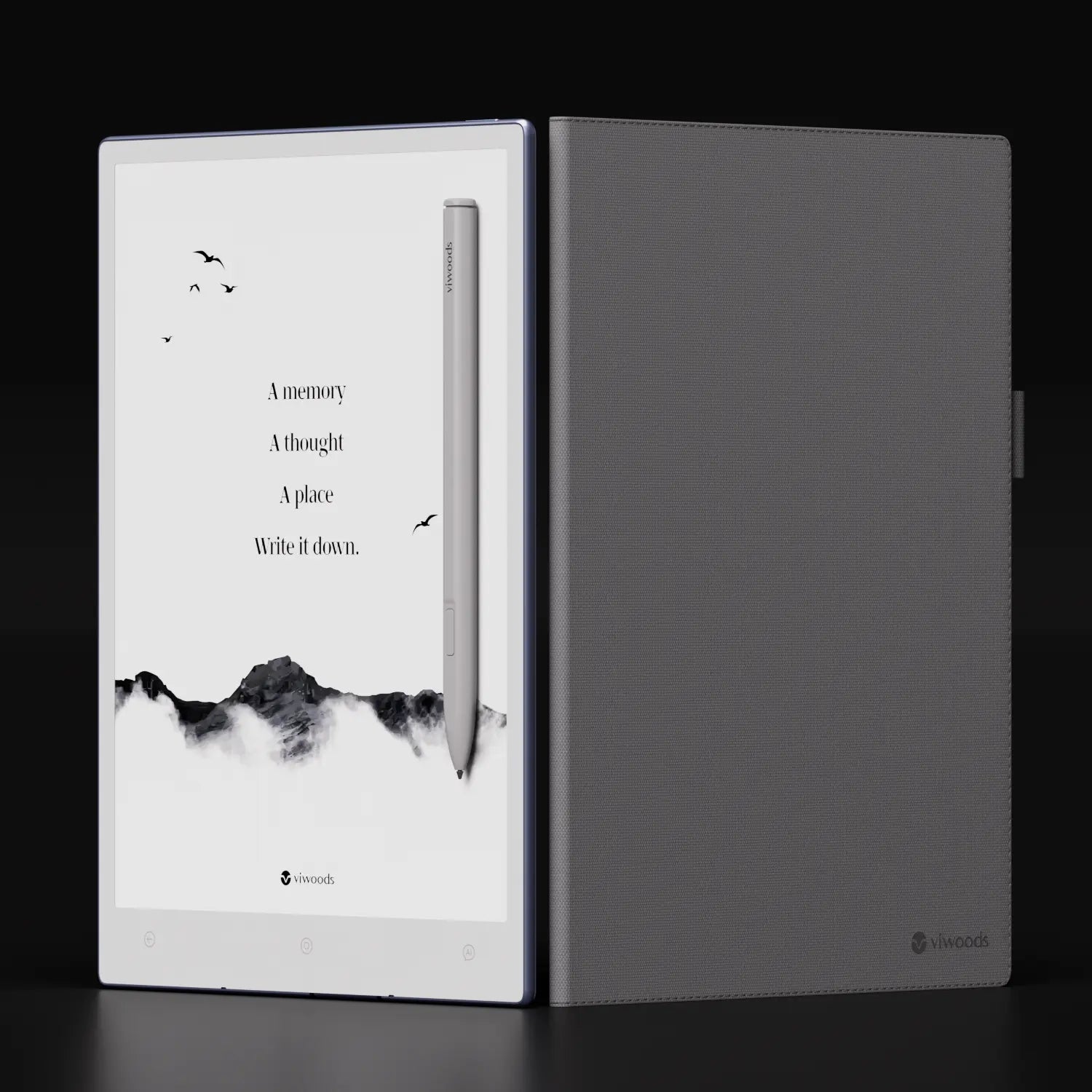
A larger paper tablet is the better direction when the PDF is a working document, not just a file to read once.
Which Viwoods Model Fits PDF Work?
For dense PDF reading and handwriting, AiPaper is the clearest Viwoods recommendation. Its larger paper-tablet format gives more space for full-page reading, margin notes, and landscape review. Therefore, it fits papers, contracts, manuals, meeting packs, and long reports.
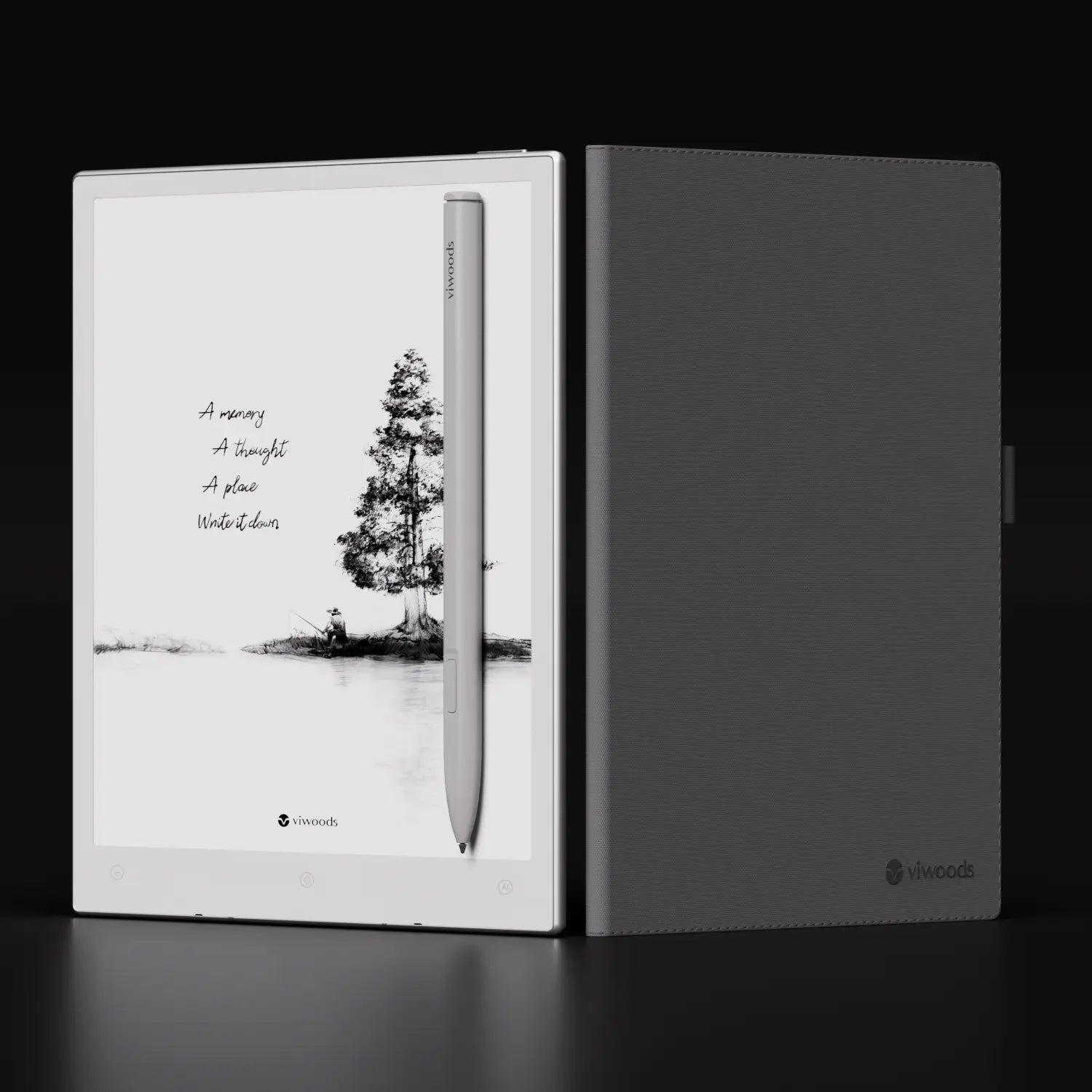
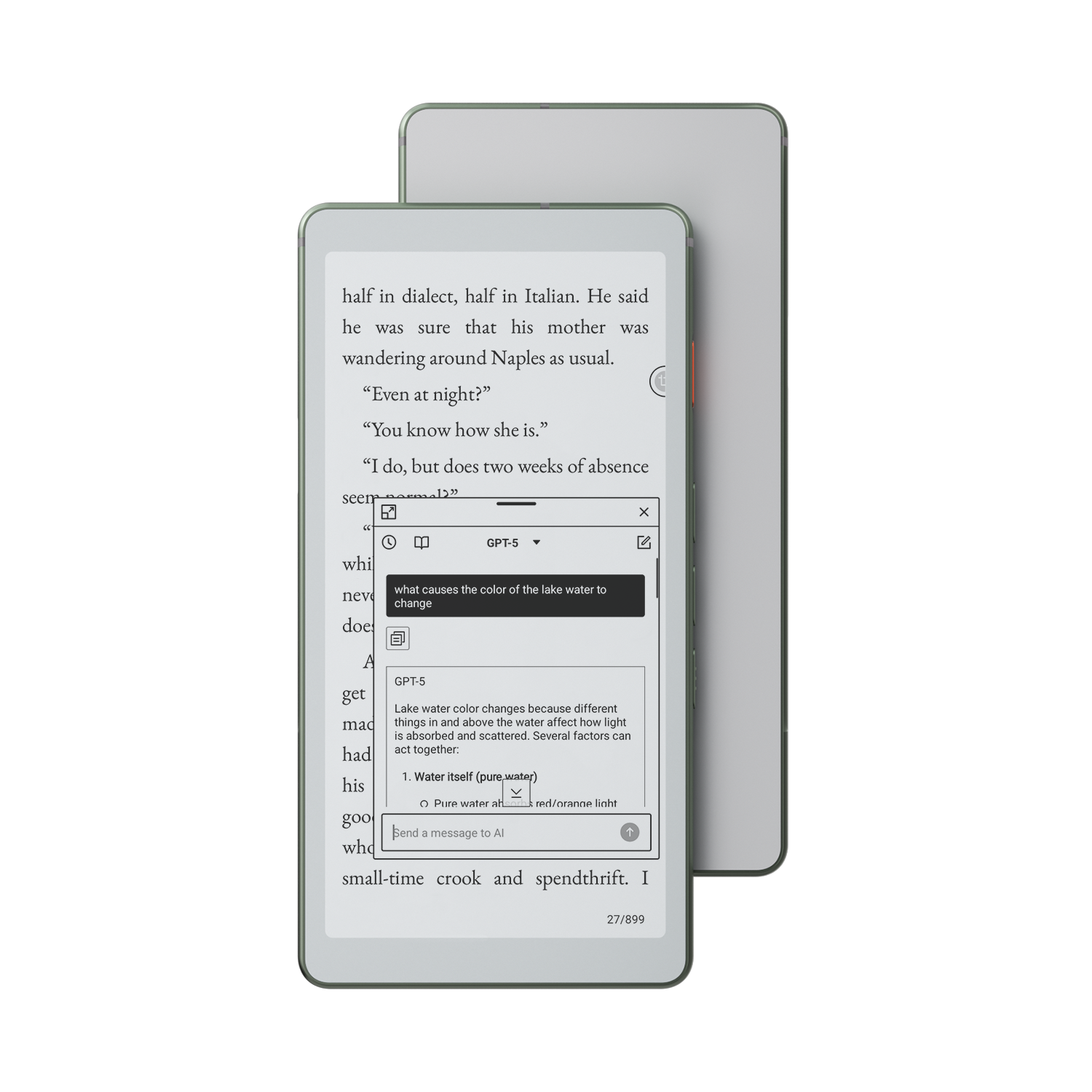
Meanwhile, AiPaper Mini is better for lighter reading and portable notes. The Reader line makes more sense for ebook-first reading. For a broader comparison, the paper tablet collection is the best category page to review.
| Scenario | Model direction | Reason |
|---|---|---|
| Long research papers | AiPaper | More page area supports figures, footnotes, and margin notes. |
| Contracts and briefs | AiPaper | Stable page context helps with clauses, dates, and definitions. |
| Portable daily reading | AiPaper Mini | A smaller format supports quick notes and daily carry. |
| Ebook-first reading | Reader line | Book-style reading needs less annotation space. |
Match the product to the workflow
When PDF work includes long pages, handwritten notes, export, and repeated review, AiPaper is the most direct product path. When portability matters more, compare AiPaper with AiPaper Mini first.
Go to AiPaperCommon Mistakes in PDF Annotation
A paper-like screen can make PDF reading calmer. However, the workflow still needs discipline. The following mistakes often make annotated files harder to use later.
Choosing a screen that is too small
Dense PDFs need room. Otherwise, reading becomes a cycle of zooming and panning.
Highlighting too much
Heavy highlighting removes priority. Instead, mark evidence, risks, questions, and next steps.
Writing long notes in margins
Margins work best for short comments. Longer thinking belongs in a separate note.
Ignoring landscape view
Wide layouts often read better sideways. Therefore, orientation should be tested early.
Exporting too late
Marked PDFs should leave the device before the next review stage.
Mixing clean and marked copies
Clear file names should separate originals, drafts, and annotated versions.
Export Makes PDF Notes Useful
Export is not a small detail. It is the bridge between reading and action. Without export, a marked page may stay inside the device and disappear from the main project flow.
For research, exported annotations can support literature notes. For legal and policy work, exported PDFs keep comments with the source document. For engineering review, exported notes can support revision meetings and technical handoff.
In addition, software updates can improve document habits. Therefore, the Viwoods update notes are worth checking when a PDF workflow depends on highlights, annotations, and export behavior.
Best Fit and Poor Fit Scenarios
A digital paper tablet fits best when the document needs attention. Long reading, careful markup, and repeated review all benefit from a quiet writing surface. This is why PDF-heavy study, legal review, research, consulting, and technical documentation are strong use cases.
However, an E Ink tablet is not ideal for every PDF. Color-heavy design proofs, detailed maps, dashboards, and fast slide editing may still need an LCD display. In those cases, the paper tablet works better as a reading and thinking surface beside a laptop.
As a simple rule, choose E Ink for focus and handwriting. Choose a laptop or LCD tablet for color, speed, and complex editing. This keeps each device in the role it handles best.
One Authoritative Reference
For technical background on E Ink display technology, the official E Ink How it Works technology page is the most direct reference. It explains the display category behind paper-like reading devices without turning this guide into a technical specification page.
FAQ
Is E Ink good for PDF reading?
Yes. E Ink is good for text-heavy PDF reading, especially long papers, reports, and manuals. Dense pages work best on a larger paper tablet.
What screen size is best for PDF annotation?
A larger screen is usually better. Full-page PDFs, contracts, and research papers need space for readable text and handwriting.
Can I mark up research papers?
Yes. Research papers can be highlighted, underlined, and marked with handwritten notes. A simple symbol system makes review easier.
Is a paper tablet better than an ereader for PDF?
For annotation, yes. A paper tablet offers more writing room and a stronger document workflow. An eReader fits book-style reading better.
Which Viwoods model fits PDF work?
AiPaper fits serious PDF reading and annotation best. AiPaper Mini fits portable reading and lighter daily notes.
Where can PDF support questions be checked?
The Viwoods FAQ is the best support path for file transfer, annotation, export, and device questions.
Next step
Build a cleaner PDF reading system
First, choose a screen size that matches the document type. Second, use a simple annotation system. Finally, export marked PDFs before the next review stage.
For long research papers, contracts, manuals, and meeting packs, AiPaper is the strongest Viwoods product path. For professional rollouts, procurement questions, or team document workflows, the direct next step is to contact Viwoods.
- Choose AiPaper when PDF work includes long reading, handwriting, landscape review, and export.
- Compare AiPaper and AiPaper Mini when portability matters as much as page size.
- Create a weekly export routine so annotated files stay useful beyond the device.
In short, an E Ink tablet for PDF reading and annotation makes the most sense when documents need focus, handwritten thinking, structured review, and a reliable export path.
Guides 紙のような書き心地のタブレット
E Ink Tablet for PDF Reading and Annotation
Digital Notebook Buying Guide for Work and Study
Note Taking Tablet for College Students: What Matters
E Ink Tablet for Work: A Calm Setup for Notes and PDFs
Digital Notebook vs Paper Notebook: Which Helps You Think Better?
Best Paper Tablet in 2026: Complete Buying Guide and Top Picks
Best Paper Tablet for Lawyers (2026) | AI Digital Notepad with PDF Annotation
E Inkタブレットの基礎:理解を深めるための重要な情報
Viwoods AiPaper
$469.00
Viwoods AiPaper Mini
$389.00
Viwoods AiPaper Reader
$279.00

Viwoods W1 スタイラス
$39.00