
This guide explains how an E Ink writing tablet supports deep work, long notes, reading review, creative thinking, meeting reflection, and daily planning. It compares regular tablets with paper-like writing devices and helps match Viwoods AiPaper or AiPaper Mini to different focus routines.
A focused writing setup starts with a calmer screen, fewer interruptions, and a page that makes long thinking easier to continue. For writers, students, researchers, creators, and managers, a distraction-free writing tablet works best when it supports drafting, reading notes, review, planning, and reflection without turning every session into another app loop.
This guide explains how to choose a writing tablet for deep work by looking at real writing habits: how ideas are captured, how source material is reviewed, how notes become structure, and how finished work moves into a laptop or publishing tool.
A Writing Tablet for Deep Work Should Make the Page Easier to Stay With
A strong focus device should make writing easy to start and hard to interrupt. It should open to a calm page, support natural handwriting, keep reading material close, and help notes return to useful structure later.
E Ink changes the way a writing session feels. Instead of behaving like a bright all-purpose screen, it creates a more paper-like surface for reading, annotation, and long-form thinking. E Ink’s official Reading & Writing application page connects the technology with eReaders, eNotes, handwriting, and paper-like reading experiences.
The best writing tablet for deep work is not simply the device with the most functions. It is the device that keeps the page at the center while still supporting documents, notes, organization, and review.
Long drafts
A larger paper tablet gives more room for outlines, rough paragraphs, source notes, and structure.
Daily capture
A compact tablet keeps ideas close during travel, class, meetings, and short writing windows.
Final production
A laptop still belongs in the workflow for final formatting, publishing, spreadsheets, and heavy editing.
Why Focus Fails on Regular Tablets
Regular tablets are powerful, useful, and flexible. The same screen that holds a research paper can also open messages, news, videos, shopping pages, social feeds, and browser tabs.
Writing can easily become a chain of small breaks. A note starts with a serious idea. Then a notification appears, a quick search begins, and the draft loses its line of thought.
The issue is not simply discipline. Many digital interfaces reward switching, checking, reacting, and refreshing. The American Psychological Association notes that task switching can create mental costs, even when switching feels brief.
A focused writing environment should reduce the number of doors away from the page. The goal is not to remove every tool. The goal is to create a cleaner loop between reading, thinking, writing, and reviewing.
The hidden cost of “just checking”
A short check rarely stays short. A writer may pause to verify one detail, notice another message, remember a task, and return to the page with weaker momentum.
Focus is more than removing entertainment
A focused device should also protect useful work: reading, marking, drafting, outlining, planning, and review.
What Makes a Distraction-Free Writing Tablet Work
A focused writing tablet should feel like a notebook, behave like a serious workspace, and stay calmer than an all-purpose tablet. The details matter more than the label.
First, the writing surface should support long handwriting. Second, the display should support long reading and review. Finally, organization must be simple. Notes need folders, templates, tags, and review routines. Otherwise, calm writing becomes hidden storage.
Writing feel
Paper-like surface
A steady pen surface helps outlines, diagrams, drafts, margin notes, and rough thinking feel natural.
Reading support
Calm source review
A page-like display supports close reading, source review, annotation, and summary sessions.
Battery confidence
Less charging pressure
Low-power reading and writing routines reduce charging anxiety during work blocks.
Organization
Simple structure
Folders, tags, templates, and search keep handwritten work useful after capture.
Regular Tablet vs E Ink Writing Tablet
Long drafts
Regular tablet: strong for typing, but app noise may interrupt flow.
E Ink tablet: better for calm handwriting, outlining, and early thinking.
Reading notes
Regular tablet: useful for color, browser work, and media.
E Ink tablet: strong for annotation, summaries, and page-based review.
Focus
Regular tablet: requires strict settings and repeated self-control.
E Ink tablet: naturally supports a slower, quieter workspace.
Best role
Regular tablet: all-purpose computing and final production.
E Ink tablet: reading, handwriting, planning, and deep thinking.
Deep Work Writing Workflow
A deep work writing workflow should lower friction between thought and capture. Instead of opening several tools, the session begins with one page.
From there, the work moves through capture, structure, reading review, synthesis, and export. This sequence helps long notes become useful drafts rather than scattered pages.
Step 1
Create a quiet start page
Begin with the date, topic, source material, and one clear sentence describing the session goal.
Step 2
Draft by hand before editing
Use handwriting for rough paragraphs, arrows, diagrams, side notes, and idea structure before typing begins.
Step 3
Read, mark, and summarize
Mark only passages that answer the current question, then summarize them in plain language.
Step 4
Build a working structure
Create a second page for title, main point, supporting ideas, evidence, questions, and next action.
A Simple Checklist for Focused Writing Sessions
Before the session
Choose one writing task, open the exact notebook or document, write one goal, and decide the minimum useful output.
During the session
Keep one page active, use headings when thoughts spread, mark questions, and avoid polishing too early.
After the session
Add tags while context is fresh, write one next step, export only what needs editing, and review before opening a new task.
Weekly review
Move useful notes into folders, turn rough ideas into next actions, and archive pages that are no longer active.
Who Should Choose AiPaper or AiPaper Mini?
Viwoods offers two focused paper tablet directions for writing routines: Viwoods AiPaper and AiPaper Mini. Both support calm digital notes, but each fits a different rhythm.
AiPaper suits larger pages, desk work, document review, long outlines, and planning. AiPaper Mini suits mobility, quick notes, reading outside the desk, class notes, travel writing, and fast idea capture.
Larger canvas
Choose AiPaper
Best for long article drafts, academic reading, desk-based planning, larger PDFs, research outlines, and structured deep work pages.
View AiPaperPortable capture
Choose AiPaper Mini
Best for daily carry, travel reading, class notes, meeting notes, quick summaries, and short writing sessions outside the desk.
View AiPaper Mini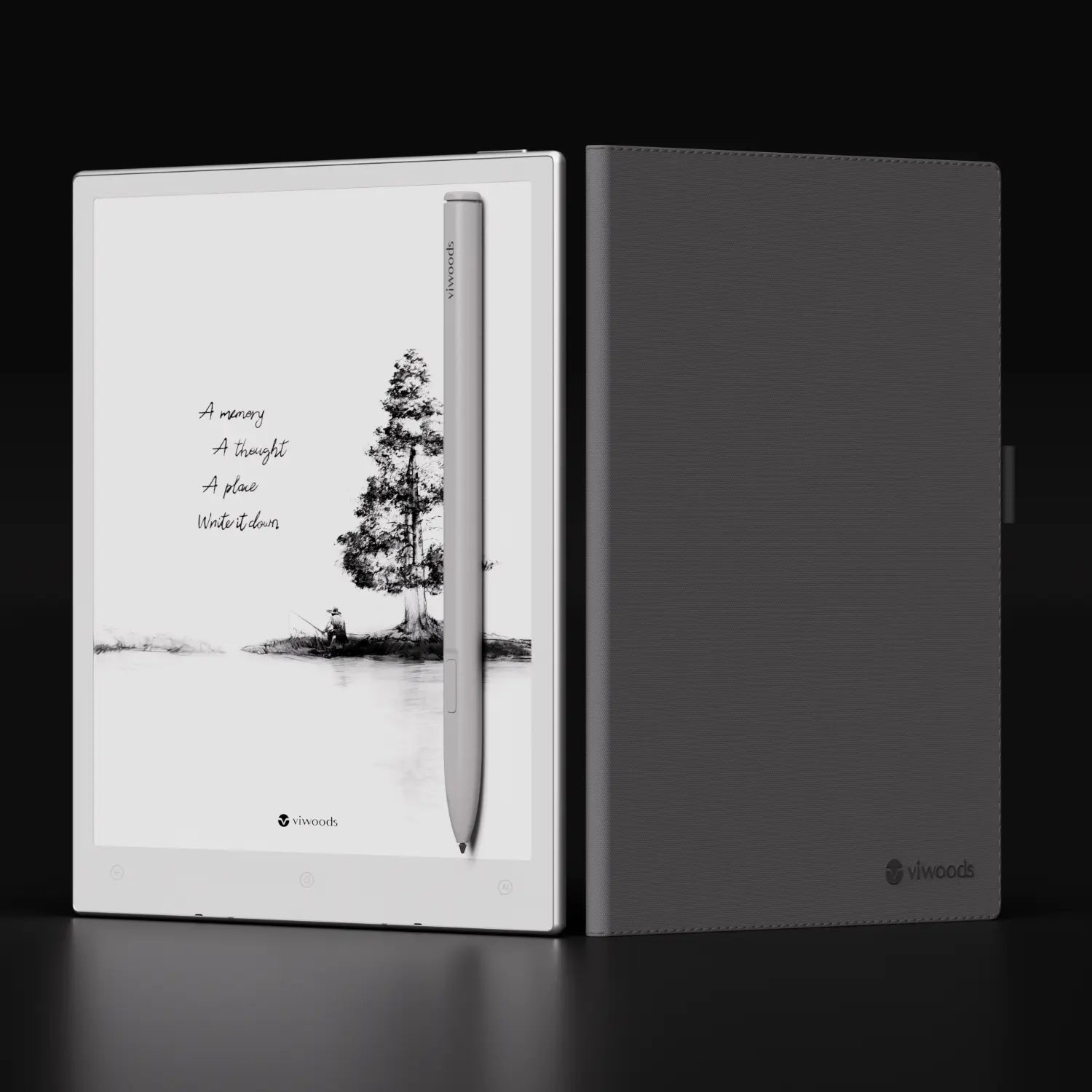
Focused Writing Scenarios
Different writing routines need different levels of space and portability. The best setups share one pattern: the device supports thinking before production.
Long drafts and essay planning
Handwriting can begin with a map, a sequence of claims, or a rough page of paragraphs before formal editing begins.
Reading notes and research review
Each source should create a short output, such as a summary, question, comparison, or decision.
Meeting reflection and action lists
A structured page can separate decisions, risks, owners, and follow-ups before they become a cleaner action list.
Creative thinking and idea capture
Fragments, phrases, diagrams, and unfinished connections need a quiet place to land before becoming a draft or plan.
Common Mistakes When Choosing a Writing Tablet
A writing tablet should match a real workflow. Many decisions go wrong because the selection starts with specifications rather than habits.
Choosing only by screen size
A larger device may feel excellent at a desk and awkward during daily carry. Match size to location.
Expecting one device to replace every tool
A writing tablet protects thinking. A laptop still handles final production, formatting, spreadsheets, and publishing.
Treating notes as storage
Storage does not equal clarity. Naming rules, folders, tags, and weekly review keep notes useful.
A Clear Selection Path
For a broader look at focused E Ink devices, the Viwoods paper tablet collection is the most useful starting point. It keeps the choice centered on writing, reading, and digital notebook workflows.
For a larger workspace, AiPaper is the natural match. For portable notes, AiPaper Mini fits better. For team planning, training, research, or workplace note-taking, Business Solutions gives a clearer path for larger use cases.
FAQ
What is a distraction-free writing tablet?
It is a writing-focused device that supports notes, drafts, reading, and planning while reducing common tablet distractions. The best versions combine a calm display, paper-like writing, long battery life, and simple organization.
Is E Ink good for deep work?
Yes. E Ink is well suited to deep work involving reading, handwriting, annotation, and review. It creates a calmer page-like experience and avoids much of the visual noise found on regular tablets.
Can it replace a laptop for writing?
It can replace a laptop for early drafting, outlining, handwritten notes, reading review, and planning. However, a laptop remains better for final editing, formatting, publishing, and complex file work.
Which Viwoods model is best for focus?
AiPaper is the stronger choice for large-page writing, PDF review, research notes, and desk-based deep work. AiPaper Mini is better for portable notes, travel reading, quick capture, and everyday planning.
Is a writing tablet good for creative work?
Yes. A writing tablet gives rough ideas room to form. It supports sketches, fragments, outlines, scenes, concepts, and reflective notes before they become polished output.
Is a paper tablet useful for meetings?
Yes. A practical meeting page can separate decisions, open questions, risks, owners, and next actions. Afterward, a short review can turn raw notes into a cleaner action list.
Choose the Writing Surface That Matches the Real Routine
Deep work needs a calm place to begin. A laptop can finish the draft, and a regular tablet can handle many flexible tasks. A paper-like E Ink writing device protects the earlier stage where ideas are still fragile, messy, and worth staying with.
For a larger focused workspace, AiPaper fits long notes, PDF review, and structured planning. For portable notes and everyday idea capture, AiPaper Mini fits better. For broader model comparison, start with the paper tablet collection and match the device size to the real writing routine.
Match the screen size to the main writing location: desk, classroom, travel bag, studio, or meeting room.
Build a weekly review habit so handwritten notes become decisions, drafts, and finished work.
Keep the setup intentionally quiet, because the page should remain the center of attention.
Guides أقراص ورقية
E Ink Tablet for Project Handoffs: Review Notes, Open Issues and Next Steps
E Ink Tablet for Field Teams: Offline Notes, Forms and Daily Review
E Ink Tablet for Executive Briefings: Read, Mark, Decide and Follow Up
How to Evaluate an E Ink Tablet Demo for a Business Team
E Ink Tablet Total Cost of Ownership for Business Teams
How to Carry a Paper Tablet and Stylus Together Without Damaging the Screen
How to Protect an E Ink Tablet in a Backpack
How to Choose a Protective Case for an E Ink Paper Tablet
How to Store an EMR Stylus Safely: Protect the Nib, Magnet and Tablet
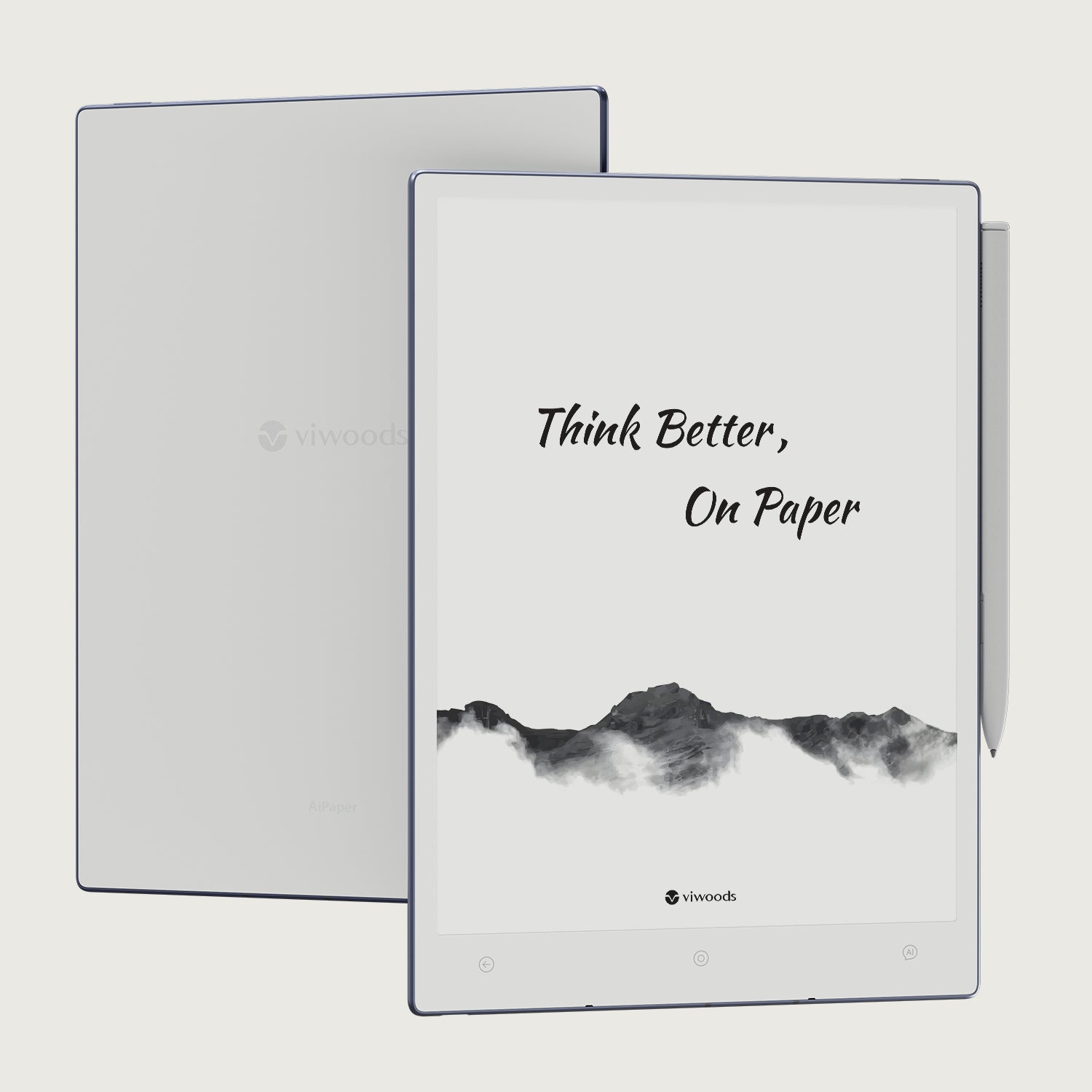
Viwoods AiPaper
$549.00

Viwoods AiPaper Mini
$429.00
قارئ Viwoods AiPaper الملون
$289.00
قارئ Viwoods AiPaper
$279.00