
Compare Viwoods AiPaper and iPad for handwritten notes, reading, PDF review, paper-like writing, eye comfort, and focused work.
For focused notes, long reading, planning, and careful document review, a writing tablet creates a different workspace from an iPad. An iPad is powerful, colorful, fast, and flexible. A paper-like E Ink note device is quieter, more deliberate, and easier to keep centered on one task.
The better choice depends less on the device category and more on the daily routine. An iPad is better for video, web browsing, messaging, creative apps, color documents, and app-heavy work. Viwoods AiPaper is better suited to handwritten notes, PDF markup, planning, reading, and focused writing sessions.

Which One Should You Choose?
Choose an iPad when the work depends on color, video, calls, creative apps, web browsing, fast multitasking, and a broad app ecosystem. It is the stronger generalist and the better single-device option when many digital roles must live on one screen.
Choose AiPaper when the work depends on handwriting, reading, PDF annotation, planning, meeting notes, study review, and fewer distractions. It is the calmer specialist for people who want the page to stay central.
The strongest setup may not be one device only. A laptop or iPad can handle fast digital work, color, and communication, while AiPaper protects the thinking layer: notes, reading, outlines, PDFs, and planning.
Simple rule: choose iPad for broad digital work; choose AiPaper for focused notes, reading, PDF markup, and calmer writing sessions.
What Is a Writing Tablet?
A writing tablet is built around handwriting, reading, document markup, and planning. Many devices in this category use an E Ink display rather than a bright LCD or OLED tablet screen. That gives the page a calmer, more paper-like look during long reading and writing sessions.
Instead of starting with a grid of apps, the experience usually begins with a blank note, a planner, or a document. A stylus becomes the main input tool. Notes can include outlines, sketches, arrows, checkboxes, highlights, margin comments, and rough ideas that are not ready for a polished document yet.
This category should not be judged like a normal tablet review. The main value is not gaming speed, camera quality, video playback, or color performance. The real value appears when the task is reading, thinking, writing, reviewing, and staying with one idea long enough to make progress.
A digital notebook with a quieter purpose
In many work and study routines, notes are not only records. They are thinking tools. A meeting page can hold decisions, open questions, and next steps. A study page can combine definitions, diagrams, and short reflections. A reading page can connect highlights with margin notes and follow-up ideas.
Handwriting also changes how information is processed. Because every word takes effort, the page naturally filters what matters. Typed notes can capture everything quickly, but handwritten notes often help the reader select, group, and remember.
Writing Tablet vs iPad: Main Differences
The fairest way to compare both devices is to start with the work setting. An iPad is a strong general-purpose device. It handles notes, apps, video, color files, browsing, calls, entertainment, and creative work. An E Ink writing tablet is more specialized. It narrows the workspace so that handwriting, reading, and review stay central.
That specialization is not a weakness. For some people, fewer options make a device easier to use. A full tablet asks what app should open next. A digital paper device points back to the page.
Screen feel
E Ink writing tablet
Matte, still, and closer to printed pages. Better for slower reading and handwriting-led review.
Screen feel
iPad
Bright, smooth, colorful, and media-friendly. Better for video, visual files, apps, and web work.
Focus level
Writing tablet
Designed for fewer distractions and less visual noise during notes, reading, and review.
Focus level
iPad
Excellent for multitasking, but easier to over-switch when notes, messages, media, and browsing are one tap away.

Paper-Like Writing and Eye Comfort
Paper-like writing is more than a surface detail. It affects pace, grip, posture, and control. When a stylus meets a textured page, the hand receives more feedback. Lines feel steadier, symbols are easier to place, and long notes can feel less slippery than writing on glass.
This matters because many useful notes are not clean paragraphs. They include boxes, arrows, circles, diagrams, crossed-out thoughts, and margin comments. A page-based interface makes that mixed structure feel natural. It also helps readers turn scattered information into decisions, questions, and next steps.
For eye comfort, the claim should stay practical. E Ink can feel calmer for long text-heavy sessions, but it should not be treated as a medical promise. Mayo Clinic recommends regular breaks during reading, close work, and screen use, including the 20-20-20 rule for computer work. Learn more from Mayo Clinic’s eyestrain guidance.
Where paper-like writing helps most
Meeting notes: decisions, action items, and follow-up points stay visible.
PDF reading: highlights, margin notes, and later review stay connected to the page.
Daily planning: a quiet page keeps priorities, tasks, and notes in one place.
Writing outlines: rough ideas can take shape before drafting begins.
When an iPad Still Makes Sense
An iPad remains the better choice in many situations. It is fast, flexible, colorful, and widely supported. If one device needs to handle web browsing, email, video calls, streaming, creative apps, presentation practice, note-taking, and casual entertainment, the iPad is the stronger generalist.
Color-dependent work is the clearest example. Design boards, slides, charts, maps, images, video lessons, and visual research all benefit from a bright display. In these settings, visual richness is not a distraction. It is part of the work.
The iPad is also stronger for communication and collaboration. Video calls, messaging, shared documents, web dashboards, cloud tools, and browser-based workflows fit naturally. If the day moves quickly between meetings, documents, tabs, and apps, a full tablet can reduce friction.
Where iPad is stronger
Video, color work, calls, creative apps, browser work, dashboards, media, and broad app access.
Where iPad can feel less calm
Notifications, app icons, web access, media apps, and glass writing can interrupt a deeper note session for some users.
Why AiPaper Works for Focused Notes
Viwoods AiPaper takes the calmer specialist approach. It centers on E Ink reading, handwriting, document annotation, planning, and organized review. Instead of turning every note session into a full tablet experience, AiPaper keeps writing and reading close to the surface.
That makes it useful for routines where ideas need a quiet page before they become final documents. A meeting note can become a decision record. A marked PDF can become a review map. A daily plan can become a visible structure for the workday.
The value is not only the hardware. It is the simpler role the device plays. A laptop can remain open for calls, shared documents, or browser work. AiPaper can stay dedicated to notes and actions.

Meeting notes
Agenda points, decisions, risks, open questions, and next steps can stay on a single page-based surface.
PDF review
Reports, articles, contracts, drafts, and research papers can be marked while the reading is still fresh.
Templates and AI support
Templates, note layers, handwriting conversion, and AI summaries help raw notes become easier to organize and review.
A Simple Selection Guide for Notes and Focus
The best choice depends on the work that happens most often. A broad tablet is ideal when color, media, calls, and many apps matter. An E Ink writing tablet is stronger when the task needs quiet reading, handwritten structure, PDF review, and fewer interruptions.
Choose AiPaper when the routine includes handwritten notes, long documents, daily planning, meeting summaries, reading notes, and focused writing. Choose AiPaper Mini when portability matters more than page size. Choose an iPad when color apps, video calls, streaming, design work, and broad app access are the main priority.
Separate focus work from media work. Keep reading, notes, planning, and document markup on a quieter surface when possible.
Choose by the repeated task. Long PDFs, handwritten summaries, meeting notes, and planning pages point toward AiPaper.
Give each device a clear role. Use a broad tablet or laptop for color and apps, and use a writing tablet for focused notes and review.
FAQ
Is AiPaper better than an iPad for handwritten notes?
AiPaper can be better when the goal is calm handwriting, paper-like writing feel, and fewer distractions. An iPad remains stronger for color, creative apps, and fast multitasking. Notes, reading, PDF markup, and planning suit AiPaper. Visual apps, video, and broad tablet work suit iPad.
Can AiPaper replace an iPad completely?
AiPaper should not be treated as a complete iPad replacement. It is designed for focused notes, reading, planning, and document review. An iPad is better for video, color-heavy content, calls, games, and advanced creative apps.
Does an E Ink note device help with eye comfort?
An E Ink note device can feel more comfortable for long reading because the screen has a paper-like visual character. However, comfort also depends on lighting, posture, font size, and session length. Regular breaks are still important during close work and screen use.
What type of work fits paper-like writing best?
Paper-like writing fits tasks that need attention, structure, and review. Common examples include meeting notes, research summaries, PDF annotation, daily planning, project outlines, lecture review, and reading notes.
Is AiPaper useful beside a laptop?
Yes. The laptop can handle typing, calls, browser research, spreadsheets, and heavy apps. AiPaper can hold notes, PDFs, outlines, and plans. This separation keeps focused writing away from alerts, crowded windows, and constant app switching.
Choose the Screen That Supports the Work
An iPad is the stronger generalist for color, media, apps, browsing, communication, and entertainment. AiPaper is the calmer specialist for notes, reading, planning, PDF markup, and focused writing.
For routines centered on handwritten notes, long documents, and paper-like writing, Viwoods AiPaper gives reading and writing their own place. That separation can help protect attention during work, study, and daily planning.
Choose iPad for color, media, calls, browsing, creative apps, and broad tablet work.
Choose AiPaper for handwriting, reading, PDF markup, daily planning, and focused review.
Use both when broad digital work and quiet thinking need separate screens.
Guides أقراص ورقية
How to Turn Meeting Notes into Action Items with AI
Paper Tablet for Meetings: Notes to Action Items
E Ink Tablet for Project Handoffs: Review Notes, Open Issues and Next Steps
E Ink Tablet for Field Teams: Offline Notes, Forms and Daily Review
E Ink Tablet for Executive Briefings: Read, Mark, Decide and Follow Up
E Ink Tablet Total Cost of Ownership for Business Teams
E Ink Tablet for Compliance Audits: Checklists, Evidence Notes and Follow-Up
Fabric vs Leather Tablet Case: Which Material Fits Daily Carry?
E Ink Tablet for Research Interviews: Interview Guides, Field Notes and Follow-Up
How to Protect an E Ink Tablet in a Backpack
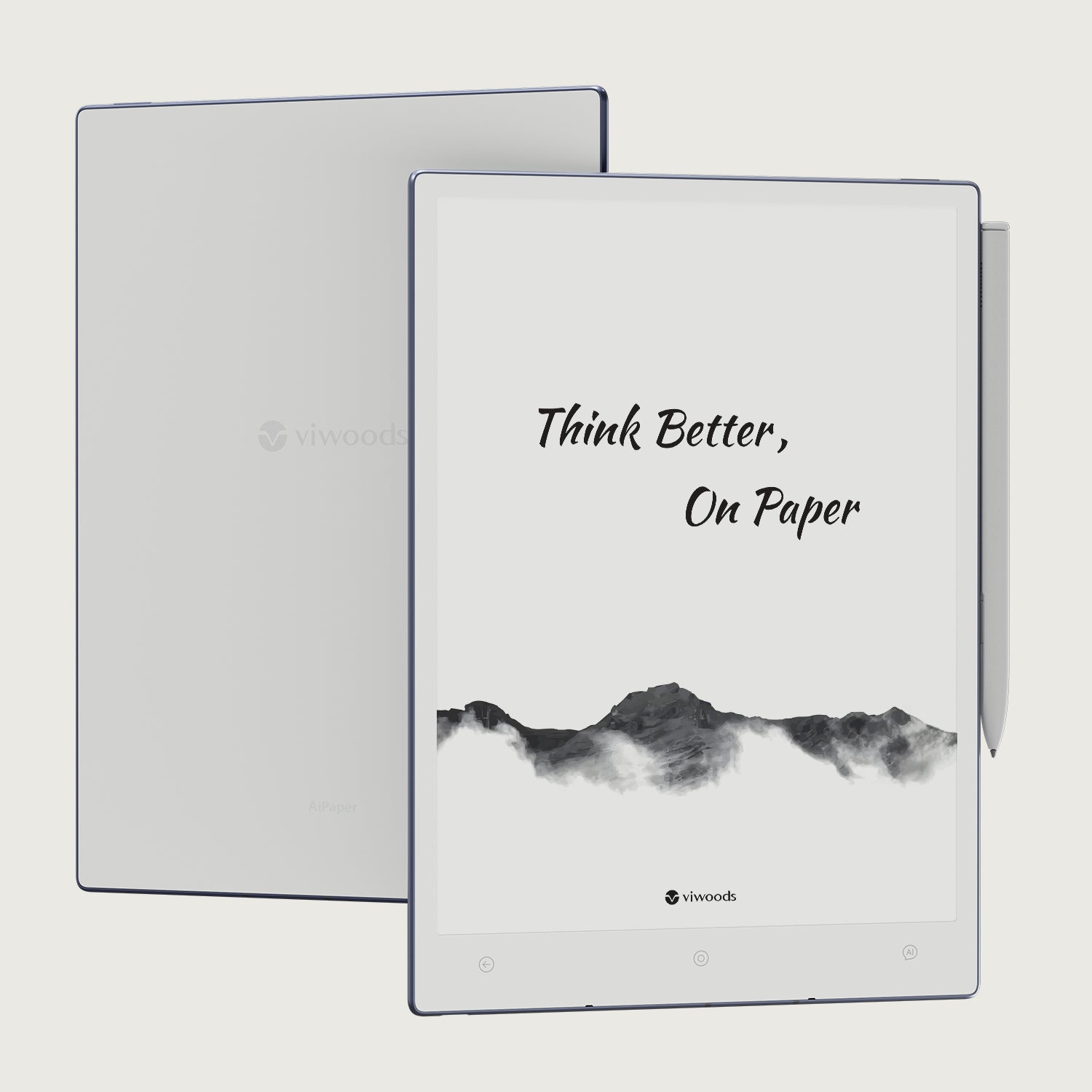
Viwoods AiPaper
$549.00

Viwoods AiPaper Mini
$429.00
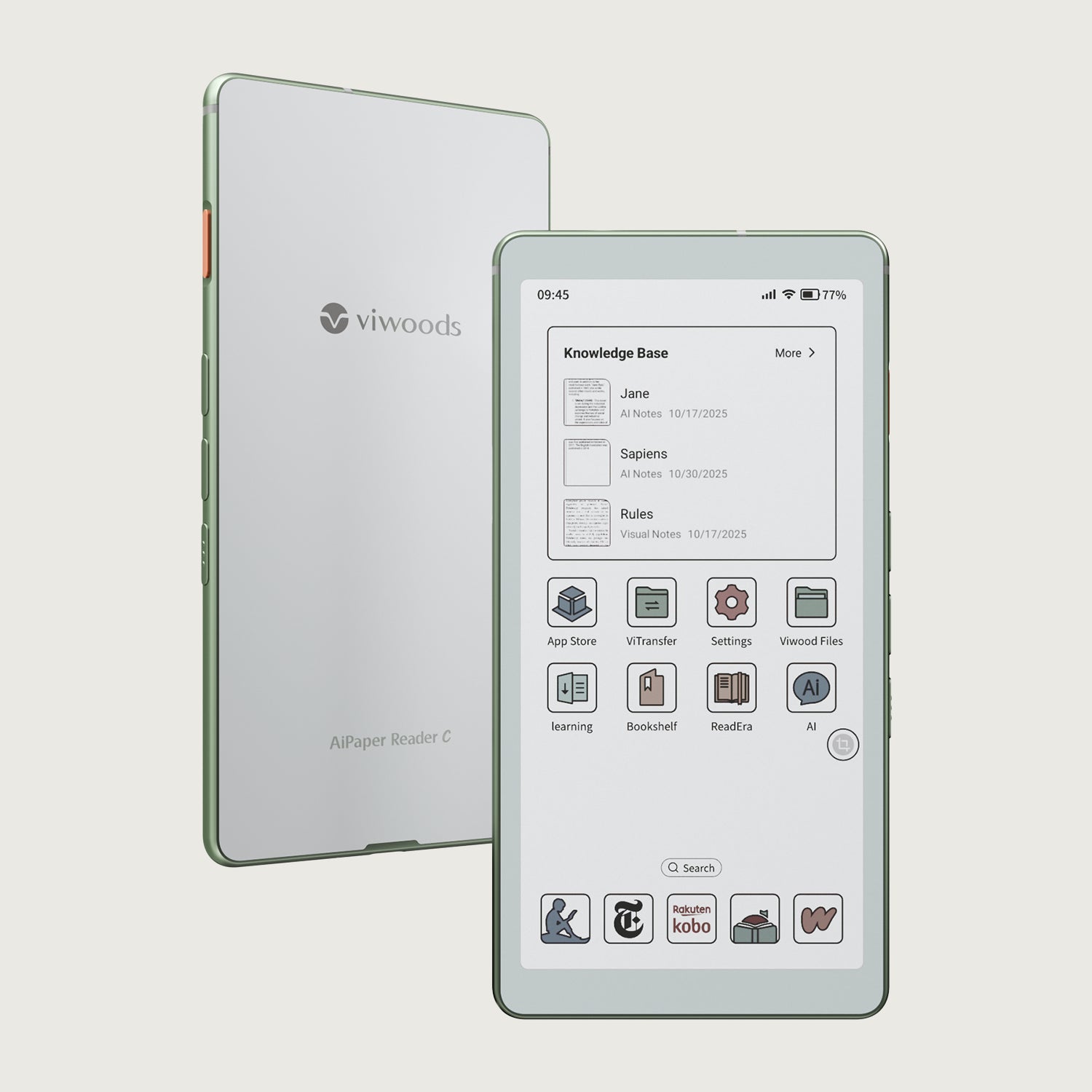
قارئ Viwoods AiPaper الملون
$289.00
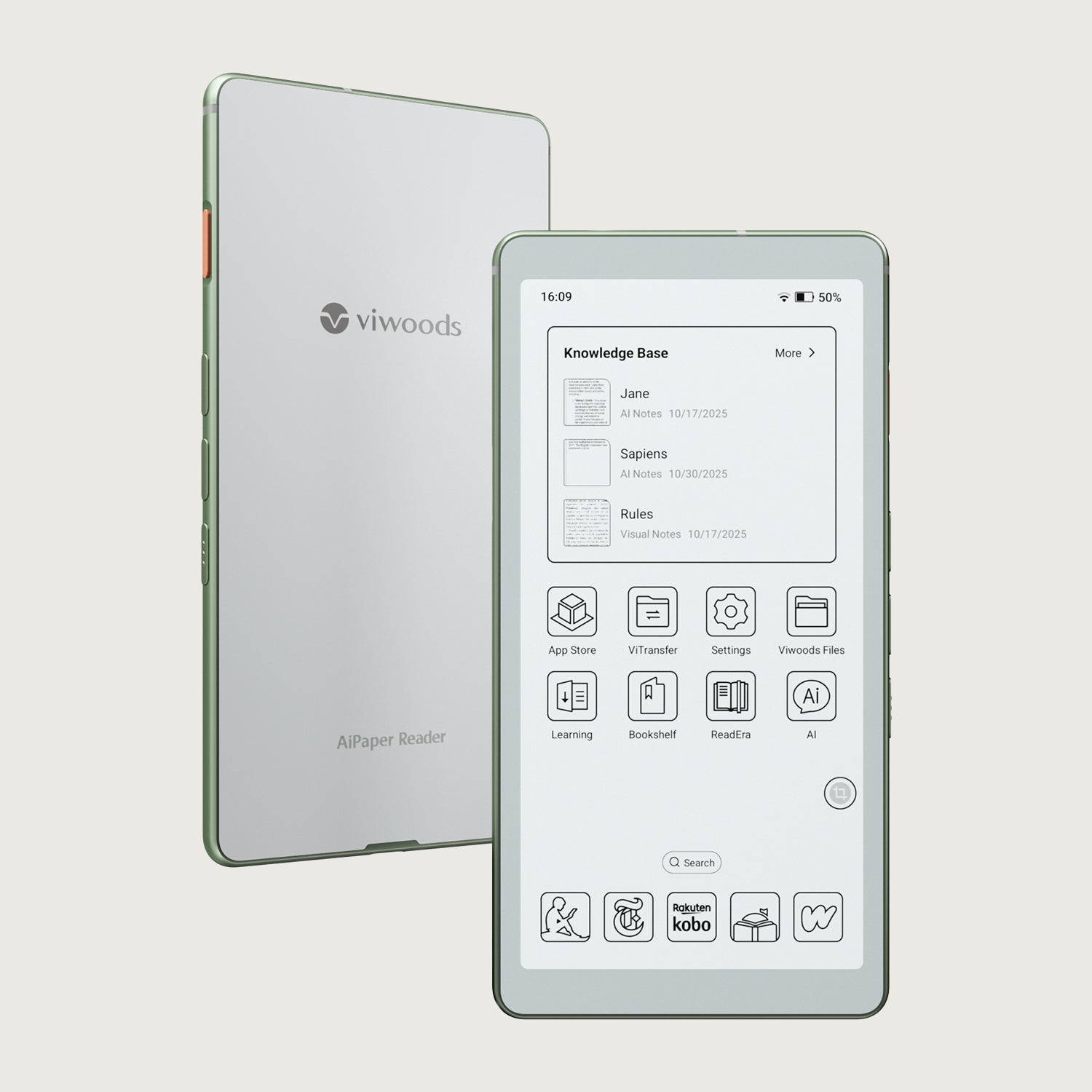
قارئ Viwoods AiPaper
$279.00