
Not sure which E Ink tablet to choose? This guide helps compare screen comfort, handwriting feel, PDF notes, apps, sync, battery life, and Viwoods model fit for study, work, and reading.
A useful e ink tablet buying guide should not start with a spec sheet alone. It should begin with real work: reading long files, writing notes, marking PDFs, syncing documents, and choosing a calmer screen for daily focus.
Practical Answer
An E Ink tablet is worth considering when reading comfort, focused handwriting, PDF annotation, and long battery life matter more than video, gaming, or fast color graphics. In simple terms, it is closer to a digital notebook than a media tablet.
However, the best choice depends on more than screen size. A strong paper tablet decision should compare PPI, stylus feel, PDF layout, Android app needs, cloud sync, battery, accessories, price, and support. For display background, E Ink explains that ePaper reflects ambient light like printed paper, while LCD screens rely on a backlight. Source: E Ink FAQ.
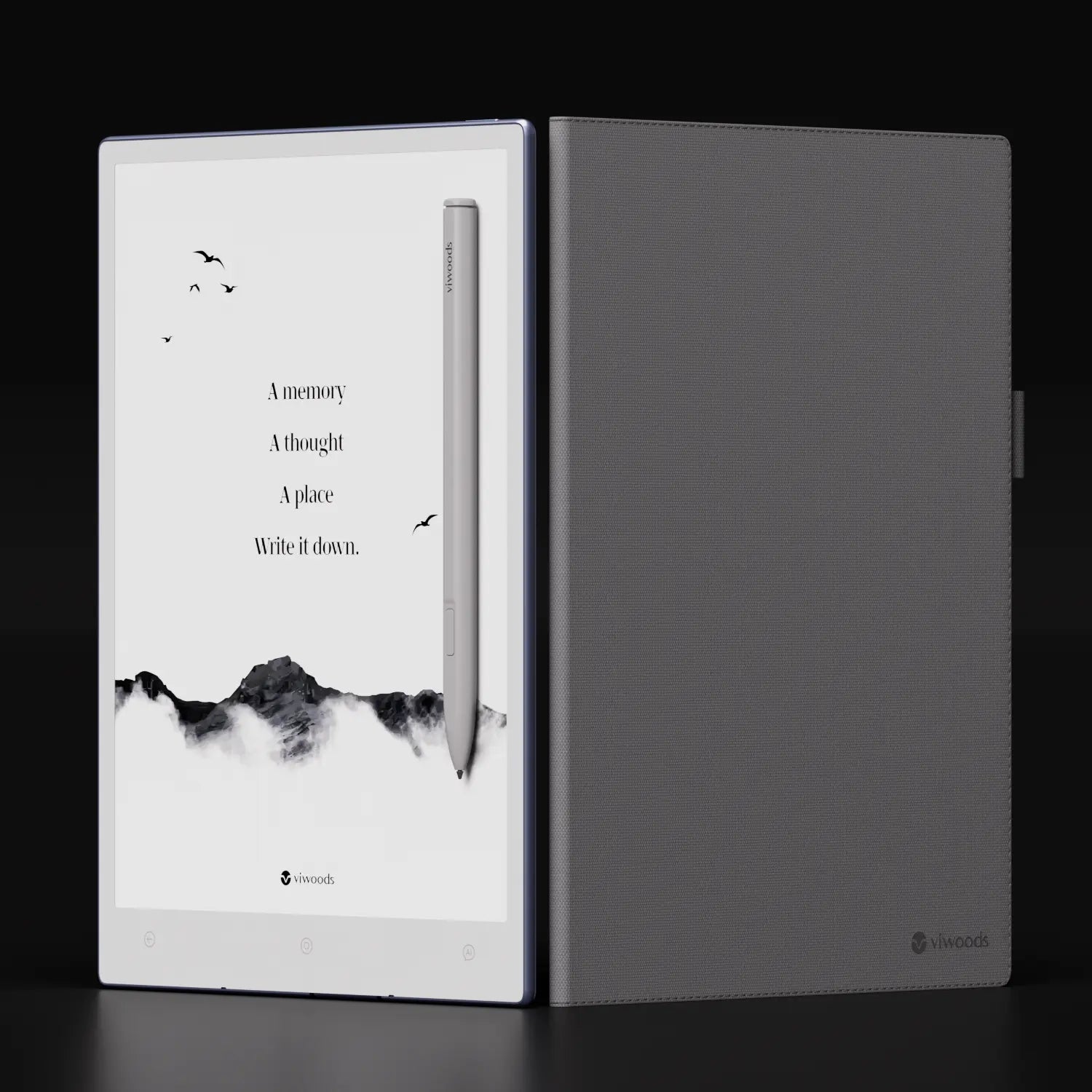
Who Should Buy an E Ink Tablet?
First, an E Ink tablet fits people who read and write for long stretches. Students can mark articles, outline essays, and keep class notes together. Professionals can review PDFs, prepare meeting notes, organize project materials, and reduce paper folders.
At the same time, a note taking tablet is not a full laptop replacement. It does not aim to beat LCD tablets for video, gaming, or fast creative software. Instead, it creates a calmer workspace for reading, thinking, handwriting, and document review.
Therefore, it works best when paper feels natural but paper storage feels messy. A digital paper tablet can keep the handwriting habit while adding folders, search, export, cloud transfer, templates, and repeatable workflows.
E Ink Tablet Buying Guide: Key Factors
Screen, Size, and Reading Comfort
Screen size is the first visible difference. However, size alone can mislead the decision. A larger screen gives more room for full-page PDFs, margin notes, two-column articles, diagrams, forms, and structured notebooks.
Meanwhile, a smaller screen is easier to carry, hold, and open during short moments. It suits travel reading, daily planning, quick notes, and bedside reading. In other words, the best screen is the one that appears naturally in the routine.
PPI also matters. Higher pixel density makes small text cleaner, especially in research papers, footnotes, charts, and dense PDF pages. Screen choice should follow the usual file type, not only the largest available size.
Stylus and Handwriting Feel
Next, the stylus decides whether the writing tablet feels useful after the first week. Low perceived latency, stable palm rejection, a comfortable grip, replaceable tips, and easy erasing all matter during long handwriting sessions.
For real notes, the pen is not a small accessory. It controls how quickly a thought becomes a line on the page. Therefore, a buying decision should treat stylus feel as important as screen size.
PDF, Apps, and Sync
PDF work often reveals the wrong choice quickly. A PDF annotation tablet should open files smoothly, keep handwriting aligned, support zoom when needed, and export marked pages clearly. Otherwise, document review becomes slower than paper.
In addition, app and sync needs should follow the existing workflow. An Android E Ink tablet helps when reading apps, cloud drives, email, calendars, and document tools are part of weekly work. However, app flexibility should support focus, not rebuild phone distractions.

Parameter Decision Guide
Instead of comparing every specification in a wide table, use these practical checkpoints to decide which E Ink tablet fits your daily reading, writing, and document workflow.
Screen size
8-inch class vs 10-inch class
Large screens help with PDFs, reports, contracts, and full-page reading. Smaller screens are easier to carry every day.
Best for: documents or daily carry
PPI
Text sharpness and small font clarity
Dense articles, footnotes, charts, and technical PDFs need clean rendering so the page does not feel tiring.
Best for: research and technical reading
Stylus latency
Writing response and eraser flow
Slow ink breaks concentration during meetings, lectures, and handwritten planning. Pen feel matters as much as screen size.
Best for: long handwriting and meetings
Apps and system
Android support and workflow tools
Reading apps, cloud drives, email, calendars, and document tools may matter if the tablet is part of a real work system.
Best for: mixed study and work workflows
Price and kit
Tablet, stylus, case, tips, warranty
The full kit matters more than tablet price alone. Accessories, warranty, and support affect the real buying value.
Best for: final product page checks
Scenario Matching Guide
Choose by the work scene first. A good paper tablet should fit the way you read, write, review, and export files every week.
Research reading
PDF articles, margin notes, folders
A larger paper tablet is usually better when papers, reports, footnotes, and multi-page files are the main task.
Daily planning
Tasks, schedules, quick notes
A compact paper tablet works well when the goal is quick capture, habit tracking, and daily organization.
Business meetings
Minutes, action items, export
Choose based on document size. Meeting notes alone may not need a large screen, but reports and slides often do.
Contract review
Full-page reading and annotation
A larger paper tablet is usually clearer for contracts, forms, scanned pages, and full-page review.
Travel reading
Portable reading and light notes
A compact paper tablet is easier to carry, open, and use in short reading sessions.
Mid-Article Next Step
Once the main use case is clear, compare the models directly. This keeps the buying path practical and avoids overthinking specifications that may not affect daily work.
Compare E Ink Tablet ModelsWhich Viwoods Model Fits You?
Viwoods AiPaper
Choose Viwoods AiPaper for larger PDFs, research files, reports, contracts, and long notebooks. The larger screen gives more room for structured pages and handwritten comments.
Open AiPaperAiPaper Mini
Choose AiPaper Mini for portable notes, daily planning, travel reading, quick capture, and lighter PDF use. The smaller body lowers the barrier to opening it often.
Open AiPaper Mini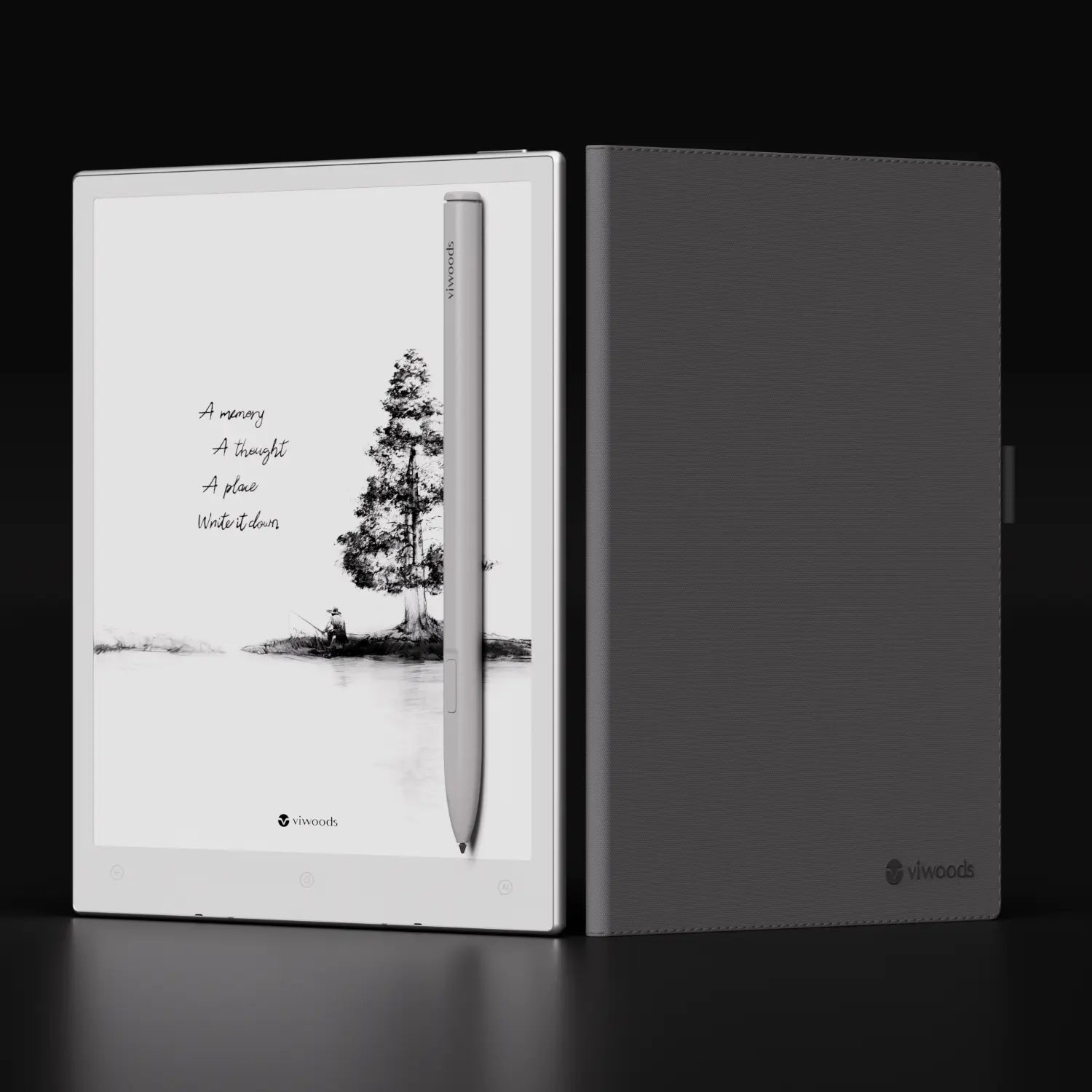
Who May Not Need an E Ink Tablet?
Video-first use
If the main work is video, animation, gaming, or fast color browsing, an LCD tablet will feel more suitable.
Heavy design work
If color accuracy, complex layers, or fast creative software matter most, a specialist creative tablet is a better fit.
No file workflow
If notes never need search, backup, export, or sharing, a paper notebook may still be enough.
Common Wrong Choices Before Buying
Only looking at size
A larger device may help PDFs, but it may stay on a desk. A smaller device may get used more often.
Ignoring PDF layout
A clean ebook and a scanned textbook are different tasks. Sample PDFs should guide the final choice.
Forgetting app needs
Some workflows need cloud drives, calendars, email, or reading apps. Others only need a calm notebook.
Not checking team workflow
A team deployment needs sharing rules, support, training, and a clear document path.
Before You Buy: 3 Real Tests
PDF test
Open a real article, contract, manual, or scanned page. Then check whether full-page reading and margin notes feel comfortable.
Writing test
Write one full meeting note or lecture outline. Then judge palm rejection, erasing, line feel, and hand comfort.
Sync test
Import one file, annotate it, export it, and send it to the normal work or study folder. If this path feels slow, the device may not fit the workflow.
A Practical Workflow: Capture, Read, Mark, Export
A useful E Ink workflow starts with capture. A thought, meeting action, class note, or reading idea should enter the tablet quickly. Then, folders, tags, and templates should keep it findable.
Next, reading and marking should happen without friction. A PDF can be imported, reviewed, highlighted, marked with handwriting, and exported back to a work or study system. This is where cloud sync becomes more important than a long feature list.
Finally, the review stage matters. Notes are useful only when they can be found again. Therefore, a device should support a clear path from handwritten thinking to saved knowledge.

Why Display Type Matters
Display type affects reading comfort more than many people expect. An E Ink screen is designed for static text, handwriting, and long reading sessions. Therefore, it feels different from a phone, laptop, or standard LCD tablet.
This matters because screen technology shapes the whole experience. A device may have the right size and price, but it still needs the right reading feel for long notes, study files, and document review.
Buying Checklist
1. Define the main task: notes, PDFs, reading, meetings, travel, or team use.
2. Test a typical PDF at full-page view before choosing screen size.
3. Compare PPI, contrast, front light needs, and reading environment.
4. Check stylus latency, palm rejection, eraser flow, and replacement tips.
5. Map the file path from import to annotation to export.
6. Compare full price, including tablet, stylus, case, warranty, and support.
Related Reading
Digital Notebook Buying Guide
Use this next for note structure, templates, handwriting-to-text, and folder planning.
Read MoreE Ink Tablet for PDF Review
Use this next for scanned PDFs, margins, zoom, export, and document review.
Read MorePaper Tablet vs iPad
Use this next for choosing between focus-first writing and multimedia flexibility.
Read MoreFAQ
What should I check before buying an E Ink tablet?
Check screen size, PPI, stylus feel, PDF tools, Android app needs, cloud sync, battery, storage, price, warranty, and support. Most importantly, match the device to the main daily task.
Is E Ink better for eyes than LCD?
E Ink can feel calmer for long reading because it reflects ambient light like paper. However, comfort still depends on lighting, font size, contrast, posture, and breaks.
Is a 10-inch E Ink tablet enough for PDF?
A 10-inch class screen is enough for many reports, papers, contracts, and forms. However, scanned textbooks and large technical drawings may still need zooming.
Do I need Android on an E Ink tablet?
Android is useful when reading apps, cloud drives, email, calendars, or document tools are required. However, app flexibility should support focus, not create distraction.
Which Viwoods model should I choose?
Choose AiPaper for larger PDFs, long notes, research, and desk-based writing. Choose AiPaper Mini for portable reading, quick notes, daily planning, and travel.
Final Recommendation
The best paper tablet is the one that removes daily friction. If the main work involves full-page PDFs, long notebooks, and document review, AiPaper is the clearer route. If the main need is portable reading, quick notes, and daily planning, AiPaper Mini is easier to carry and open often.
For teams, schools, or document-heavy offices, the next step should include workflow planning. File sharing, note export, support, and deployment needs can change the model choice. This is the point where an e ink tablet buying guide should turn into a practical buying decision.
Open one real PDF and judge full-page reading comfort.
List the apps and sync tools needed every week.
Choose by daily scene, not only by screen size or price.
Guides Paper Tablet
How to Turn Meeting Notes into Action Items with AI
E Ink Tablet for Project Handoffs: Review Notes, Open Issues and Next Steps
E Ink Tablet for Field Teams: Offline Notes, Forms and Daily Review
How to Evaluate an E Ink Tablet Demo for a Business Team
E Ink Tablet Total Cost of Ownership for Business Teams
E Ink Tablet for Compliance Audits: Checklists, Evidence Notes and Follow-Up
E Ink Tablet for Research Interviews: Interview Guides, Field Notes and Follow-Up
How to Carry a Paper Tablet and Stylus Together Without Damaging the Screen
How to Protect an E Ink Tablet in a Backpack
How to Choose a Protective Case for an E Ink Paper Tablet
Paper Tablet Accessories Checklist: What You Need for Daily Carry

Viwoods AiPaper
$549.00

Viwoods AiPaper Mini
$429.00

Viwoods AiPaper Reader Colour
$289.00

Viwoods AiPaper Reader
$279.00