A practical college guide to choosing a note-taking tablet for lectures, PDF textbooks, handwritten notes, revision, battery life, and budget. Learn when AiPaper Mini is enough and when AiPaper is better for heavier PDF study.
A note taking tablet for college students should not simply replace paper. Instead, it should make lectures easier to capture, PDF textbooks easier to mark, revision easier to repeat, and weekly planning easier to keep. The best choice depends on a real campus routine: class in the morning, reading in the library, lab or project work in the afternoon, and exam review before the week ends.
Why College Notes Are Different
First, college notes are not only a record of what happened in class. They become a study map. One page may hold a definition, a diagram, a question for office hours, and a reminder to read the next chapter.
Meanwhile, college work moves across many formats. A normal week can include lecture slides, PDF chapters, scanned handouts, lab sketches, group project notes, and exam checklists. Therefore, a student digital notebook needs to capture quick thoughts and support slower review.
However, a paper-like device should not replace every study tool. A laptop still works better for essays, spreadsheets, coding, video calls, and presentations. In contrast, an E Ink writing device is strongest for handwriting, reading, PDF annotation, weekly planning, and revision.
In other words, the best study setup usually combines tools. A laptop handles production work. A paper-like tablet handles focused reading and handwritten thinking. This split keeps the writing workflow simple instead of turning every task into another browser tab.
Student Scenarios: What Matters on Campus
The right device depends on where the notes happen. Instead of using a wide table, use these campus scenes to connect the study routine with the feature that matters most.
Lecture hall
Capture ideas quickly
Use headings, arrows, and short phrases instead of copying every slide.
Helpful feature: fast handwriting and a page ready before class starts.
Library reading block
Read chapters and papers
Use margin notes and short summaries so highlights become review material.
Helpful feature: PDF annotation and clear file names.
Lab or project session
Track steps and decisions
Use tables, sketches, checklists, and decision notes without mixing raw notes with final tasks.
Helpful feature: stylus control and course folders.
Seminar discussion
Prepare arguments
Use questions, quote references, and quick summaries that connect readings with discussion points.
Helpful feature: quick file switching and organized reading notes.
Revision week
Build exam memory
Use cue questions and summary sheets instead of waiting until the night before.
Helpful feature: search, handwriting-to-text, and weekly review pages.
Note Taking Tablet for College Students: Key Features
To begin, features should be judged by weekly friction. A useful device opens quickly before class, accepts messy handwriting, handles reading files, and keeps course folders clear. In other words, the most valuable feature is the one that gets used every day.
Also, the writing surface matters because many college notes are visual. Math formulas, chemistry pathways, economics charts, design sketches, and anatomy diagrams often lose meaning when typed too early. Therefore, a paper-like writing experience can protect the shape of the idea.
At the same time, organization is not optional. A page has little value when it cannot be found before a quiz. Search, folders, file names, and weekly review pages turn digital notes for college into a study system.
Feature Checklist
Before choosing a device, the checklist should stay practical. A good college setup should make these tasks easier.
Natural handwriting for long lectures
Clear folders for each course
PDF reading and annotation
Handwriting-to-text for summaries
Search for terms and topics
Battery life for study days
Price matched to weekly use
Case and stylus support
Lecture Notes
During lectures, speed matters first. A page should be ready before the first slide appears. Then, the layout should guide attention toward main ideas, examples, and follow-up questions.
A simple lecture page can include the course code, date, lecture title, three main headings, and a small “review later” area. As a result, the page remains useful after class, not only during class.
For a compact lecture setup, AiPaper Mini works well when the day includes quick handwriting, class planning, and portable reading. It also fits small desks better than a larger screen.
View AiPaper Mini

PDF Textbooks
PDF work is where screen size becomes a real choice. Lecture slides and short articles can work on a compact screen. However, scanned chapters, dense textbook pages, two-column papers, and diagram-heavy material often need more space.
A good PDF routine should avoid random highlighting. First, file the reading by course and week. Next, mark only the points that support a concept, an exam topic, or a seminar argument. Finally, create a short summary page after the reading block.
For heavier annotation, a larger paper tablet reduces zooming and page movement. That difference matters during long library sessions, especially when figures and tables need to stay visible.
View AiPaper for PDFsRevision and Search
After several weeks, revision becomes the real test. A messy notebook feels fine in week one. However, exam week exposes missing dates, unclear topics, and files with names like “new note.”
A better system uses folders from the start. Each semester gets a folder. Each course gets sections for lectures, readings, assignments, projects, and revision. Then, weekly review pages connect ideas across those sections.
Handwriting-to-text also helps at this stage. Rough notes can become cleaner summaries, discussion points, or study prompts. Still, original handwriting should remain available for formulas, diagrams, and visual memory.
In addition, search can reduce exam-week stress. A clear file name and a searchable summary make it easier to find definitions, page references, and weak topics before practice questions begin.
Battery Life, Price, and Real Value
Battery life matters because campus days are uneven. A device may start in an early lecture, move to the library, continue through project work, and end with evening revision. Therefore, fewer charging breaks support a calmer routine.
E Ink explains that its displays are reflective, meaning ambient light reflects from the screen surface instead of relying on a backlight. The same official E Ink source also explains that bi-stability helps reduce power use because power is mainly needed when display content changes: E Ink display benefits.
Price should be judged by weekly use, not by first-day excitement. A device used for lectures, PDF reading, planning, and exam review has a stronger value case than one used only for occasional journaling.
For support questions before setup, the Viwoods FAQ page is the safer next stop than guessing about setup, shipping, returns, or device details.
Accessories Are Part of the Study Setup
At first, the device gets most attention. However, a stylus and case often decide whether the setup works through a semester. Campus bags, library desks, labs, and daily movement create real wear.
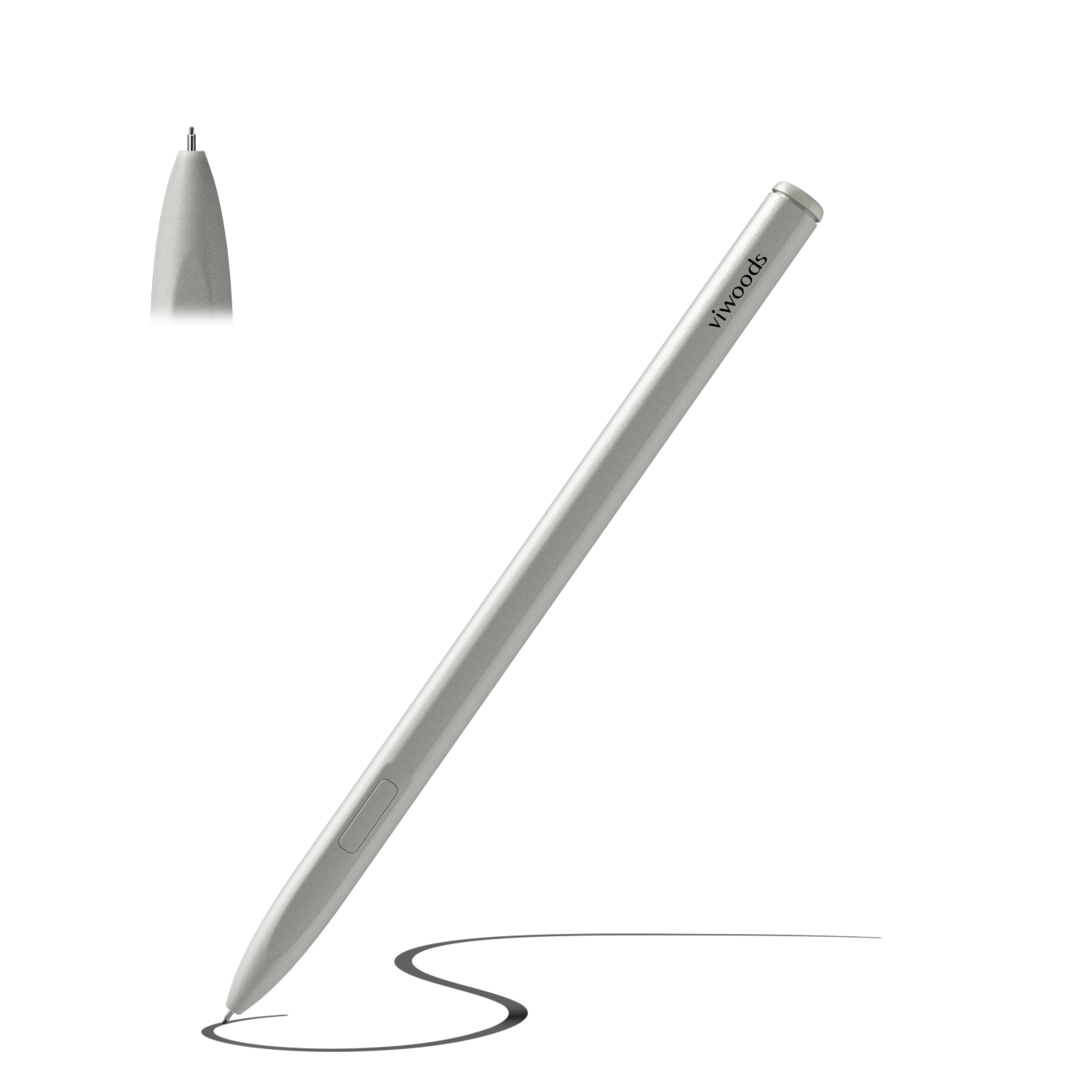
A comfortable stylus supports longer writing sessions. Meanwhile, a case protects the screen and makes the device easier to carry between classes. Therefore, accessories should be considered before the first week starts.
View Accessories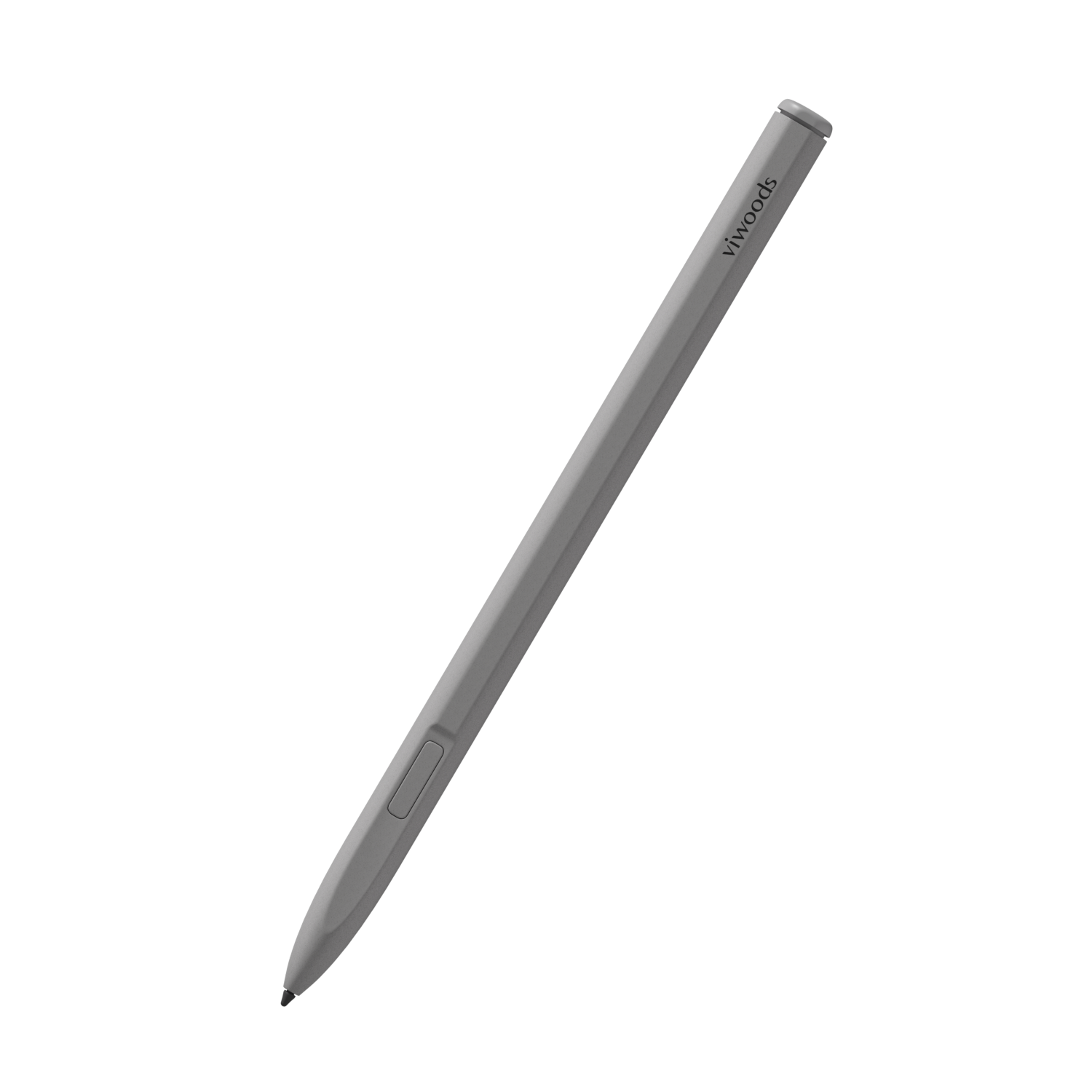
Model Match
The best model depends on study load. Instead of choosing the largest screen by default, compare the work that happens most often.
Lecture-heavy schedule
AiPaper Mini
Compact size supports daily carry, quick notes, and planner pages. Watch point: dense PDFs may need more room.
Open Mini PagePDF-heavy courses
Viwoods AiPaper
Larger screen supports textbook pages, article annotation, and research summaries. Watch point: less compact for short trips.
Open AiPaper PagePlanner plus class notes
AiPaper Mini
Good fit for weekly pages, quick review, and daily study planning. Watch point: folders still need discipline.
Start CompactGraduate reading blocks
Viwoods AiPaper
Better for research papers, references, and synthesis notes. Watch point: file naming should start on day one.
Choose Larger ScreenReading-first routine
Compare the lineup
Useful when close reading matters more than long handwriting. Watch point: not every reading device is the main route for lecture notebooks.
Compare Reading NeedsHow It Fits a Real College Week
On Monday, lecture notes may start as rough handwriting. After class, a five-minute review can add missing definitions and circle unclear points. This small habit keeps the page useful.
On Tuesday, lab or project work may need a checklist, a sketch, and a short decision log. Meanwhile, project tasks should stay separate from raw observations, so final work remains easy to track.
By Wednesday, a reading block may require PDF annotation. The best margin notes explain why a paragraph matters, not only what it says. As a result, the reading can support seminar discussion and exam answers.
During revision week, the workflow should become simpler. One page per course can list key ideas, weak topics, readings finished, and practice tasks. That page becomes the bridge between daily notes and exam preparation.
Common Mistakes
Expecting a device to fix weak habits
A device supports habits, but it cannot create them. A weak workflow can make even a strong device feel messy.
Copying every slide
Better notes capture relationships, examples, questions, and diagrams. The question left after class can matter more than the copied bullet.
Putting every PDF in one folder
That folder becomes painful before exams. Readings should sit beside the matching course, week, and topic.
Ignoring screen size
Compact devices are excellent for daily carry. Detailed PDFs, scanned chapters, and research papers often reward a larger screen.
Choose by Study Load, Not by Spec Sheets
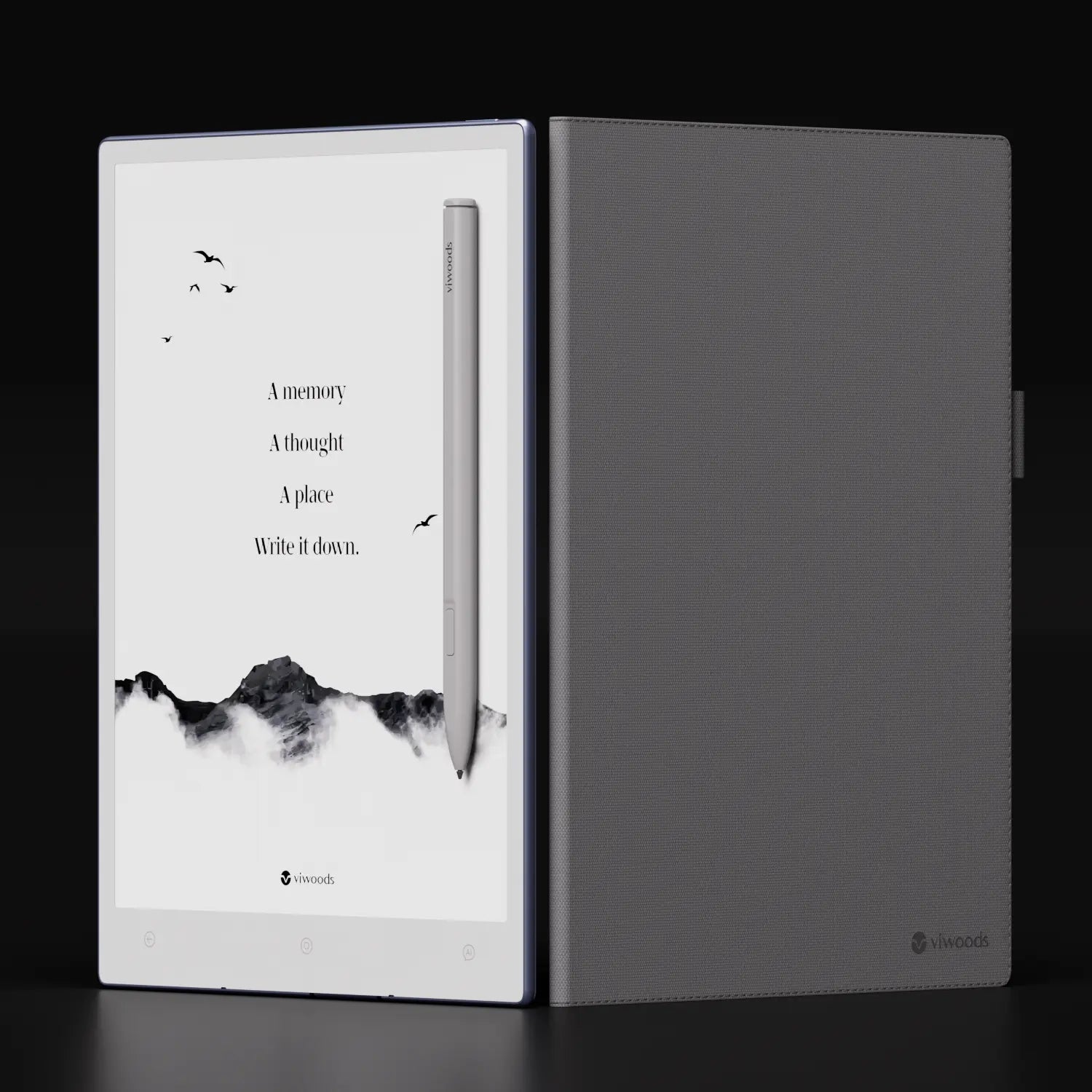
In summary, compact daily notes point toward AiPaper Mini. Heavy textbook PDFs, research papers, and long annotation sessions point toward Viwoods AiPaper. Reading-first routines may also compare the paper tablet lineup.
For schools, programs, or education teams evaluating paper tablets at scale, the Business Solutions path is the clearest next step. For setup questions, support details, or purchase concerns, the FAQ path keeps the next action simple.
Map one normal week before choosing a screen size.
Create folders before the first lecture, not during exam week.
Choose AiPaper Mini for portable notes or AiPaper for heavier PDF study.
FAQ
Is a note taking tablet worth it for college?
Yes, when lectures, PDFs, handwritten diagrams, and revision happen every week. However, it is less useful when most work happens in essays, coding tools, spreadsheets, or video classes.
What size tablet is best for college notes?
Compact screens work well for lectures, planning, and daily carry. Larger screens work better for dense PDFs, scanned textbook pages, research papers, and detailed diagrams.
Can students read textbooks on it?
Yes, many textbooks and readings can be read as PDFs. However, small text, two-column pages, and diagram-heavy chapters usually feel better on a larger paper tablet.
Is AiPaper Mini enough for students?
AiPaper Mini is enough for many lecture-heavy, planner-heavy, and portable study routines. For PDF-heavy courses, AiPaper is usually the better fit.
How should students organize digital notes?
Use semester folders, course folders, dated lecture pages, and separate PDF sections. Also, create one weekly review page per course to connect notes, readings, questions, and exam topics.
Does handwriting-to-text matter?
Yes, when rough notes need to become summaries, task lists, or shareable study material. Still, original handwriting remains valuable for formulas, diagrams, and visual thinking.
Should a writing tablet replace a laptop?
Usually, no. A laptop remains better for essays, spreadsheets, coding, presentations, and video calls. A writing tablet is better for reading, handwriting, annotation, and planning.