
A practical guide to safer EMR stylus storage, including nib protection, magnetic placement, desk setup, screen clearance, and long-term care.
If you are deciding how to store an EMR stylus, control three ordinary risks: pressure on the writing point, uncontrolled movement around the desk, and unnecessary contact with the tablet display. Most storage problems do not require a major accident. Small habits repeated every day can matter more.
A five-minute pause also needs a different solution from overnight or long-term storage. Short breaks favor fast retrieval. Overnight storage needs protection from changing desk conditions. Several weeks of inactivity add dust control, stable surroundings, and better organization for small parts.
The safest routine is not the most complicated one. A stable resting point, an unloaded nib, a clear screen, and a consistent storage location solve most static desk and office situations without drifting into travel or carrying advice.
The low-risk rule
Support the barrel, unload the nib, keep the screen clear, and increase protection as the idle time grows.
If a storage method satisfies those four conditions, extra complexity usually adds little practical value.
Quick Answer: Use More Protection as the Idle Time Grows
Short break
Keep the pen nearby and stable.
An intended magnetic position or shallow tray works when the nib stays free.
Overnight
Plan for desk movement.
Use a location that remains safe after papers, keyboards, or covers move.
Long-term
Prioritize enclosure and cleanliness.
A clean compartment protects the pen from dust, pressure, and misplaced small parts.
A Short Break, Overnight Storage and Several Weeks Need Different Setups
Short breaks mainly create a placement problem. The stylus may return to the tablet within minutes, so quick access still matters. A nearby tray, groove, or intended magnetic position is usually enough when the body remains stable and the writing point stays unloaded.
Overnight storage changes the situation because the workspace may change after writing stops. A notebook can close, a keyboard can move, or another object can occupy the same area. The pen should move to a location that remains safe after normal desk activity.
Long-term storage places less value on instant access. Dust control, dry surroundings, stable temperature, and organized small parts become more important. A clean enclosed compartment usually makes more sense than an open desktop tray.
Protect the Nib From Constant Pressure
The nib is designed for controlled writing contact, not for supporting the pen during storage. A deep cup can look organized while leaving the writing point pressed against a hard base for hours. That makes the visual neatness of a holder a poor way to judge safety.
Horizontal storage is often easier to evaluate. When a tray supports the barrel, the tip can remain clear. A vertical holder can also work, but only when the point does not carry the pen's resting weight.
Soft material is not automatically safer. Dense foam or a tight sleeve can still press against the writing point. The useful test is mechanical: the body should feel supported while the nib remains free from continuous pressure.
When replacement parts become part of the routine, current compatible stylus and tip options should guide the choice. Similar appearance alone does not establish tip compatibility.

W2 spare-tip storage
Keep replaceable W2 tips clean, labeled and separate from loose desk items.
W2 uses replaceable Felt and POM tips, so storage includes more than the pen itself. A small closed location for spare tips helps keep the correct parts easy to identify without mixing them with paper clips, tools, or general stationery.
Check W2 Tip Set →Magnetic Attachment Helps With Placement, Not Every Storage Risk
Magnetic attachment is useful during short stationary breaks because it keeps the stylus visible and reduces rolling. Still, a magnet only controls placement. It does not automatically protect the nib or prevent another desk object from pressing against the barrel.
The intended attachment area is more useful than any nearby metal surface. A lamp base, filing cabinet, or unrelated magnetic stand may hold the pen, but the angle and nib clearance were not necessarily designed around stylus storage.
For overnight use, surrounding desk activity becomes the deciding factor. An undisturbed desk may support magnetic storage comfortably. A shared or frequently rearranged workspace usually benefits from a more protected compartment.
Permanent tip + magnetic placement
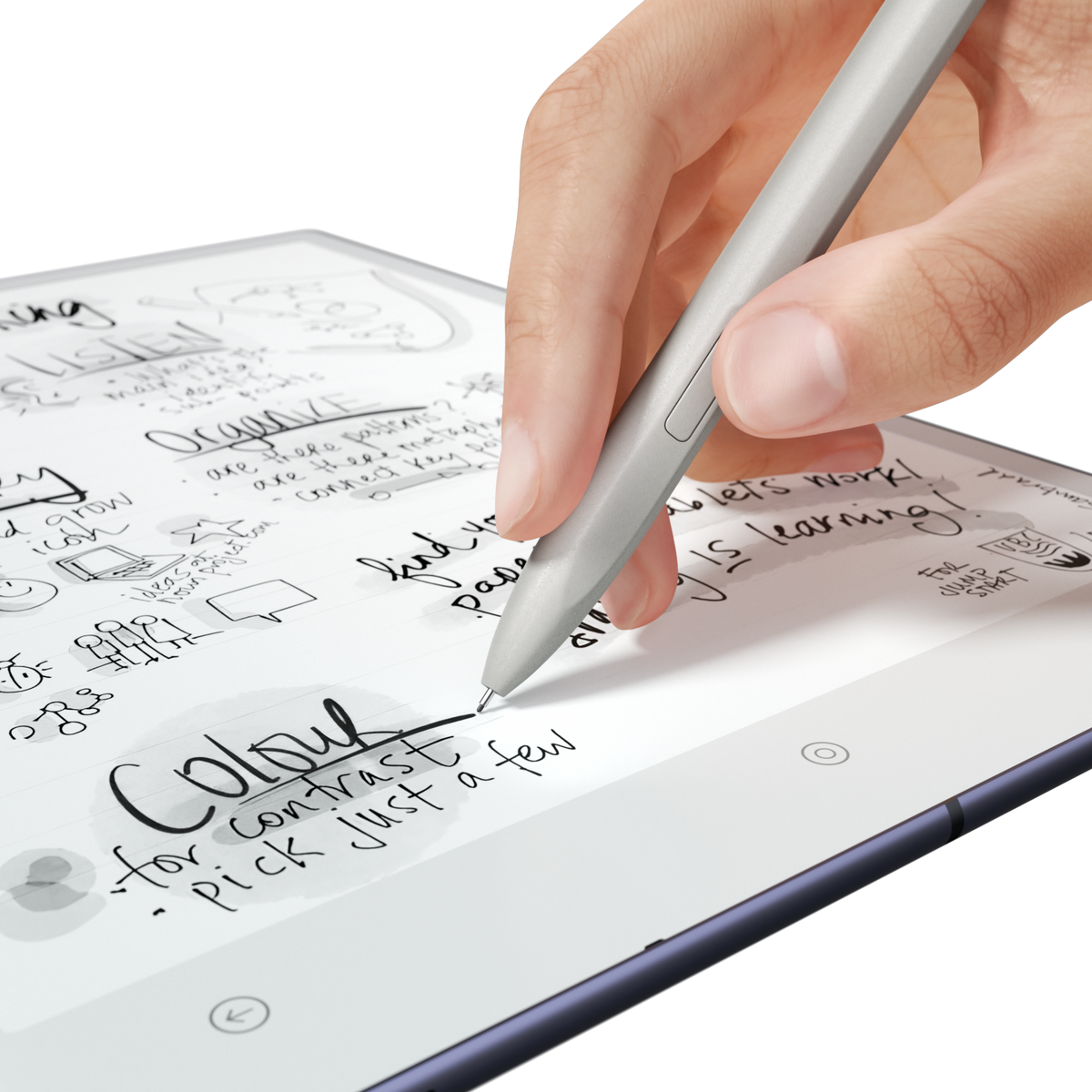
C1’s permanent ceramic tip simplifies what you need to store.
C1 uses a permanent ceramic tip, so there are no replacement tips to organize. Its magnetic attachment gives the pen a deliberate resting position on the AiPaper Series, but the same storage rules still apply: keep the writing point unloaded, leave the display clear, and make sure another desk item cannot press onto the pen.
View C1 Ceramic Stylus →Keep the Stylus Away From the Display Surface
Writing contact is intentional. Storage contact is not. A loose stylus left across the display can become a pressure point later when a notebook, cover, or another device moves over it.
Small debris adds another reason to keep the screen clear. Paper fibers or dust can become trapped between the barrel and display. If the pen shifts, the debris can move with it instead of remaining visible and easy to remove.
A nearby tray or intended side attachment solves the problem without creating extra maintenance. The storage position only needs to be close enough that screen placement never becomes the easier option.
Screen clearance
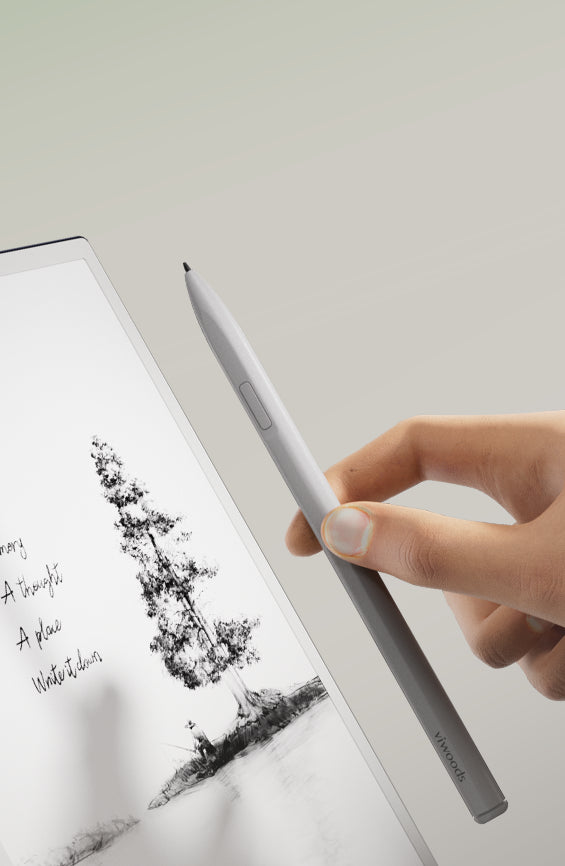
Writing contact is intentional; storage pressure on the display is not.
A real pen-and-screen view makes the distinction clear. Once handwriting stops, keep the stylus beside the tablet or in its intended resting position instead of leaving the barrel across the display where a cover, notebook, or other object could later create pressure.
View W2 Stylus Pro →The Best Desk Spot Stays Safe After You Stop Writing
A fixed position reduces both misplacement and rushed handling. The location should sit outside the main movement zone around keyboards, charging cables, notebooks, and drinks. A quieter side area is usually easier to keep stable.
A divided drawer can work well overnight, but a large mixed drawer is less useful. Chargers, scissors, metal tools, and other objects can still press against the stylus. Internal separation matters more than simply hiding the pen from view.
A good storage spot passes four checks:
- ✓The nib does not carry the pen's weight.
- ✓The barrel cannot roll into the working area.
- ✓The tablet display remains completely clear.
- ✓Another desk item cannot easily land on the pen.
When a storage or organization accessory solves one of those problems, current stylus storage accessories provide the appropriate category to review. Compatibility should still be confirmed on the current product page.
Control Dust, Moisture and Heat
Long-term storage should remain clean, dry, and shaded. An open desk can collect paper fibers and dust over several weeks. A closed compartment creates a more predictable environment when it is itself clean and free from loose objects.
Moisture control does not require a complicated preservation system. The pen should simply stay away from damp cloths, drinks, humidifier outlets, and wet storage material. Obvious heat sources such as radiators and sunny windowsills are poor long-term locations.
Spare tips and small tools should remain clean and labeled. A small closed container makes them easier to identify later and prevents them from mixing with paper clips or general stationery.
Inspect the Nib and Body Before Returning to Use
After extended storage, the first step should be a brief visual check rather than a long writing session. Visible lint, debris, an unusually loose replaceable tip, or obvious physical damage deserves attention before repeated screen contact begins.
The display should be checked at the same time. A clean pen does not solve a particle already sitting on the writing surface. Nib condition and screen condition belong to the same pre-writing check.
A short test note is enough after long inactivity. If contact feels unusually gritty or different, inspection should resume before a full annotation or writing session continues.
Five Checks for Any EMR Stylus Storage Spot
Do not buy another accessory unless one of those checks is still unsolved.
If the current magnetic position, tray, or drawer already supports the barrel, unloads the nib, and keeps the screen clear, the storage problem is already solved. Check the paper tablet accessories page only when there is a genuine organization or replacement need.
Related reading · Continue the decision path
Compare the Pen and Accessory Setup Before Buying Another Storage Item
A storage problem does not always require a new organizer. Sometimes the better next step is checking the current stylus design, replacement-tip system, or existing accessories before another item is added to the desk.
Frequently Asked Questions
Use what the storage check tells you
A safe storage routine should solve the risk before it creates a shopping list.
If your current resting position supports the barrel, leaves the nib unloaded, keeps the screen clear, and stays protected when the desk changes, keep using it. W2 owners only need a replacement-tip path when spare or worn Felt/POM tips are genuinely part of the routine. C1 owners do not need that same spare-tip organization because the ceramic tip is permanent.
The practical answer to how to store an EMR stylus is to choose a stable position that matches the idle time, removes continuous nib pressure, keeps the tablet display clear, and does not add a replacement or accessory unless the existing setup leaves a real problem unsolved.
Care note: stylus construction, writing-point design, magnetic attachment positions, and accessory compatibility can differ by model. Current VIWOODS product information should be checked before replacing tips or applying a storage method intended for another pen.
Guides Paper Tablet
E Ink Tablet for Project Handoffs: Review Notes, Open Issues and Next Steps
E Ink Tablet for Executive Briefings: Read, Mark, Decide and Follow Up
How to Evaluate an E Ink Tablet Demo for a Business Team
E Ink Tablet Total Cost of Ownership for Business Teams
E Ink Tablet for Research Interviews: Interview Guides, Field Notes and Follow-Up
How to Carry a Paper Tablet and Stylus Together Without Damaging the Screen
How to Protect an E Ink Tablet in a Backpack
How to Choose a Protective Case for an E Ink Paper Tablet
EMR Stylus Troubleshooting: Why Strokes Skip, Offset or Fail to Register

Viwoods AiPaper
$549.00

Viwoods AiPaper Mini
$429.00

Viwoods AiPaper Reader Colour
$289.00

Viwoods AiPaper Reader
$279.00