
This guide explains how handwriting recognition works on a writing tablet, when typed conversion is useful, what affects accuracy, and how to build a practical Viwoods note workflow. It covers study notes, meeting records, research reading, export options, AI summaries, common mistakes, and model selection guidance for AiPaper, AiPaper Mini, Reader devices, and stylus accessories.
Handwritten notes to text is useful when ideas start naturally on a paper-like screen, but later need to become searchable, editable, easier to summarize, or ready for export. The best workflow is not about converting every page. It is about writing clearly, converting important sections, checking the result, and using AI summaries only when they support real work.
For students, teachers, researchers, and meeting-heavy professionals, the right writing tablet closes the gap between flexible pen thinking and organized digital follow-up.

Can a Writing Tablet Convert Handwriting to Typed Text?
Yes. A writing tablet can convert handwriting into typed text when it supports handwriting recognition. After conversion, the typed result can be edited, copied, exported, summarized, or used in a cleaner task workflow.
However, accuracy depends on writing style, spacing, language, page layout, and review habits. In practice, the strongest method is simple: write naturally, convert important sections, check the result, then organize or summarize it.
The goal is not to make every handwritten page look like a typed document. The goal is to turn the right handwritten content into useful digital text at the right moment.
How Handwriting Recognition Works
Handwriting recognition turns pen strokes into machine-readable characters. First, the device captures shape, order, spacing, and page position. Then recognition software compares those patterns with character models and language context.
Unlike typing, handwriting is personal. One person may write open, rounded letters. Another may use tight cursive, shorthand, or a mix of print and script. As a result, recognition must read both visual shape and surrounding meaning.
For a basic technical reference, Google Cloud Vision OCR documentation explains how software can detect and extract text from images. A writing tablet can go a step further because it captures digital pen input directly, not only a flat photo.
Pen input
Digital strokes preserve shape, order, and page position better than a simple photo scan.
Language context
Recognition improves when words, spacing, and sentence context are clear.
Review step
Typed output should always be checked before export, sharing, or AI summary.
When Typed Conversion Helps Most
Typed conversion helps most when notes need a second life. Lecture pages can become study outlines. Meeting records can become action lists. Research notes can become searchable summaries. Planning pages can become project next steps.
At the same time, not every mark needs conversion. Diagrams, arrows, rough sketches, and visual mind maps can stay handwritten when visual context matters more than typed copy.
Study and lectures
Turn notes into revision material
Definitions, review questions, and lecture summaries can become typed study material after class.
Meetings
Create action lists
Decisions, owners, deadlines, and follow-up items can move into a cleaner action list.
Research
Make notes searchable
Source notes, claims, questions, and reading insights can be converted for later review and writing.
Lesson planning
Reuse teaching plans
Flexible lesson sketches can become typed outlines, activity notes, and reusable plans.
For long writing sessions, a writing tablet such as Viwoods AiPaper works best when handwriting stays natural during capture and typed output appears during review.
What Affects Accuracy
Handwriting conversion accuracy is not fixed. It changes with writing habits, page structure, language mix, and correction effort. Therefore, it is better to think in terms of recognition conditions rather than a universal percentage.
A clean page with simple lines usually converts better. Meanwhile, a crowded page with arrows, symbols, and overlapping notes often needs more review.
Cleaner conversion habits
Letter shape
Use clearer print for key terms, names, and technical words.
Word spacing
Leave small gaps between words so lines do not merge.
Line spacing
Use ruled, grid, or section templates for cleaner structure.
Language mix
Separate languages by line or section when possible.
Abbreviations
Expand important shorthand before conversion.
Proofreading
Check names, dates, numbers, formulas, and technical terms.
Search also depends on format. The Viwoods FAQ is the right place to confirm search, file transfer, and support details before building a full workflow.
Best Practices for Cleaner Conversion
A good workflow starts before conversion. Clear notes convert better, but they also become easier to review. Therefore, the goal is not robotic handwriting. The goal is a page that future review can understand.
Use a simple template
For meetings, useful sections include context, decisions, actions, and follow-up. For lectures, useful sections include topic, key terms, examples, and questions.
Convert important sections
A boxed summary, task list, or clean definition section is usually easier to process than a messy full page.
Proofread before export
A typed note looks final, so hidden errors can be easy to miss. Check names, dates, numbers, formulas, and technical terms.
Quick conversion routine
1. Start with a title, date, and topic.
2. Write naturally during the thinking stage.
3. Mark important sections for later conversion.
4. Rewrite unclear names, numbers, and terms.
5. Convert a selected area or clean page.
6. Review, export, and summarize only after checking.
Viwoods Workflow: Write, Convert, Search, Export, Summarize
A Viwoods workflow works best when each step has a clear role. Handwriting captures ideas. Recognition creates typed text. Search and tags help retrieval. Export moves the note into the next tool. Finally, AI can summarize or reorganize reviewed text.
AiPaper is the strongest fit for this process because it combines paper-like writing, structured notes, handwriting conversion, annotation, file transfer, and AI tools in one focused workspace. Moreover, the open Android environment supports a broader note routine without turning writing into constant app switching.
1. Capture
Write naturally
Use class, meeting, reading, or planning pages without interrupting the thought.
2. Convert
Select useful blocks
Turn summaries, tasks, definitions, and clean outlines into typed text after review.
3. Export
Move notes forward
Send useful content into documents, study guides, project folders, or work systems.
4. Summarize
Use AI carefully
Use AI for outlines and action lists, then check the result against the original note.
For responsible AI use and privacy planning, the NIST AI Risk Management Framework is a useful reference for thinking about risk, trust, and accountability when notes may include sensitive information.
Common Mistakes to Avoid
Most conversion problems come from workflow habits, not only software limits. Small changes can make results easier to trust.
Expecting perfect output
Even strong recognition can miss names, dates, numbers, and technical terms.
Converting messy brainstorms
Rough visual pages are useful, but clean summary sections convert better.
Ignoring file names
A converted note still needs a clear title, date, and topic.
Skipping privacy choices
Sensitive notes need careful decisions before export, sync, or AI processing.
Quick Buying Guidance
The right Viwoods model depends on the writing load. Long meeting notes, study pages, research outlines, and planning sessions usually benefit from a larger writing surface. Short daily notes and travel capture may benefit from a compact device.
The paper tablet collection is the right starting point for writing-first workflows. It includes AiPaper and AiPaper Mini, both designed for paper-like E Ink writing and focused digital note work.


Reading Notes and AI Summaries
Some workflows start with reading rather than writing. In that case, annotation, AI reading support, and compact handling can matter more than a large writing canvas.
Reader models are better suited to reading-first habits, while AiPaper remains the better choice for heavy handwritten note conversion. For long articles, books, or research material, a reader can support close reading; a writing-focused device can handle deeper note capture and conversion.
FAQ
Can a writing tablet convert handwriting to typed text?
Yes. A writing tablet can convert handwriting into typed text when it supports handwriting recognition. The result still needs review, especially for names, dates, and technical terms.
How accurate is handwriting recognition?
Accuracy depends on handwriting style, spacing, language, layout, and proofreading. Clear print, short lines, and structured templates usually improve results.
Can handwritten notes be searched?
Search works best after important handwriting becomes typed text. File names, folders, tags, and converted sections make retrieval more reliable.
Does AI help summarize notes?
Yes. AI can summarize reviewed text, create outlines, list action items, and clean up structure. However, the output should be checked against the original note.
Which Viwoods model supports this workflow?
AiPaper is the strongest fit for long-form writing, structured notes, conversion, export, and AI-assisted review. AiPaper Mini fits compact daily capture, while Reader models fit reading-first workflows.
Should every handwritten page be converted?
No. Conversion works best for summaries, decisions, tasks, definitions, and study points. Brainstorming pages and diagrams can remain handwritten when visual context matters more.
Build a Cleaner Handwritten-Note Workflow
A writing tablet is most useful when it respects the way people think on paper, then adds structure only when structure helps. Handwriting captures ideas naturally. Recognition turns selected text into editable copy. Export moves notes into the next tool. AI summary can then condense, organize, or clarify the result.
For Viwoods, AiPaper is the clearest match for long writing sessions, meeting notes, research work, study summaries, and paper tablet handwriting workflows. In this broader note system, handwritten notes to text works best as a bridge, not a shortcut.
Start with a simple template for meetings, lectures, research, or planning.
Convert only the sections that need editing, search, export, or summary.
Review typed results before sharing, archiving, or using AI follow-up.
Guides 紙のような書き心地のタブレット
Fabric vs Leather Tablet Case: Which Material Fits Daily Carry?
E Ink Tablet for Research Interviews: Interview Guides, Field Notes and Follow-Up
How to Carry a Paper Tablet and Stylus Together Without Damaging the Screen
How to Protect an E Ink Tablet in a Backpack
How to Choose a Protective Case for an E Ink Paper Tablet
Paper Tablet Accessories Checklist: What You Need for Daily Carry
How to Store an EMR Stylus Safely: Protect the Nib, Magnet and Tablet
EMR Stylus Troubleshooting: Why Strokes Skip, Offset or Fail to Register
How to Clean an E Ink Tablet Screen Safely: A Practical Care Guide
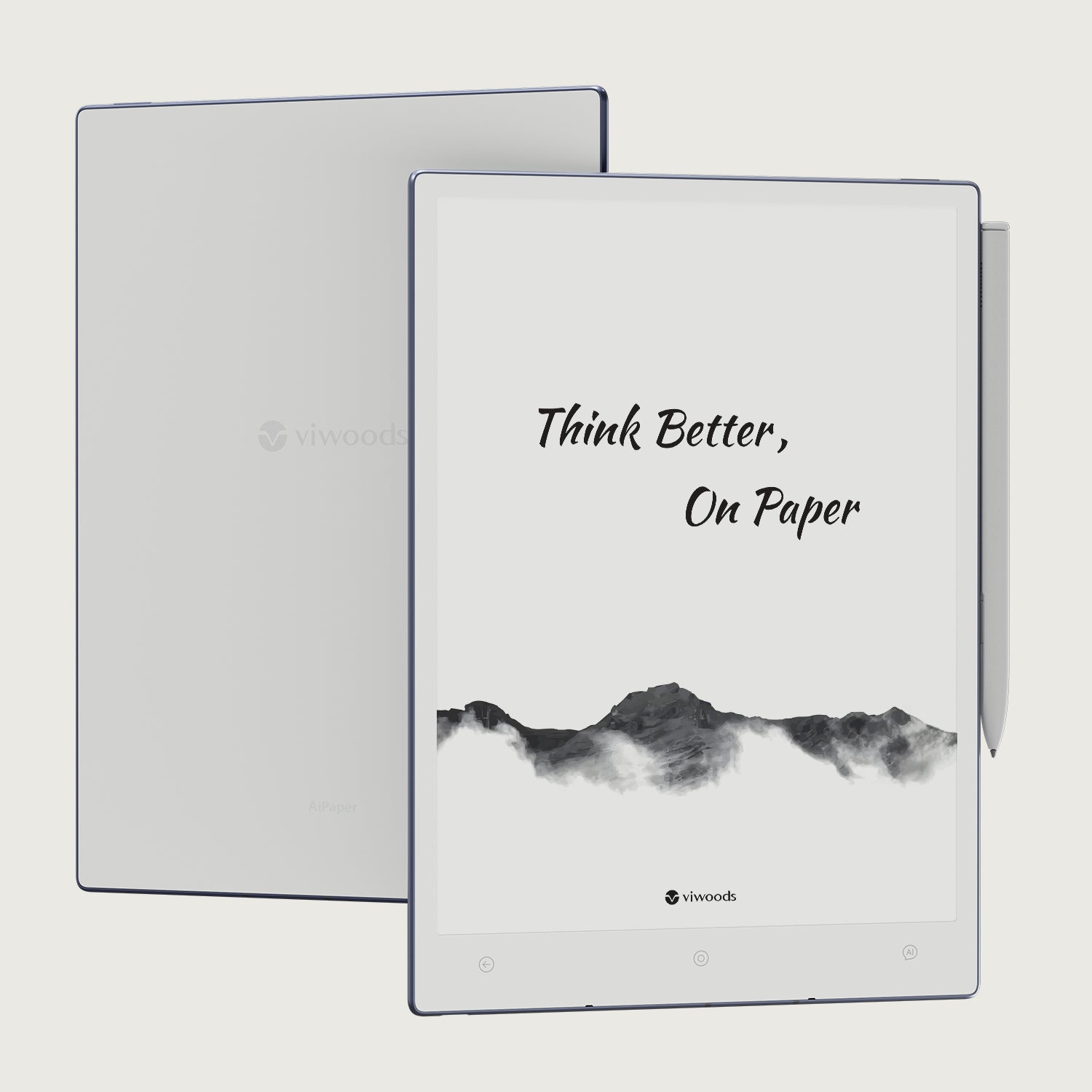
Viwoods AiPaper
$549.00

Viwoods AiPaper Mini
$429.00
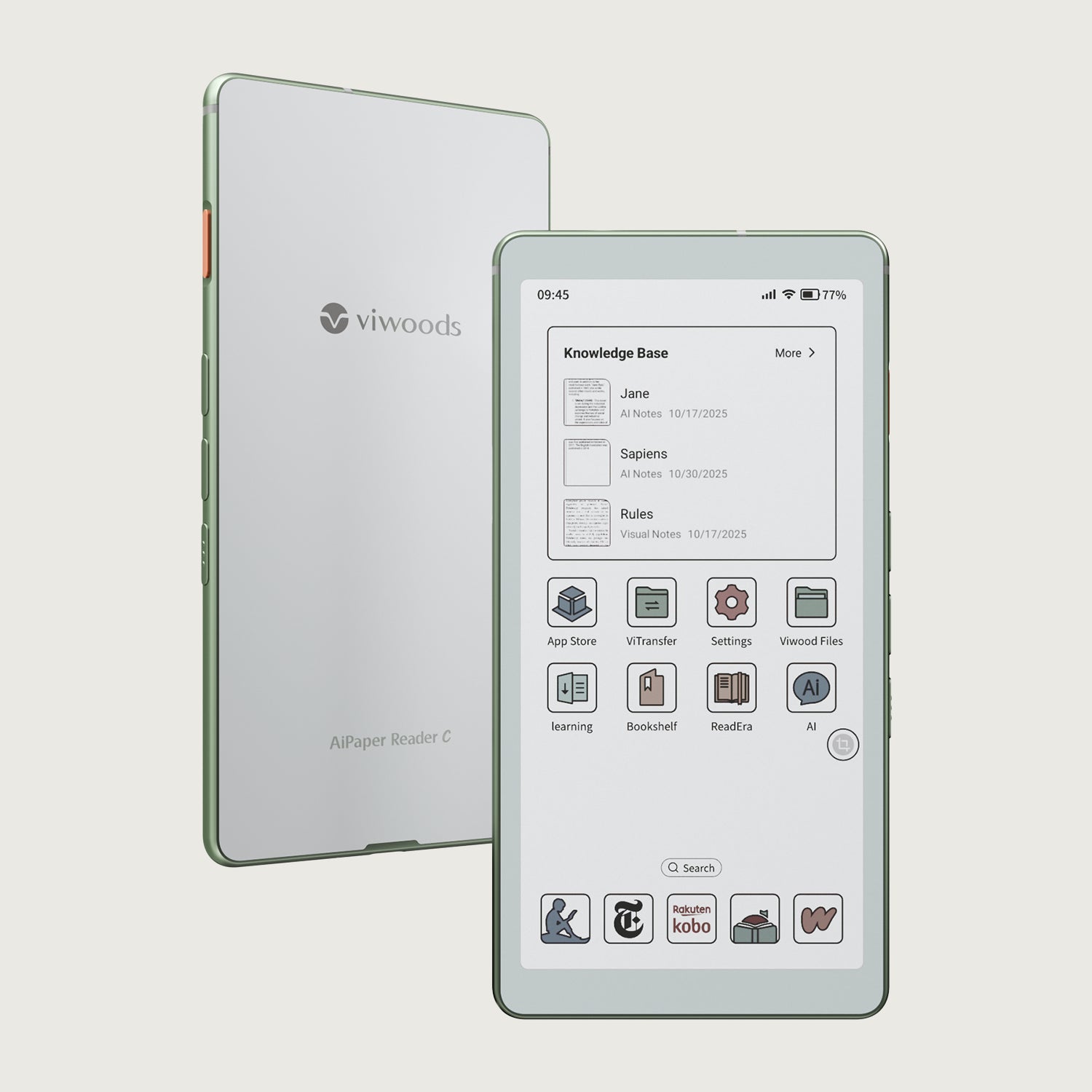
Viwoods AiPaper Reader カラー
$289.00
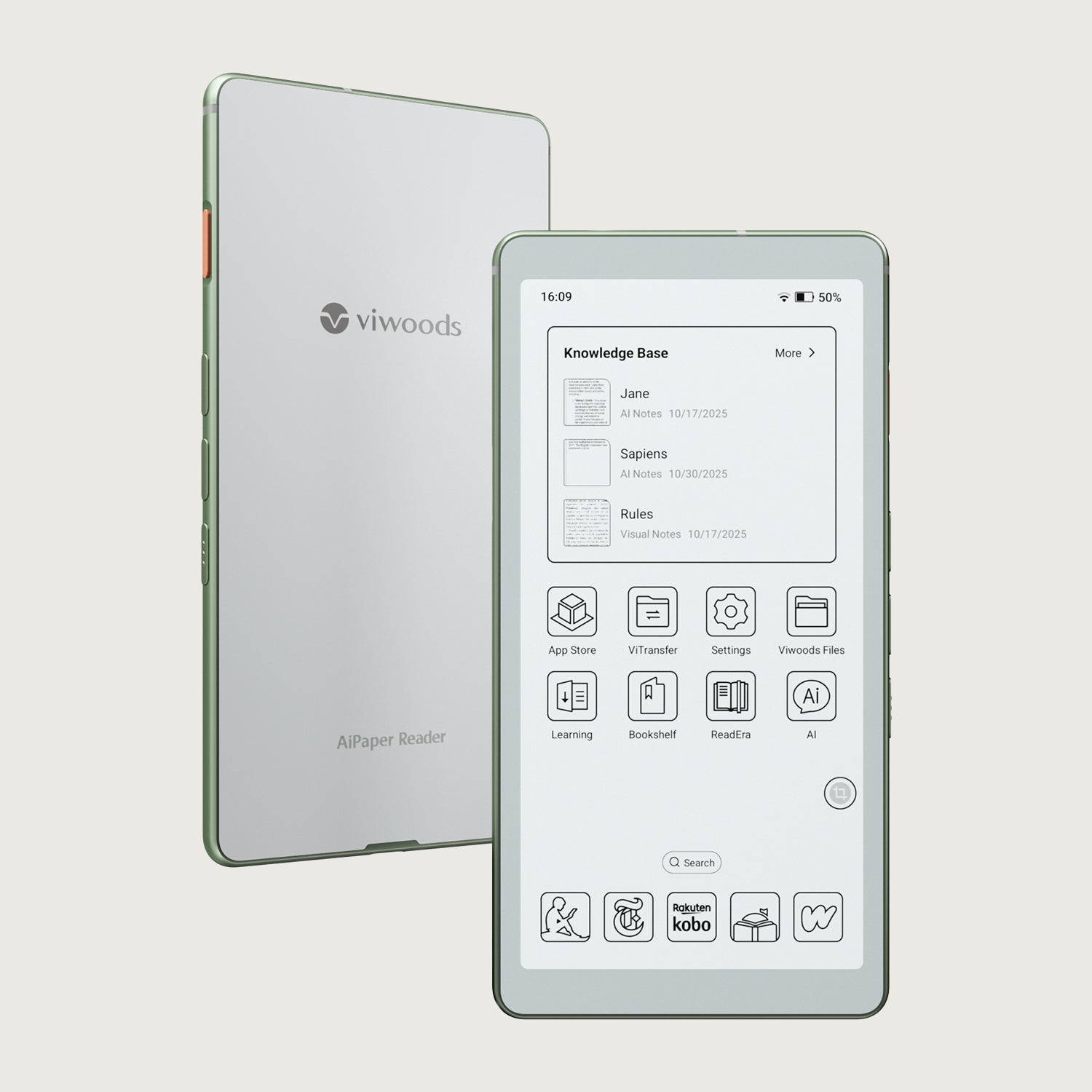
Viwoods AiPaper Reader
$279.00