
Learn how to use Viwoods AiPaper for meeting preparation, handwritten notes, document markups, AI note taking, and action item follow-up.
Meetings often create scattered information: agendas, side comments, marked documents, decisions, risks, and follow-ups. A focused digital paper workflow helps keep those parts together without turning every discussion into a laptop-heavy session.
With Viwoods AiPaper, meeting notes can begin as natural handwriting, stay connected to PDF markups, then move into review, organization, AI note taking, and clear action items after the discussion ends.
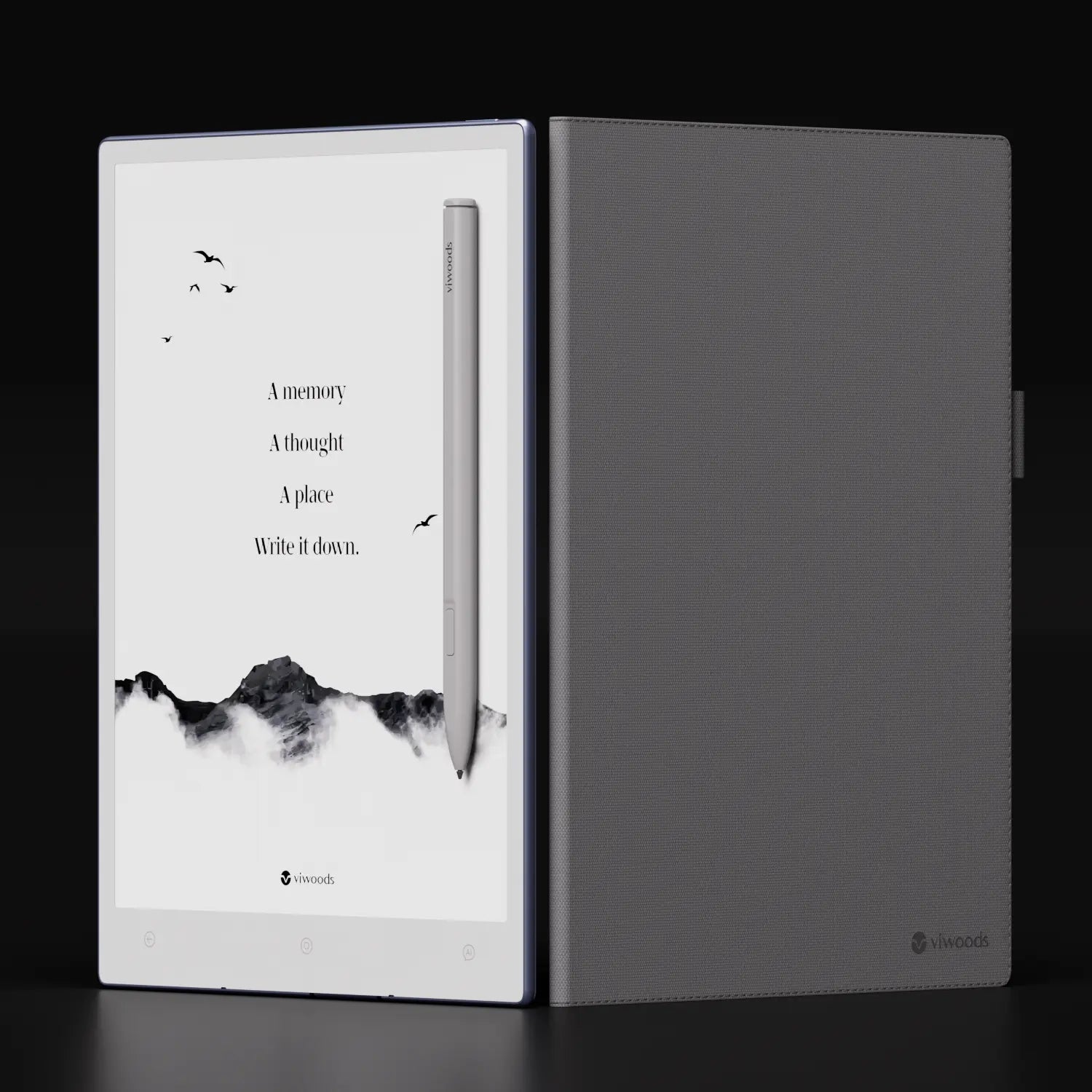
Why a Digital Paper Workflow Works for Meetings
Meetings need attention more than decoration. A laptop can capture words quickly, yet it can also pull focus toward email, browser tabs, messages, and alerts. Paper feels calm, but paper pages can disappear, stay in the wrong notebook, or fail to connect with action items after the meeting ends.
The useful middle ground is a writing surface that feels natural while keeping the page organized later. Digital paper supports handwritten notes, meeting agendas, document markups, and review habits in one place. As a result, the meeting record becomes easier to revisit when a project, decision, or follow-up needs context.
Handwriting still has a practical role in serious work. It slows capture just enough to filter what matters. Instead of typing every sentence, the page can hold decisions, deadlines, risks, names, numbers, and open questions. In many meetings, that selected record is more useful than a full transcript.
Simple rule: meeting notes should show what changed, what remains open, and what happens next.
Meeting attention
Less screen noise
A paper-like writing space keeps attention closer to the discussion and away from constant app switching.
Selective capture
Better signals
Handwriting helps capture decisions, risks, owners, and deadlines instead of recording every sentence.
Follow-up
Action after notes
Digital organization and AI support help the meeting page move toward summary, task review, and next steps.
Before the Meeting: Prepare Notes Before the Discussion Starts
A meeting page should not begin as a blank panic space. A prepared note gives the discussion a quiet structure. The page can include the meeting title, date, project name, expected outcome, open questions, and a clear action area.
Preparation works best when each meeting type has a repeatable shape. A weekly review may need sections for progress, blockers, decisions, and next actions. A project kickoff may need scope, roles, risks, timeline, and approval points. The template should match the work, not force every meeting into the same layout.
Structured note layouts can also support post-meeting review. Cornell University’s Learning Strategies Center explains a note system built around cues, notes, and summaries. That same idea works well for meetings because a prepared page leaves room for main points, questions, and a short review after the discussion.
A simple meeting preparation template
Meeting context
Title, date, project, purpose, and participants.
Expected outcome
Decision, alignment, review, approval, or issue discovery.
Agenda
Three to five points with enough space below each one.
Open questions
Items that need confirmation during discussion.
Action area
Task, owner, deadline, context, and next check-in.
An open-loop area keeps unresolved points visible. This section can hold missing dates, unclear ownership, budget questions, document versions, or approval concerns. During the meeting, each open loop can become closed, delayed, or assigned.
During the Meeting: Capture Decisions, Risks and Markups
During the meeting, speed and judgment both matter. Speed alone can create clutter. Handwritten notes work well because they encourage selective capture. Instead of recording every sentence, the page can hold what changes the plan, clarifies a decision, or creates a follow-up.
Handwritten symbols make meeting notes easier to scan. A star can mark a decision. A square can mark a task. A question mark can mark an unresolved issue. An arrow can show cause and effect. These small marks let the eye find meaning before reading every word.
Markups also matter when the meeting centers on a document. Instead of writing “change paragraph three,” it is clearer to mark the exact area on the PDF or brief. A short handwritten comment beside the mark explains why the change matters.
See AiPaper Writing Workflow
What to Capture in Real Time
Real-time notes should capture movement. A meeting moves when someone makes a decision, raises a blocker, changes scope, assigns work, or adds a deadline. Those moments deserve space on the page.
Decisions
What changed?
Final choices, approved directions, rejected options, revised plans, and clear approval points.
Risks
What may block progress?
Timing issues, unclear ownership, missing assets, budget limits, and document uncertainty.
Open questions
What needs confirmation?
Items that need another person, file, date, approval, or data point before the next stage can move.
Action items
What happens next?
Tasks with clear verbs, ownership, deadlines, context, and review timing.
After the Meeting: Turn Notes Into Action Items
After the meeting, the real value of the page appears. Many notes fail at this stage because they remain unread until the next meeting. A better workflow turns the page into a review tool while the context is still fresh.
The action area should be cleaned up within a few minutes. Rough lines can become clear tasks with a verb, owner, deadline, and context. For example, “review deck” is weak. “Review final sales deck before Thursday’s partner call” is stronger.
AI note taking can support the review stage. The goal is not to replace careful listening. Instead, AI can help summarize dense notes, identify themes, support handwriting conversion, and turn scattered points into a cleaner structure.
A five-minute post-meeting routine
1. Scan the page and mark decisions, tasks, risks, and open questions.
2. Rewrite unclear tasks with a verb, owner, deadline, and context.
3. Check names, dates, numbers, and conditions while memory is still fresh.
4. Use AI support for a short summary, outline, or action-item list.
5. Move key follow-ups into the planning system used for daily work.
AI output should still be checked against the original notes. A summary can save time, but names, dates, decisions, and conditions need review. The best workflow pairs handwritten notes with AI assistance rather than treating AI as the final authority.
Why AiPaper Fits Meeting Workflows
AiPaper fits meeting workflows because it supports the full note cycle. First, it offers a focused space for handwriting. Then, it supports templates, document annotation, handwriting conversion, tags, and AI tools. Finally, it helps meeting content move toward planning and action items.
The main value is not feature volume. The stronger benefit is calmer work. A meeting page should stay close to thought, not pull attention away from it. Paper-like writing keeps the hand engaged, while the digital layer helps the page become useful after the conversation.
For strategy sessions, project reviews, document comments, research notes, lesson planning, and weekly check-ins, Viwoods AiPaper can act as a central meeting surface. It can hold agendas, notes, marked documents, summaries, and follow-up planning in one place.
Best for meeting-heavy work
Viwoods AiPaper
Best for agendas, handwritten notes, PDF markups, action items, AI summaries, and repeated review.
View AiPaperCompare by workflow
Paper Tablet Collection
Useful when comparing screen size, portability, reading needs, stylus work, and daily planning habits.
Compare TabletsChoosing the Right Meeting Workflow
A strong meeting setup should match the way work actually happens. The choice should not start with a long feature checklist. It should start with the type of notes, documents, and follow-ups that appear every week.
AiPaper is a strong fit when meetings often include handwriting, PDF review, task planning, and written summaries. It is also useful when one page needs to hold an agenda, live notes, markups, AI note taking, and action items.
Best fit for AiPaper
Project reviews with decisions, blockers, timelines, and next steps.
Document-heavy meetings with PDFs, briefs, contracts, or reports.
Weekly planning sessions with recurring templates and action review.
Research, education, consulting, management notes, and workshop planning.
Focused workdays that mix handwriting, reading, AI support, and planning.
For team use, education planning, business purchasing, or workflow questions, the Viwoods contact page is the clearest next step. A short message with the main use case, daily meeting volume, and preferred workflow can help guide the right option.
For Teams, Start With a Small Workflow Pilot
For a team, start with one repeated meeting type instead of changing every note habit at once. A weekly review, project sync, document approval meeting, or training session is usually enough to test the workflow.
The pilot should answer practical questions: Does the page template help? Are tasks clearer after the meeting? Are PDF comments easier to review? Does AI summary support the original notes without replacing judgment?
One Useful Reference
For structured note-taking ideas, Cornell University’s Learning Strategies Center explains a system built around cues, notes, and summaries: Cornell Note Taking System.
FAQ
Can digital handwriting replace a paper notebook for meeting notes?
Yes. Digital handwriting can replace a paper notebook for many meeting workflows, especially when notes need later review. The value comes from combining natural handwriting with organization, search, PDF markups, and follow-up planning.
Are handwritten notes still useful when AI note taking is available?
Yes. Handwritten notes capture judgment in the moment. AI note taking can summarize, organize, or convert information, but the strongest workflow uses handwriting for active listening and AI support for review.
How should meeting notes be organized after a discussion ends?
First, mark decisions clearly. Next, rewrite action items with task, owner, deadline, and context. Then add a short summary explaining what changed because of the meeting.
What makes AiPaper suitable for meetings and document review?
AiPaper combines paper-like handwriting with digital organization. It supports agendas, handwritten notes, PDF markups, summaries, and task planning in one focused workspace.
Is AI note taking enough for action item management?
AI note taking can help identify and summarize action items, but it should not be the only step. A quick human review is still important because tasks depend on context, ownership, and deadlines.
Where should teams start?
Teams should start with one repeated meeting type, such as a weekly review or project sync. Test agenda templates, handwritten capture, PDF markups, AI summary, and action-item review before expanding the workflow.
A Calmer Way to Turn Meetings Into Action
Meeting work becomes clearer when preparation, handwriting, markups, AI note taking, and follow-up review share one system. AiPaper supports that rhythm by giving meeting notes a calm writing surface and a structured path toward action items.
For meeting-heavy workdays, AiPaper is the natural next step for comparing a focused writing workflow, stylus input, document review tools, and AI-supported organization.
Prepare before the meeting with a template, agenda, open questions, and an action area.
Write for decisions, risks, markups, and next steps instead of full transcripts.
Review immediately after the meeting, check AI output, and add a short summary.
Guides Paper Tablet
Paper Tablet for Meetings: Notes to Action Items
E Ink Tablet for Training and Onboarding: Manuals, Notes and Knowledge Capture
E Ink Tablet for Project Handoffs: Review Notes, Open Issues and Next Steps
E Ink Tablet Total Cost of Ownership for Business Teams
Fabric vs Leather Tablet Case: Which Material Fits Daily Carry?
E Ink Tablet for Research Interviews: Interview Guides, Field Notes and Follow-Up
How to Protect an E Ink Tablet in a Backpack
How to Choose a Protective Case for an E Ink Paper Tablet
Paper Tablet Accessories Checklist: What You Need for Daily Carry
How to Store an EMR Stylus Safely: Protect the Nib, Magnet and Tablet
EMR Stylus Troubleshooting: Why Strokes Skip, Offset or Fail to Register
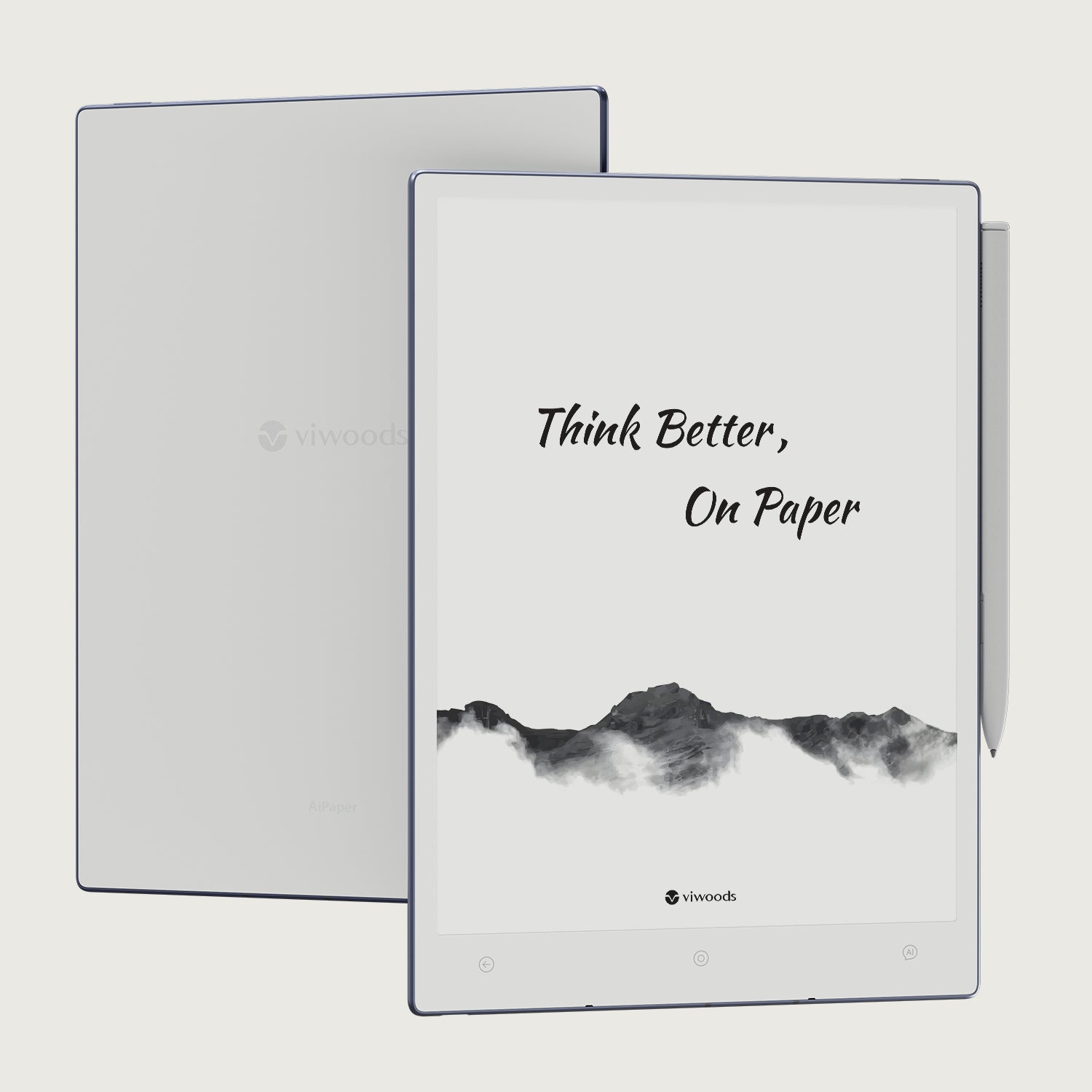
Viwoods AiPaper
$549.00

Viwoods AiPaper Mini
$429.00
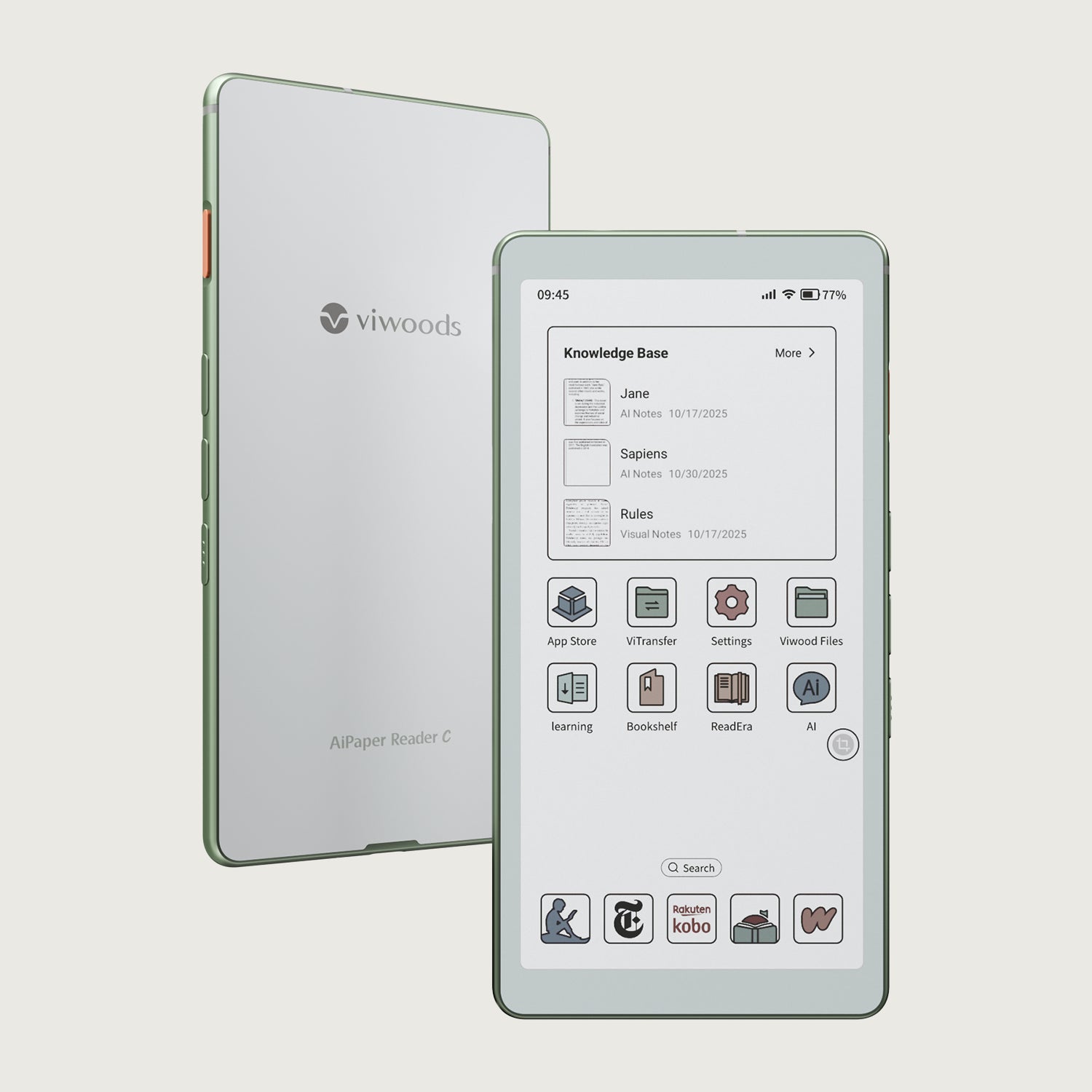
Viwoods AiPaper Reader Colour
$289.00
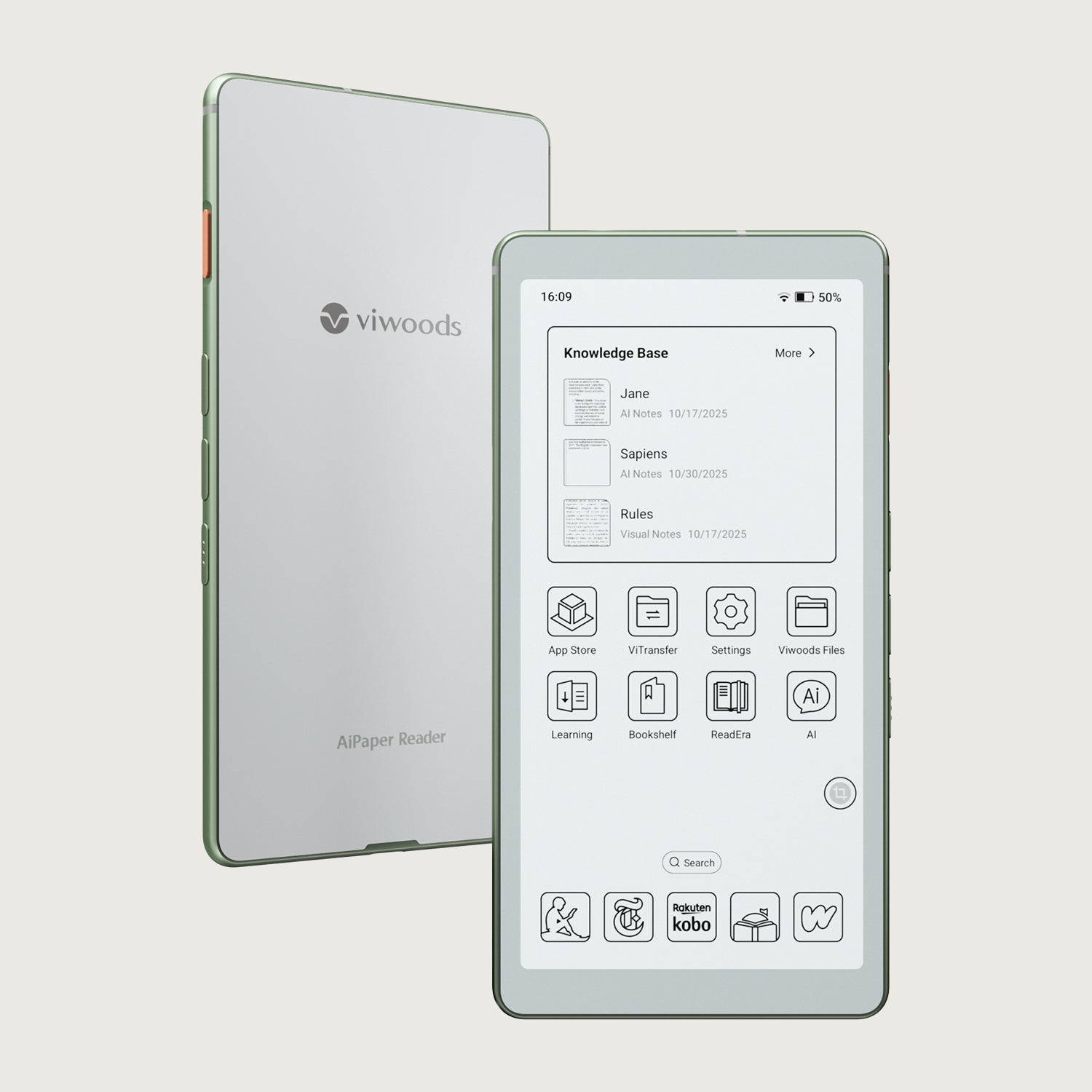
Viwoods AiPaper Reader
$279.00