
This guide explains how to choose a focused reading device based on real reading habits, including books, PDFs, articles, research files, travel reading, and visual materials. It compares AiPaper Reader and AiPaper Reader C, explains when black-and-white or color E Ink makes more sense, and gives clear next steps for choosing a Viwoods Reader or contacting Viwoods for team reading setups.
Focused reading needs a calmer device than a phone, laptop, or entertainment tablet. The right eReader should begin with reading comfort, content access, screen type, front light, AI support, portability, and the real materials used every week.
This guide explains how to choose between black-and-white E Ink, color E Ink, Android app access, AI reading support, PDF handling, travel use, and Viwoods Reader models without turning reading into another noisy screen habit.
What Matters Most in a Focused Reading Device?
A strong focused reading device should make long sessions easier to start and easier to finish. It should provide a calm E Ink screen, clear text, comfortable front light, reliable document access, long battery life, and a system that keeps reading materials easy to reach.
Modern reading often moves across books, PDFs, research files, saved articles, newsletters, library apps, and cloud folders. Therefore, a flexible reading device is useful when one quiet screen needs to support more than one content source.
Black-and-white E Ink fits text-first reading. Color E Ink fits visual materials. Android app access helps with reading ecosystems. AI helps when summaries, explanations, and review notes need to stay close to the page.
What Is an eReader?
An eReader is a portable digital reading device built mainly for books, documents, articles, and long-form text. Unlike a phone or entertainment tablet, it should not pull attention toward video, social feeds, or constant notifications.
Usually, this category uses E Ink, also known as electronic paper. E Ink describes its technology as a paper-like display system used in eReaders and other low-power visual products. For reading, that matters because a page stays calm and stable instead of feeling like a bright, high-refresh screen. E Ink official information is a useful reference for understanding the display technology behind this category.
However, the category has changed. Some devices focus only on one bookstore. Others support Android apps, PDFs, AI tools, cloud folders, color screens, and mobile connectivity. As a result, the right choice depends on the reading routine, not only the device label.
Reading First vs Note-Taking First
A reading-first device should feel light, quick to open, and easy to hold. It suits novels, essays, saved articles, newsletters, travel reading, and compact PDF review.
By contrast, a note-taking-first paper tablet should provide more room for handwriting, meeting notes, planning, and detailed PDF markup. It can still read documents well, but its main purpose is active thinking through writing.
For a wider comparison across Viwoods readers, paper tablets, cases, and accessories, the full lineup is available through All Viwoods products.
Key Checks Before Choosing a Digital Reader
A useful selection process should begin with real materials. Fiction, research articles, visual PDFs, textbooks, comics, travel guides, and work reports all place different demands on a device.
Screen type, front light, ecosystem, file format, app access, AI workflow, weight, battery life, and price should all connect to daily reading, not just a product sheet.
Screen
Black-and-white or color
Choose black-and-white for text. Choose color when charts, maps, comics, magazines, or visual PDFs appear often.
Front light
Consistent reading
A good front light helps reading in bed, on flights, in hotel rooms, and during dim commutes.
Ecosystem
Books, apps, files
Check where reading material comes from: stores, libraries, PDFs, cloud folders, web pages, and apps.
AI support
Help close to the page
AI is useful for summaries, explanations, outlines, and review notes when the original text stays central.

Format, Apps, and Android Reading Workflow
A reading device should match the existing library. Books may come from one store, but documents often come from email, cloud folders, library apps, course files, web pages, and downloaded PDFs.
For context, Amazon’s official Send to Kindle support page lists common document types such as PDF, DOC, DOCX, TXT, RTF, HTML, image formats, and EPUB. Amazon Send to Kindle support is a helpful reference for checking document workflows.
Similarly, Kobo’s official help page lists formats such as EPUB, PDF, MOBI, TXT, HTML, RTF, JPEG, PNG, TIFF, CBZ, and CBR. Kobo file format support shows why file compatibility should be checked before choosing any reading ecosystem.
Android support helps when reading comes from many places. A digital reader may need bookstore apps, library tools, PDF apps, browser access, cloud folders, and read-it-later services. However, app access should support reading rather than recreate a phone.

AiPaper Reader vs AiPaper Reader C
The Viwoods reading lineup is easiest to understand through one difference. AiPaper Reader focuses on black-and-white reading, while AiPaper Reader C adds color for visual content.
Both models support focused reading, Android app access, and AI-assisted workflows. However, the better choice depends on how often color changes the meaning of the material.
Text-first reading
Choose AiPaper Reader
Best for novels, essays, long articles, newsletters, and text-heavy documents where a clean black-and-white page matters most.
View ReaderVisual reading
Choose AiPaper Reader C
Best for magazines, comics, charts, diagrams, maps, color-coded notes, and visual PDFs where color improves understanding.
View Reader CBlack-and-White or Color?
Black-and-white should not be treated as the basic option. For fiction, nonfiction, essays, academic chapters, and article reading, it may be the cleaner and more focused choice.
However, color becomes useful when grayscale removes meaning. Textbooks, biology diagrams, color-coded reports, travel maps, magazines, and comics often depend on visual cues.
Therefore, the decision should follow weekly content. If color appears rarely, black-and-white keeps the setup simple. If color appears often, Reader C is easier to justify.
PDF Reading, Travel Reading, and 4G Use
Can a compact reader handle PDFs?
Yes, many compact digital readers can open PDFs. However, comfort depends on layout. Simple reports work better than scanned textbooks or dense academic papers.
When does 4G help?
4G can help when AI tools, cloud files, or reading apps need access beyond known Wi-Fi. Offline books and saved PDFs should still be prepared before travel.
When is a paper tablet better?
For heavy annotation, full-page review, dense technical files, or handwritten notes beside documents, a larger paper tablet may feel more natural.
Match the Device to the Reading Scene
Different reading habits need different strengths. These scenarios give a clearer starting point than choosing by one feature alone.
Novels and long essays
Black-and-white E Ink gives clean contrast and keeps the page calm and easy to follow.
Bedtime reading
Adjustable front light helps reading continue in dim rooms without relying on a phone or tablet screen.
Travel and commuting
A light body, offline library, and stable battery make reading easier in trains, flights, cafes, and hotel rooms.
Magazines, comics, and charts
Color E Ink preserves maps, labels, panels, diagrams, and visual meaning.
Study and language reading
AI explanations, summaries, and review prompts can support understanding without leaving the reading flow.
Team and school reading
Groups should check apps, documents, privacy needs, charging habits, and shared reading workflows before choosing.
Common Selection Mistakes
A mismatch usually comes from choosing one attractive feature instead of the full reading routine. These common mistakes are easy to avoid with clearer buying logic.
Choosing color without color content
Color is useful when material depends on it. Plain-text reading often feels cleaner on black-and-white E Ink.
Ignoring front light control
A device can look good in daylight but feel wrong at night. Brightness and tone control matter for daily reading.
Treating PDF support as one simple feature
PDF comfort depends on layout, zoom, screen size, and file quality. A real document sample gives a better answer than a format list.
Installing too many apps
Android access is helpful when it supports reading. Unrelated apps can turn a calm device into another distraction surface.
How to Choose a Viwoods Reader
For text-first reading, AiPaper Reader is the clearer fit. It keeps the experience simple, light, and focused for books, articles, essays, and everyday reading.
For visual reading, AiPaper Reader C fits better. It supports color-rich material such as magazines, comics, diagrams, maps, charts, and visual PDFs.
For mixed needs, the reader collection is the best starting point. It keeps black-and-white and color options together, making comparison easier without moving through unrelated products.
FAQ
What should I check before buying an eReader?
Check screen type, front light, file support, app access, weight, battery life, price, and the main reading material. Then match those details to routines such as books, PDFs, travel, study, or visual reading.
Is an Android eReader worth it?
Yes, when reading comes from several apps, stores, libraries, cloud folders, or document sources. Android works best when the device stays focused on reading apps rather than general entertainment.
Should I choose black-and-white or color?
Choose black-and-white for novels, essays, articles, and text-heavy reading. Choose color when comics, magazines, diagrams, maps, charts, or visual PDFs appear often.
Can an eReader read PDFs?
Many models can open PDFs, but comfort depends on layout and screen size. Simple PDFs work well on compact devices. Dense academic pages, scanned documents, and heavy annotation may need a larger paper tablet.
Which Viwoods Reader fits me?
AiPaper Reader fits text-first reading, long articles, novels, and simple documents. AiPaper Reader C fits color content, visual PDFs, magazines, comics, charts, and mixed reading.
Is 4G useful on a reading device?
4G is useful for travel, commuting, cloud access, and AI support beyond Wi-Fi. Still, important books and documents should stay available offline whenever possible.
Start with the Reading Material
A focused reading device should make reading easier to begin and easier to continue. The screen should feel calm, the light should adapt to the room, the system should open the right files, and AI should help only when clarity is needed.
Choose AiPaper Reader when most reading is black-and-white text. Choose AiPaper Reader C when color improves understanding. Compare the full Viwoods lineup when reading, handwriting, PDF annotation, and planning all matter together.
Choose AiPaper Reader for novels, essays, long articles, and clean daily reading.
Choose AiPaper Reader C for magazines, comics, color PDFs, maps, charts, and visual learning.
Contact Viwoods when the setup involves teams, schools, offices, or shared reading workflows.
Guides Paper Tablet
E Ink Tablet for Training and Onboarding: Manuals, Notes and Knowledge Capture
E Ink Tablet for Project Handoffs: Review Notes, Open Issues and Next Steps
How to Evaluate an E Ink Tablet Demo for a Business Team
Fabric vs Leather Tablet Case: Which Material Fits Daily Carry?
E Ink Tablet for Research Interviews: Interview Guides, Field Notes and Follow-Up
How to Carry a Paper Tablet and Stylus Together Without Damaging the Screen
How to Protect an E Ink Tablet in a Backpack
How to Choose a Protective Case for an E Ink Paper Tablet
Paper Tablet Accessories Checklist: What You Need for Daily Carry
How to Clean an E Ink Tablet Screen Safely: A Practical Care Guide
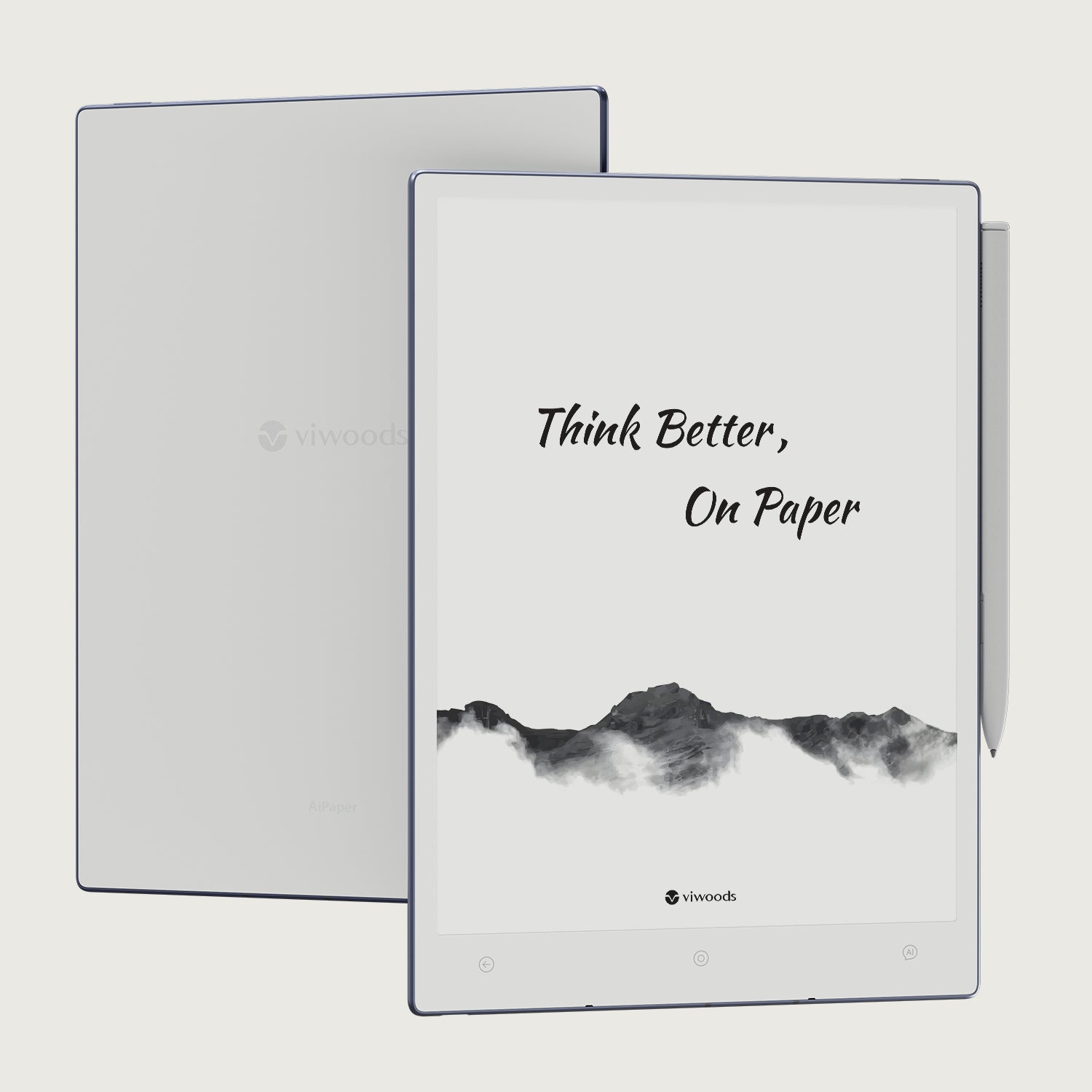
Viwoods AiPaper
$549.00

Viwoods AiPaper Mini
$429.00
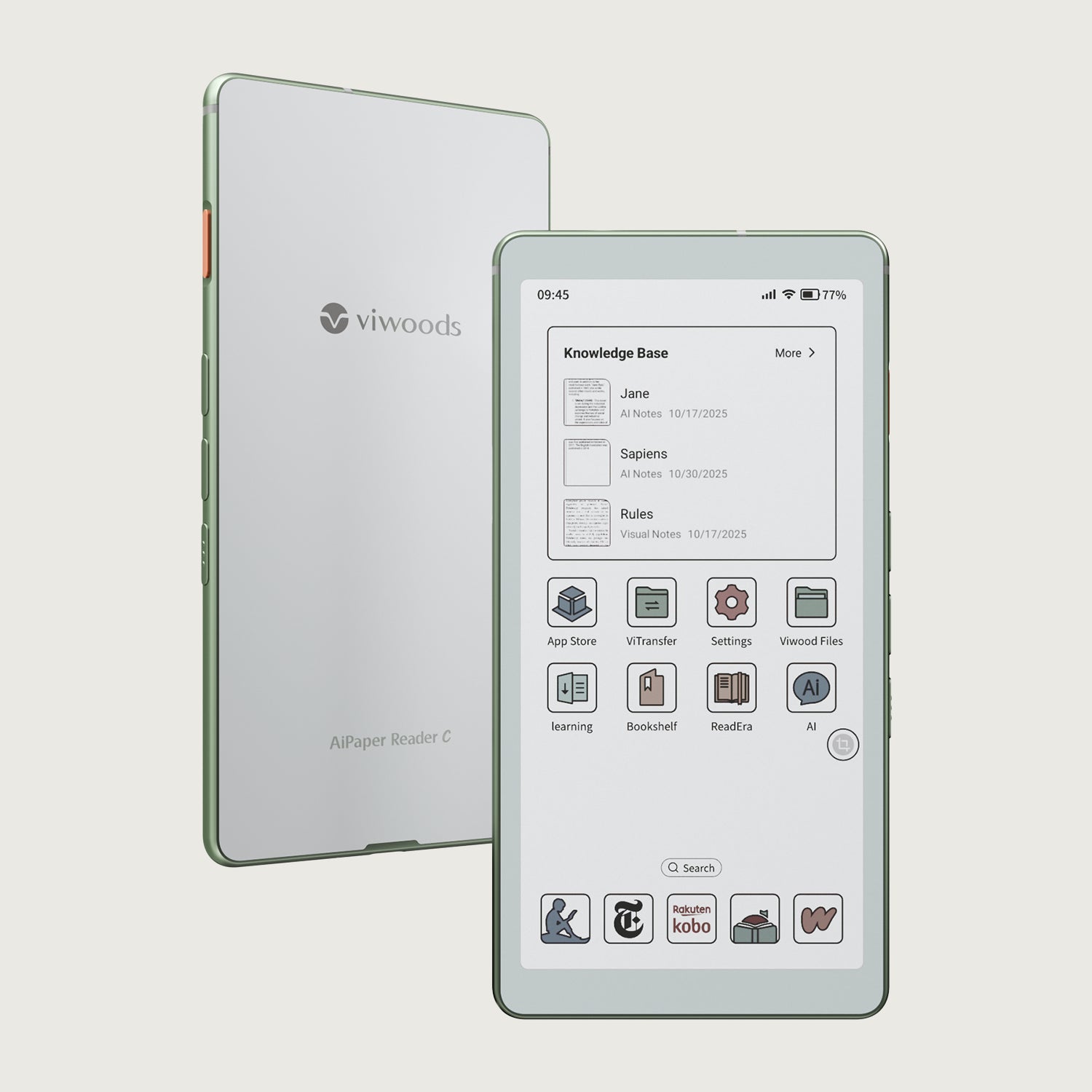
Viwoods AiPaper Reader Colour
$289.00
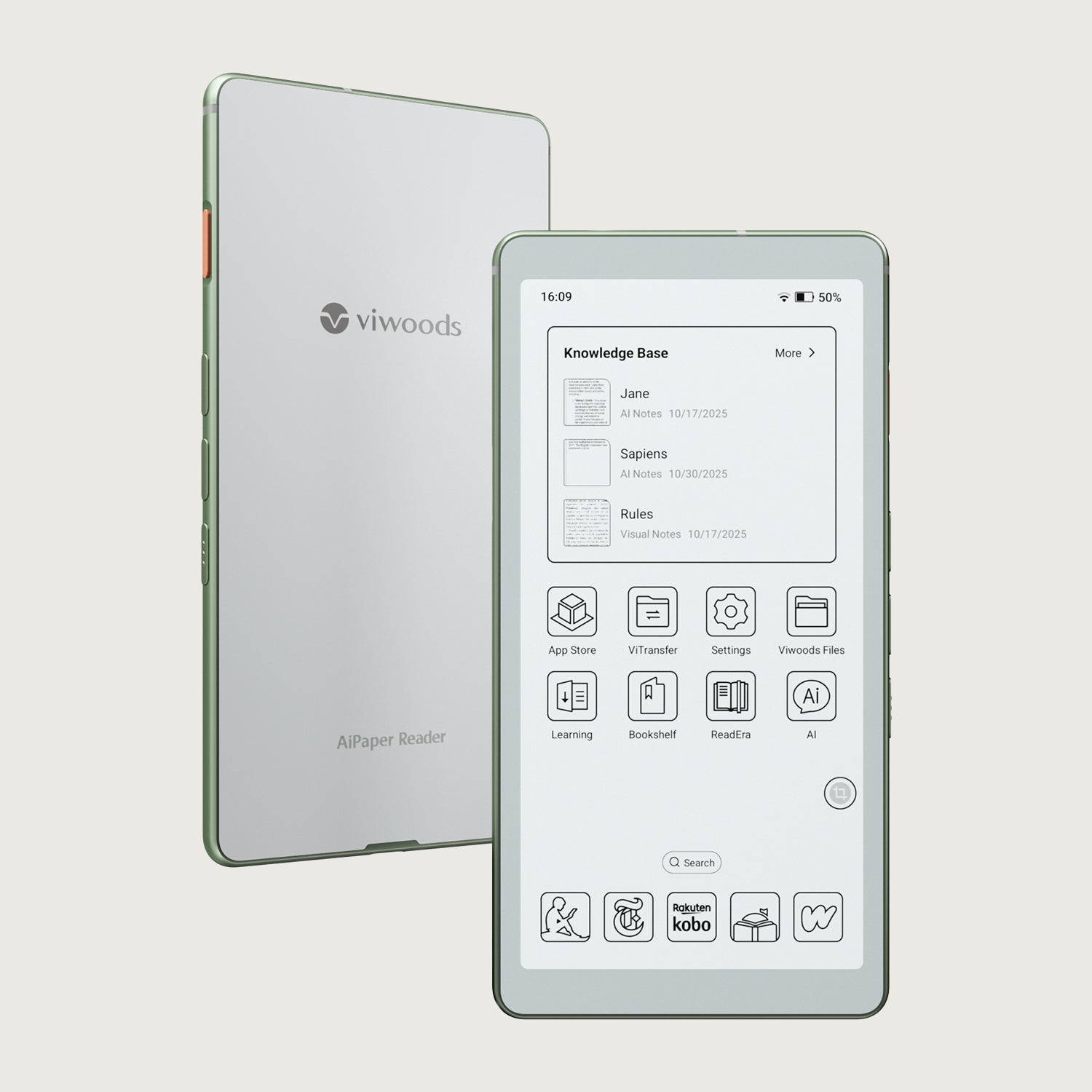
Viwoods AiPaper Reader
$279.00