
A focused guide to choosing a paper-like digital notebook for work notes, PDF annotation, document review, handwritten planning, and organized follow-up with Viwoods AiPaper.
For focused work notes, an E Ink digital notebook offers a calmer way to read, write, mark up files, and return to important ideas later. Instead of separating handwritten notes, PDF annotation, and document review across too many screens, a paper-like workspace keeps those tasks close together.
This guide explains when a digital notebook makes sense for work, how PDF review fits into the workflow, why AiPaper is the most relevant Viwoods product path, and what to check before choosing a setup.
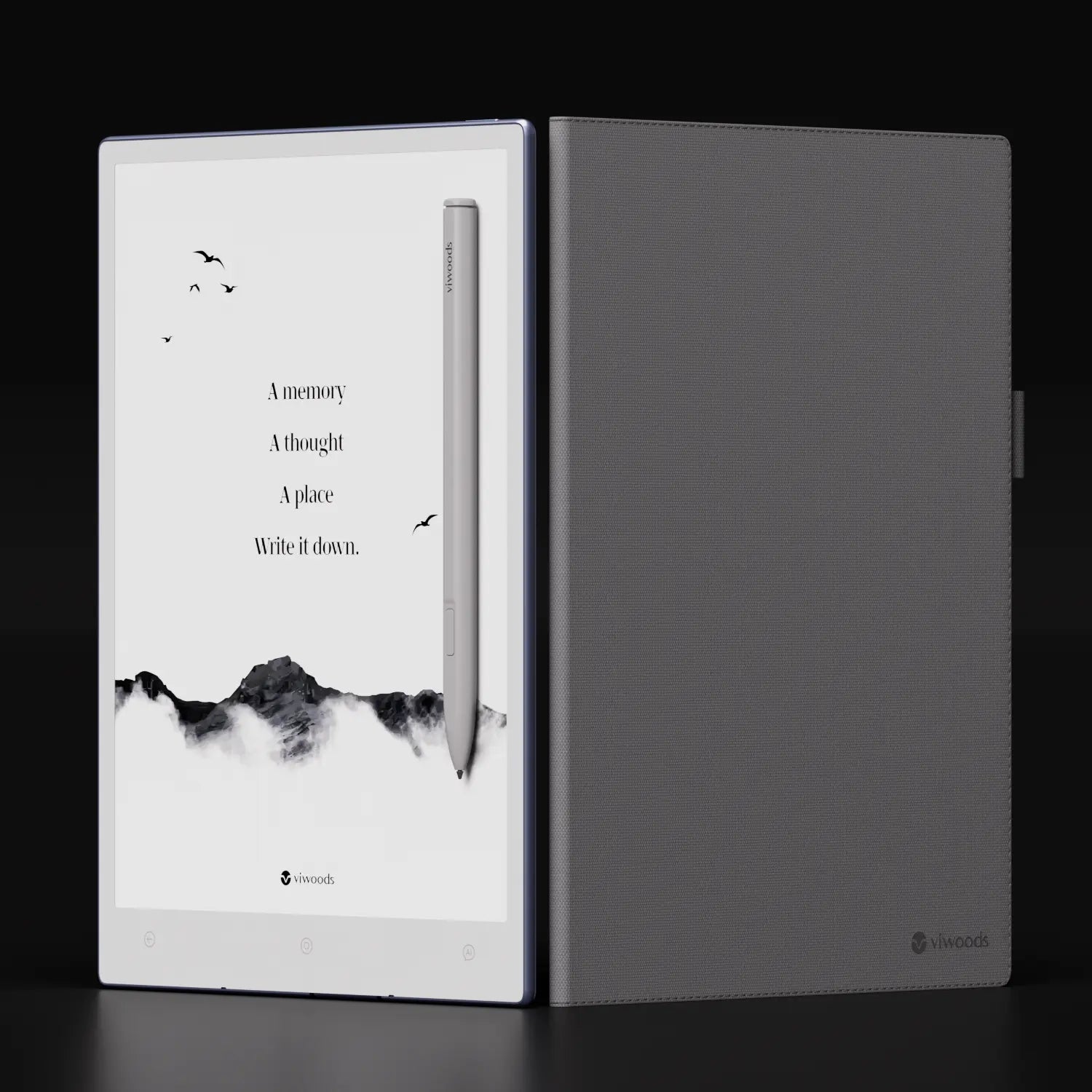
Is an E Ink Digital Notebook Worth It for Work?
Yes, when the work involves repeated reading, handwritten thinking, PDF review, meeting notes, and follow-up planning. A phone is too small for serious review, a laptop is often too distracting, and paper notebooks can become hard to search or organize.
An E Ink digital notebook is strongest when it becomes a dedicated thinking layer. It does not need to replace a laptop. Instead, it should handle the quiet work before and after production: reading carefully, marking documents, writing rough notes, organizing ideas, and preparing next steps.
For this workflow, Viwoods AiPaper is the clearest product direction because it supports a larger paper-like writing space, PDF annotation, handwriting conversion, templates, smart organization, and AI-supported review.
Simple rule: choose a digital notebook when notes and documents need to be captured, marked, reviewed, and found again.
What Is an E Ink Digital Notebook?
An E Ink digital notebook is a writing and reading device built around a reflective, paper-like screen. Unlike a regular tablet, it does not put a bright entertainment display at the center of the experience. Reading and writing feel closer to paper, while notes, folders, files, and annotations stay digital.
In daily work, the value is practical. A laptop can handle messages, browser tabs, spreadsheets, calls, presentations, and dashboards at once. That flexibility is useful, but it can also make focused note-taking feel secondary. A paper tablet gives writing and reading a separate space, so attention can stay on the page.
A work-focused digital notebook should do more than store blank pages. It should support handwritten notes, PDF annotation, structured folders, search-friendly organization, and easy return to marked sections. As a result, the device becomes a thinking workspace rather than a simple screen for reading.
Regular tablet role
Best for media, browsing, communication, dashboards, and fast app switching.
Digital notebook role
Best for handwriting, document review, quiet reading, planning, and organized follow-up.
Laptop role
Best for final documents, spreadsheets, presentations, browser-based work, and production tasks.
Why Work Notes Need a Paper-Like Screen
Work notes rarely happen in one perfect moment. They appear during meetings, planning blocks, interviews, research sessions, training calls, and document reviews. The screen should support quick capture and slower thinking at the same time.
A paper-like screen helps because it keeps attention on the line, the page, and the idea. Arrows, boxes, rough sketches, underlines, and short phrases all fit naturally into handwritten notes. Meanwhile, digital storage keeps those pages easier to organize than paper notebooks.
Meeting notes often need review after the session ends. A handwritten page may capture the discussion well, yet action items can disappear inside a stack of paper. With a digital notebook, pages can be grouped by project, topic, week, or file, making follow-up more manageable.
Meeting notes
Decisions and follow-ups
Capture decisions, questions, owners, deadlines, and action items in one reviewable page.
Research notes
Highlights and summaries
Mix source notes, short summaries, useful evidence, and rough diagrams without leaving the reading flow.
Planning pages
Outlines and timelines
Use handwritten outlines, diagrams, priorities, and timeline sketches before moving work into production tools.
Reading notes
Documents and manuals
Add comments beside reports, contracts, papers, and manuals so review notes stay close to source material.
PDF Annotation and Document Review Workflow
PDF annotation is one of the strongest reasons to choose a paper tablet for work. Reports, contracts, academic articles, product specifications, and internal briefs often need careful reading. Reviewing them on a laptop can encourage fast skimming instead of deliberate thinking.
A calmer review workflow matters when long documents require attention, notes, and return visits. A larger paper-like screen gives more room for page layout, margins, tables, and handwritten notes. When a file includes charts, footnotes, dense paragraphs, or slide exports, extra page space becomes especially useful.
For a broader look at Viwoods paper tablets, the Viwoods Paper Tablet collection shows the lineup without moving this article away from the AiPaper work-notes direction.
A practical PDF review flow
First pass
Start with a calm read. Mark only the sections that shape the decision or need a second look.
Second pass
Add short handwritten notes beside claims, figures, risks, unclear sections, and useful references.
Final review
Use tags and marked pages to prepare a cleaner summary, decision note, or follow-up list.

Practical Ways to Use AiPaper for Review Work
A strong document review setup should make the next action easier to see. Instead of marking every line, a focused workflow separates what is important, what needs checking, and what should become a follow-up note.
For contract review, handwritten margin notes can flag unclear terms, missing details, or sections that need a second opinion. For research papers, highlights and short comments can separate core evidence from background information. For meeting packs, annotations can turn long pages into questions for the next discussion.
Reports
Numbers and claims
Mark key numbers, question weak claims, and tag pages that need a second read before a meeting.
Research
Evidence and source notes
Highlight useful evidence, write short source notes, and return to important pages during writing or planning.
Meetings
Agenda files and notes
Review agenda files, capture decisions by hand, and turn important comments into next-step notes.
Planning
Outlines and next steps
Use rough structures first, then convert useful points into tasks, priorities, or a cleaner weekly plan.
Handwritten Notes and AI Organization
Handwritten notes remain useful because they support flexible thinking. A line can become a diagram. A phrase can become a task. A rough box can become a meeting structure. However, handwriting becomes more valuable when the notebook also helps organize and retrieve it.
AiPaper supports handwriting conversion, note layers, custom templates, smart organization, and AI access. Raw meeting notes can move closer to summaries, action lists, and structured project records after the writing session ends.
AI should not replace the thinking process. Instead, it should reduce cleanup. Notes can begin as natural handwriting during meetings or reading sessions. Later, organization tools can help group ideas, surface follow-up points, and prepare a clearer record.
Meeting cleanup
Turn rough notes into a clearer outline with decisions, owners, risks, and next steps.
Research review
Group useful claims, references, open questions, and repeated themes after reading.
Task planning
Move selected handwritten points into a practical daily or weekly action list.
Why AiPaper Fits Focused Work
AiPaper fits focused work because its product direction centers on reading, writing, planning, and organizing in one calm space. It is not positioned as a video-first entertainment tablet. Instead, it supports the kind of work that depends on attention: work notes, PDF annotation, document review, handwritten planning, and structured follow-up.
The larger paper-tablet format is especially relevant for PDF review. A smaller screen may suit quick reading or portable lists. However, business reports, academic papers, forms, slide exports, and research briefs often need more page area. AiPaper is better aligned with document-heavy work.
In addition, AiPaper supports landscape review, page-level annotation, highlights, tags, layered notes, handwriting conversion, templates, and smart organization. These functions connect directly to work patterns where reading, marking, and returning to files all matter.
Best for focused work
Viwoods AiPaper
Use it for meeting notes, PDF review, project planning, document annotation, handwriting conversion, and AI-supported organization.
View AiPaperCompare options
Paper Tablet Collection
Compare Viwoods paper tablets by screen size, reading habits, writing needs, portability, and daily workflow.
Compare TabletsHow to Choose for Work Notes and PDF Review
A strong choice starts with the main work pattern. If notes are only short reminders, a phone or small notebook may be enough. When PDF annotation, meeting notes, document review, and long reading sessions happen often, a larger paper-like screen becomes more useful.
Screen size should match the document type. Long PDFs, reports, forms, and research papers benefit from more visible page area. A compact device can feel convenient, yet serious document review often needs room for margins and handwritten comments.
Organization should also be part of the decision. Notes matter most when they can be found again. Folders, tags, templates, handwriting conversion, and summaries help turn captured thoughts into reusable work.
Choose AiPaper when the workflow needs
Long PDF review, handwritten comments, meeting notes, project planning, research pages, and a larger paper-like screen for deeper focus.
Consider another setup when the main need is
Video, gaming, color-heavy media, short reminders only, casual reading, or replacing every laptop and tablet task with one device.
One Useful Reference
For background on why PDF reading on standard screens can be difficult, see Nielsen Norman Group’s article on PDF usability: Avoid PDF for On-Screen Reading.
FAQ
Is AiPaper suitable for PDF annotation at work?
Yes. AiPaper suits PDF annotation when work involves reports, contracts, research papers, policy files, slide exports, or technical documents. A larger paper-like screen gives more room for reading and handwritten margin notes.
Can handwritten notes become easier to organize on AiPaper?
Yes. Handwritten notes become more useful when they can be grouped, converted, tagged, and revisited. AiPaper supports handwriting conversion, templates, smart organization, and AI access.
Is a paper tablet better than a regular tablet for document review?
For deep document review, a paper tablet often feels more focused. A regular tablet is stronger for color media, fast browsing, video, and broad app use. A paper-like screen is better aligned with slow reading, PDF annotation, and handwritten comments beside the source material.
What kinds of work notes fit a digital notebook?
Meeting notes, project plans, research notes, decision logs, study notes, interview notes, and document comments all fit well. Handwritten outlines and diagrams are also useful when ideas are still forming.
Why does screen size matter for PDF review?
Screen size matters because many PDFs contain dense text, margins, charts, tables, or slide layouts. A small screen can work for quick reading, but longer review sessions often need more visible page area.
A Calmer Workspace for Notes and Review
The best paper-like notebook for work is the one that improves the quiet parts of the day. It should support careful reading, natural handwriting, PDF annotation, document review, and organized follow-up.
AiPaper fits this role because it focuses on a larger workspace for notes, files, review, and AI-supported organization. When focused reading, handwritten thinking, and return-to-later organization matter, a paper tablet can become a practical desk companion.
Match the screen size to real documents, especially long PDFs and report-style files.
Create a simple folder and tag structure before notes begin to pile up.
Review marked PDFs and handwritten notes each week so comments become clear actions.
Guides Paper Tablet
Paper Tablet for Meetings: Notes to Action Items
E Ink Tablet for Field Teams: Offline Notes, Forms and Daily Review
E Ink Tablet Total Cost of Ownership for Business Teams
E Ink Tablet for Compliance Audits: Checklists, Evidence Notes and Follow-Up
Fabric vs Leather Tablet Case: Which Material Fits Daily Carry?
E Ink Tablet for Research Interviews: Interview Guides, Field Notes and Follow-Up
How to Carry a Paper Tablet and Stylus Together Without Damaging the Screen
How to Protect an E Ink Tablet in a Backpack
How to Choose a Protective Case for an E Ink Paper Tablet
How to Store an EMR Stylus Safely: Protect the Nib, Magnet and Tablet
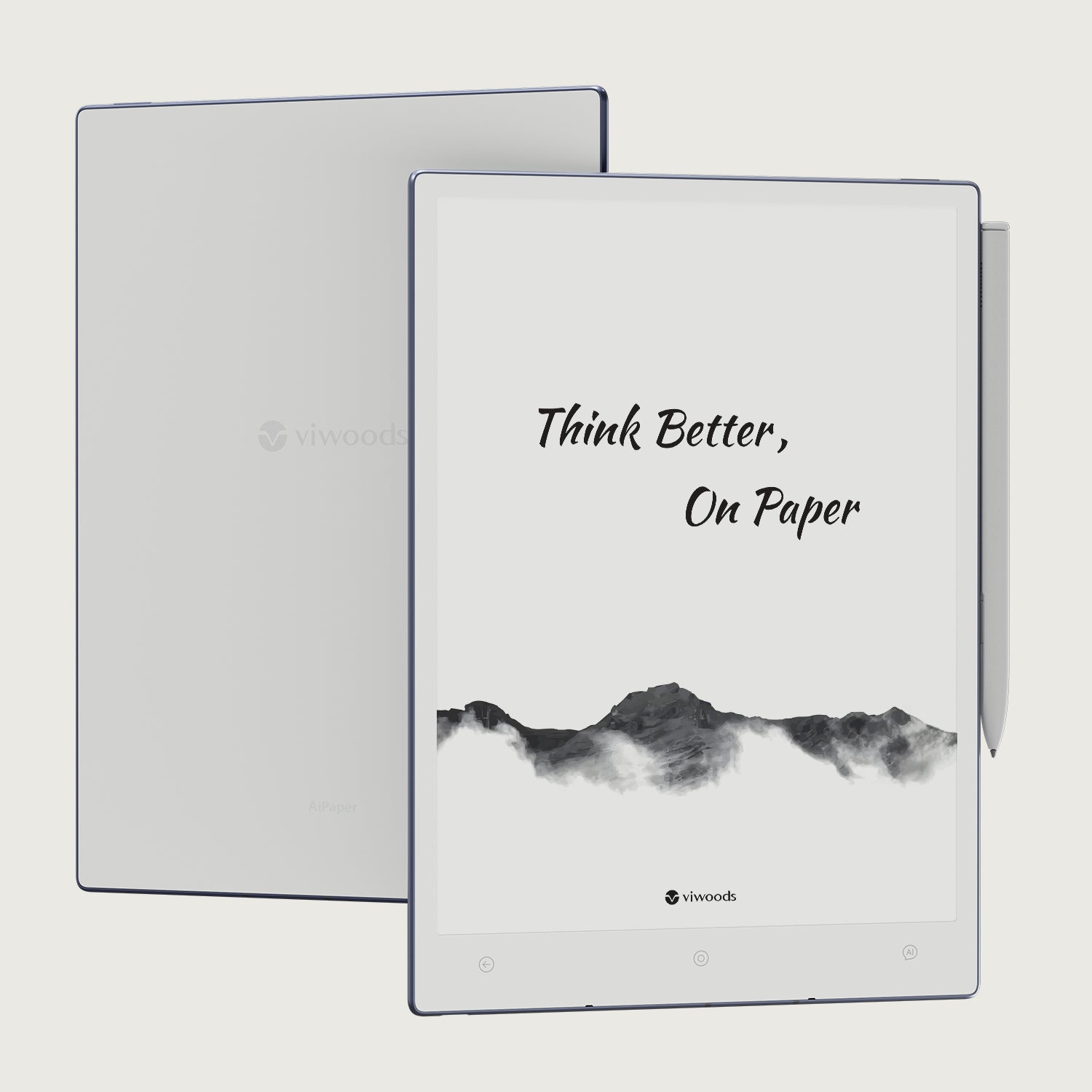
Viwoods AiPaper
$549.00

Viwoods AiPaper Mini
$429.00
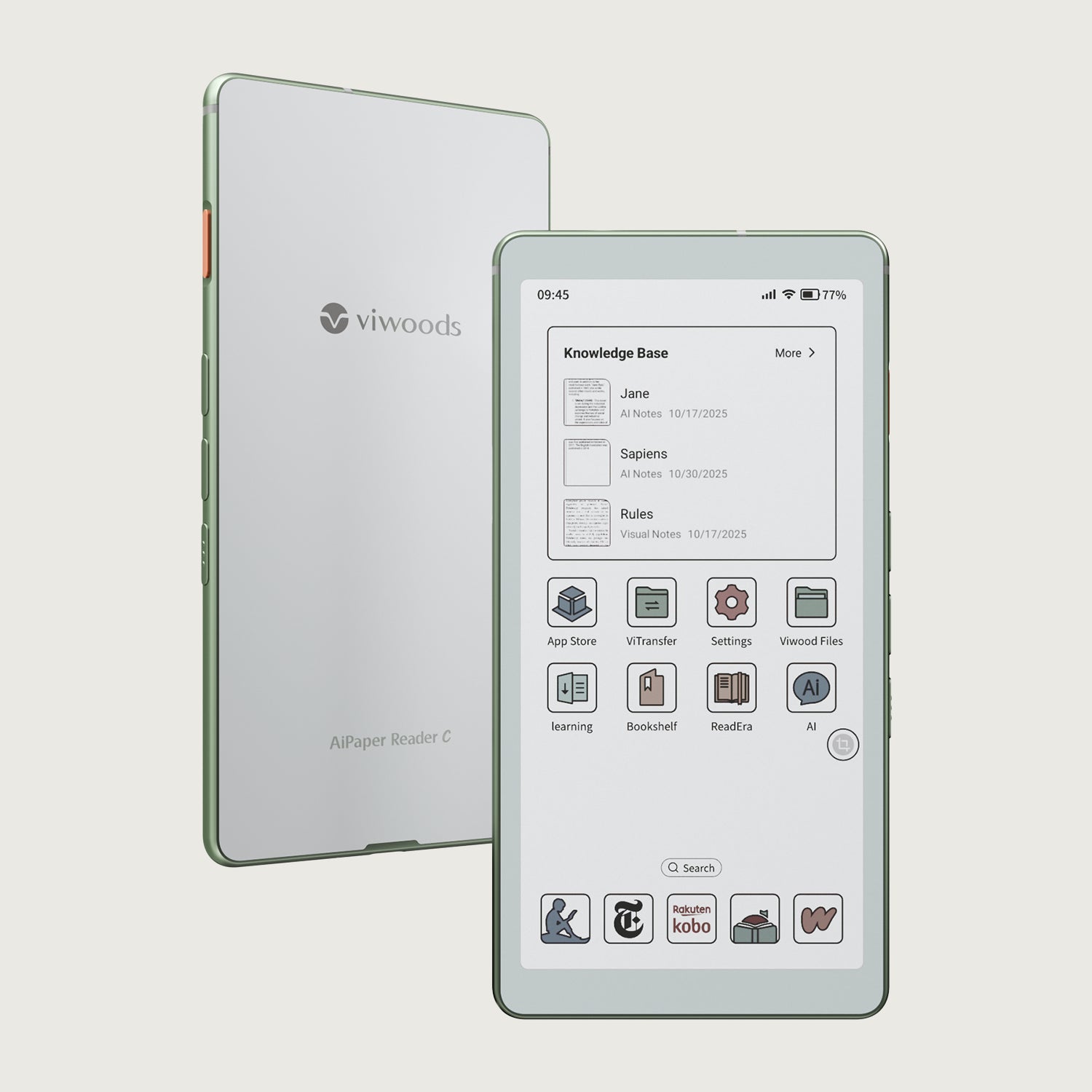
Viwoods AiPaper Reader Colour
$289.00
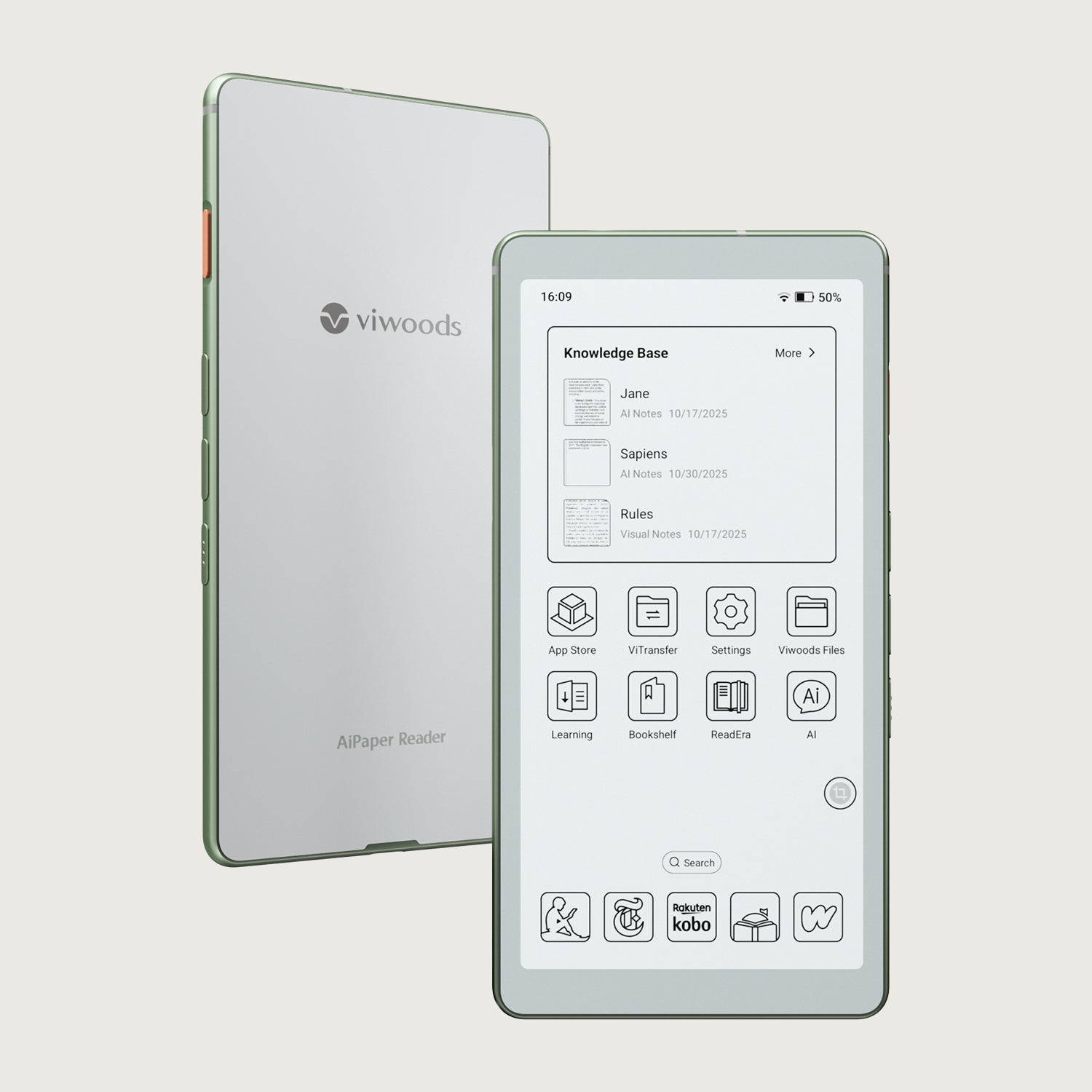
Viwoods AiPaper Reader
$279.00