
Viwoods V3.14 update introduces major enhancements across the Daily, Paper, Meeting, Learning, and Knowledge Base applications. Users can now benefit from a redesigned task management system, unified PDF and document organization, a new outline structure for long-form notes, improved voice recording capabilities, and faster AI-powered transcription workflows.
Viwoods AI Paper V3.14 update: Full-Line AI Upgrades, Smoother PDFs, & Much More
Quick Answer
Viwoods AI Paper 3.14 is a major feature-focused update that improves nearly every core workflow on the device.
Key highlights include:
● Unified PDF and document management
● New Marking and outline systems for better organization
● AI upgrades to GPT 5.5 Pro/ 5.5mini, Gemini 3.1 Pro/ 3.5 Flash, and DeepSeek V4
● Export support for transcripts, AI summaries, and highlighted content
● Faster PDF navigation and smoother zoom performance
● Reduced handwriting latency in popular third-party applications
● Improved security through locked USB access protection
For existing Viwoods users, version 3.14 represents a significant productivity upgrade, especially for students, researchers, professionals, and heavy note-taking users who rely on document organization and AI-assisted workflows.

Overview
The Viwoods AI Paper 3.14 update is one of the platform's most comprehensive software releases to date, focusing on productivity, document management, AI-assisted workflows, and overall user experience improvements.
This update introduces major enhancements across the Daily, Paper, Meeting, Learning, and Knowledge Base applications. Users can now benefit from a redesigned task management system, unified PDF and document organization, a new outline structure for long-form notes, improved voice recording capabilities, and faster AI-powered transcription workflows.
1. Daily App
1. "Logs" Section Optimization (Formerly "Others")
● The "Others" tab has been officially renamed to "Logs".
● Same-Day Note Creation Only: To keep your records precise and well-organized, the "+" button will now be grayed out and disabled for any date other than the current day.
2. Global To-Do Overview
● Added a brand-new global To-Do overview page with seamless switching between Week View and Month View.
● By default, tasks are sorted in reverse chronological order (newest tasks always stay on top).
● Quickly filter your tasks by "All", "Finished", or "Unfinished " statuses.
3. Desktop Display & Daily App Sync
● Your e-paper home screen will now stay perfectly synced with the specific Tab you are working on today.
● When entering via the Daily desktop title, Home sidebar, or Task Management, the screen will automatically display the exact date and Tab you last left off.
● Entering Daily from a specific desktop Tab will instantly open the associated content.
4. Smoother Handwritten To-Dos
● Optimized the creation and editing of handwritten To-Do items. Now supports supplementing existing items and batch-creating handwritten tasks.
2. Paper App
1. Unified PDF & Document Management
● PDF files are now fully integrated into the Paper file management system, allowing you to classify and manage them right alongside your native Paper documents.
● Added a dedicated document management icon to the sidebar menu for lightning-fast navigation.
2. Enhanced Marking System
● Quick Marking: Simply circle/select any content and tap the new "" icon to instantly mark it.

● Jump-to-Source: Mark will sync to the sidebar menu; a single tap will jump precisely to that specific page.
● Easy Removal: Need to cancel a Mark? Just circle the area again or double-tap to open the edit pop-up and remove it.
3. Brand-New Outline System
● Create Outlines Easily: Access the new Outline entry point via the "More Features" menu or the "Multi-Page Editing" interface to structure your long documents in seconds.
● Full Control: Easily rename or delete your outlines directly from the sidebar.
3. Paper / Meeting Modules
1. Enhanced Voice Recording
● 60-Minute Limit: Single recording limits have been extended up to 60 minutes, paired with a beautifully optimized UI timer display.
● Display Control: The recording menu now features a smart sub-toggle: the drop-down arrow only appears when actual recording data exists. Added a "Recording Display Toggle"—turn it off to hide the recording floating window for an ultra-clean reading layout.
2. Smarter AI & Transcription Workflow
● Continuous AI Commands: We’ve upgraded the AI polishing and summary extraction logic. After seeing the first AI result, you can now re-select content or instantly re-run commands without resetting.
● Real-Time Feedback: The right sidebar now displays the current recording segment's name in real-time, making it easy to distinguish between different files.
● Export & Share Easily: Export your transcriptions and AI-polished texts directly to TXT or PDF formats. Added a "One-Tap Copy All" button so you can paste text anywhere into the system.
3. Accidental Touch Prevention (Anti-Mistouch)
● Added a dedicated text-viewing scrollbar. Dragging the scrollbar to read long texts will no longer accidentally trigger the virtual keyboard, ensuring an uninterrupted reading experience.
4. Learning Module
● Now supports exporting your highlighted text.
● Changing system font sizes will no longer distort or affect the original document layout.
● You can now call AI features for full-page content (including your own handwritten notes!).
● Heavy PDF zooming is now lag-free, delivering a silky-smooth experience.
● Added full zoom support when switching PDFs to landscape mode.
● Optimized blank PDF pages with added templates and quick-delete options.
● Selecting text with your finger or stylus is now noticeably more responsive and natural.
5. Knowledge Base
● Significantly improved the click-sensitivity of the Floating Ball.
● Optimized the cropping experience: after circling an area, simply tap outside the selection to cancel.
● Post-OCR recognition now includes direct sharing and AI instructions (AI Assistant & Custom Prompts).
● Fixed the sluggishness when dragging screenshot areas and smoothed out the save interaction.
● Optimized the saving interaction for Quick Notes.
6. Next-Gen AI Upgrades
1. Full-Line Model Upgrade
● GPT Series: Upgraded to GPT 5.5 Pro/ 5.5 Mini
● Gemini Series: Upgraded to Gemini 3.1 Pro/ Gemini Flash 3.5
● DeepSeek: Upgraded to DeepSeekV4
● Qwen Max
2. Image Integration
● You can now save images directly to AI Notes for easy previewing and sharing.
7. System & Settings
● Secure USB Access: If a lock screen password is set, USB file access to the device will be completely blocked while the device is asleep and locked.
● Added handy operational video walkthroughs inside the User Guide.
● Updated the latest Android system security patches.
8. Third-Party App Optimization
● Optimized handwriting adaptation specifically for Xodo.
● Improved compatibility for the Hebrew application "Ivrit".
● Massive Latency Reduction: Significantly reduced stylus latency in popular apps such as Google Keep (V5.26.141.01.90), Xodo (10.13.0), and Moon+ Reader Pro (10.5), improving handwriting responsiveness.
● Improved the dragging interaction logic for global text boxes for a much smoother feel.
💬 Bug Fixes & Stability: Under the hood, we've squashed plenty of known bugs to make the overall system feel lighter, faster, and much more stable.
Final Thoughts
The Viwoods AI Paper 3.14 update demonstrates a clear focus on transforming the device into a more complete productivity ecosystem rather than simply an e-paper note-taking device.
For users who rely on Viwoods AI Paper for studying, research, meetings, reading, or professional note-taking, version 3.14 is more than a routine maintenance update—it represents a meaningful step forward in functionality, organization, and AI-powered productivity.
Frequently Asked Questions (FAQ)
What is new in Viwoods AI Paper 3.14?
Version 3.14 introduces unified PDF management, a new global task dashboard, document outlines, enhanced tagging tools, upgraded AI models, improved voice recording, PDF performance optimizations, and reduced handwriting latency in third-party apps.
Can PDFs now be managed together with handwritten notes?
Yes. PDF files are now fully integrated into the Paper file management system, allowing users to organize PDFs alongside native Paper documents within the same workspace.
What AI models are available after the update?
The update upgrades the AI engine lineup to:
● GPT 5.5 Pro/ 5.5 Mini
● Gemini 3.1 Pro/ 3.5 flash
● DeepSeek V4
● Qwen Max
These models power AI summaries, content polishing, transcription assistance, and knowledge management workflows.
Does the update improve meeting recording features?
Yes. The recording limit has been extended to 60 minutes per session. Users can also export transcripts to TXT or PDF, copy all transcribed content with one tap, and run AI commands repeatedly without resetting the workflow.
What is the new Outline feature?
The Outline system allows users to create structured navigation points within long documents. Outlines can be renamed, edited, or deleted directly from the sidebar for faster document navigation.
Can highlighted content be exported now?
Yes. The Learning module now supports exporting highlighted text, making it easier to collect study notes, research excerpts, and reading summaries.
Does the update improve PDF performance?
Absolutely. Users will notice smoother zooming, faster rendering, improved landscape mode support, and better responsiveness when interacting with large PDF files.
Are third-party applications better optimized?
Yes. Viwoods has significantly reduced stylus latency and improved handwriting responsiveness in popular applications such as Xodo, Google Keep, and Moon+ Reader.
How does the new task management system work?
The Daily app now includes a global To-Do overview that supports Week View and Month View. Tasks can be filtered by status and are displayed in reverse chronological order by default.
Is the update worth installing?
For most users, yes. The update delivers meaningful improvements to productivity, organization, AI functionality, document handling, and overall system stability, making it one of the most impactful software releases for the Viwoods AI Paper platform so far.
Guides Paper Tablet
E Ink Tablet for Project Handoffs: Review Notes, Open Issues and Next Steps
How to Evaluate an E Ink Tablet Demo for a Business Team
E Ink Tablet Total Cost of Ownership for Business Teams
E Ink Tablet for Research Interviews: Interview Guides, Field Notes and Follow-Up
How to Carry a Paper Tablet and Stylus Together Without Damaging the Screen
How to Choose a Protective Case for an E Ink Paper Tablet
Paper Tablet Accessories Checklist: What You Need for Daily Carry
How to Store an EMR Stylus Safely: Protect the Nib, Magnet and Tablet
EMR Stylus Troubleshooting: Why Strokes Skip, Offset or Fail to Register
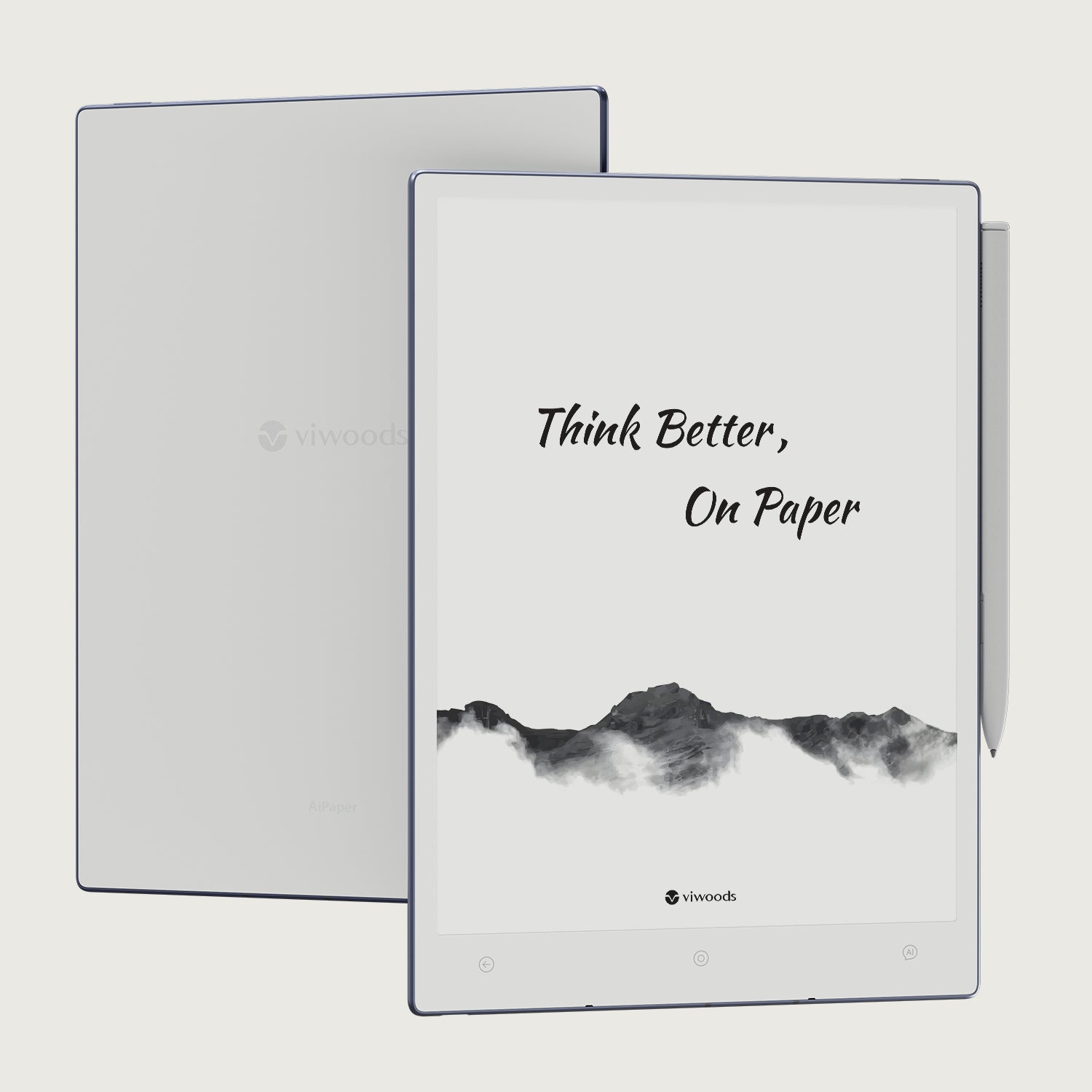
Viwoods AiPaper
$549.00

Viwoods AiPaper Mini
$429.00
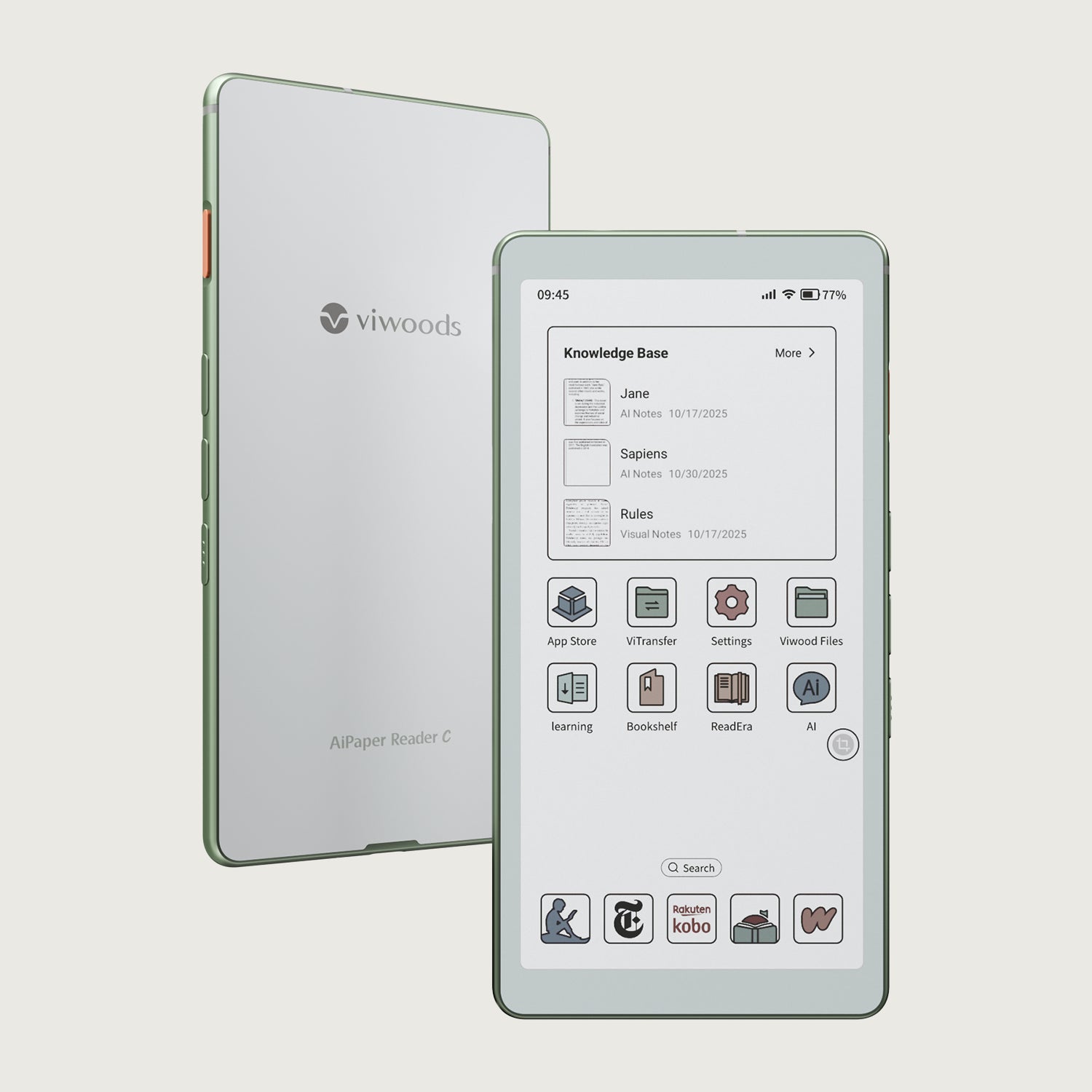
Viwoods AiPaper Reader Colour
$289.00
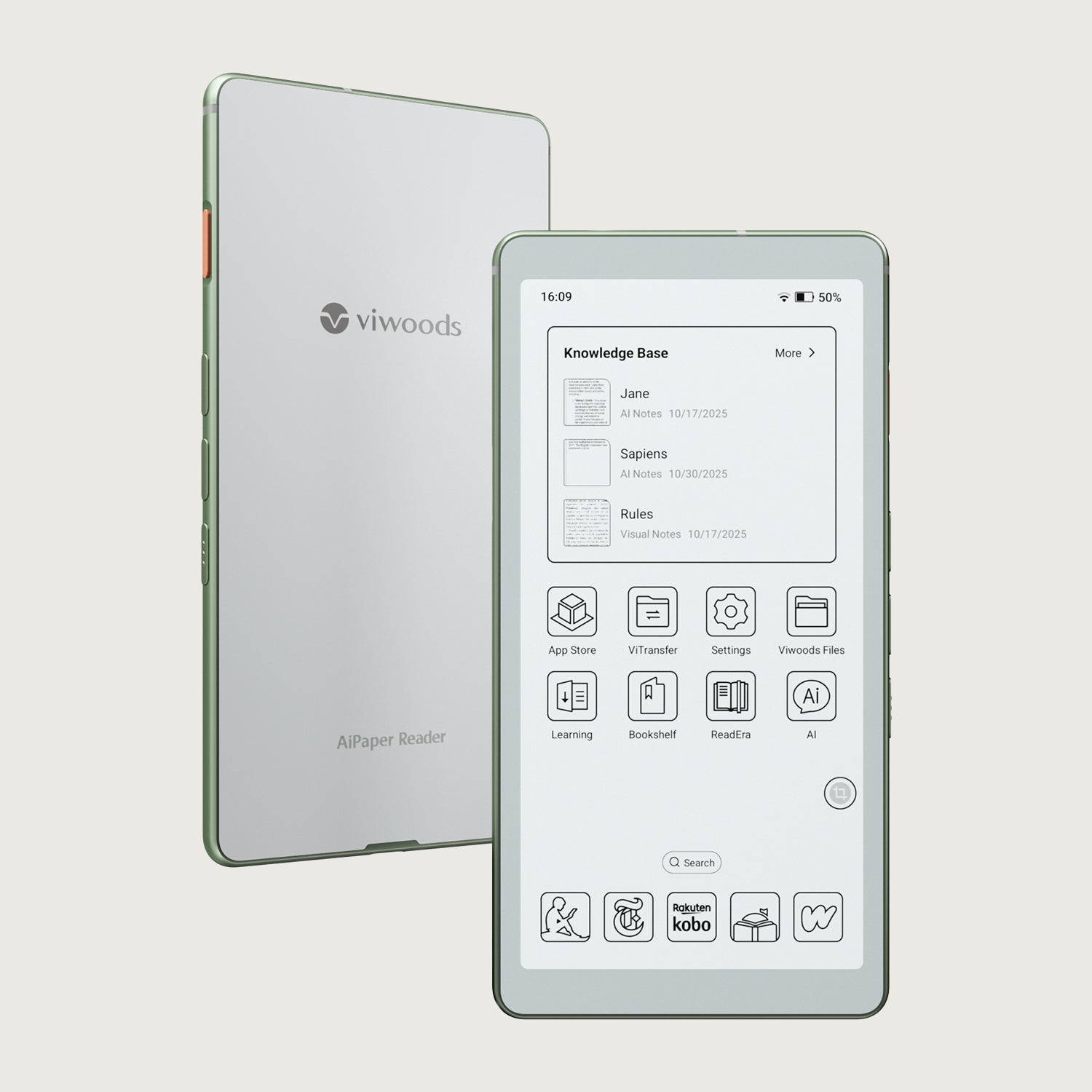
Viwoods AiPaper Reader
$279.00